Verdict
The Best 7Reviewed by Mike Hunter·July 9, 2026

Best Monitor Light Bars

Top 8 monitor light bars reviewed and ranked.

At a glance7 products
1BenQ ScreenBarTop Score
(4 sources)
$139Best for: professionals needing high-quality directional lighting with accurate color reproduction
$139 · Check Price on Amazon
(4 sources)
$199Best for: users seeking wireless control with universal monitor compatibility
$199 · Check Price on Amazon
(4 sources)
Best for: budget-conscious users prioritizing basic adjustability over premium glare-free performance
Check Price on Amazon
(4 sources)
$49.99Best for: productivity-focused users seeking eye-care lighting with high color accuracy
$49.99 · Check Price on Amazon
(4 sources)
$42.99Best for: desk users seeking space-saving, eye-friendly lighting with minimal flicker
$42.99 · Check Price on Amazon
(4 sources)
$79Best for: gamers wanting immersive RGB lighting with smart home control
$79 · Check Price on Amazon
(4 sources)
$32Best for: users wanting basic functionality with smart home integration
$32 · Buy at lightsdaddy.com
Verdict is reader-supported. As an Amazon Associate we earn from qualifying purchases. Some links on this page are affiliate links — if you click through and buy, we may earn a small commission at no extra cost to you. Our ratings are sourced from independent publications, not sponsors.

The full ranking

How we rank →
BenQ ScreenBar
#1 · Top Score
Best for: professionals needing high-quality directional lighting with accurate color reproduction
BenQ ScreenBar
from 4 sources$139as of Jul 9
Why it's ranked here

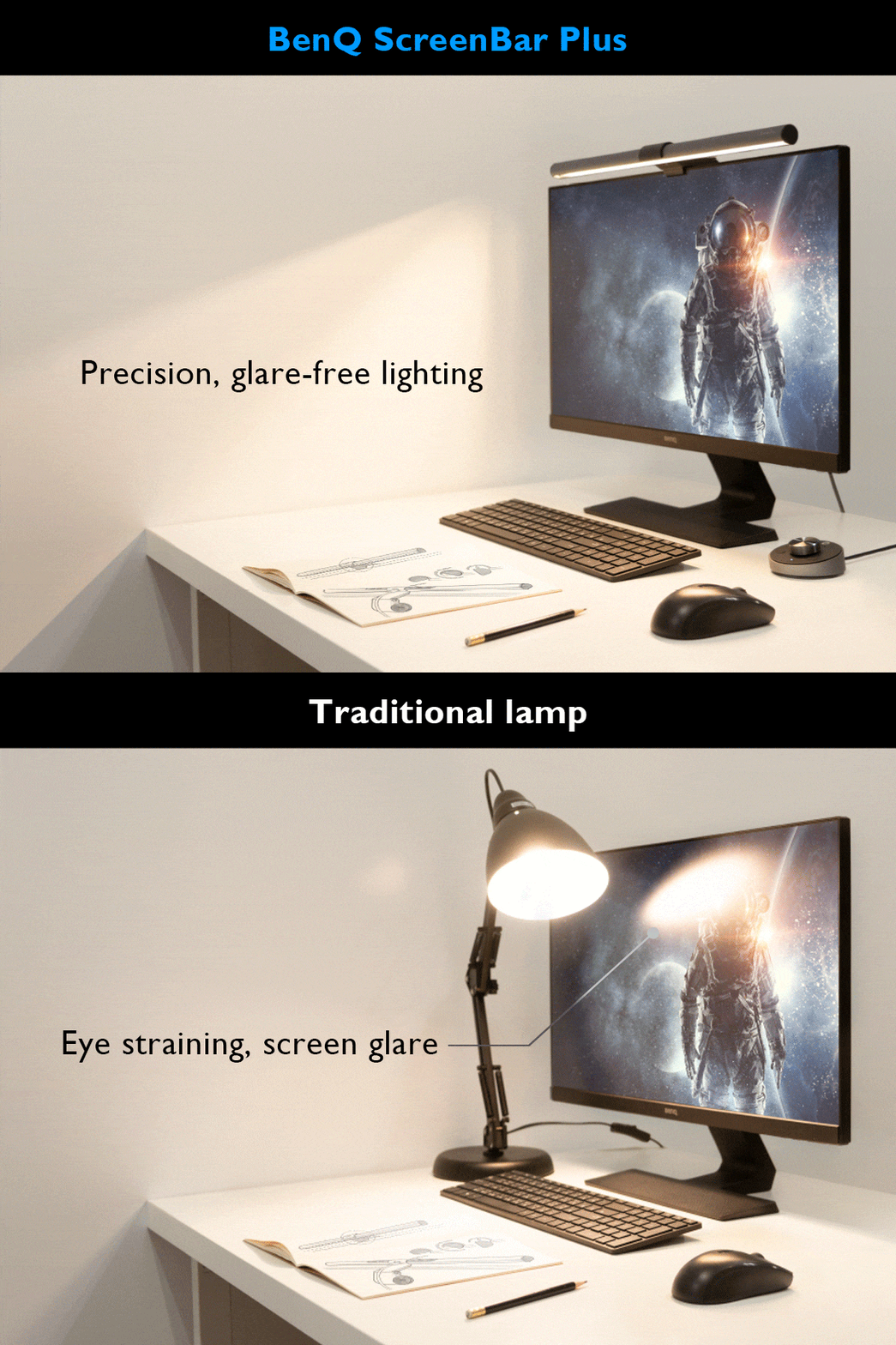
The BenQ ScreenBar Pro delivers exceptional lighting performance with its 500lx+ output and 1,000lx around keyboard/mouse area. Reviewers praised its directional light design that prevents display spill and eye strain, with a CRI over 95 for accurate color rendering. The Pro model offers 8 temperature and 16 brightness levels with USB-C power and touch controls. While some users noted minor issues with the light sensor and camera mounting interference, most found it a worthwhile investment for desk lighting. It's ideal for users seeking high-quality monitor lighting without desk clutter.

Strengths
  • Exceptional light engineering with 500lx+ output and 1,000lx around keyboard/mouse area
  • Color rendering index (CRI) greater than 95 for accurate color representation
Watch-outs
  • Light sensor may not adjust accurately in all environments
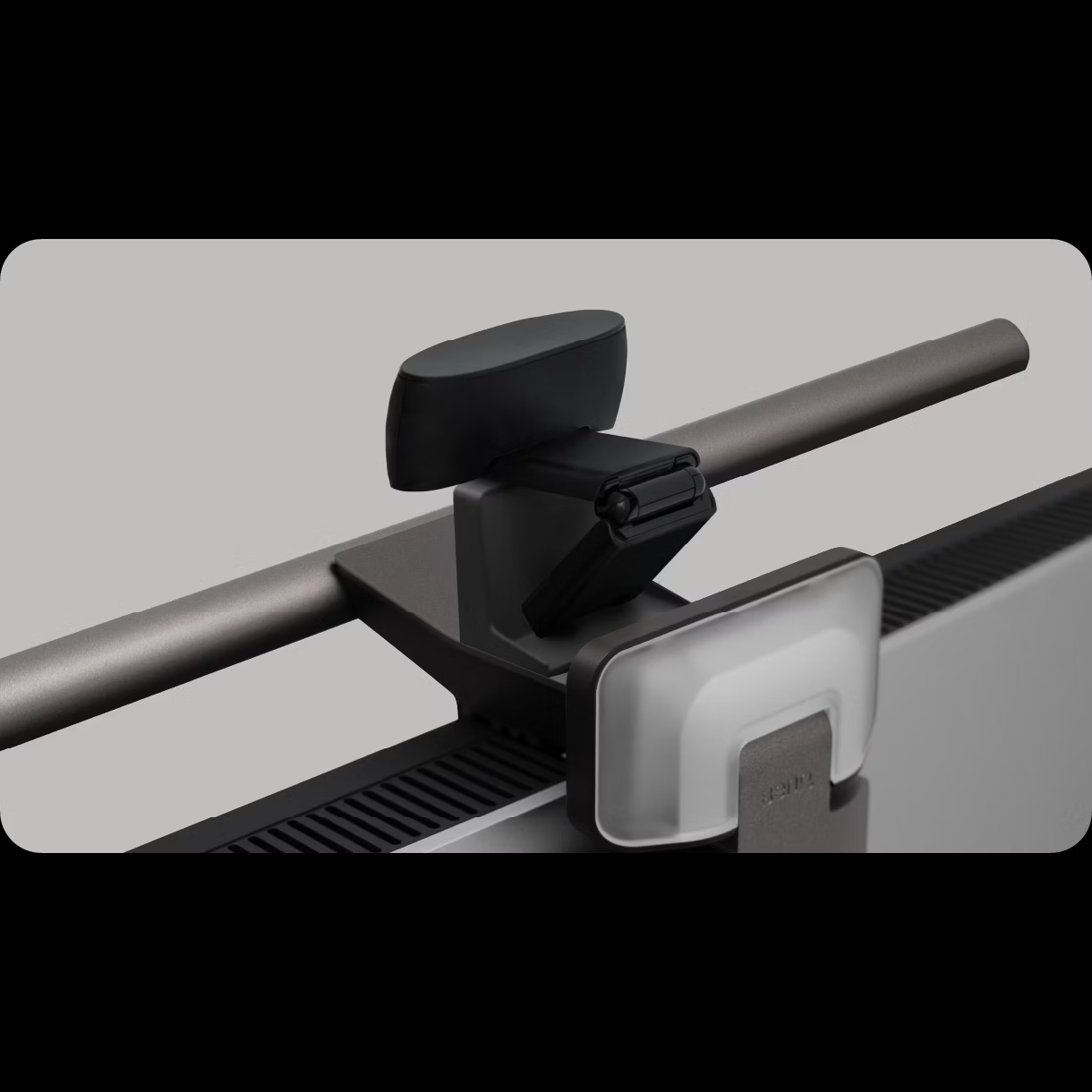
  • Front lip design can interfere with camera mounting on certain monitors
BenQ ScreenBar Halo 2
#2
★ Premium Pick
Best for: users seeking wireless control with universal monitor compatibility
BenQ ScreenBar Halo 2
from 4 sources$199as of Jul 9
Why it's ranked here

Tom's Guide and YouTube reviewers praised the BenQ ScreenBar Halo 2 for its premium build quality and versatility across different monitor types, including curved and thick models. The wireless control puck is highlighted as a standout feature, offering convenient adjustment of lighting and color temperature with long battery life. However, reviewers noted the fixed 150 cm cable length and regional power plug limitations as drawbacks. This product is ideal for users seeking a high-end, adjustable monitor light bar but may not suit those needing extended cables or global compatibility.

Strengths
  • Works with virtually any monitor including curved and bulge-back models
  • Includes wireless control puck with USB-C charging that lasts up to three months on a single charge
Watch-outs
  • The wireless controller is slow to wake and prone to fingerprints
  • The wireless controller lacks a USB-C charging cable
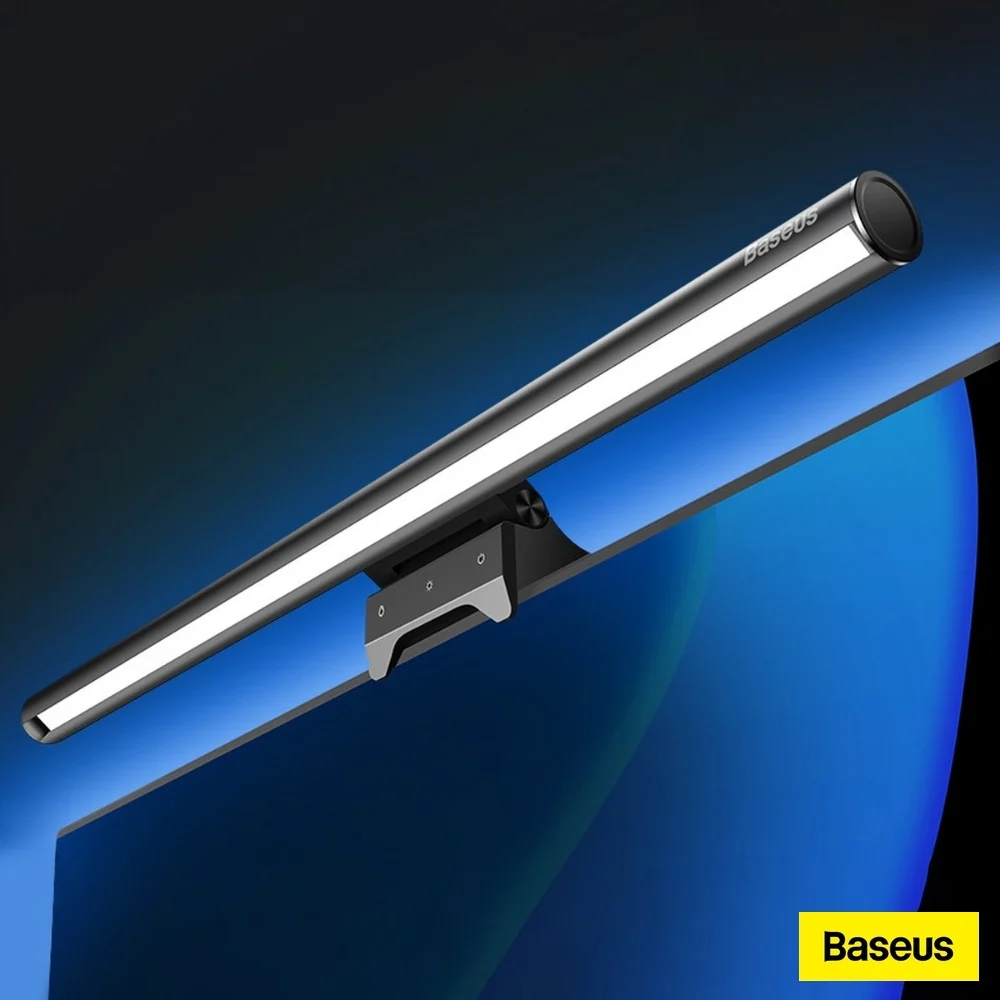
Baseus Light Bar
#3
Best for: budget-conscious users prioritizing basic adjustability over premium glare-free performance
Baseus Light Bar
from 4 sources
Why it's ranked here

The Baseus Light Bar is a mid-range monitor light bar that offers solid build quality and adjustable pivoting head for targeting keyboard lighting. Reviewers noted its advanced touch controls and weight-based mounting system work well for flat monitors, though the asymmetrical lighting fails to prevent screen glare. YouTube reviewers criticized the overly sensitive touch controls and lack of wireless puck functionality, while comparison reviews placed it among the more affordable options that struggle with light bleed despite their $30–$40 price point. It's best suited for users prioritizing basic adjustability over premium glare-free performance.

Strengths
  • Includes advanced touch sensors for adjusting light settings with dedicated buttons for power, color, and brightness
  • Features a pivoting head that allows wide adjustment range for aiming light toward keyboard
Watch-outs
  • Asymmetrical lighting performance is subpar with noticeable screen light bleed
  • Touch sensors are overly sensitive and difficult to use for dimming adjustments
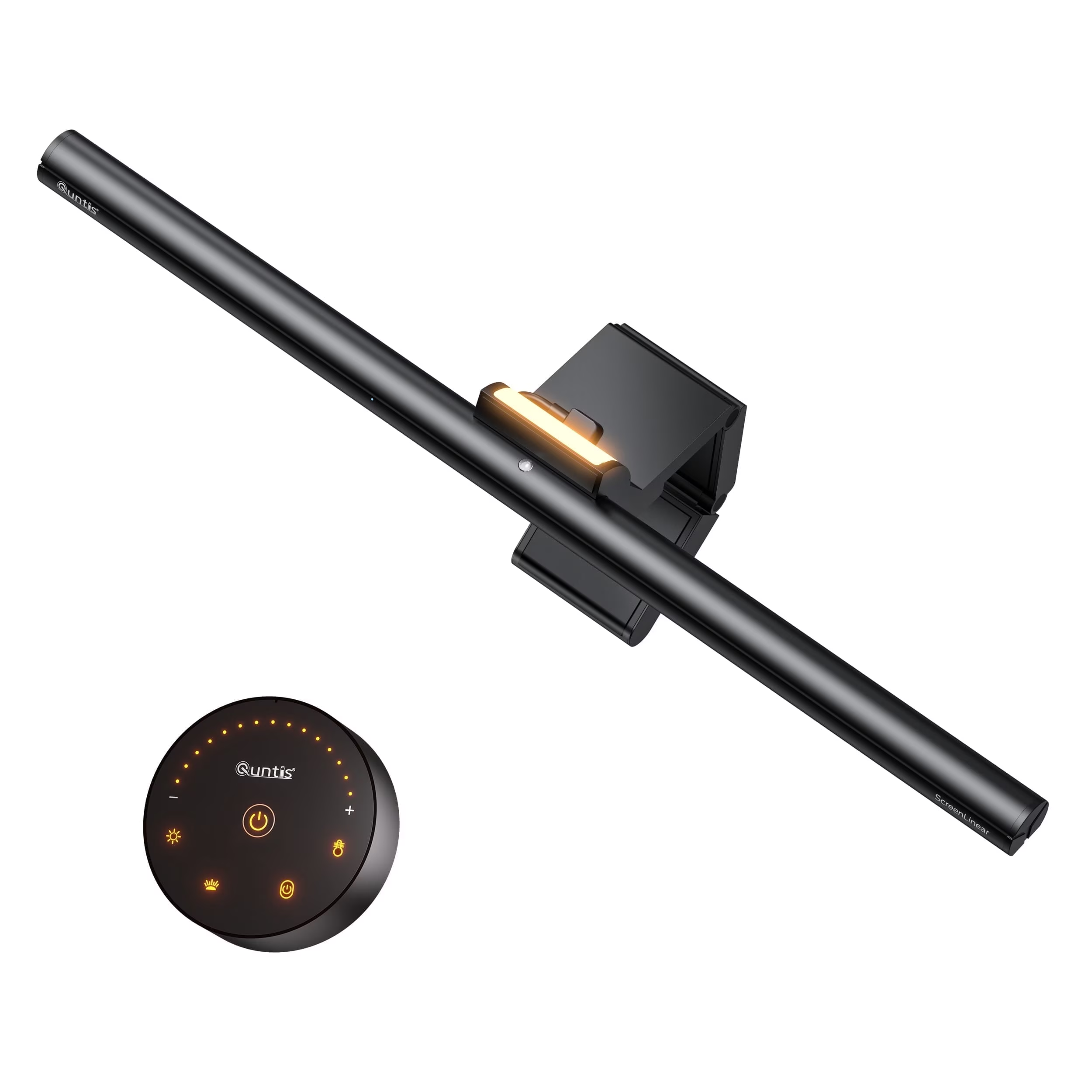
Quntis Monitor Light Bar Glow
#4
Best for: productivity-focused users seeking eye-care lighting with high color accuracy
Quntis Monitor Light Bar Glow
from 4 sources$49.99as of Jul 9
Why it's ranked here

The Quntis Monitor Light Bar Pro+ offers exceptional value as a workspace lighting solution, praised for its glare-free design and high CRI of 95 that benefits artists and designers. Reviewers noted its ease of setup and compatibility with both flat and curved screens, though some found the fixed mounting position limiting for smaller projects. Tom's Hardware-style reviewers appreciated the stepless dimming and auto-dimming features, while Reddit users in r/ reported it as a welcome addition to home offices. This light bar is ideal for productivity-focused users but may not suit those needing maximum flexibility in positioning.

Strengths
  • Features high CRI of 95 for accurate color reproduction suitable for artists and hobbyists
  • Includes stepless manual dimming and color temperature control between 3000K-6500K
Watch-outs
  • Light bar must be mounted directly on monitor, limiting flexibility for smaller projects
  • Remote control requires batteries and has limited positioning options for curved screens
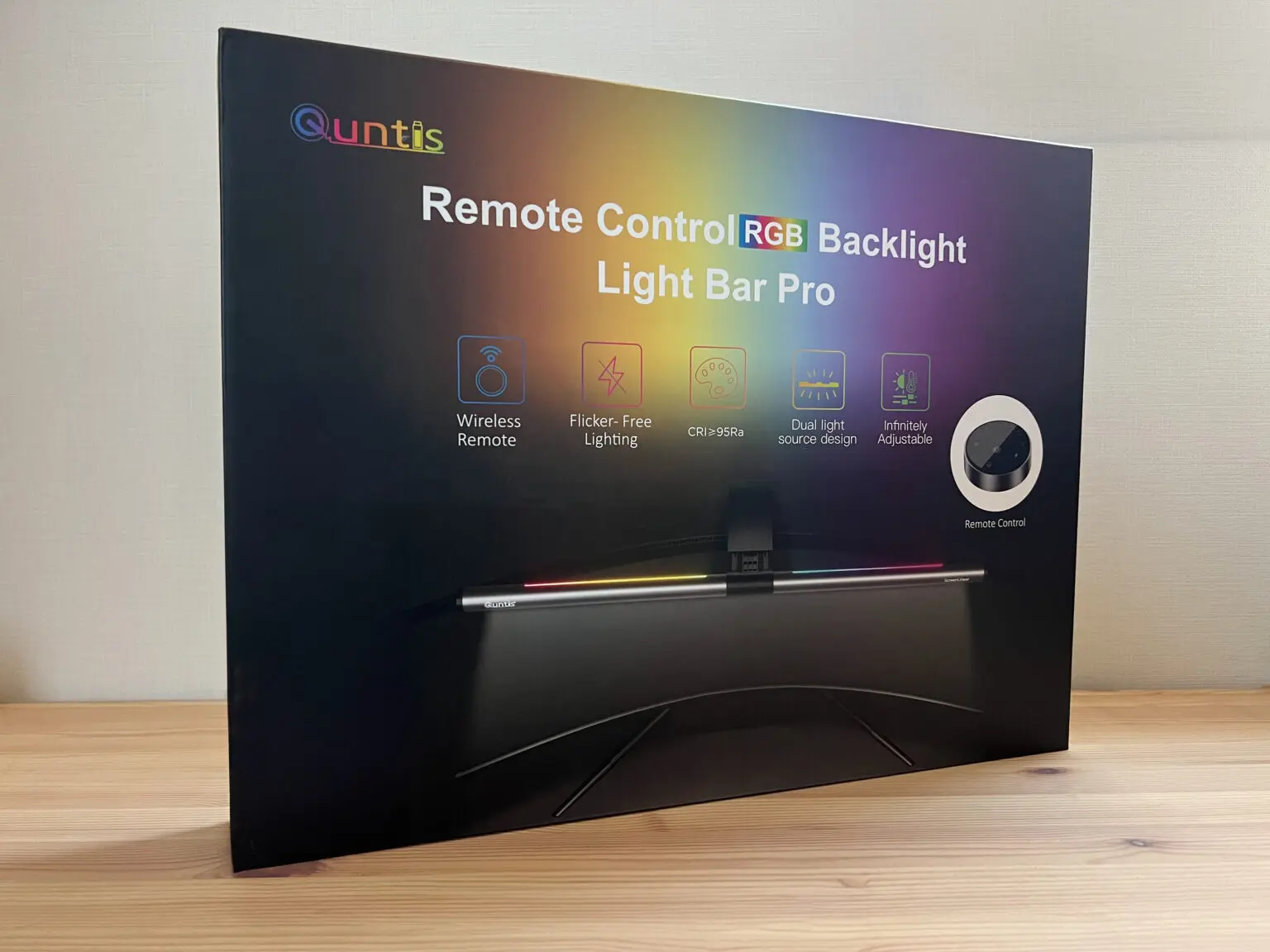
Quntis ScreenLinear Pro
#5
Best for: desk users seeking space-saving, eye-friendly lighting with minimal flicker
Quntis ScreenLinear Pro
from 4 sources$42.99as of Jul 9
Why it's ranked here

The Quntis ScreenLinear Pro+ offers a premium design inspired by the successful BenQ ScreenBar, featuring a sturdy weighted clamp and adjustable counterweight for secure monitor placement. Reviewers praised its auto-dimming function that adjusts to ambient light with minimal flicker, and its wide color temperature range from 3,000K to 6,500K. The lightbar's 51cm length fits monitors up to 30 inches, and its compact form saves desk space compared to traditional desk lamps. However, users noted it's unsuitable for laptops and may interfere with top-center webcams. This product is ideal for desk users seeking a space-saving, eye-friendly lighting solution versus those needing webcam compatibility.

Strengths
  • Classic design reminiscent of BenQ ScreenBar, with sturdy aluminum alloy and plastic construction
  • Weighted clamp with adjustable counterweight ensures secure, wobble-free placement on monitors
Watch-outs
  • Not suitable for laptops due to top-mounted placement
  • Can interfere with external webcams positioned at top-center of monitor
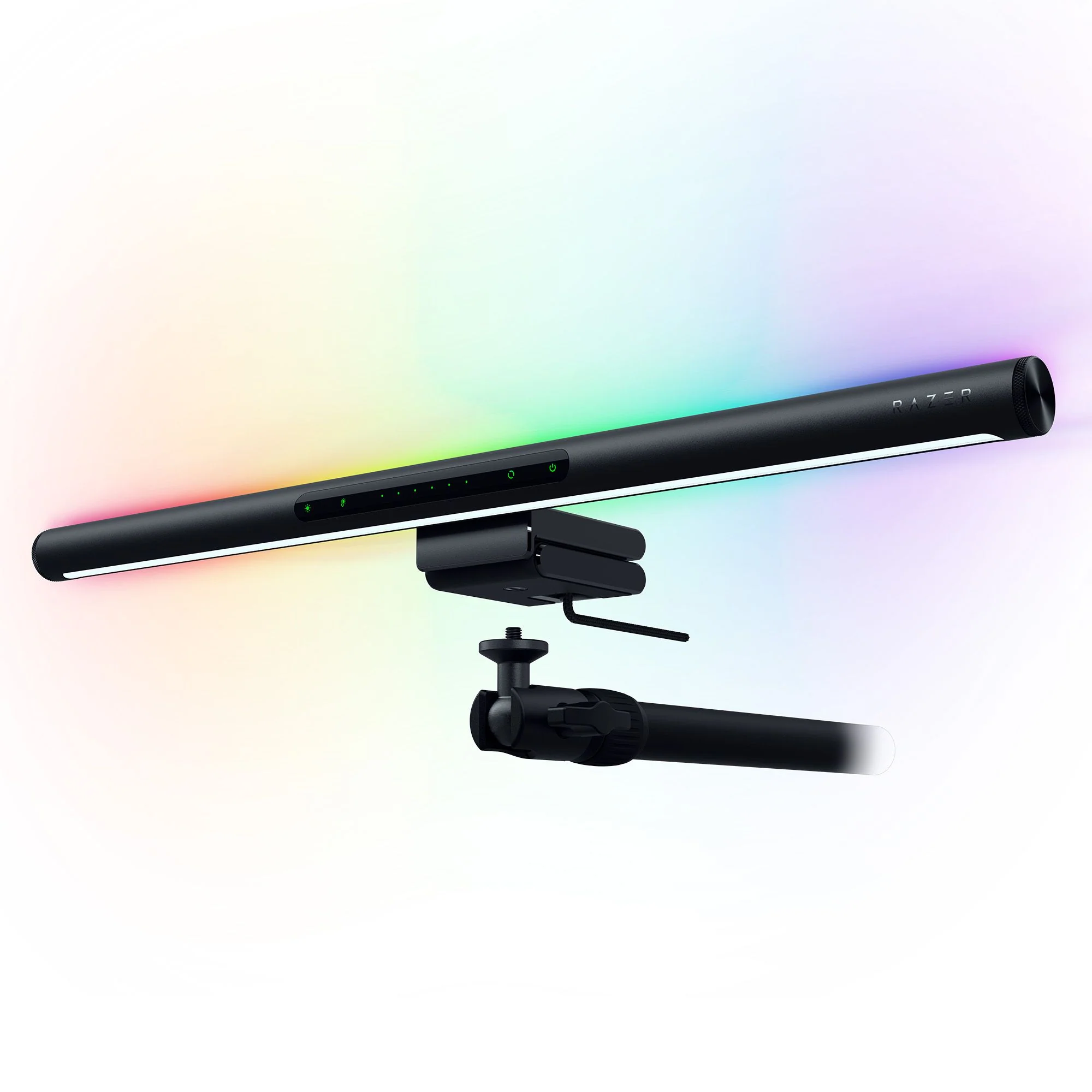
Razer Aether Monitor light bar
#6
Best for: gamers wanting immersive RGB lighting with smart home control
Razer Aether Monitor light bar
from 4 sources$79as of Jul 9
Why it's ranked here

The Razer Aether Monitor Light delivers a premium RGB lighting experience with dual illumination capabilities, blending practicality with aesthetic design. CGMagazine praised its sleek form factor and integration with Razer Synapse software for unified lighting control. While reviewers appreciated the extensive color customization and smart voice assistant compatibility, some noted concerns about webcam placement in office environments. This light bar suits gamers seeking immersive RGB setups but may not be optimal for remote workers requiring flexible monitor accessories.

Strengths
  • Features dual lighting with front monitor illumination and rear RGB mood lighting
  • Equipped with Razer Chroma RGB technology offering over 16.8 million color options
Watch-outs
  • Light placement on top of monitor may interfere with webcam positioning
  • Not ideal for office setups where webcam placement is critical
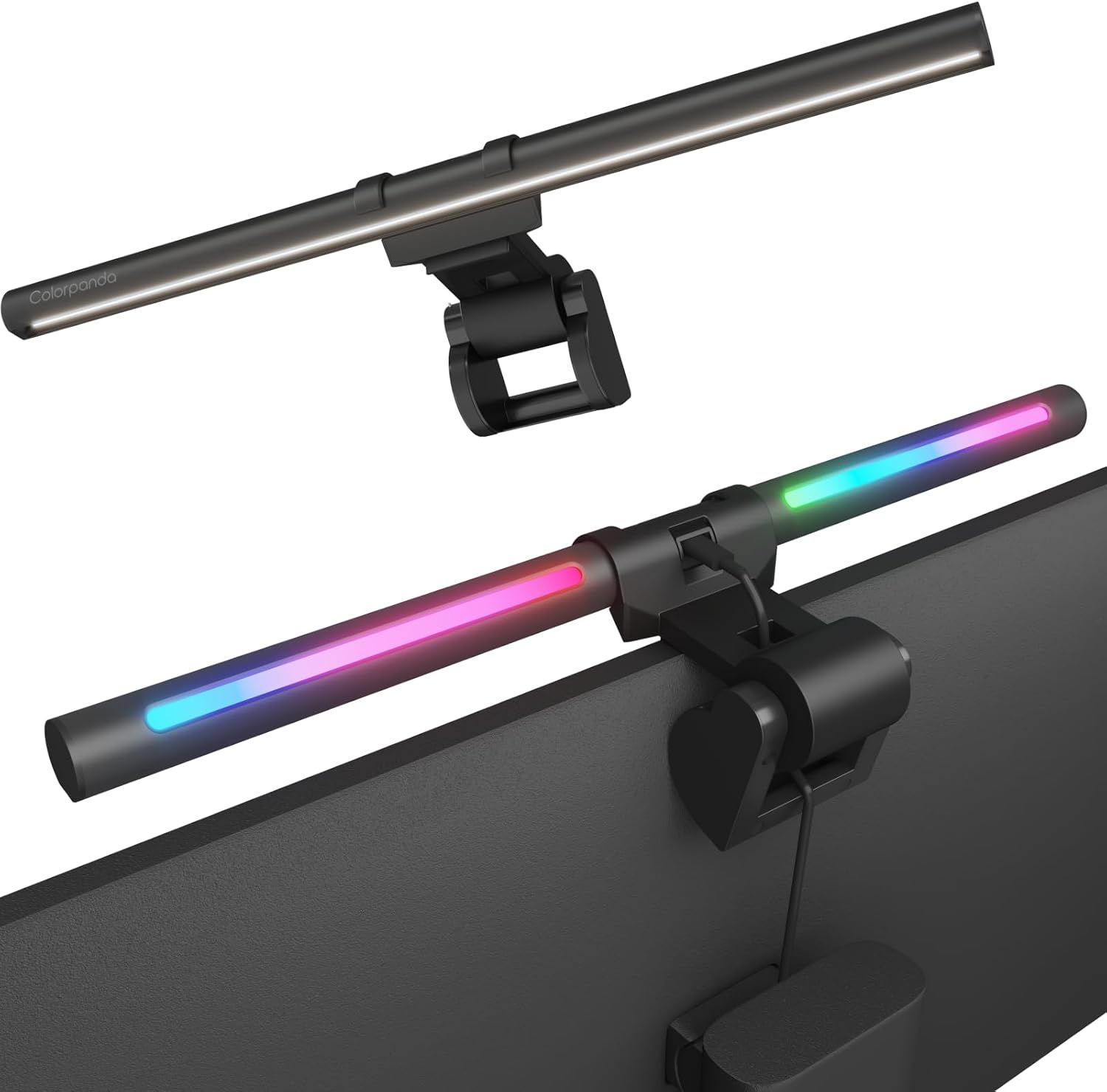
Colorpanda Monitor Light Bar
#7
Best for: users wanting basic functionality with smart home integration
Colorpanda Monitor Light Bar
from 4 sources$32as of Jul 9
Why it's ranked here

The Colorpanda Monitor Light Bar is a budget-friendly option that emphasizes ease of setup and smart home integration. YouTube reviewers noted its tool-free installation, memory function, and voice control compatibility with Alexa and Google Assistant. However, it lacks the advanced asymmetrical lighting performance found in premium models like the BenQ ScreenBar. Reviewers found it suitable for home office use but noted limitations in brightness and warmth adjustment options. It's best for users seeking basic functionality and smart home integration rather than professional-grade lighting control.

Strengths
  • No tools required for assembly and mounting
  • Includes memory function that remembers last warmth and brightness settings
Watch-outs
  • Limited brightness and warmth adjustment options (only 3 levels each)
  • Requires constant plug-in; no battery option
Reviews aggregated from
AppleinsiderLightandmatter.orgHowtogeekForums.appleinsiderBtodQuntisCgmagonlinePhotofocus

Spec comparison

7 products
vs
SpecBenQ ScreenBarBenQ ScreenBar Halo 2
Brightness500lx+Center illuminance 1000lux
Color Temperature2700~6500K
Power SourceUSB-CUSB-C, 5V/3A
Light Length45" x 23"At nearly 20 inches wide
CRIgreater than 95
Mountingclampweighted, adjustable connector
Dimensions5.31"D x 19.68"W x 3.62"H5.6"D x 19.7"W x 4.3"H
Control MethodWireless puck with USB-C charging
Monitor CompatibilityFlats, curved (up to 1,800 radius), bulge-back
Material

Frequently asked questions

What is the best monitor light bar?
BenQ ScreenBar is our top pick for monitor light bars, with an averaged rating of 4.6/5 from 4 published reviews. The BenQ ScreenBar Pro delivers exceptional lighting performance with its 500lx+ output and 1,000lx around keyboard/mouse area. Reviewers praised its directional light design that prevents display spill and eye strain, with a CRI over 95 for accurate color rendering. The Pro model offers 8 temperature and 16 brightness levels with USB-C power and touch controls. While some users noted minor issues with the light sensor and camera mounting interference, most found it a worthwhile investment for desk lighting. It's ideal for users seeking high-quality monitor lighting without desk clutter.
Is there a cheaper alternative worth considering?
Colorpanda Monitor Light Bar (around $32) rates 4.0/5 in our analysis. The Colorpanda Monitor Light Bar is a budget-friendly option that emphasizes ease of setup and smart home integration. YouTube reviewers noted its tool-free installation, memory function, and voice control compatibility with Alexa and Google Assistant. However, it lacks the advanced asymmetrical lighting performance found in premium models like the BenQ ScreenBar. Reviewers found it suitable for home office use but noted limitations in brightness and warmth adjustment options. It's best for users seeking basic functionality and smart home integration rather than professional-grade lighting control.
How does Verdict rank these products?
Every rating on Verdict is the numerical average of scores published by independent review sites, YouTube reviewers, and Reddit buyer reports. No editor adjusts the order — the ranking is whatever the source data produces. See our methodology page for the full process.
When was this guide last updated?
This guide was last re-checked in July 2026. We re-run our research pipeline for each category on a rolling basis so prices and rankings reflect current market reality.

Related guides

Browse all →