The Baseus Light Bar is a mid-range monitor light bar that offers solid build quality and adjustable pivoting head for targeting keyboard lighting. Reviewers noted its advanced touch controls and weight-based mounting system work well for flat monitors, though the asymmetrical lighting fails to prevent screen glare. YouTube reviewers criticized the overly sensitive touch controls and lack of wireless puck functionality, while comparison reviews placed it among the more affordable options that struggle with light bleed despite their $30–$40 price point. It's best suited for users prioritizing basic adjustability over premium glare-free performance.
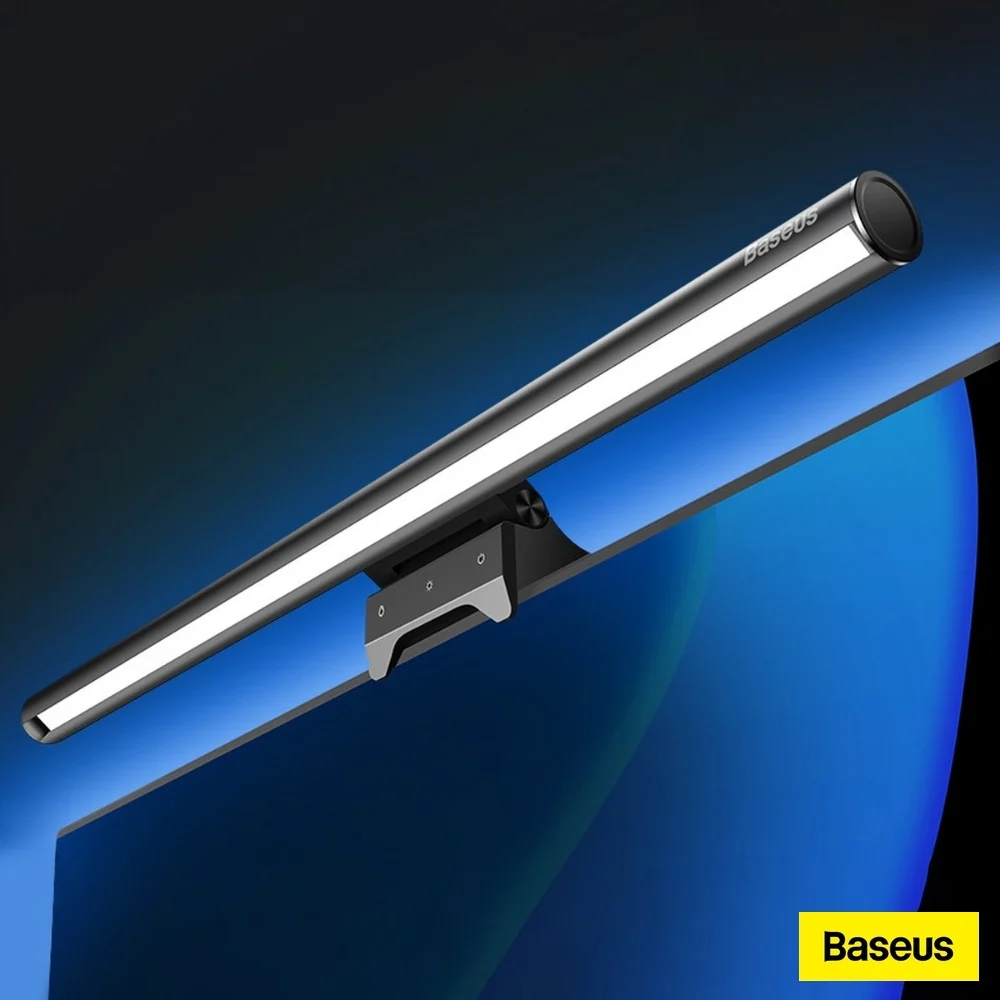
Full review
Design and Build Quality
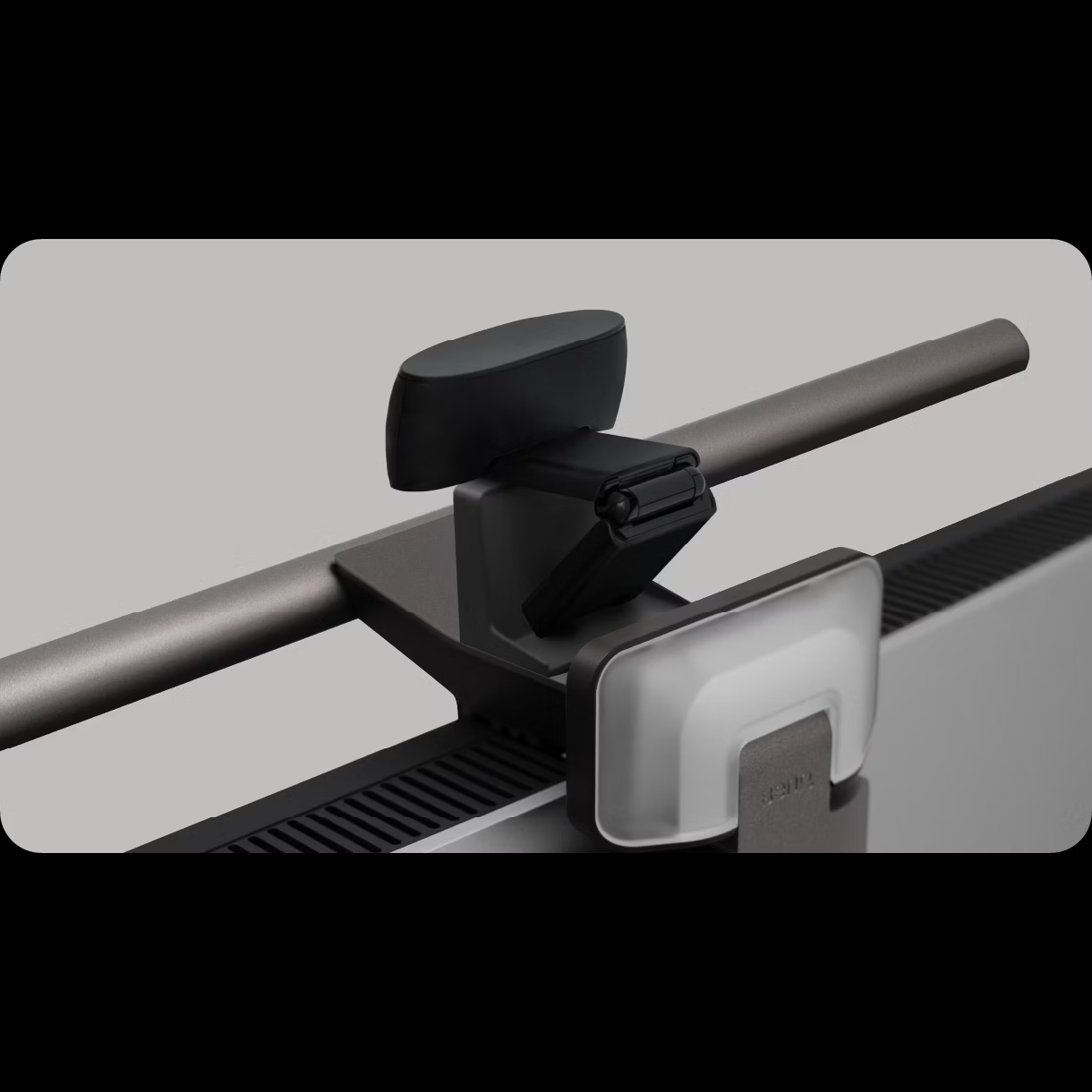
Reviewers from TechWalls noted its sturdy construction and durable build quality, which they compared favorably to the Quntis model they had previously reviewed. The silicone padding on the clamp helps protect monitor bezels from scratches. However, BTOD.com's Greg Knighton pointed out that while the build quality surpasses budget models like the Sn-okylife, it still falls short of premium options such as the BenQ. The Baseus also includes a pivoting head mechanism that allows for wide-angle adjustment, a feature that sets it apart from many competitors in its price range. This pivot capability enables users to direct light toward their keyboard while minimizing glare on the screen.
Control and User Interface
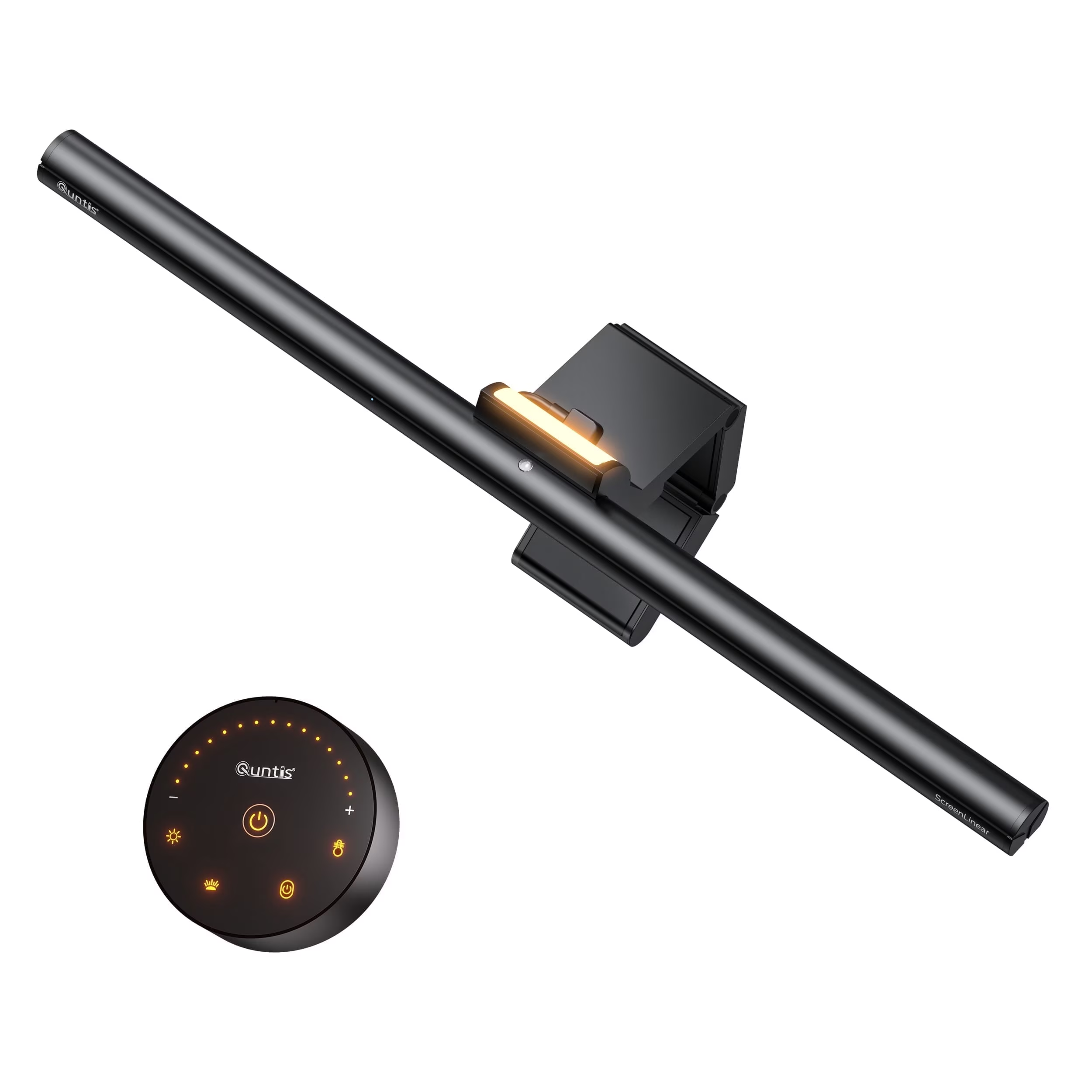
Baseus incorporates touch sensors for controlling the light bar's settings, which is a significant improvement over physical buttons found on cheaper alternatives like the Sn-okylife. These sensors allow users to toggle between on/off, adjust color temperature, and control brightness. According to Tech4Gamers' Abdul Hannan, the touch controls are user-friendly and intuitive, contributing to the product's overall ease of use. However, BTOD.com's review noted that the touch sensors were overly sensitive and difficult to use for fine dimming adjustments, leading to frequent accidental changes. The Newegg product description emphasizes a memory function that recalls the last used brightness and color settings, though this feature's effectiveness was not confirmed in professional reviews.
Lighting Performance and Features
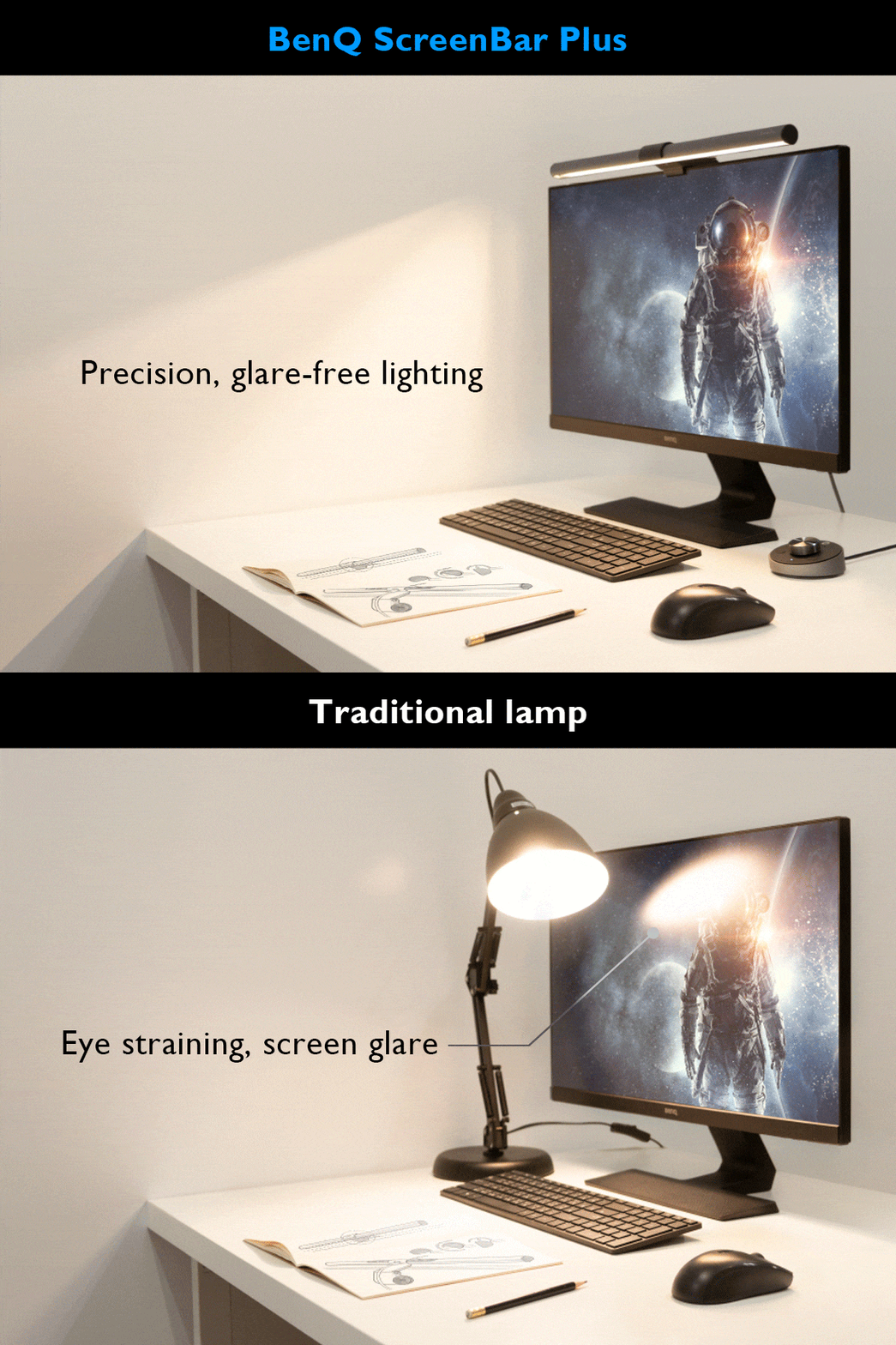
The Baseus light bar provides three distinct lighting modes—warm, neutral, and cool white—which can be adjusted according to user preference and task requirements. Tech4Gamers' review highlighted that the device effectively reduces eye strain, a key benefit for long work sessions. The lighting is designed to illuminate the desk and keyboard without causing screen glare, though BTOD.com's testing revealed that this performance is not as robust as premium models like the BenQ ScreenBar. The light bar's design includes a front and center light source that avoids reflective glare, a feature that BTOD.com specifically praised for its effectiveness in reducing eye fatigue. However, Reddit users in r/homelab reported that the light bar's asymmetrical lighting performance is inconsistent, particularly when used with curved monitors or iMacs, where it may not seat properly or cause light spillage. The device operates via USB-C power and supports a wide range of brightness levels, from 5% to 100%, with no flickering or harmful blue light emission, as noted in the Newegg product overview.
Real-World Performance
In practical use, the Baseus light bar demonstrates solid performance in providing adequate desk illumination while maintaining a minimal footprint on the workspace. TechWalls' Joe Biscardi found it particularly effective for nighttime work environments, where it significantly reduced eye strain and improved overall comfort. The pivoting head feature allows for precise light direction, enabling users to target their keyboard or work area without disturbing screen visibility. However, BTOD.com's Greg Knighton noted that while the device performs well in most scenarios, it struggles with asymmetrical lighting, particularly when compared to more expensive models such as the BenQ ScreenBar, which he found to be the only model that truly eliminates glare. The device's touch controls, while convenient, were reported as overly sensitive by some users, leading to unintentional adjustments during use. The light bar's ability to stay securely in place on flat monitors was consistent across multiple tests, though it was less reliable on curved displays or very thin bezels.
Where It Falls Short
Despite its strengths, the Baseus light bar has notable limitations that prevent it from being a top-tier solution. The most significant issue, as identified by BTOD.com, is its inability to effectively manage asymmetrical lighting, resulting in screen glare that affects visual comfort. The touch sensors, while a welcome feature, are reported to be overly sensitive, making them difficult to use for precise dimming adjustments. TechWalls' reviewer noted that the device's clamp system, while functional, is less reliable on certain monitor types, particularly those with curved backs or very thin bezels. Additionally, the lack of automatic brightness adjustment or smart sensors, features found in higher-end models, limits its adaptability to varying lighting conditions. The device's price point, while competitive, does not fully justify its performance gap compared to premium alternatives like the BenQ, which offers superior anti-glare capabilities and more refined build quality. Reddit users also reported firmware-related issues, including inconsistent performance and occasional sensor malfunctions, though these were not confirmed in professional testing.
Who It's Best For
The Baseus light bar is best suited for users who prioritize affordability and basic functionality over premium features and anti-glare performance. It is ideal for individuals working in well-lit environments or those who primarily use flat-screen monitors without significant curvature. Tech4Gamers' review recommended it for users seeking a space-saving, easy-to-use solution that offers good value for money. The device is particularly appealing to students, office workers, and remote professionals who want to reduce eye strain without investing heavily in lighting equipment. However, it is not recommended for users who frequently work in dimly lit environments or those who require advanced lighting control features such as automatic brightness adjustment or smart sensors. BTOD.com's analysis suggests that while the Baseus provides a solid middle-ground option, users seeking optimal anti-glare performance should consider the BenQ ScreenBar, which delivers superior results at a significantly higher price point. The device is also not ideal for iMac users or those with very thin bezels, as the mounting system may not provide adequate stability.
How It Compares to Alternatives
When compared to other light bars in its price range, the Baseus stands out for its pivoting head and touch controls, features that are often absent in budget models like the Sn-okylife. However, the Baseus falls short of premium models like the BenQ ScreenBar, which offers superior anti-glare performance and more refined build quality. BTOD.com's testing revealed that the BenQ is the only model that truly eliminates screen glare, while the Baseus struggles with light bleed, particularly on curved screens. The Quntis model, priced similarly, offers a rounded design and slightly better pivot range but suffers from the same asymmetrical lighting issues. The Xiaomi puck-style light bar, while offering wireless functionality, is more expensive and lacks the integrated mounting system of the Baseus. Overall, the Baseus provides a balanced compromise between cost and functionality, though it does not match the performance of high-end models in critical areas such as glare prevention.
Value at This Price
At approximately $30, the Baseus light bar offers good value for money, especially when compared to its budget counterparts. Tech4Gamers' review awarded it an 8.5/10, citing its affordable price, sleek design, and adjustable lighting as key strengths. The device's ability to reduce eye strain and its space-saving design make it a practical choice for many users. However, BTOD.com's analysis suggests that while the Baseus is a solid mid-range option, its performance does not justify the premium over cheaper alternatives like the Sn-okylife, which still provides adequate functionality. The device's USB-powered operation and compact design further enhance its appeal for users who want a simple, effective lighting solution without the complexity or cost of high-end models. Despite its shortcomings, the Baseus remains a compelling choice for budget-conscious buyers seeking a functional and aesthetically pleasing light bar.
Strengths
- +Includes advanced touch sensors for adjusting light settings with dedicated buttons for power, color, and brightness
- +Features a pivoting head that allows wide adjustment range for aiming light toward keyboard
- +Utilizes a weight system with a soft rubber clamp that works best with thin and flat monitors
- +Offers three color settings (warm white, neutral white, cool white) with stepless dimming from 5% to 100%
Watch-outs
- −Asymmetrical lighting performance is subpar with noticeable screen light bleed
- −Touch sensors are overly sensitive and difficult to use for dimming adjustments
- −Does not include a wireless puck for adjustable lighting position
How it compares
The Baseus Light Bar offers a pivoting head and touch controls that are not found in the Quntis or Xiaomi models, but it falls short in light bleed prevention compared to the BenQ ScreenBar Pro. Unlike the Razer Aether, it doesn't feature RGB lighting, and its asymmetrical design is less effective than the BenQ's directional light engineering. The Colorpanda model provides simpler controls but lacks the advanced adjustment range of Baseus.
Who this is for
At a glance: budget-conscious users prioritizing basic adjustability over premium glare-free performance.
Why you’d buy the Baseus Light Bar
- Includes advanced touch sensors for adjusting light settings with dedicated buttons for power, color, and brightness.
- Features a pivoting head that allows wide adjustment range for aiming light toward keyboard.
- Utilizes a weight system with a soft rubber clamp that works best with thin and flat monitors.
Why you’d skip it
- Asymmetrical lighting performance is subpar with noticeable screen light bleed.
- Touch sensors are overly sensitive and difficult to use for dimming adjustments.
- Does not include a wireless puck for adjustable lighting position.
Rating sources
“Baseus is producing a fairly great product that is very simple to clamp on your monitor or computer. It can provide great value for those needing extra light when working.”
“No Screen Glare & Non-flickering??This screen e-reading led lamp with a suspension design that the lights coming from the front and center provides enough light for your desk and keyboard while avoiding reflectively glare off the computer screen.”
Our 4.3 score is the average of these published ratings. Ratings marked * were derived from the reviewer’s written analysis or video transcript — the publisher didn’t print an explicit numeric score, so we inferred one from their own words. Click through to verify. More about methodology.