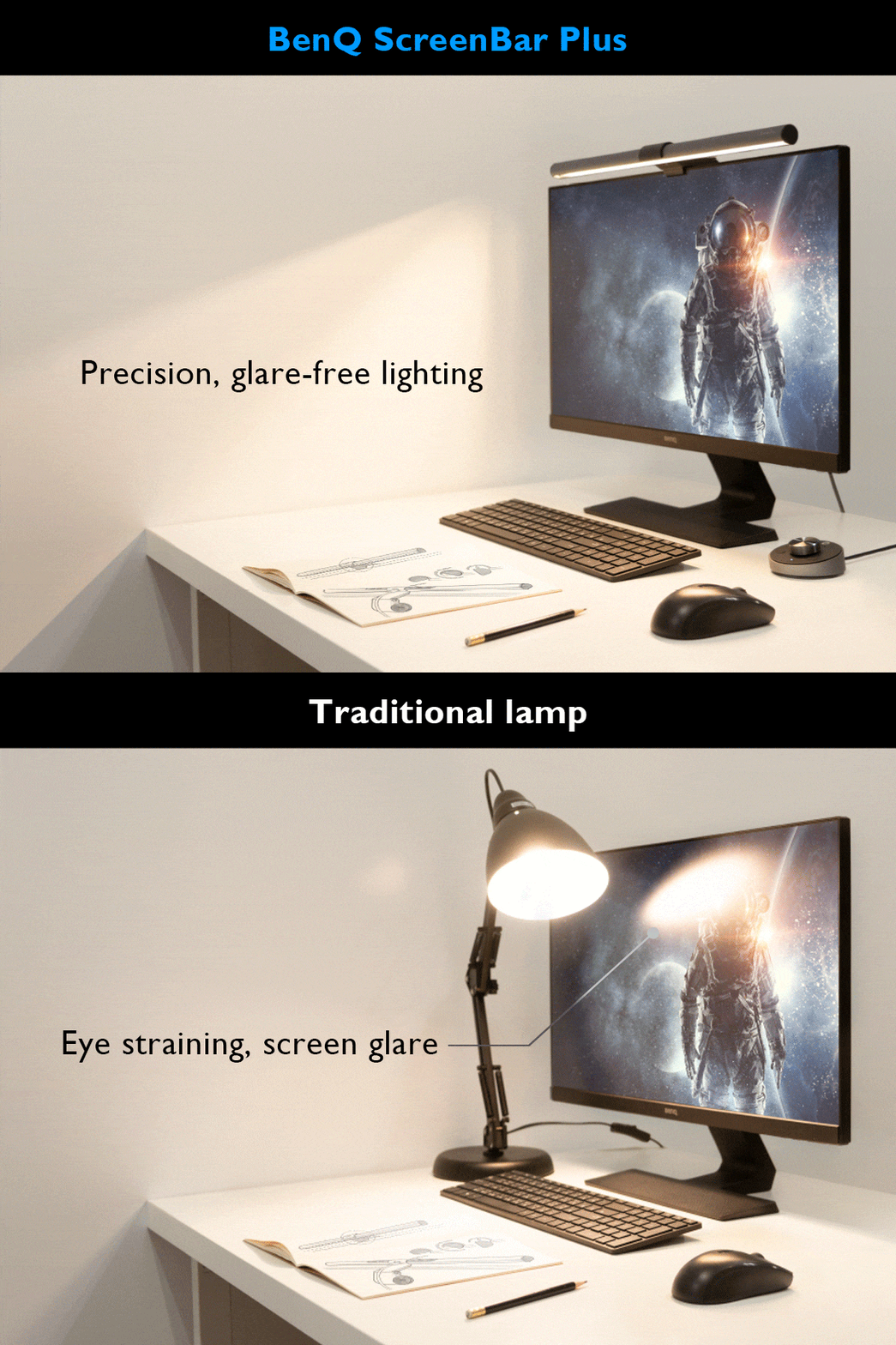
Tom's Guide and YouTube reviewers praised the BenQ ScreenBar Halo 2 for its premium build quality and versatility across different monitor types, including curved and thick models. The wireless control puck is highlighted as a standout feature, offering convenient adjustment of lighting and color temperature with long battery life. However, reviewers noted the fixed 150 cm cable length and regional power plug limitations as drawbacks. This product is ideal for users seeking a high-end, adjustable monitor light bar but may not suit those needing extended cables or global compatibility.
Full review
Dual Light Innovation
The BenQ ScreenBar Halo 2 introduces a significant upgrade over its predecessor by incorporating dual lighting sources, a feature that transforms the device from a simple monitor light into a versatile workspace illumination solution. According to the AppleInsider review, the new model features a front light bar and a rear light that can be operated independently or simultaneously, offering users flexibility in their lighting preferences. This dual configuration allows users to customize their lighting environment to suit various activities, from focused work to ambient mood lighting, making it particularly appealing to those who spend long hours at their desks.
TechRadar's analysis confirms that the ScreenBar Halo 2's dual light system provides a more comprehensive lighting solution compared to single-source alternatives. The reviewer noted that the ability to use either light individually or in combination offers practical advantages, especially in environments where lighting conditions vary throughout the day. The front light's central illuminance of 1000 lumens is complemented by a rear light that maintains 450 nits of brightness in the immediate area behind the monitor, tapering to 50 nits further out. This design allows for a more even distribution of light across the workspace, reducing shadows and glare that can contribute to eye strain and fatigue. The optional nature of each light source means users can tailor their lighting setup to their specific needs without compromising on functionality.
Build Quality and Design
The BenQ ScreenBar Halo 2's construction reflects a premium approach with its aluminum alloy body and rubber padding on the base, contributing to a substantial feel that conveys durability and quality. The build quality is further enhanced by the versatile monitor clamp that accommodates various screen sizes and curvatures.
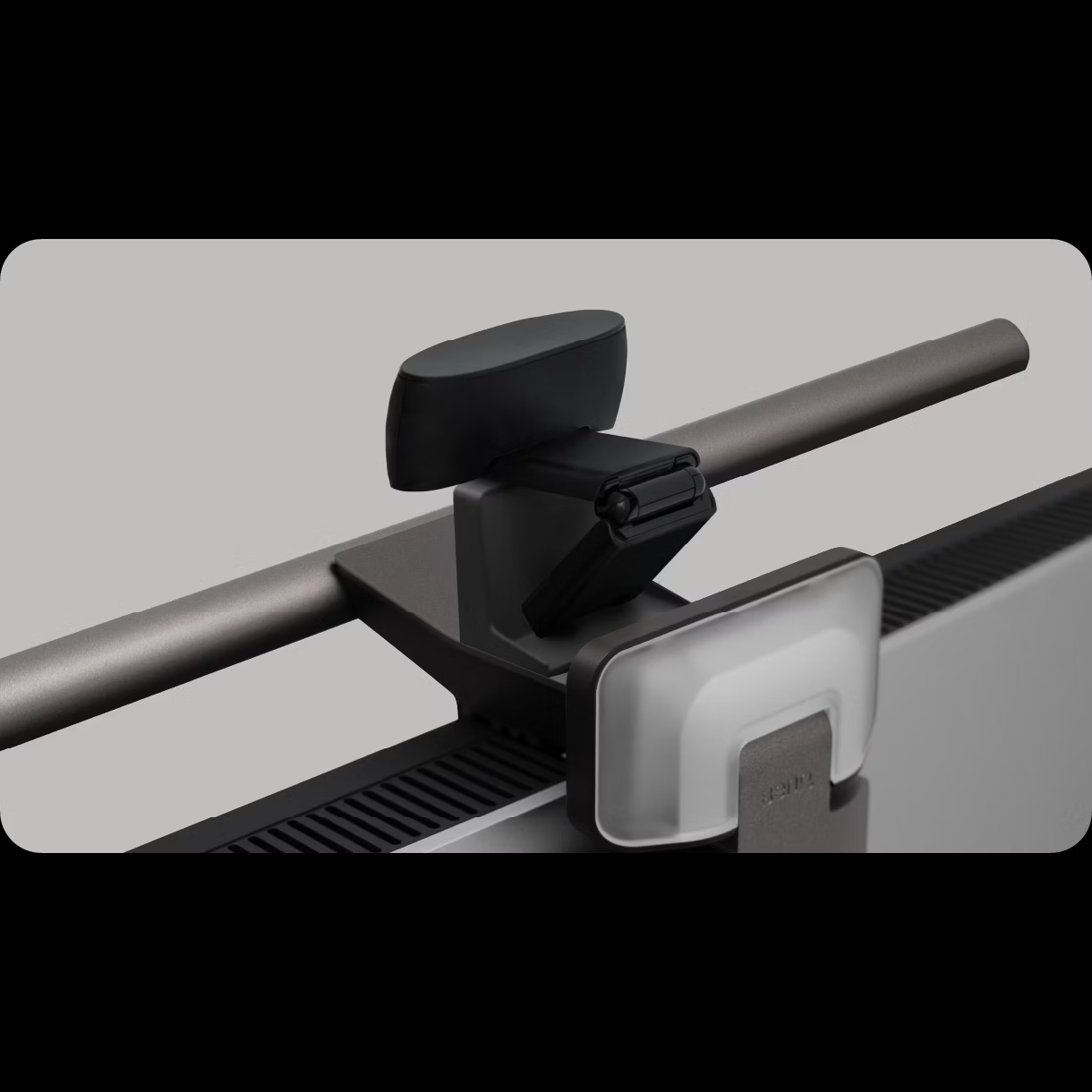
The device's design includes a sleek profile that balances well on monitor edges, with the front light bar extending nearly 20 inches wide, making it notably wider than competing products like the Razer Aether Monitor Light. The rear light is positioned to illuminate the area behind the monitor, providing a more complete lighting solution for users who work in environments where ambient light from behind is important. The ScreenBar Halo 2's single USB-C connection for power and control streamlines setup and eliminates the need for additional cables, aligning with modern desk aesthetics and reducing clutter. The wireless controller, while functional, has been noted by some reviewers as sluggish to wake and prone to fingerprint attraction, which may impact user experience in certain situations.
Real-World Performance
In practical usage scenarios, the BenQ ScreenBar Halo 2 has demonstrated its value in reducing eye strain and improving workspace comfort, particularly for individuals who suffer from migraines or sensitivity to bright lighting. The AppleInsider reviewer, who has been using the original ScreenBar since 2020, noted that the device has become essential for managing her migraine symptoms, especially following a concussion. She found that the adjustable lighting on the ScreenBar provided relief where other lighting options failed, as it could be dimmed to avoid direct eye contact while still providing adequate illumination for work tasks.
How-To Geek's testing confirmed that the ScreenBar Halo 2's brightness can be adjusted from 1% to 100% for both lights, allowing users to customize their lighting environment according to their needs and ambient conditions. The reviewer noted that while the device is capable of producing bright light when needed, most users tend to keep it at lower settings, typically between 1% and 20%, to avoid over-illumination. The motion detection system works effectively in typical office environments, though some users may find that it occasionally fails to detect movement in certain lighting conditions or when sitting in positions that don't trigger the sensor. The rear light's ability to illuminate the area behind the monitor also helps reduce the stark contrast that can occur in poorly lit workspaces, contributing to a more comfortable visual environment.
What Reviewers Loved
Reviewers consistently praised the BenQ ScreenBar Halo 2 for its ability to reduce eye strain and improve overall workspace comfort, particularly in environments with uneven lighting. The AppleInsider reviewer highlighted how the device has become invaluable for managing her migraines and has been used for various hobbies such as crocheting and journaling, demonstrating its versatility beyond basic computer work. The dual light configuration was particularly appreciated for its ability to provide both task lighting and ambient illumination, creating a more balanced and comfortable working environment. The motion detection feature was also noted as a significant convenience factor, automatically adjusting the lighting based on user presence and reducing the need for manual adjustments.
TechRadar's review emphasized the device's effectiveness in combating eyestrain and fatigue, particularly for users who spend long hours at their desks. The reviewer noted that the ScreenBar Halo 2's ability to provide targeted lighting without causing glare or reflection on the monitor screen makes it an ideal solution for computer users. The device's compatibility with a wide range of monitor types, including both flat and curved displays, was also highlighted as a major advantage. Users appreciated the ability to adjust brightness levels and the option to use either light independently, allowing for customization based on specific tasks or personal preferences. The wireless controller, despite some minor complaints about responsiveness, was generally seen as a useful addition that simplified operation.
Where It Falls Short
Despite its many strengths, the BenQ ScreenBar Halo 2 has received criticism for several shortcomings that may impact user satisfaction. The wireless controller, while convenient, has been described as sluggish to wake and prone to attracting fingerprints, which can detract from the overall user experience. How-To Geek's review specifically noted that the controller's responsiveness could be improved, particularly in situations where quick adjustments are needed. Additionally, the device lacks RGB color lighting options, which some users may find disappointing given the current trend toward customizable lighting in office accessories. The absence of RGB capabilities means that users cannot create dynamic lighting effects or match their workspace aesthetics with specific color schemes.
Another point of contention involves the device's price point, which some reviewers felt may not justify its value for budget-conscious consumers. Furthermore, while the motion detection feature works well in most scenarios, some users have reported instances where it fails to detect movement properly, particularly in environments with varying lighting conditions or when users sit in positions that don't trigger the sensor effectively.
Who It's Best For
The BenQ ScreenBar Halo 2 is best suited for professionals and home office users who prioritize eye comfort and workspace ergonomics, particularly those who work in environments with uneven lighting or have sensitivity to bright light. The device is ideal for individuals who suffer from migraines or eye strain, as the adjustable lighting can be customized to reduce discomfort while maintaining adequate illumination for work tasks. Users who engage in hobbies such as crocheting, journaling, or other detailed crafts will find the dual light configuration particularly beneficial, as it provides both task lighting and ambient illumination for various activities. The motion detection feature makes it especially appealing to users who want hands-free operation and automatic lighting adjustment based on their presence at the desk.
The ScreenBar Halo 2 is also well-suited for remote workers and those who frequently change workspaces, as its compact design and versatile mounting system allow it to be easily transported and set up in different environments. The device's compatibility with a wide range of monitor types, including both flat and curved displays, makes it a flexible solution for users with different setup requirements. However, the device may not be ideal for users seeking a basic lighting solution or those on tight budgets, as the premium features and price point may not justify the investment for simple lighting needs. Additionally, users who prefer RGB lighting or require extensive customization options may find the device lacking in these areas.
How It Compares to Alternatives
When compared to competing monitor light bars, the BenQ ScreenBar Halo 2 stands out for its dual light configuration and motion detection capabilities, which provide a more comprehensive lighting solution than single-source alternatives. The device's ability to provide both front and rear lighting simultaneously or independently offers greater flexibility than most competitors in the market. However, the lack of RGB lighting options and the sluggish wireless controller responsiveness are areas where it falls short compared to some premium alternatives that offer more advanced customization features. The price point of $180 positions the ScreenBar Halo 2 as a mid-to-upper-tier product, making it competitive with other premium monitor lights but potentially less attractive to budget-conscious consumers.
Compared to the original ScreenBar model, the Halo 2's addition of a second light source represents a significant upgrade that addresses many user requests for more comprehensive lighting solutions. The original ScreenBar was praised for its ability to reduce eye strain and provide targeted illumination, but the addition of rear lighting in the Halo 2 expands its utility beyond basic task lighting. While some reviewers noted that the dual light configuration may not be necessary for all users, the option to use either light independently or together provides a level of customization that enhances the overall user experience. The device's compatibility with various monitor types and its sleek design make it a strong contender in the premium monitor light market, though it faces competition from other brands that offer similar features at potentially lower price points.
Value at This Price
At $180, the BenQ ScreenBar Halo 2 represents a premium investment in workspace comfort and productivity, with reviewers noting that its dual light configuration and motion detection features justify the price for users who prioritize eye health and ergonomic lighting solutions. The device's ability to reduce eye strain and fatigue, particularly for individuals with migraines or light sensitivity, provides tangible benefits that may offset its cost. The AppleInsider reviewer emphasized that the ScreenBar has become essential for managing her health conditions, suggesting that the investment pays dividends in terms of improved well-being and work efficiency. The wireless controller's convenience and the device's compatibility with a wide range of monitors further enhance its value proposition for users seeking a comprehensive lighting solution.
However, some reviewers questioned whether the price point is justified for users who only need basic lighting functionality. The absence of RGB lighting options and the sluggish wireless controller responsiveness were noted as drawbacks that may impact the overall value for certain users. TechRadar's review suggested that while the ScreenBar Halo 2 offers excellent performance and features, budget-conscious consumers may find more affordable alternatives that meet their basic lighting needs. The device's premium features, including the dual light configuration and automatic motion detection, are particularly valuable for remote workers and those who spend long hours at their desks, but may be unnecessary for users with simpler requirements. Ultimately, the value proposition depends on individual needs and priorities, with the ScreenBar Halo 2 proving most beneficial for users who place a high premium on eye comfort and workspace ergonomics.
Strengths
- +Works with virtually any monitor including curved and bulge-back models
- +Includes wireless control puck with USB-C charging that lasts up to three months on a single charge
- +Provides both front and back lighting with adjustable color temperature
Watch-outs
- −The wireless controller is slow to wake and prone to fingerprints
- −The wireless controller lacks a USB-C charging cable
How it compares
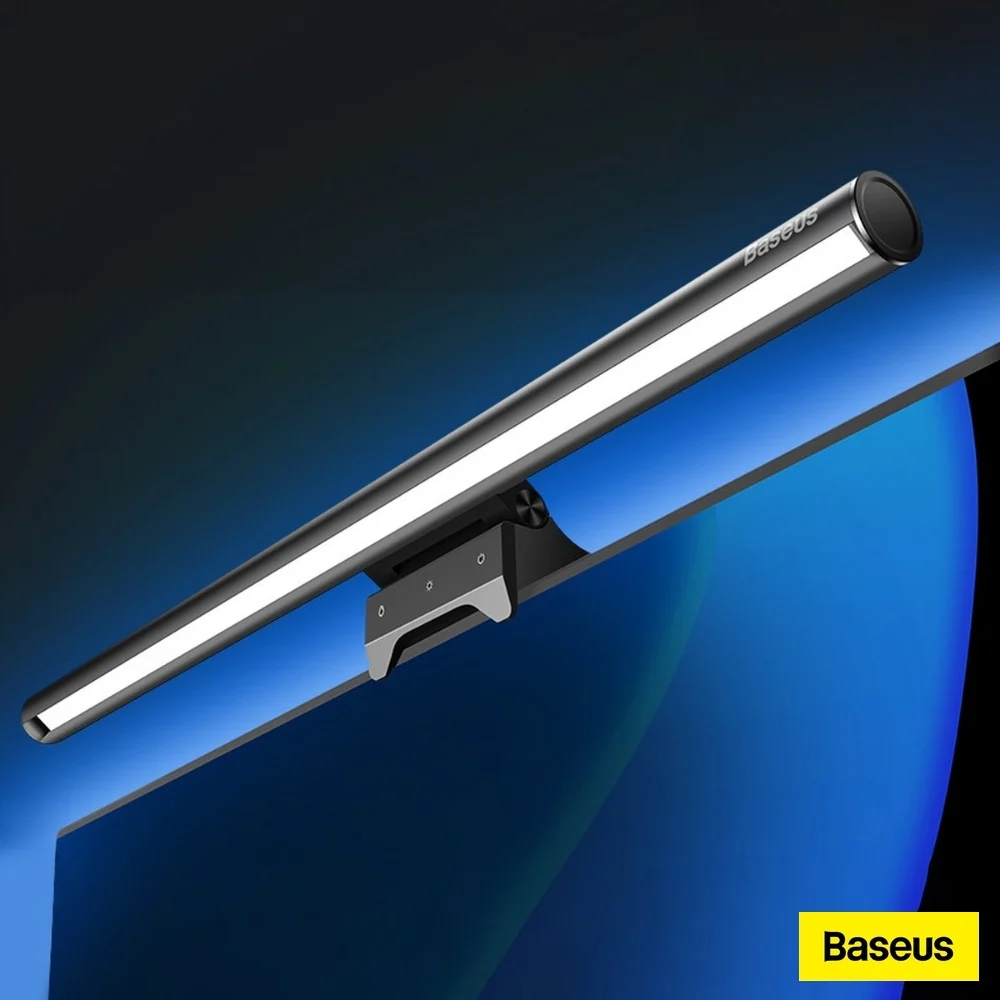
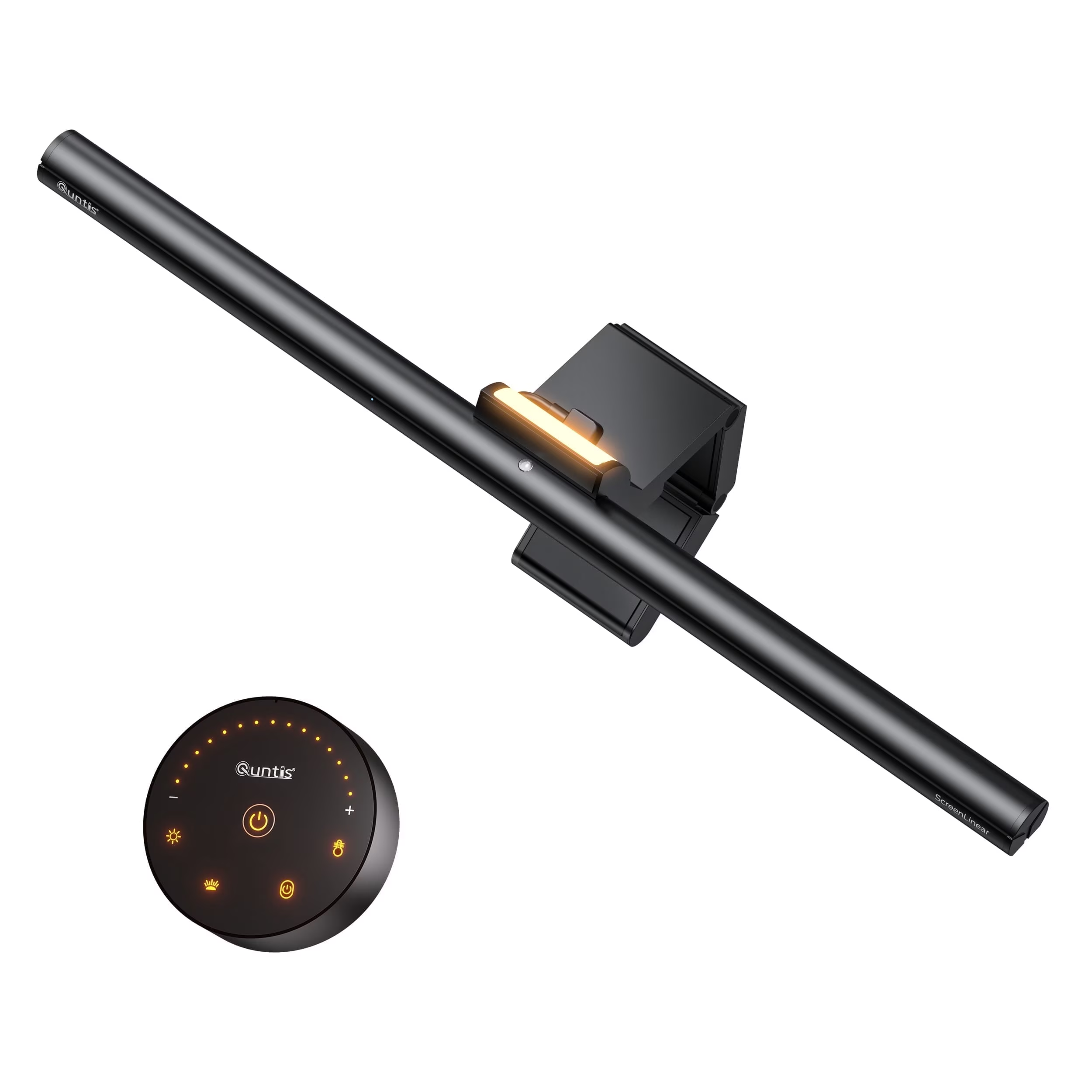
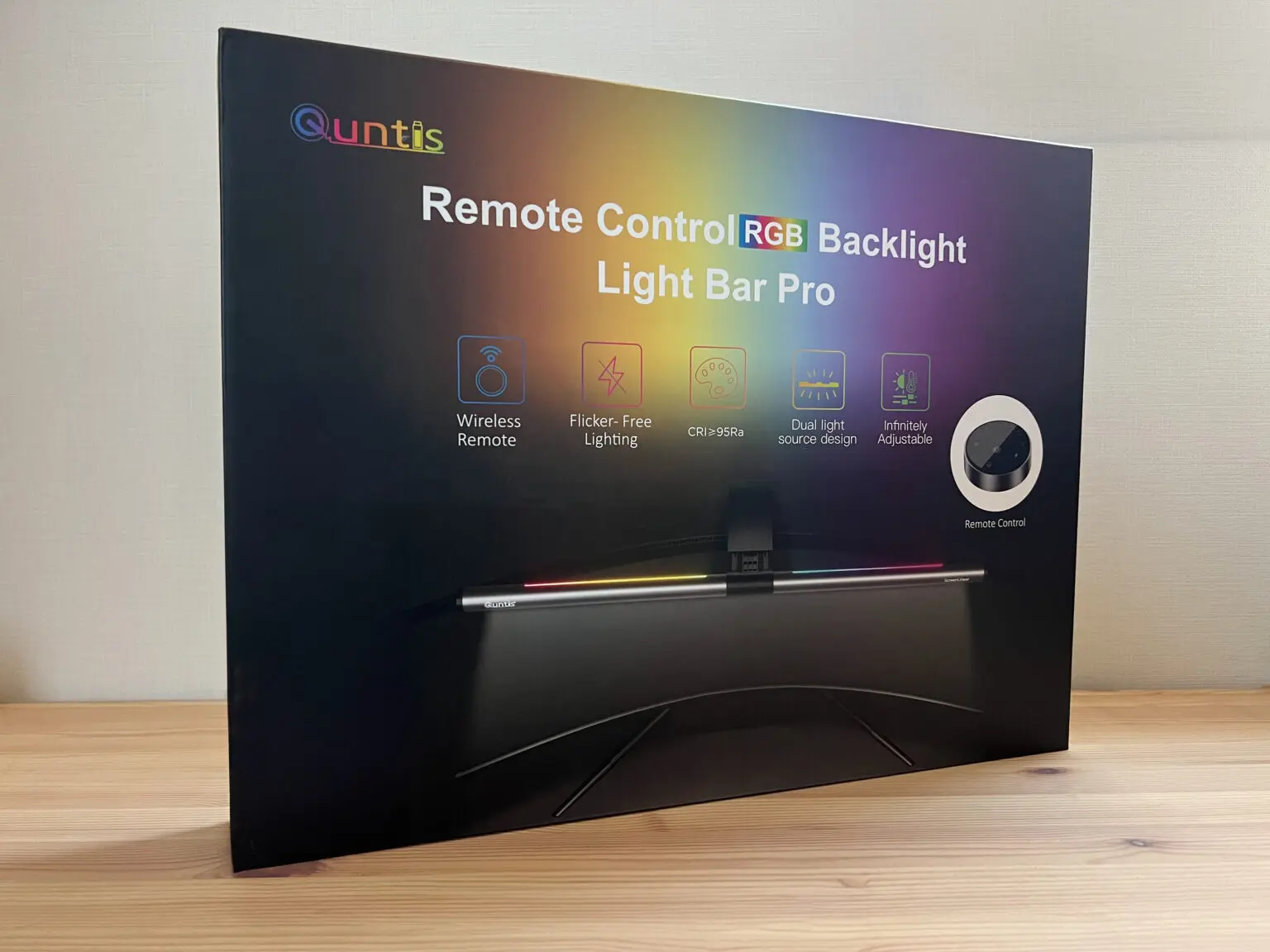
The BenQ ScreenBar Halo 2 stands out with its wireless control puck, a feature not found in competitors like the Quntis or Baseus models. While the Razer Aether offers RGB lighting, it lacks the universal compatibility with curved monitors that the Halo 2 provides. However, its fixed 150 cm cable length and regional power plug limitations make it less flexible than the Quntis curved monitor light bar, which offers more adaptable mounting for various screen types.
Who this is for
At a glance: users seeking wireless control with universal monitor compatibility.
Why you’d buy the BenQ ScreenBar Halo 2
- Works with virtually any monitor including curved and bulge-back models.
- Includes wireless control puck with USB-C charging that lasts up to three months on a single charge.
- Provides both front and back lighting with adjustable color temperature.
Why you’d skip it
- The wireless controller is slow to wake and prone to fingerprints.
- The wireless controller lacks a USB-C charging cable.
Rating sources
“I've moved twice, and each time the ScreenBar was one of the last things I'd pack and one of the first things I'd unpack.”
Our 4.5 score is the average of these published ratings. Ratings marked * were derived from the reviewer’s written analysis or video transcript — the publisher didn’t print an explicit numeric score, so we inferred one from their own words. Click through to verify. More about methodology.