The Razer Aether Monitor Light delivers a premium RGB lighting experience with dual illumination capabilities, blending practicality with aesthetic design. CGMagazine praised its sleek form factor and integration with Razer Synapse software for unified lighting control. While reviewers appreciated the extensive color customization and smart voice assistant compatibility, some noted concerns about webcam placement in office environments. This light bar suits gamers seeking immersive RGB setups but may not be optimal for remote workers requiring flexible monitor accessories.
Full review
Design and Build Quality
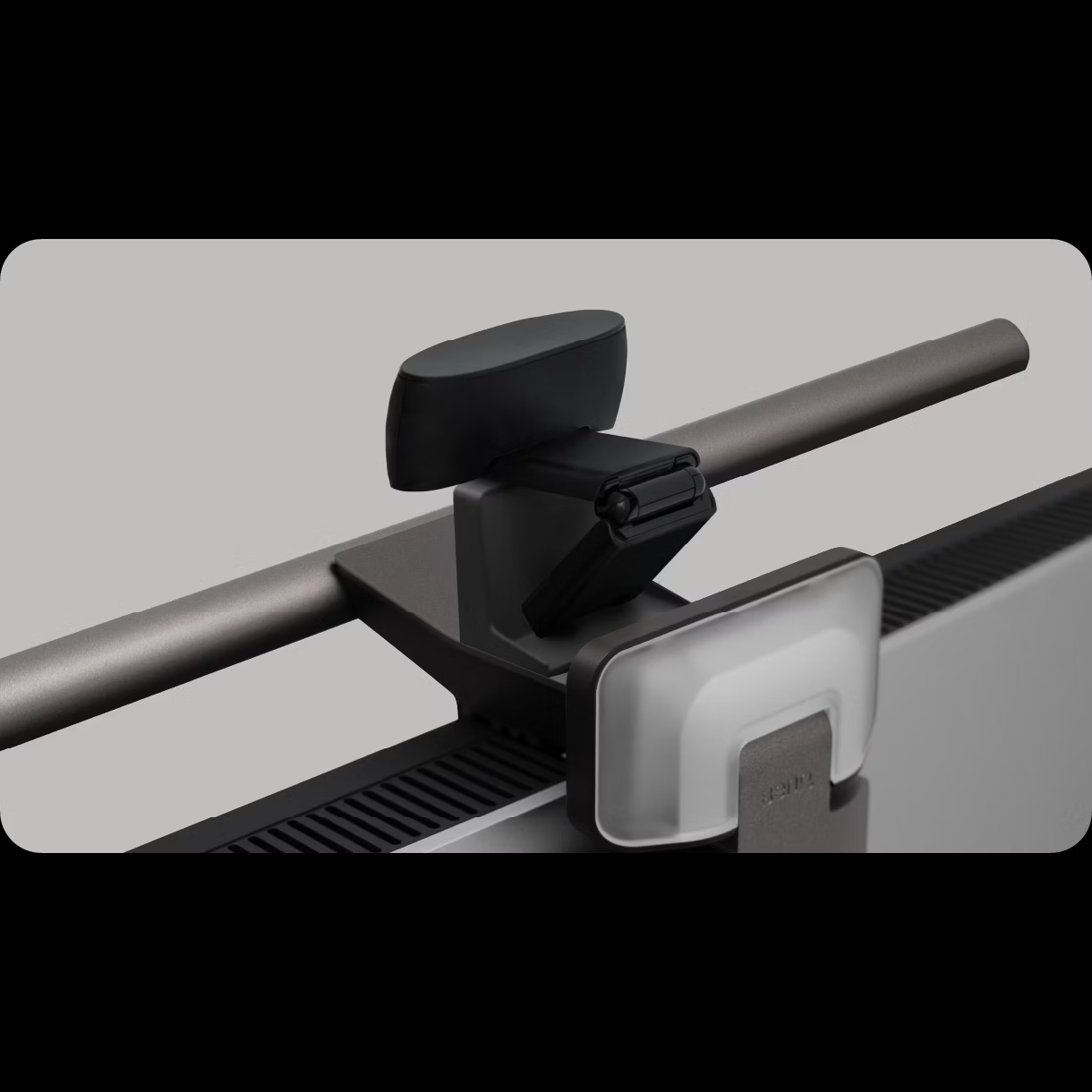
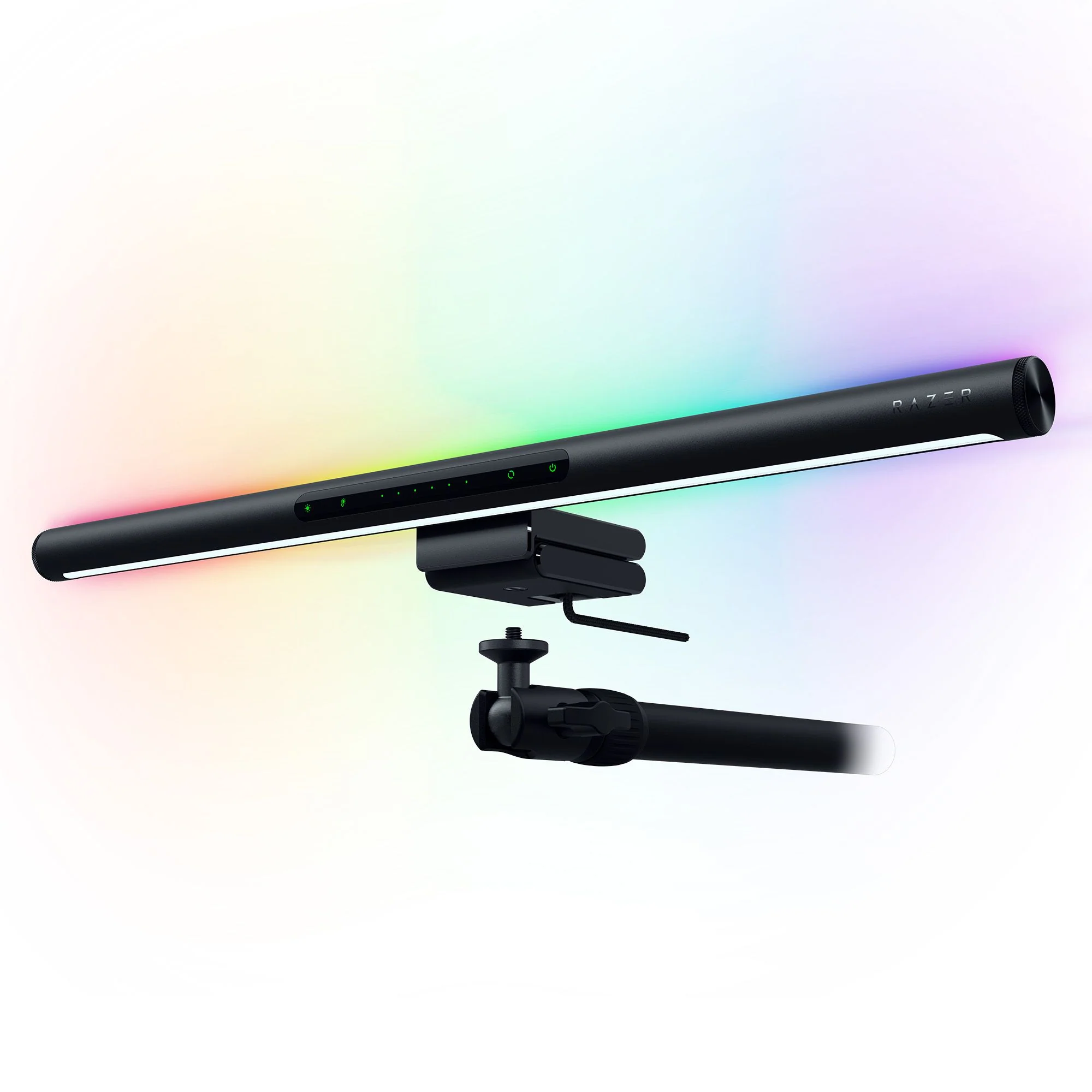
The Razer Aether Monitor Light Bar presents a sleek, minimalist aesthetic that blends seamlessly with modern gaming and office setups. Constructed from high-quality materials with a matte finish, Reviewers from CGMagazine noted its 'premium look and feel' and 'elegant form factor' that 'blends seamlessly with gaming monitors.' The light bar features a cylindrical aluminum chassis with a black finish and subtle Razer branding, particularly on the right side where the logo is engraved. The rear-facing RGB lighting system is one of its standout features, with two LED strips that can be individually controlled for maximum customization. The touch-sensitive control panel is positioned in the middle, featuring green LED indicators that remain visible even in dark environments. According to ReviewCentralME, the control panel includes touch-sensitive buttons for brightness, color temperature, and RGB settings, along with a power button. The device's adjustable clamp mechanism allows it to fit monitors with bezel widths ranging from 5mm to 45mm, ensuring compatibility with a wide range of display sizes.
Lighting Capabilities and Features
The Aether Monitor Light Bar delivers dual lighting functionality that sets it apart from conventional desk lamps. It features a front-facing white LED light with adjustable color temperature ranging from 2700K (warm) to 6500K (cool), providing flexibility for different tasks and moods. The rear-facing RGB lighting system, equipped with over 16.8 million color options, allows users to create immersive environments that can synchronize with other Razer peripherals through Razer Chroma RGB technology. How-To Geek emphasized that the RGB LEDs can be controlled via the Razer Gamer Room app for iOS or Android, or through the Windows-based Razer Synapse software for more advanced customization. The light bar also supports interactive lighting effects, which require the Synapse application for full functionality. CGMagazine highlighted that the light bar's dual lighting approach not only illuminates the workspace but also creates a striking RGB-enabled color show on the wall behind the user, enhancing the overall ambiance of the gaming or work environment.
Smart Home Integration and Connectivity
Razer has integrated smart home compatibility into the Aether Monitor Light Bar, supporting Matter, Google Assistant, and Amazon Alexa. This allows users to control the lighting using voice commands, which is particularly useful for hands-free operation during gaming sessions or work. How-To Geek noted that while the device offers full control through mobile apps, intermittent connectivity issues may occur, potentially affecting user experience. The light bar connects via USB-C, which is a modern standard that supports both power delivery and data transmission. The integration with Razer's Gamer Room app and Synapse software ensures that users can easily manage and customize lighting profiles, saving preferences for different activities or games. The device also supports the Razer Chroma RGB ecosystem, allowing for synchronized lighting across multiple peripherals, which enhances the overall immersive experience for gamers and content creators.
User Experience and Setup Process
Setting up the Razer Aether Monitor Light Bar is straightforward, with the adjustable clamp mechanism allowing for secure attachment to most monitor sizes. ReviewCentralME mentioned that the setup process is simple and straightforward, with the USB cable passing through the monitor clip for better cable management. The touch-sensitive control panel enables quick adjustments of brightness, color temperature, and RGB settings without needing to access a mobile app. However, How-To Geek pointed out that full control requires the mobile app for initial setup and the Windows application for advanced features, which may be inconvenient for users who prefer a plug-and-play solution. CGMagazine noted that while the touch interface is intuitive, the lack of a dedicated command module, unlike the BenQ ScreenBar Halo, makes setup slightly more complex. The device's compatibility with Razer's software ecosystem ensures that users can easily customize lighting effects and synchronize them with other peripherals, but this also means that the experience is optimized for Razer users.
Performance and Practicality
The performance of the Razer Aether Monitor Light Bar is consistent with its design goals, offering both practical utility and aesthetic appeal. The front-facing LED light provides adequate illumination for tasks such as gaming, video editing, or general office work, with adjustable color temperature to suit different lighting conditions. The rear-facing RGB lighting system is particularly effective in creating a cohesive and immersive environment, especially in dark rooms where the light cascades onto the wall behind the user. However, some reviewers noted that the light's positioning on top of the monitor can interfere with webcam placement, which is a significant drawback for remote workers or content creators who rely on integrated webcams. The device's ability to integrate with smart home systems and voice assistants adds convenience, though intermittent connectivity issues were reported by How-To Geek.
Where It Falls Short
Despite its impressive features, the Razer Aether Monitor Light Bar has notable limitations that may deter certain users. One major issue is its placement on top of the monitor, which can obstruct webcam positioning, particularly for remote workers or content creators. This design choice limits flexibility in workspace setup and may require additional accessories or alternative webcam placements. How-To Geek reported intermittent connectivity issues with smart home integration, which can disrupt the user experience. Additionally, while the device supports Razer Chroma RGB technology, it lacks a dedicated command module, making setup more complex compared to competitors like the BenQ ScreenBar Halo. The touch-sensitive controls, while functional, are not as intuitive or comprehensive as physical buttons or a dedicated interface. Furthermore, the device's price point of $129.99 may be considered high for users seeking basic lighting solutions, especially when alternatives like Yeelight offer similar features at lower costs. The requirement for mobile and desktop applications for full functionality also adds a layer of complexity for users who prefer simpler, plug-and-play solutions.
Who It's Best For
The Razer Aether Monitor Light Bar is ideal for gamers and content creators who are already invested in the Razer ecosystem and seek a premium lighting solution that enhances their immersive experience. CGMagazine emphasized that it is particularly suited for those who want to blend practicality with design, especially in gaming setups where aesthetics matter. The device's dual lighting capabilities make it suitable for users who want both functional illumination and a striking visual display. However, it is less ideal for remote workers or professionals who require flexible webcam placement, as the light bar's position on the monitor can interfere with integrated webcams. Users who prioritize smart home integration and voice control will find the device appealing, though they should be aware of potential connectivity issues. The device is also not recommended for those seeking a budget-friendly lighting solution, as its price point is higher than many alternatives in the market. For users who want a device that seamlessly integrates with Razer's Chroma RGB ecosystem and offers both practical lighting and aesthetic enhancement, the Aether Monitor Light Bar is a strong contender.
Value at This Price
At $129.99, the Razer Aether Monitor Light Bar is positioned as a premium product that offers a blend of functionality and aesthetics. ReviewCentralME gave it an 8.2/10 rating, praising its dual lighting system, USB-C connectivity, and compatibility with smart home platforms. However, the price point may be prohibitive for users seeking basic lighting solutions or those who prefer more affordable alternatives. How-To Geek noted that while the device does a good job of balancing utility and entertainment, it lacks some features found in competing products like the BenQ ScreenBar Halo, which is priced higher but offers a command module. The device's ability to integrate with Razer's software ecosystem and support for Matter, Google Assistant, and Amazon Alexa adds value for users already invested in smart home technologies. For users who prioritize premium design, Razer Chroma RGB integration, and smart home compatibility, the Aether Monitor Light Bar offers good value, though it may not justify its cost for budget-conscious consumers.
Strengths
- +Features dual lighting with front monitor illumination and rear RGB mood lighting
- +Equipped with Razer Chroma RGB technology offering over 16.8 million color options
- +Includes touch-sensitive controls for quick adjustments of brightness, color, and effects
- +Compatible with voice assistants like Amazon Alexa and Google Assistant for hands-free control
Watch-outs
- −Light placement on top of monitor may interfere with webcam positioning
- −Not ideal for office setups where webcam placement is critical
How it compares
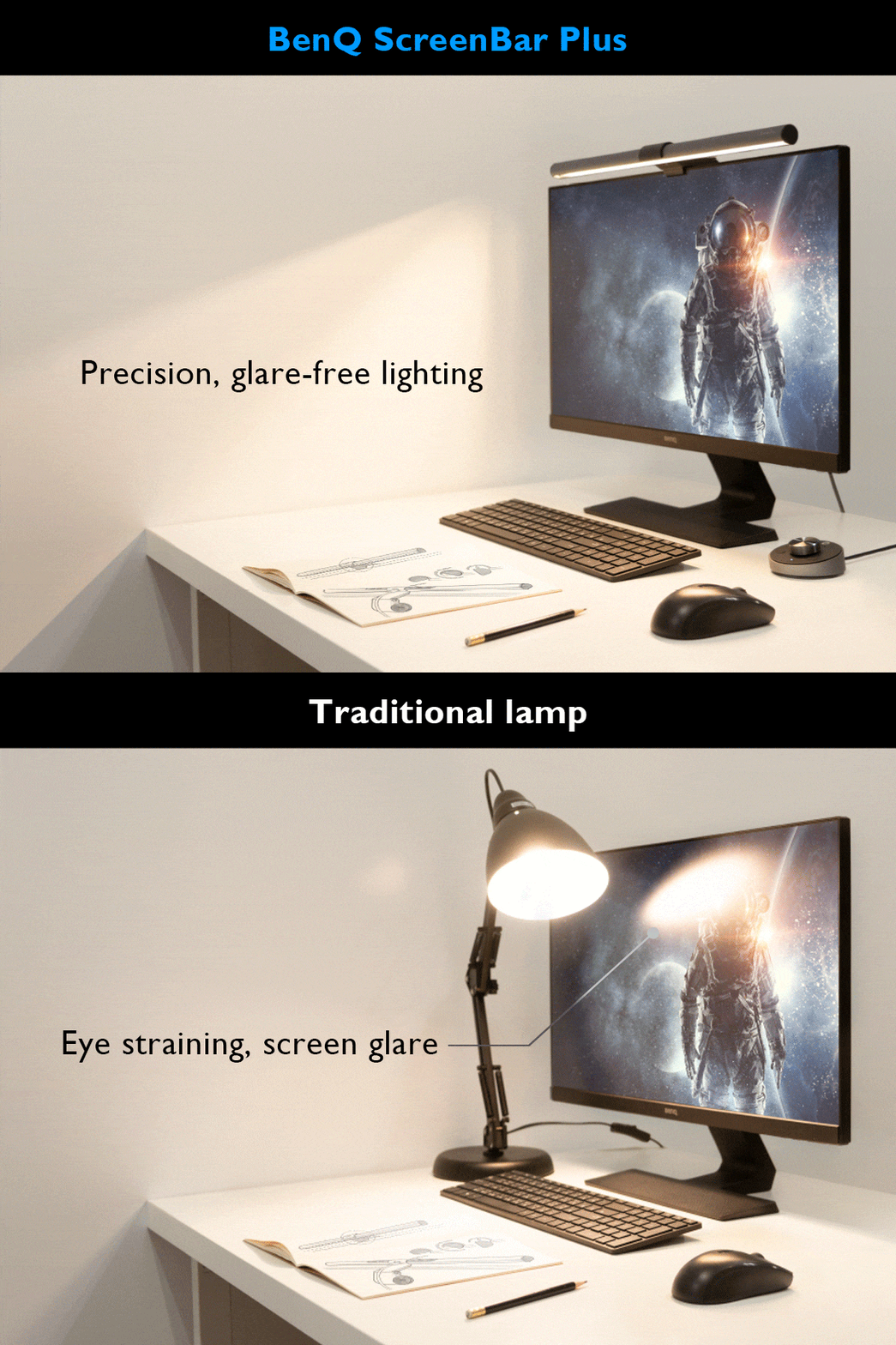
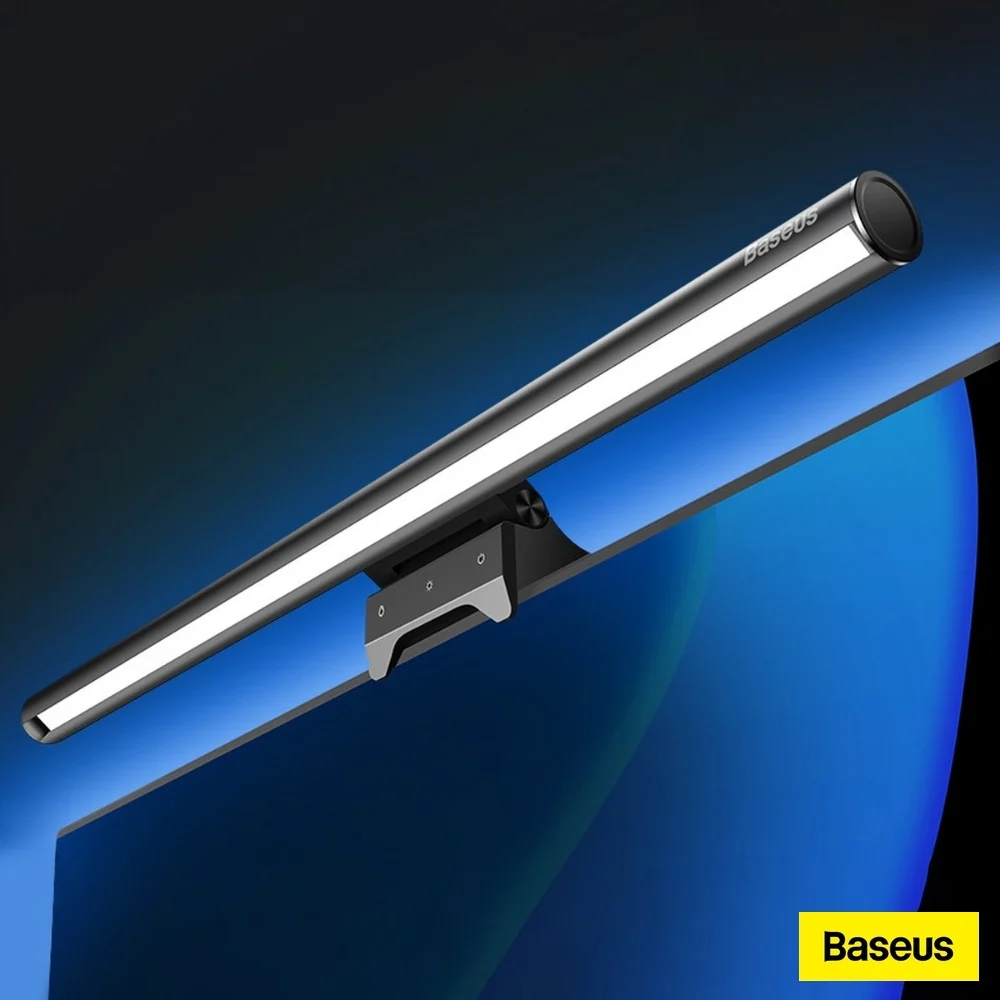
The Razer Aether Monitor light bar excels in RGB customization and smart assistant integration, features absent in the BenQ ScreenBar Pro, which focuses more on directional lighting. Unlike the Baseus model, it doesn't suffer from asymmetrical light bleed but has a design that may interfere with webcam positioning, a drawback not present in the Meichoon or Xiaomi models that are more compact and less intrusive.
Who this is for
At a glance: gamers wanting immersive RGB lighting with smart home control.
Why you’d buy the Razer Aether Monitor light bar
- Features dual lighting with front monitor illumination and rear RGB mood lighting.
- Equipped with Razer Chroma RGB technology offering over 16.8 million color options.
- Includes touch-sensitive controls for quick adjustments of brightness, color, and effects.
Why you’d skip it
- Light placement on top of monitor may interfere with webcam positioning.
- Not ideal for office setups where webcam placement is critical.
Rating sources
Our 4.0 score is the average of these published ratings. More about methodology.