Verdict
Head-to-head · Best Monitor Light Bars

BenQ ScreenBar vs Colorpanda Monitor Light Bar

Which is the better buy? Side-by-side on rating, price, strengths, and watch-outs — with the published ratings we averaged to get there.

The short answer

BenQ ScreenBar comes out ahead by a clear margin (4.6 vs 4.0). The gap is mostly about professionals needing high-quality directional lighting with accurate color reproduction — read the strengths below before deciding.

BenQ ScreenBar
Higher ratedRanked #1 in Best Monitor Light Bars
BenQ ScreenBar
$139as of Jul 9

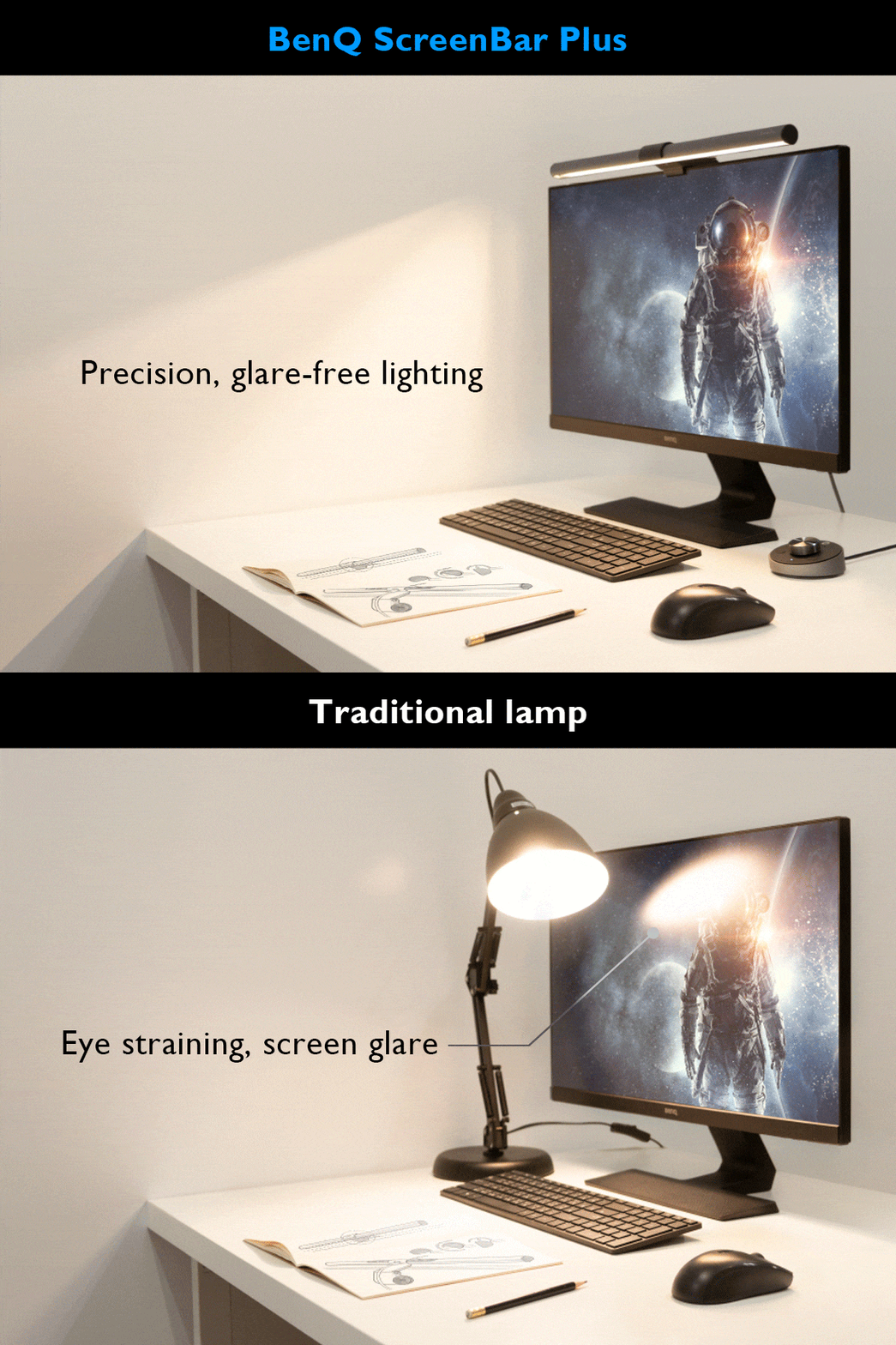
The BenQ ScreenBar Pro delivers exceptional lighting performance with its 500lx+ output and 1,000lx around keyboard/mouse area. Reviewers praised its directional light design that prevents display spill and eye strain, with a CRI over 95 for accurate color rendering. The Pro model offers 8 temperature and 16 brightness levels with USB-C power and touch controls. While some users noted minor issues with the light sensor and camera mounting interference, most found it a worthwhile investment for desk lighting. It's ideal for users seeking high-quality monitor lighting without desk clutter.

Strengths
  • Exceptional light engineering with 500lx+ output and 1,000lx around keyboard/mouse area
  • Color rendering index (CRI) greater than 95 for accurate color representation
  • Directional lighting design prevents spill onto display and avoids direct eye exposure
Watch-outs
  • Light sensor may not adjust accurately in all environments
  • Front lip design can interfere with camera mounting on certain monitors
  • Touch controls require reaching up to adjust during use
Colorpanda Monitor Light Bar
Ranked #7 in Best Monitor Light Bars
Colorpanda Monitor Light Bar
$32as of Jul 9

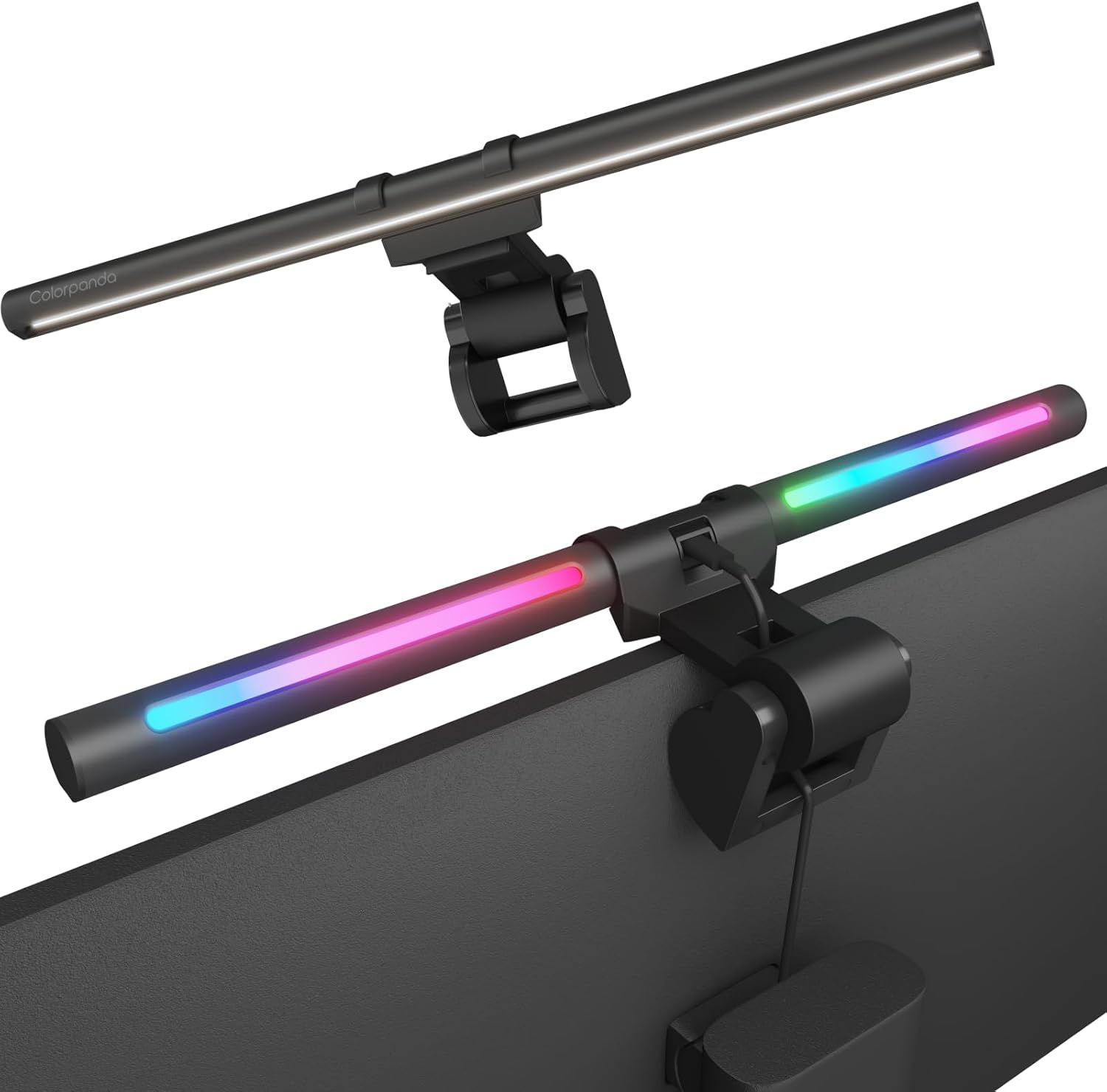
The Colorpanda Monitor Light Bar is a budget-friendly option that emphasizes ease of setup and smart home integration. YouTube reviewers noted its tool-free installation, memory function, and voice control compatibility with Alexa and Google Assistant. However, it lacks the advanced asymmetrical lighting performance found in premium models like the BenQ ScreenBar. Reviewers found it suitable for home office use but noted limitations in brightness and warmth adjustment options. It's best for users seeking basic functionality and smart home integration rather than professional-grade lighting control.

Strengths
  • No tools required for assembly and mounting
  • Includes memory function that remembers last warmth and brightness settings
  • Adjustable slightly to illuminate keyboard area
Watch-outs
  • Limited brightness and warmth adjustment options (only 3 levels each)
  • Requires constant plug-in; no battery option

How they stack up

BenQ ScreenBar

The BenQ ScreenBar Pro outperforms the Quntis models in terms of light output and directional design, preventing screen spill and eye strain. While the Xiaomi Mi Computer Light Bar offers a sleeker design and magnetic mounting, it lacks the high CRI (95+) and precise 24° angle adjustment that the BenQ Pro provides. The Baseus model is more affordable but doesn't match the BenQ's accuracy in color rendering or glare reduction.

Colorpanda Monitor Light Bar

The Colorpanda Monitor Light Bar offers a memory function and smart home integration that the Quntis and Xiaomi models lack, but it provides fewer adjustment options compared to the BenQ ScreenBar Pro. Its limited brightness and warmth levels make it less suitable for professional use than the BenQ or Quntis models, which offer stepless dimming and a wider color temperature range.

Specs side-by-side

SpecBenQ ScreenBarColorpanda Monitor Light Bar
Brightness500lx+3 (high, medium, low)
Color Temperature2700~6500K3 (warm, cool, natural)
Power SourceUSB-C
Light Length45" x 23"
CRIgreater than 95
MountingclampWeighted bracket with non-slip padding
Dimensions5.31"D x 19.68"W x 3.62"H
Control MethodTouch sensors
MaterialAluminum
← See the full ranking of best monitor light bars