Verdict
The Best 5Aggregated review·13 sources·updated October 16, 2026·checked September 24, 2026

Best Dual Monitor Arms

Top 5 dual monitor arms ranked by aggregate score from 13 published reviews for build quality, stability, weight capacity, and value.

This guide aggregates 13 published reviews across 5 products; the thinnest-sourced pick rests on 1. How we rank.

Verdict is reader-supported. As an Amazon Associate we earn from qualifying purchases. Some links on this page are affiliate links — if you click through and buy, we may earn a small commission at no extra cost to you. Our ratings are sourced from independent publications, not sponsors.
Quick answer

MSI MAG MT201D Dual Monitor Arm is our top pick for dual monitor arms — an averaged 4.9/5 across 1 published review at about $125.99. Runner-up: Vari Dual-Monitor Arm (~$299).

At a glance5 products ▾
1 source
$125.99Best for: Owners of large or ultrawide monitors who want a high-capacity dual arm with a 3-year warranty and have space behind the desk.
$125.99 · Check Price on Amazon
2 sourcesall derived
$299Best for: people pairing two monitors up to 27 inches with a standing desk who want a sturdy, adjustable arm
$299 · Check Price on Amazon
1 sourceall derived
$327.79Best for: Professionals running two monitors up to 27 inches who want the most stable, smoothest-adjusting arm and a long warranty.
$327.79 · Check Price on Amazon
3 sourcesall derived
$39.99Best for: A fixed pair of 24-inch monitors on a very tight budget, where the screens are positioned once and not adjusted again.
$39.99 · Buy at vivo-us.com
Unrated3 sources
$539Best for: Buyers running large or heavy monitors and ultrawides who need maximum weight capacity and premium build.
$539 · Check Price on Amazon

Derived means the reviewer published no score, so one was inferred from their written verdict. Everything else is a number the publisher printed. How we rank.

The full ranking

How we rank →
MSI MAG MT201D Dual Monitor Arm
#1 · Top Pick
Best for: Owners of large or ultrawide monitors who want a high-capacity dual arm with a 3-year warranty and have space behind the desk.
MSI MAG MT201D Dual Monitor Arm
1 source$125.99as of Oct 16
▾Why it's ranked here

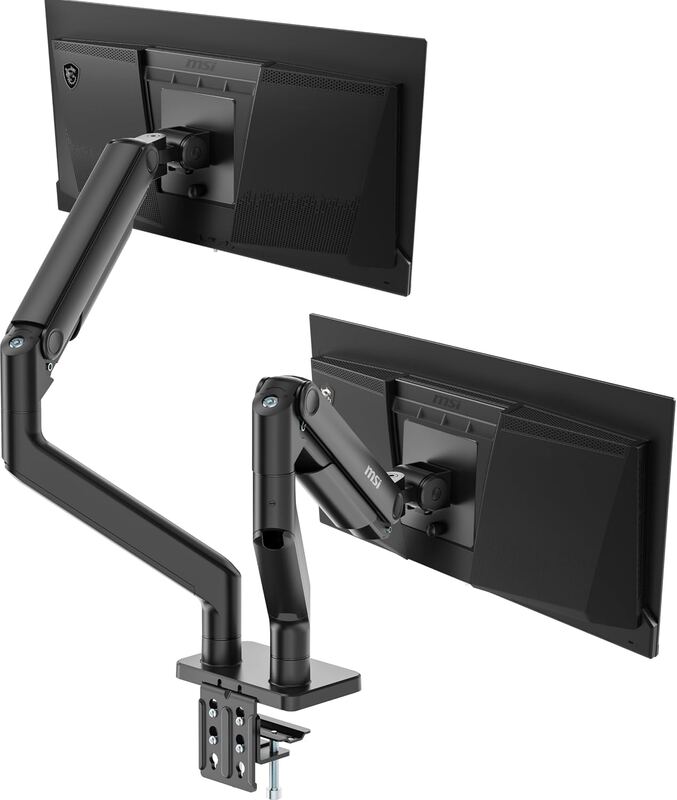
The MSI MAG MT201D is a spring-assisted dual arm rated for two monitors up to 45 inches and 44.09 pounds each. Windows Central bought one for its own office, ran a 34-inch ultrawide and a 27-inch 4K monitor on it, and gave it 5 out of 5, calling it "the sturdiest, most versatile, and easiest to assemble monitor mount" its reviewer had used. The catches it found: the arms need room behind the desk to work, and the desk must be at least 10mm thick.

Strengths
  • — Windows Central rated it 5 out of 5 and called it the sturdiest, most versatile and easiest to assemble mount its reviewer had used
  • — Supports two monitors up to 45 inches and 44.09 pounds each, per Windows Central's spec table
Watch-outs
  • — Windows Central found the arms need space behind the desk; its reviewer pulled the desk about a foot from the wall
  • — Requires a desktop between 10mm and 35mm thick; Windows Central recommends a solid desk
Vari Dual-Monitor Arm
#2
Best for: people pairing two monitors up to 27 inches with a standing desk who want a sturdy, adjustable arm
Vari Dual-Monitor Arm
2 sourcesall derived$299as of Oct 17
▾Why it's ranked here

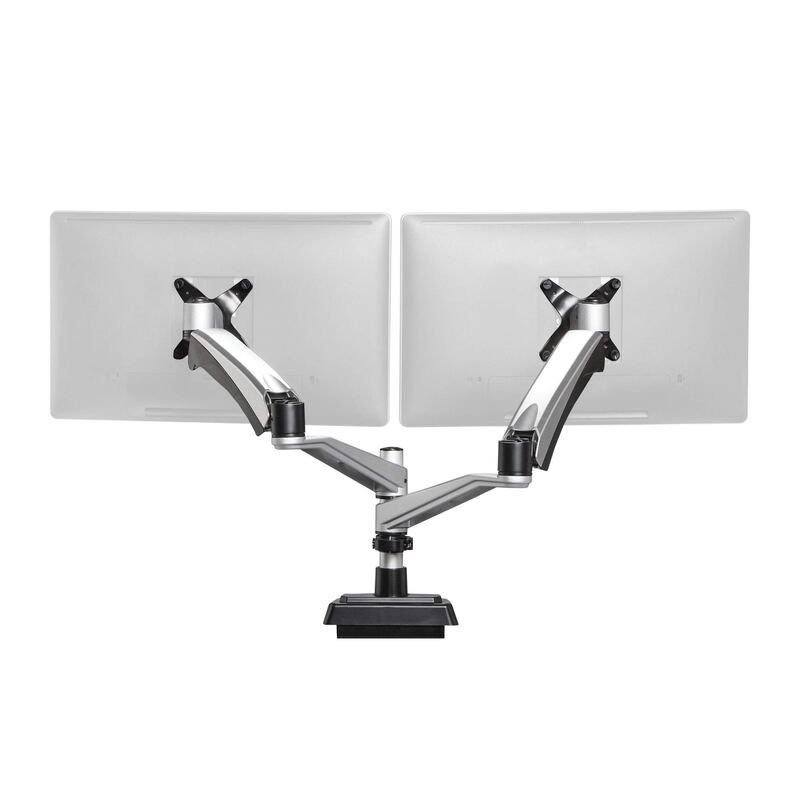
The Vari Dual-Monitor Arm is a clamp-on, pole-mounted arm for two monitors of up to 27 inches, with each arm rated to 19.8 lb. Tom's Guide named it the best monitor arm for two screens, citing its strong build and sleek design. It also found the setup slow and the clamp limited to desks about 2.25 inches thick. The Gadgeteer found it easy to install and very adjustable, and it kept the monitors secure on a moving standing desk. It suits people pairing two mid-size monitors with a standing desk. Those with thick or shallow desks, or larger screens, should look elsewhere.

Strengths
  • — Holds two monitors up to 27 in; each arm takes up to 19.8 lb
  • — Tom's Guide picked it as its best dual-monitor arm for strong, sleek build
Watch-outs
  • — The clamp only fits desks about 2.25 in thick or thinner
  • — Tom's Guide found setup took longer than average
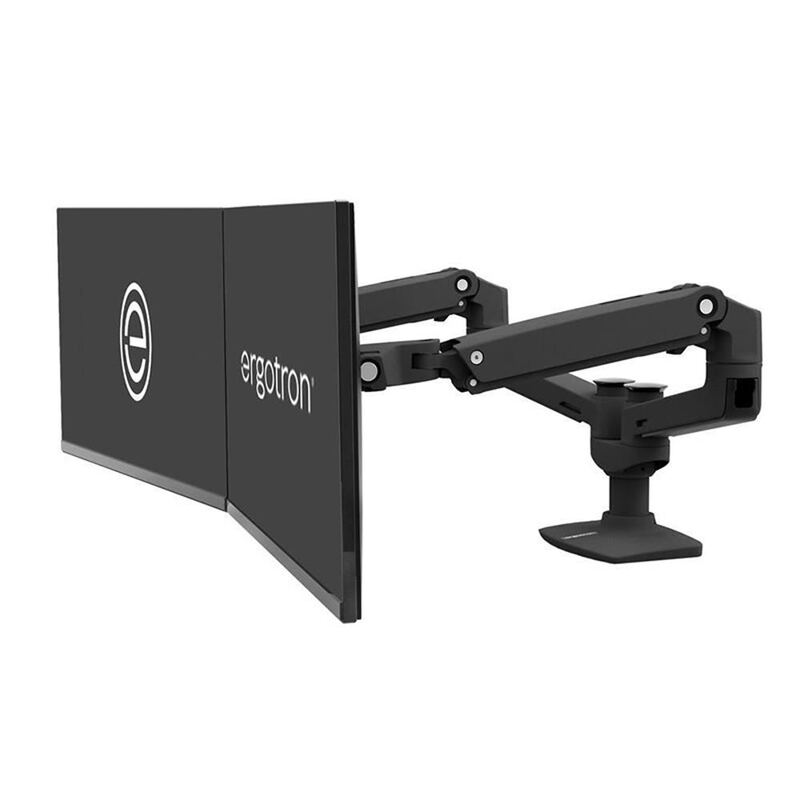
Ergotron LX Dual
#3
Best for: Professionals running two monitors up to 27 inches who want the most stable, smoothest-adjusting arm and a long warranty.
Ergotron LX Dual
1 sourceall derivedOne review so far, so ranked one place lower$327.79as of Sep 25
▾Why it's ranked here

The Ergotron LX Dual is the gold standard for dual monitor arms. Its all-aluminum build and patented Constant Force motion deliver the smoothest adjustment and the most rock-solid stability of any arm in this group, backed by a 10-year warranty. Reviewers across PCWorld and BTOD treat it as the benchmark. It costs more than budget steel stands and caps at about 20 lbs per arm, but for everyday dual-27-inch setups it is the most reliable choice.

Strengths
  • — Each arm independently lifts, tilts, pans, and rotates two displays up to 27 inches
  • — 25 inches of extension and 360-degree rotation for flexible positioning
Watch-outs
  • — Limited vertical range can be short for very tall standing-desk users
  • — Premium price relative to budget steel-pole stands
VIVO Dual Monitor Desk Mount (STAND-V002)
#4
Best for: A fixed pair of 24-inch monitors on a very tight budget, where the screens are positioned once and not adjusted again.
VIVO Dual Monitor Desk Mount (STAND-V002)
3 sourcesall derived$39.99as of Oct 16
▾Why it's ranked here

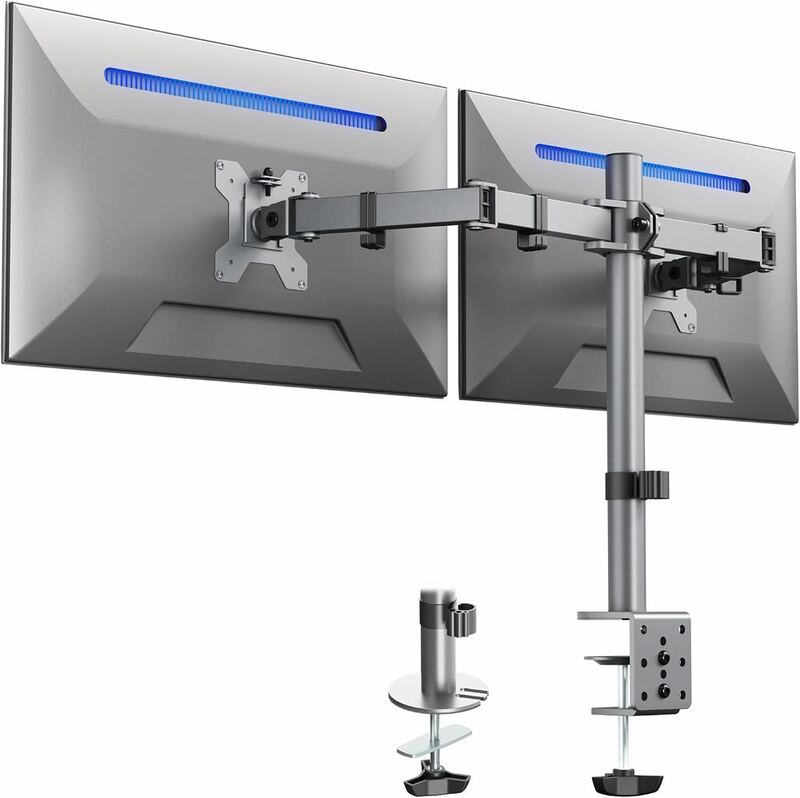
The VIVO STAND-V002 is the cheapest mount here, a steel pole with two jointed arms that VIVO rates for two screens from 13 to 30 inches and up to 22 lbs each. PCWorld bought one and called it "easily the worst arm we've tested so far": both monitors move up and down together, every joint is set with screws and a tool, and a 10-pound 27-inch display made the arms sag slightly. PCWorld saw a use only for two 24-inch monitors that are set once and left alone.

Strengths
  • — The lowest price on this page; VIVO lists it at $39.99
  • — Swivel, side-to-side and tilt joints on each arm, per PCWorld
Watch-outs
  • — PCWorld called it "easily the worst arm we've tested so far"
  • — Both monitors share one height setting; PCWorld notes one cannot sit higher than the other
Ergotron HX Dual
#5
Best for: Buyers running large or heavy monitors and ultrawides who need maximum weight capacity and premium build.
Ergotron HX Dual
Unrated3 sources$539as of Oct 11
▾Why it's ranked here

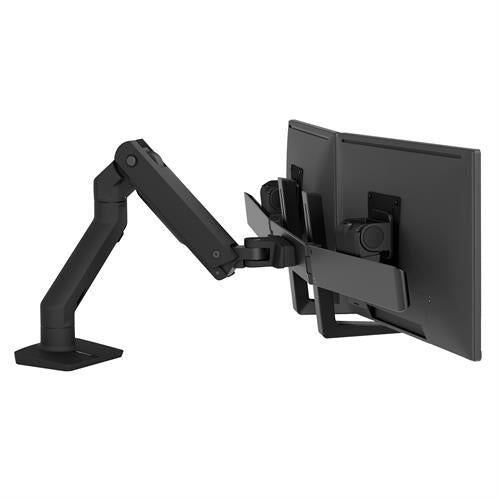
The Ergotron HX Dual is the heavy-duty choice: a premium arm built to carry large, heavy monitors and ultrawides that would overload a standard LX. Reviewers praise its top-notch materials, finish, and engineering, with a 10-year warranty to match. It is the most expensive arm here and overkill for light setups, and reviewers note a touch of wiggle in the mounts, but for big-screen, high-mass dual configurations it is the most capable option.

Strengths
  • — Heavy-duty design supports large, heavy monitors and ultrawides
  • — Smooth, premium articulation with a 10-year warranty
Watch-outs
  • — Reviewers note slight wiggle between the monitor mounts and arms
  • — Vertical stroke may be short for very tall users
Reviews aggregated from
ThegadgeteerWorkwhilewalkingPCWorldWindowscentralTom's GuidePcaddictsBisforbudget

Spec comparison

5 products
vs
SpecMSI MAG MT201D Dual Monitor ArmVari Dual-Monitor Arm
Monitor SizeUp to 45" eachUp to 27 in
Weight Capacity44.09 lb per arm—
VESA75x75 / 100x10075 x 75 mm, 100 x 100 mm
MountC-clamp or grommet—
AdjustmentSpring arms with Allen-key tension adjustment—
Warranty3 years5 years
Extension—23.2 in
Construction——
Motion——
Material——

Frequently asked questions

What's the strongest pick among dual monitor arms?
MSI MAG MT201D Dual Monitor Arm is the top pick for dual monitor arms — 4.9/5 averaged from 1 published reviews. The MSI MAG MT201D is a spring-assisted dual arm rated for two monitors up to 45 inches and 44.09 pounds each. Windows Central bought one for its own office, ran a 34-inch ultrawide and a 27-inch 4K monitor on it, and gave it 5 out of 5, calling it "the sturdiest, most versatile, and easiest to assemble monitor mount" its reviewer had used. The catches it found: the arms need room behind the desk to work, and the desk must be at least 10mm thick.
Is this dual monitor arm guide up to date?
This guide was last re-checked in October 2026. Prices, links, and source ratings are re-verified on a rolling basis, and the ranking updates when the underlying scores change.

Related guides

Browse all →