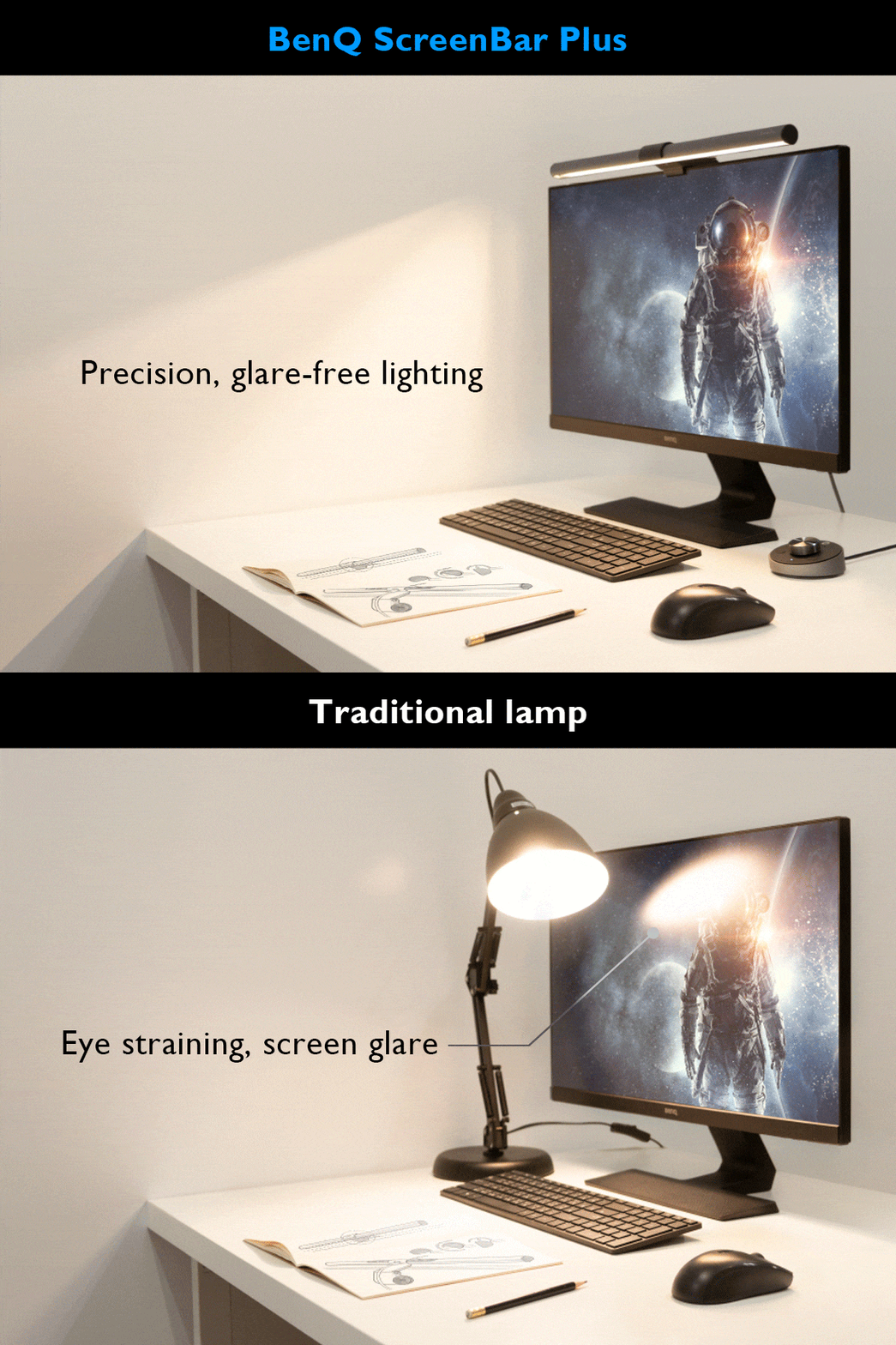
The BenQ ScreenBar Pro delivers exceptional lighting performance with its 500lx+ output and 1,000lx around keyboard/mouse area. Reviewers praised its directional light design that prevents display spill and eye strain, with a CRI over 95 for accurate color rendering. The Pro model offers 8 temperature and 16 brightness levels with USB-C power and touch controls. While some users noted minor issues with the light sensor and camera mounting interference, most found it a worthwhile investment for desk lighting. It's ideal for users seeking high-quality monitor lighting without desk clutter.
Full review
Design and Mounting
BenQ ScreenBar Pro's mounting mechanism represents a clever engineering solution that secures the light bar to virtually any monitor shape or size. According to The Brooks Review, the clamp design features a tiny front lip and a large angled arm that ensures stability without the risk of falling off or shifting position. The light bar's design allows it to fit monitors with thin bezels, though the front lip may overlap the screen slightly, which is within the black border and doesn't cover image space. The mounting system was specifically tested on monitors ranging from thin to thick, including curved displays, with the reviewer noting that the rubber pad and counterweight system provides solid attachment without wobbling. The design is praised for its minimal aesthetic, allowing it to blend seamlessly into any workspace setup.
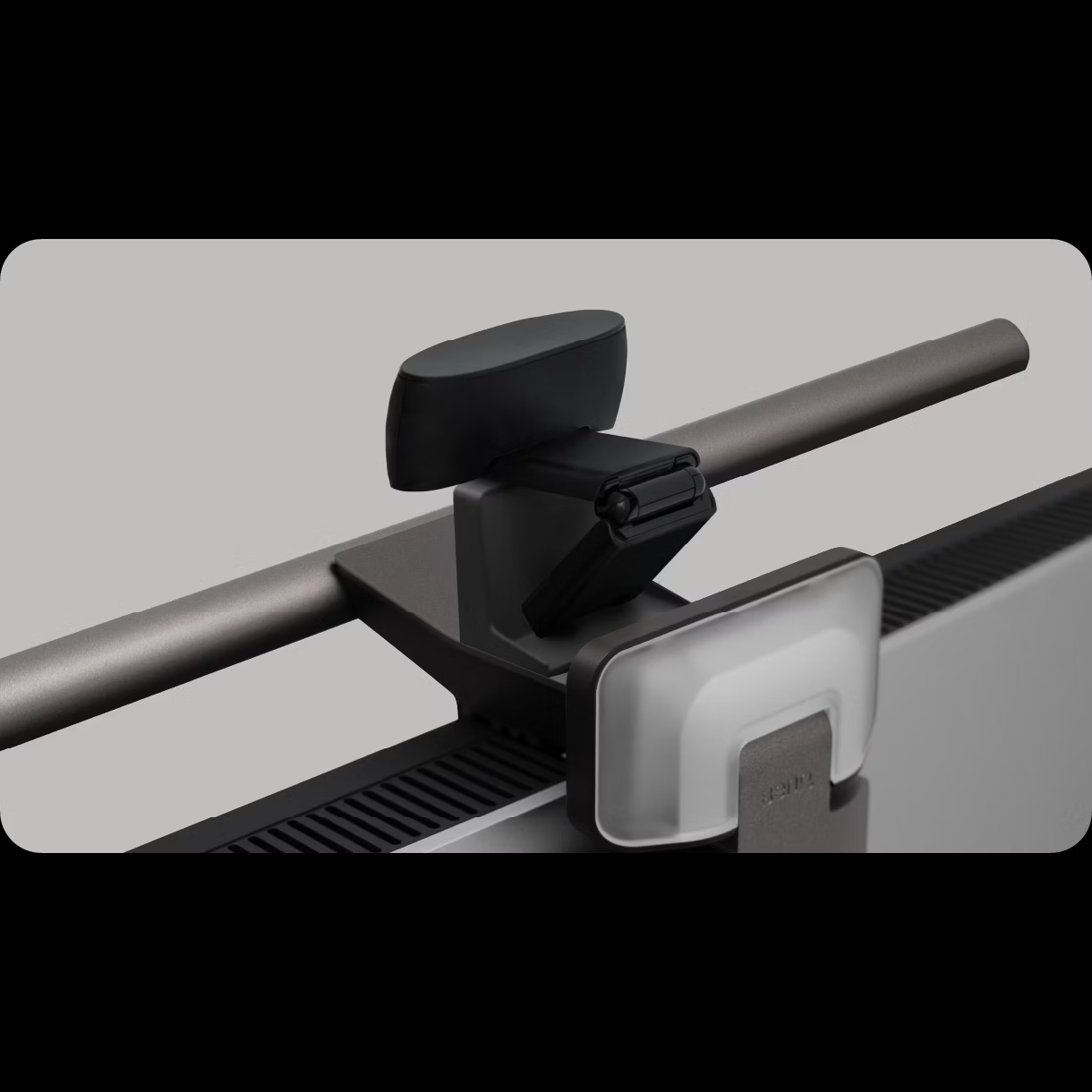
Film Editing Pro's review confirms that the ScreenBar's mounting system is robust and adaptable, with the light bar fitting securely on both thin and thick monitors, including Apple Studio Displays. However, they note that while BenQ claims the light won't block integrated cameras, there are Reddit reports indicating potential issues with Apple's Studio Display, where the front lip could interfere with built-in cameras. The company's response is to suggest a separate mount for cameras, though this solution results in the camera being positioned comically high. This design feature, while clever, presents a trade-off for users who rely on integrated webcam systems, particularly those with Apple displays.
Lighting Performance
The lighting performance of the BenQ ScreenBar Pro is exceptional, with specifications indicating over 500 lux at maximum brightness and over 1,000 lux in the keyboard and mouse area. The light bar's design effectively prevents spillage onto the monitor screen, with a 24-degree adjustment angle to ensure light doesn't hit the eyes directly, and an 18-degree cutoff angle. According to The Brooks Review, BenQ has spent significant time developing the light to achieve a color rendering index (CRI) greater than 95, which is considered very good, and even better than many high-end LED bulbs that typically score around 80. The light bar's ability to maintain a consistent 500 lux level through its light sensor aligns with ANSI standards for optimal working light that reduces eye strain during extended use, as noted by both Brooks Review and LightAndMatter.
The light bar supports color temperature adjustments from 2,700K to 6,500K, covering most ambient lighting conditions. The reviewer particularly appreciates the auto button on the puck, which automatically adjusts the light to match the room's ambient temperature and luminosity. Additionally, the ScreenBar Halo includes a backlight feature that enhances room ambiance, though this is most effective when the desk is positioned against a wall. The light spread is described as covering nearly any desk space, with a nearly 180-degree spread without a monitor hood, significantly improving workspace productivity.
Build Quality and Materials
The build quality of the BenQ ScreenBar Pro is described as premium, with the light bar constructed from metal and featuring a space gray finish that adds both styling and durability points. According to Fstoppers' review, the puck is a mix of plastic and metal, feeling solid in hand. The hinge mechanism allows the light to sit well on top of the monitor, and the rubber padding ensures it won't slide left or right. The reviewer notes that the light can fit on any monitor, with adapters for thinner and thicker screens, including curved displays.
The Brooks Review highlights that the light bar's materials and construction contribute to its overall feel, making it feel expensive and durable. The reviewer notes that while durability might not be the primary concern with such a device, the build quality enhances the overall user experience. The light bar's design is praised for its minimal aesthetic, allowing it to blend seamlessly into any workspace setup. Additionally, the wireless controller is noted for its solid feel, with a smooth turn dial and touchscreen controls for all features. The battery cover attaches magnetically to the bottom, and the rubber finish prevents the puck from sliding around, contributing to a tidy desk setup.
User Experience and Controls
The user experience with the BenQ ScreenBar Pro is straightforward, with intuitive controls for brightness and color temperature adjustments. According to The Brooks Review, the touch buttons work nicely, though they may require a bit more pressure than expected. The light bar is powered via USB-C cable, which can be connected to the monitor's USB port, eliminating the need for a separate power outlet. The reviewer notes that the light bar's controls are simple and effective, with no complex setup required.
Fstoppers' reviewer emphasizes that the puck connects automatically to the light, eliminating the need for pairing, which is a welcomed feature. However, they raise concerns about the lack of a pairing feature, which could be problematic if multiple lights are used or if the puck is lost and needs replacement. The reviewer notes that the light bar's features are comprehensive, with dual-color flicker-free LED technology, 500 lux brightness, and 100 step-less dimming adjustments. The auto button on the puck is particularly appreciated for its ability to adjust the light to match the room's ambient conditions. The reviewer also notes that the light bar's design allows for easy adjustment of the light direction, either towards the screen or the keyboard, without causing glare.
Where It Falls Short
Despite its many strengths, the BenQ ScreenBar Pro has some notable drawbacks that reviewers have identified. The primary concern raised by multiple sources is the light sensor's performance, with The Brooks Review noting that while the sensor is designed to maintain 500 lux, it may not always accurately detect ambient light conditions. Additionally, the light bar's design, while elegant, can interfere with integrated cameras on certain monitors, particularly Apple Studio Displays, according to Reddit users and Fstoppers' reviewer. The reviewer notes that while BenQ offers a separate mount for cameras, this solution results in the camera being positioned comically high, which is not ideal for video conferencing.
Another significant shortcoming is the lack of a webcam feature, which is increasingly expected in modern monitor accessories. Fstoppers' reviewer points out that while the light bar provides excellent illumination for video calls, it doesn't include a built-in webcam, which is a common expectation in 2024. The reviewer also notes that the wireless controller, while convenient, can add clutter to a desk, and the lack of a pairing feature could be problematic for users with multiple lights or those who might lose the puck. Furthermore, the light bar's design, while functional, may not be suitable for all users, particularly those who prefer a more traditional desk lamp setup or those who require a higher degree of customization in their lighting setup.
Who It's Best For
The BenQ ScreenBar Pro is ideal for professionals who work in environments with uneven lighting and require precise, glare-free illumination for extended periods. According to The Brooks Review, it is particularly beneficial for video editors, colorists, and digital artists who need to make accurate color decisions without the interference of biased lighting. The light bar's ability to provide targeted lighting without affecting the monitor screen makes it a valuable tool for anyone working in a space where desk real estate is limited. The reviewer notes that the light bar's design allows it to blend seamlessly into any workspace setup, making it suitable for both home and office environments.
Film Editing Pro's review confirms that the ScreenBar is best suited for video editors, colorists, and digital artists who need a color-accurate light source that illuminates the workspace without biasing their monitor or eyesight. The reviewer notes that the light bar's design is particularly effective for those who work in studios or shared spaces where lighting conditions can vary significantly. The ScreenBar Halo, with its additional features such as a wireless controller and bias lighting, is recommended for users who want more advanced lighting options. However, the reviewer emphasizes that the regular ScreenBar model is sufficient for most users who value simplicity and effective lighting without the need for additional features.
Value at This Price
The BenQ ScreenBar Pro offers excellent value for professionals who require precise, glare-free lighting in their workspace. The Brooks Review notes that the light bar's specifications, including a CRI greater than 95 and a design that prevents light spillage onto the monitor screen, justify its price point. The reviewer emphasizes that the light bar's ability to maintain a consistent 500 lux level through its light sensor aligns with ANSI standards for optimal working light that reduces eye strain during extended use. The reviewer also notes that the light bar's design and build quality contribute to its overall value, making it a worthwhile investment for those who spend long hours working at a desk.
Fstoppers' reviewer concludes that the ScreenBar Halo is one of the best upgrades under $180, particularly for those who work in environments with uneven lighting. The reviewer notes that the light bar's dual-color flicker-free LED technology, 500 lux brightness, and 100 step-less dimming adjustments make it a valuable tool for improving workspace productivity. The reviewer also appreciates the auto button on the puck, which automatically adjusts the light to match the room's ambient conditions. The price point is considered reasonable given the light bar's features and performance, especially when compared to other desk lamp alternatives that may not offer the same level of precision and customization.
Long-Term Durability
The long-term durability of the BenQ ScreenBar Pro is a topic of discussion among reviewers, with The Brooks Review noting that the light bar's build quality, made from metal and featuring a space gray finish, contributes to its overall feel and perceived durability. The reviewer emphasizes that while durability might not be the primary concern with such a device, the build quality enhances the overall user experience. The light bar's design is praised for its minimal aesthetic, allowing it to blend seamlessly into any workspace setup. The reviewer also notes that the light bar's mounting system is robust and adaptable, with the rubber pad and counterweight system providing solid attachment without wobbling.
Film Editing Pro's review confirms that the light bar's materials and construction contribute to its overall feel, making it feel expensive and durable. The reviewer notes that the light bar's design is particularly effective for those who work in studios or shared spaces where lighting conditions can vary significantly. The reviewer also emphasizes that the light bar's mounting system is robust and adaptable, with the rubber pad and counterweight system providing solid attachment without wobbling. The reviewer concludes that the light bar's build quality and design make it a worthwhile investment for professionals who spend long hours working at a desk.
Strengths
- +Exceptional light engineering with 500lx+ output and 1,000lx around keyboard/mouse area
- +Color rendering index (CRI) greater than 95 for accurate color representation
- +Directional lighting design prevents spill onto display and avoids direct eye exposure
- +Adjustable 24° angle with 18° cut-off to reduce glare and eye strain
- +USB-C powered with simple touch controls for brightness and color temperature
Watch-outs
- −Light sensor may not adjust accurately in all environments
- −Front lip design can interfere with camera mounting on certain monitors
- −Touch controls require reaching up to adjust during use
How it compares
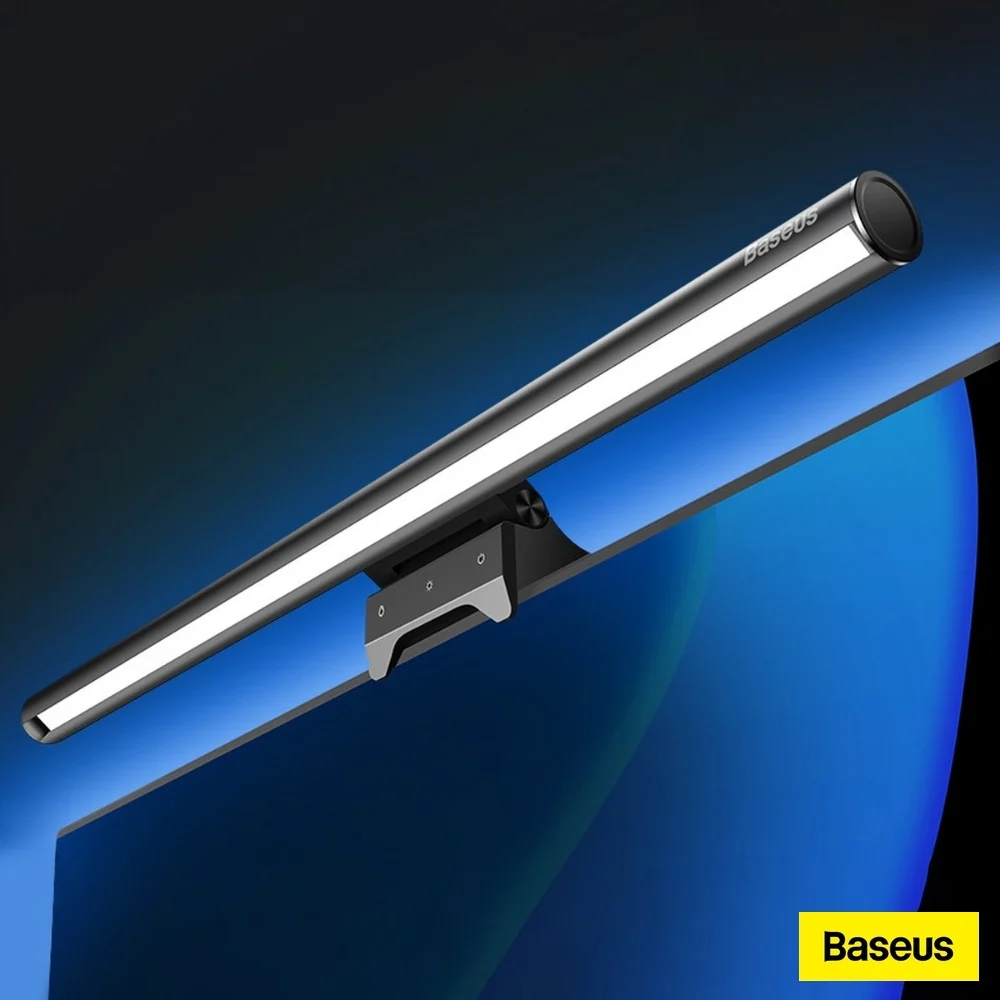
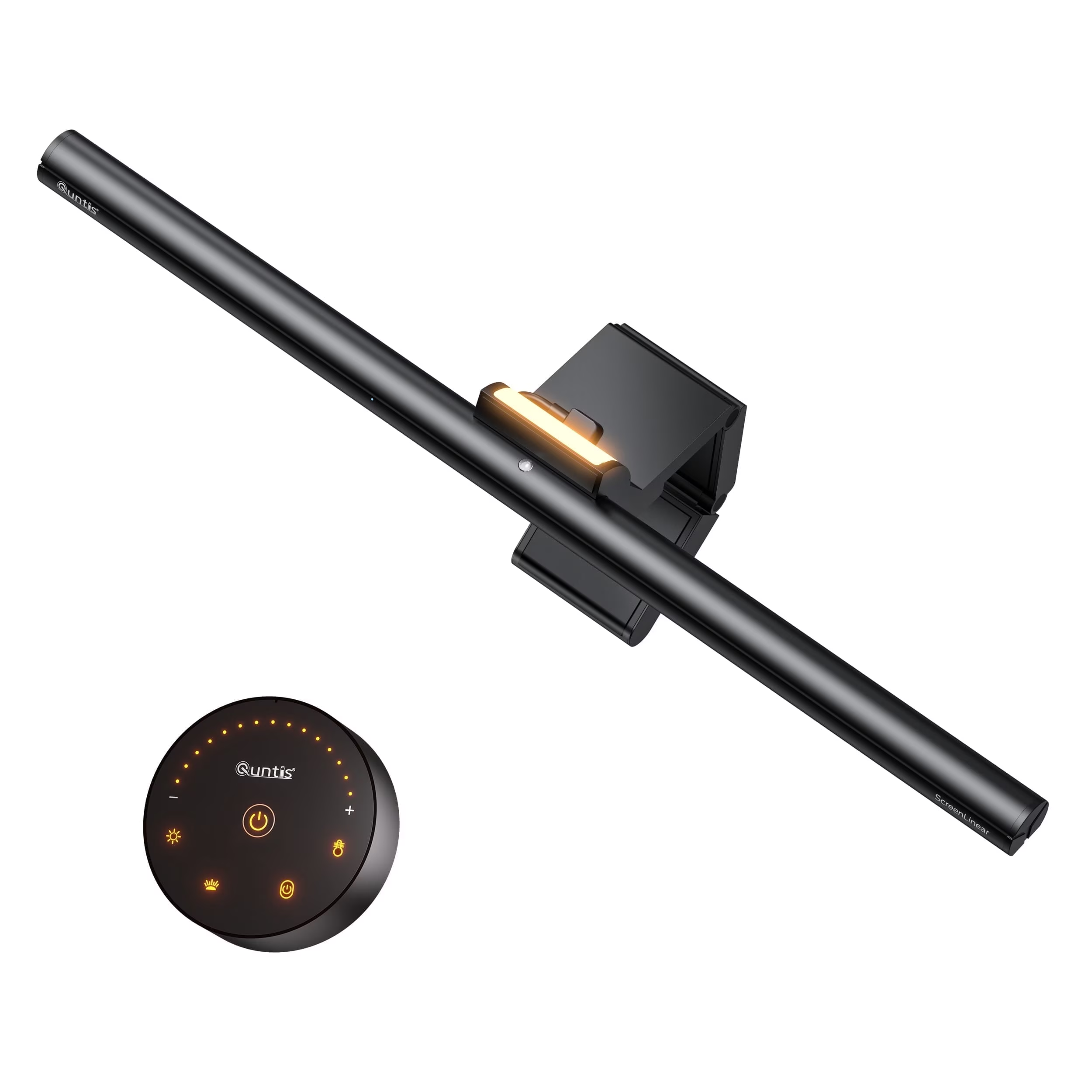
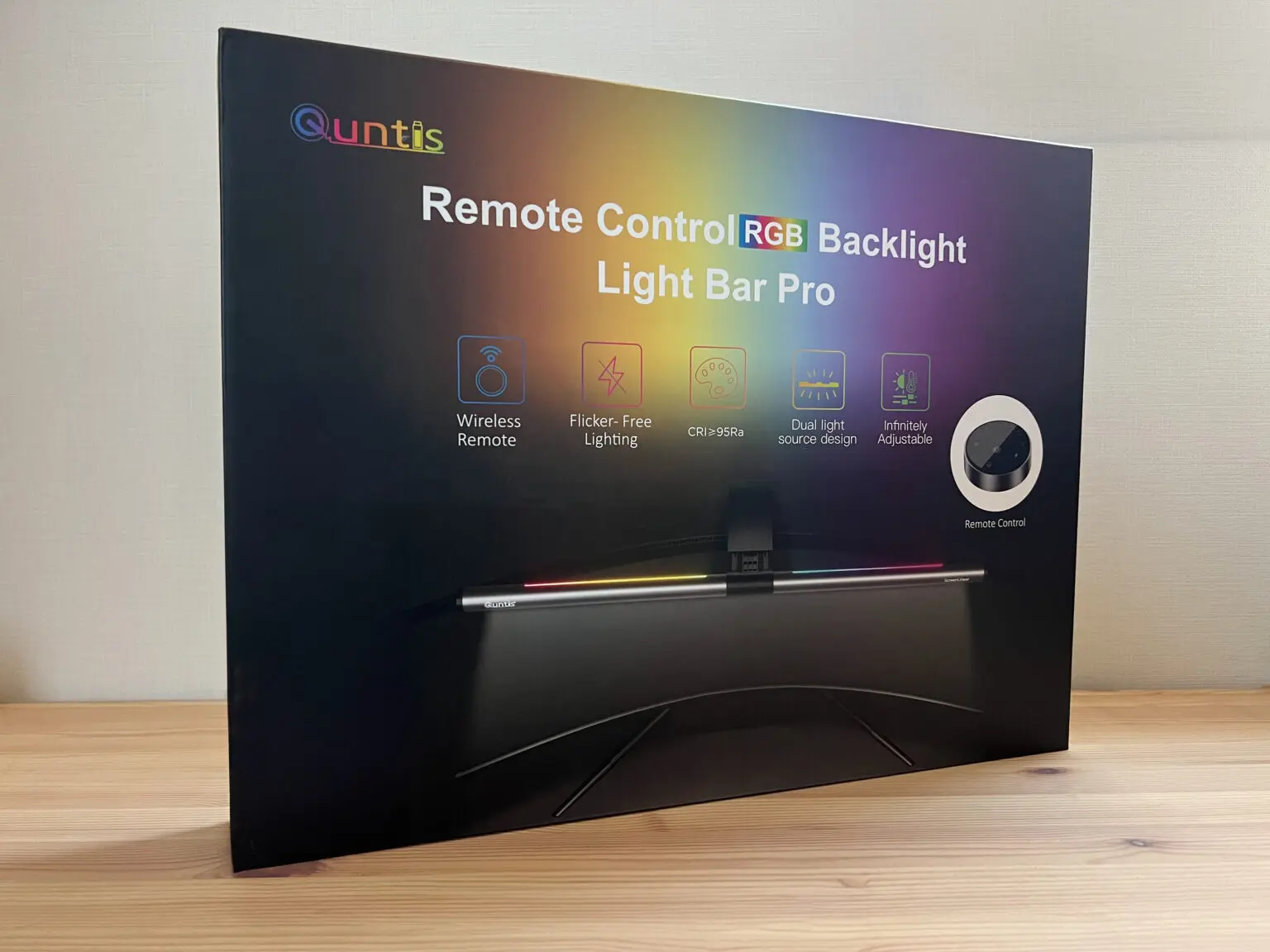
The BenQ ScreenBar Pro outperforms the Quntis models in terms of light output and directional design, preventing screen spill and eye strain. While the Xiaomi Mi Computer Light Bar offers a sleeker design and magnetic mounting, it lacks the high CRI (95+) and precise 24° angle adjustment that the BenQ Pro provides. The Baseus model is more affordable but doesn't match the BenQ's accuracy in color rendering or glare reduction.
Who this is for
At a glance: professionals needing high-quality directional lighting with accurate color reproduction.
Why you’d buy the BenQ ScreenBar
- Exceptional light engineering with 500lx+ output and 1,000lx around keyboard/mouse area.
- Color rendering index (CRI) greater than 95 for accurate color representation.
- Directional lighting design prevents spill onto display and avoids direct eye exposure.
Why you’d skip it
- Light sensor may not adjust accurately in all environments.
- Front lip design can interfere with camera mounting on certain monitors.
- Touch controls require reaching up to adjust during use.
Rating sources
“This light bar is, without caveat, exceptional.”
Our 4.6 score is the average of these published ratings. Ratings marked * were derived from the reviewer’s written analysis or video transcript — the publisher didn’t print an explicit numeric score, so we inferred one from their own words. Click through to verify. More about methodology.