Verdict
Head-to-head · Best Monitor Light Bars

BenQ ScreenBar vs Razer Aether Monitor light bar

Which is the better buy? Side-by-side on rating, price, strengths, and watch-outs — with the published ratings we averaged to get there.

The short answer

BenQ ScreenBar comes out ahead by a clear margin (4.6 vs 4.0). The gap is mostly about professionals needing high-quality directional lighting with accurate color reproduction — read the strengths below before deciding.

BenQ ScreenBar
Higher ratedRanked #1 in Best Monitor Light Bars
BenQ ScreenBar
$139as of Jul 9

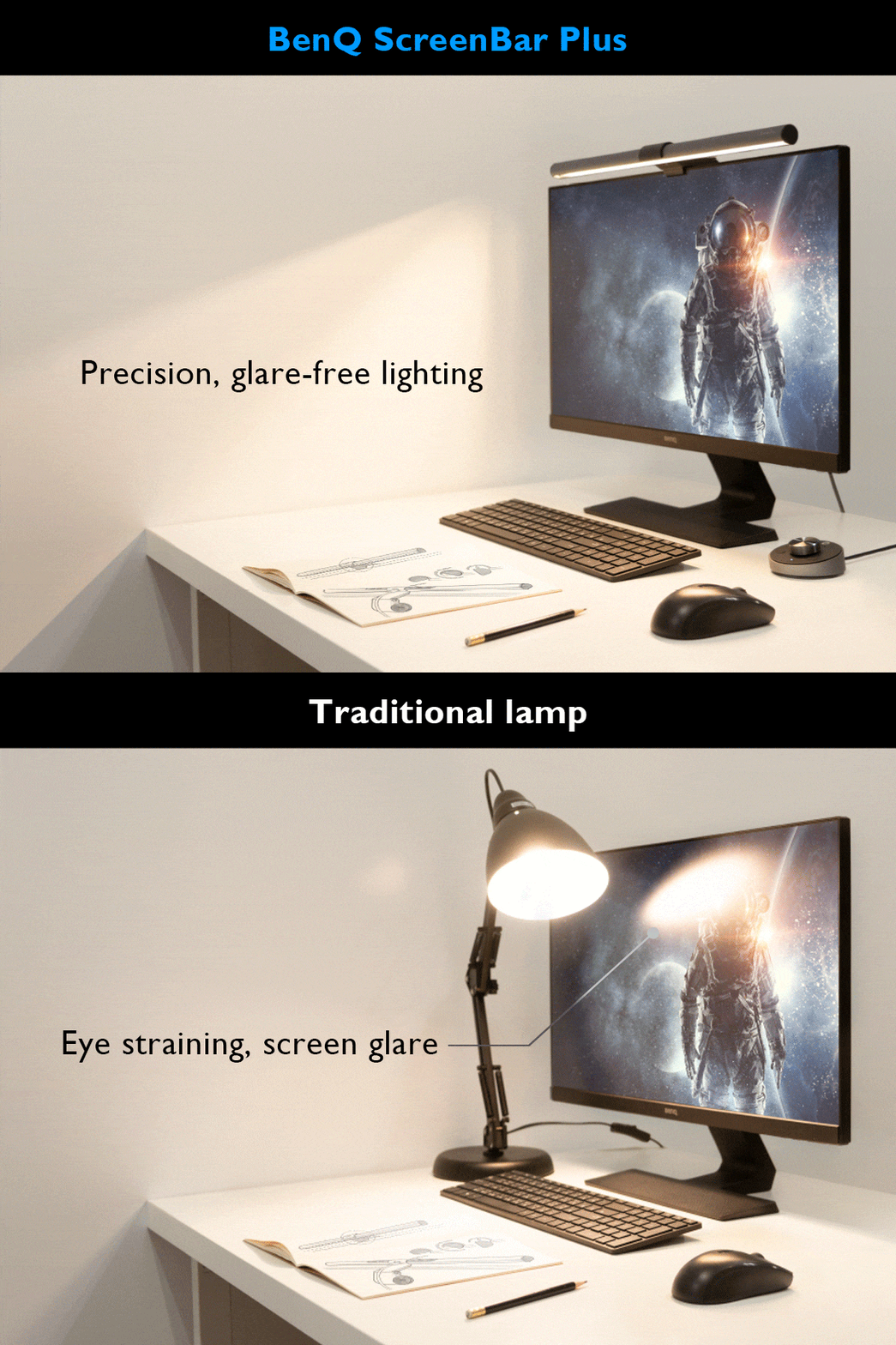
The BenQ ScreenBar Pro delivers exceptional lighting performance with its 500lx+ output and 1,000lx around keyboard/mouse area. Reviewers praised its directional light design that prevents display spill and eye strain, with a CRI over 95 for accurate color rendering. The Pro model offers 8 temperature and 16 brightness levels with USB-C power and touch controls. While some users noted minor issues with the light sensor and camera mounting interference, most found it a worthwhile investment for desk lighting. It's ideal for users seeking high-quality monitor lighting without desk clutter.

Strengths
  • Exceptional light engineering with 500lx+ output and 1,000lx around keyboard/mouse area
  • Color rendering index (CRI) greater than 95 for accurate color representation
  • Directional lighting design prevents spill onto display and avoids direct eye exposure
Watch-outs
  • Light sensor may not adjust accurately in all environments
  • Front lip design can interfere with camera mounting on certain monitors
  • Touch controls require reaching up to adjust during use
Razer Aether Monitor light bar
Ranked #6 in Best Monitor Light Bars
Razer Aether Monitor light bar
$79as of Jul 9

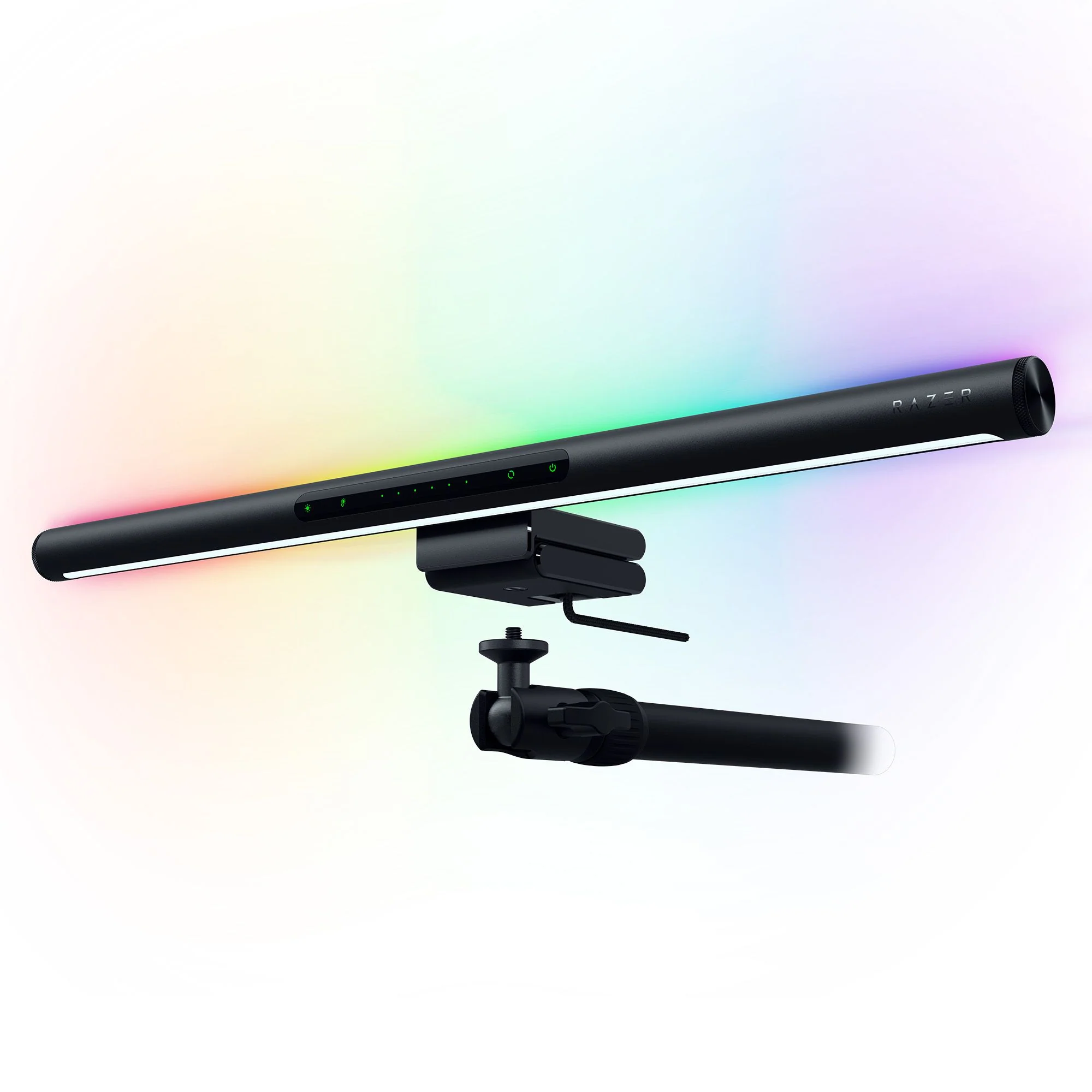
The Razer Aether Monitor Light delivers a premium RGB lighting experience with dual illumination capabilities, blending practicality with aesthetic design. CGMagazine praised its sleek form factor and integration with Razer Synapse software for unified lighting control. While reviewers appreciated the extensive color customization and smart voice assistant compatibility, some noted concerns about webcam placement in office environments. This light bar suits gamers seeking immersive RGB setups but may not be optimal for remote workers requiring flexible monitor accessories.

Strengths
  • Features dual lighting with front monitor illumination and rear RGB mood lighting
  • Equipped with Razer Chroma RGB technology offering over 16.8 million color options
  • Includes touch-sensitive controls for quick adjustments of brightness, color, and effects
Watch-outs
  • Light placement on top of monitor may interfere with webcam positioning
  • Not ideal for office setups where webcam placement is critical

How they stack up

BenQ ScreenBar

The BenQ ScreenBar Pro outperforms the Quntis models in terms of light output and directional design, preventing screen spill and eye strain. While the Xiaomi Mi Computer Light Bar offers a sleeker design and magnetic mounting, it lacks the high CRI (95+) and precise 24° angle adjustment that the BenQ Pro provides. The Baseus model is more affordable but doesn't match the BenQ's accuracy in color rendering or glare reduction.

Razer Aether Monitor light bar

The Razer Aether Monitor light bar excels in RGB customization and smart assistant integration, features absent in the BenQ ScreenBar Pro, which focuses more on directional lighting. Unlike the Baseus model, it doesn't suffer from asymmetrical light bleed but has a design that may interfere with webcam positioning, a drawback not present in the Meichoon or Xiaomi models that are more compact and less intrusive.

Specs side-by-side

SpecBenQ ScreenBarRazer Aether Monitor light bar
Brightness500lx+900 Lux
Color Temperature2700~6500K2700K – 6500K
Power SourceUSB-CUSB-C
Light Length45" x 23"17.8 inches
CRIgreater than 9595
Mountingclampclamp mechanism
Dimensions5.31"D x 19.68"W x 3.62"H451 mm long
Control MethodTouch-sensitive
Monitor CompatibilityRazer Chroma, Alexa, Google Assistant
MaterialAluminum, Polycarbonate
← See the full ranking of best monitor light bars