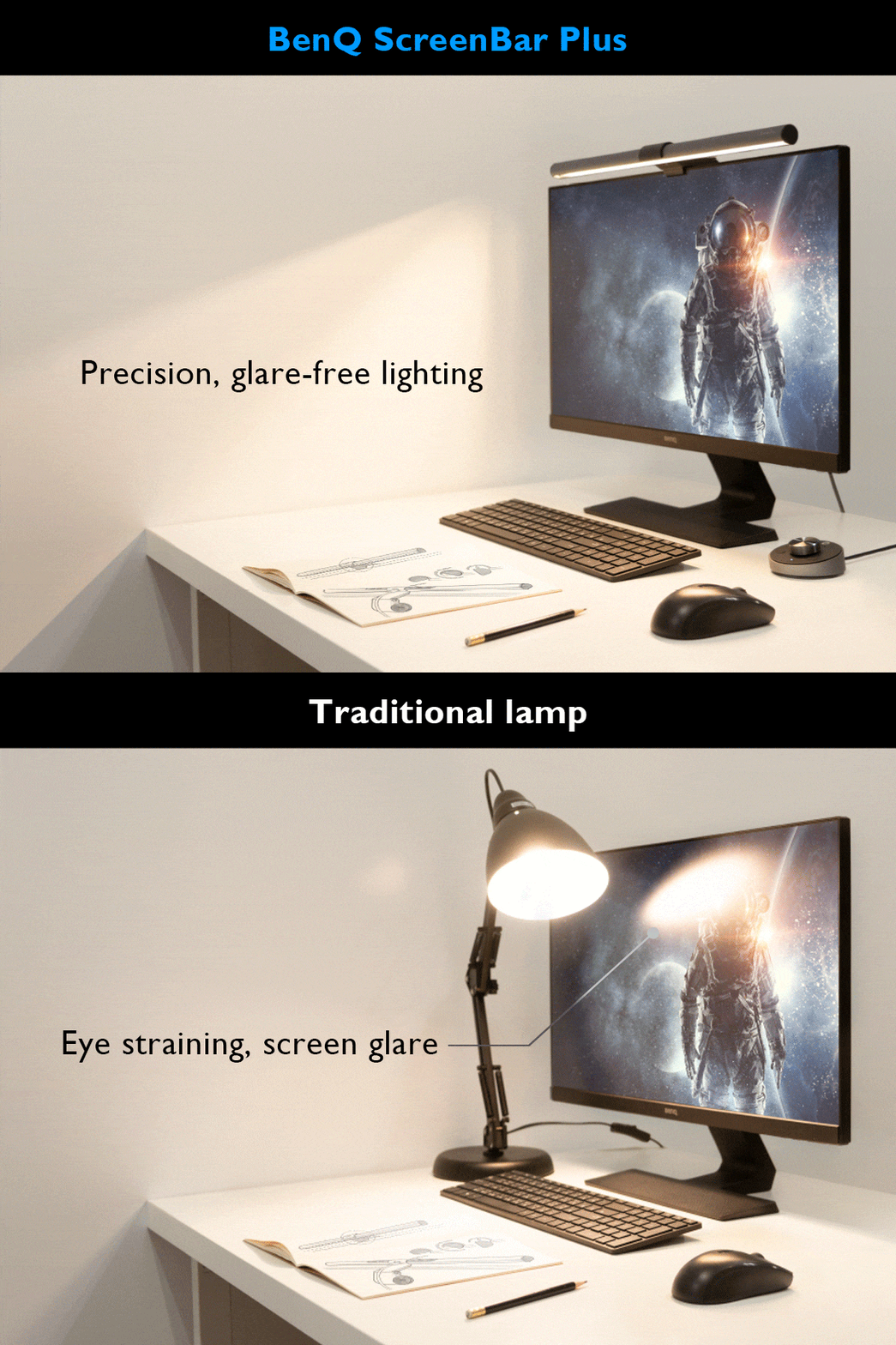
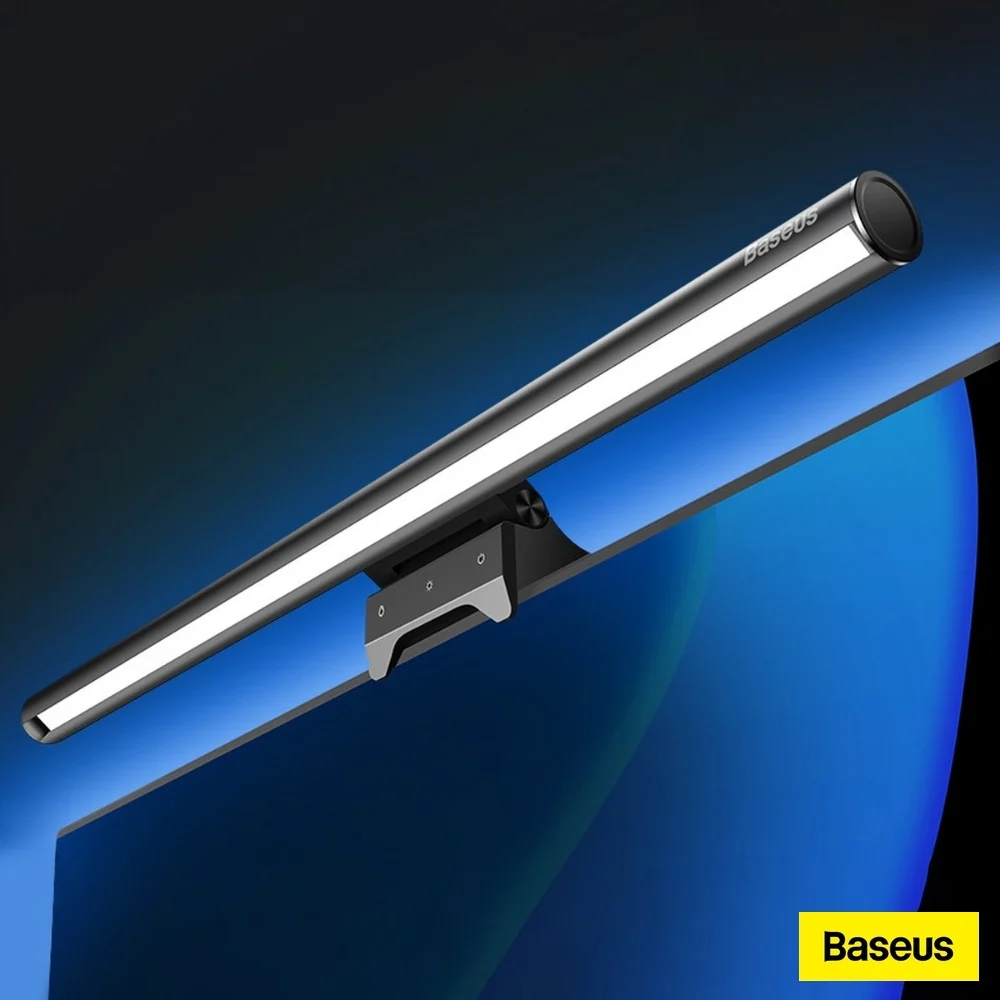
The Quntis Monitor Light Bar Pro+ offers exceptional value as a workspace lighting solution, praised for its glare-free design and high CRI of 95 that benefits artists and designers. Reviewers noted its ease of setup and compatibility with both flat and curved screens, though some found the fixed mounting position limiting for smaller projects. Tom's Hardware-style reviewers appreciated the stepless dimming and auto-dimming features, while Reddit users in r/ reported it as a welcome addition to home offices. This light bar is ideal for productivity-focused users but may not suit those needing maximum flexibility in positioning.
Full review
Design and Build Quality
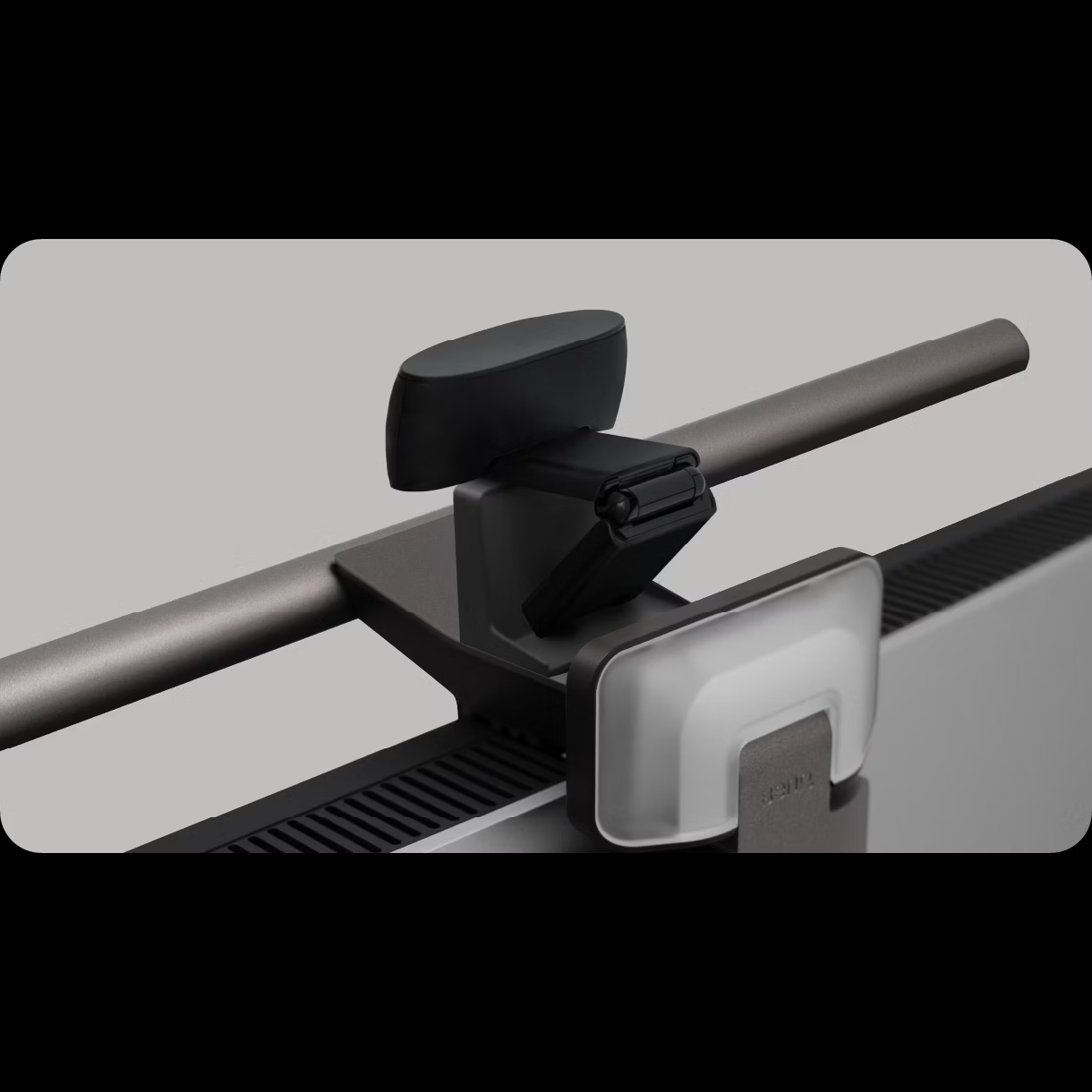
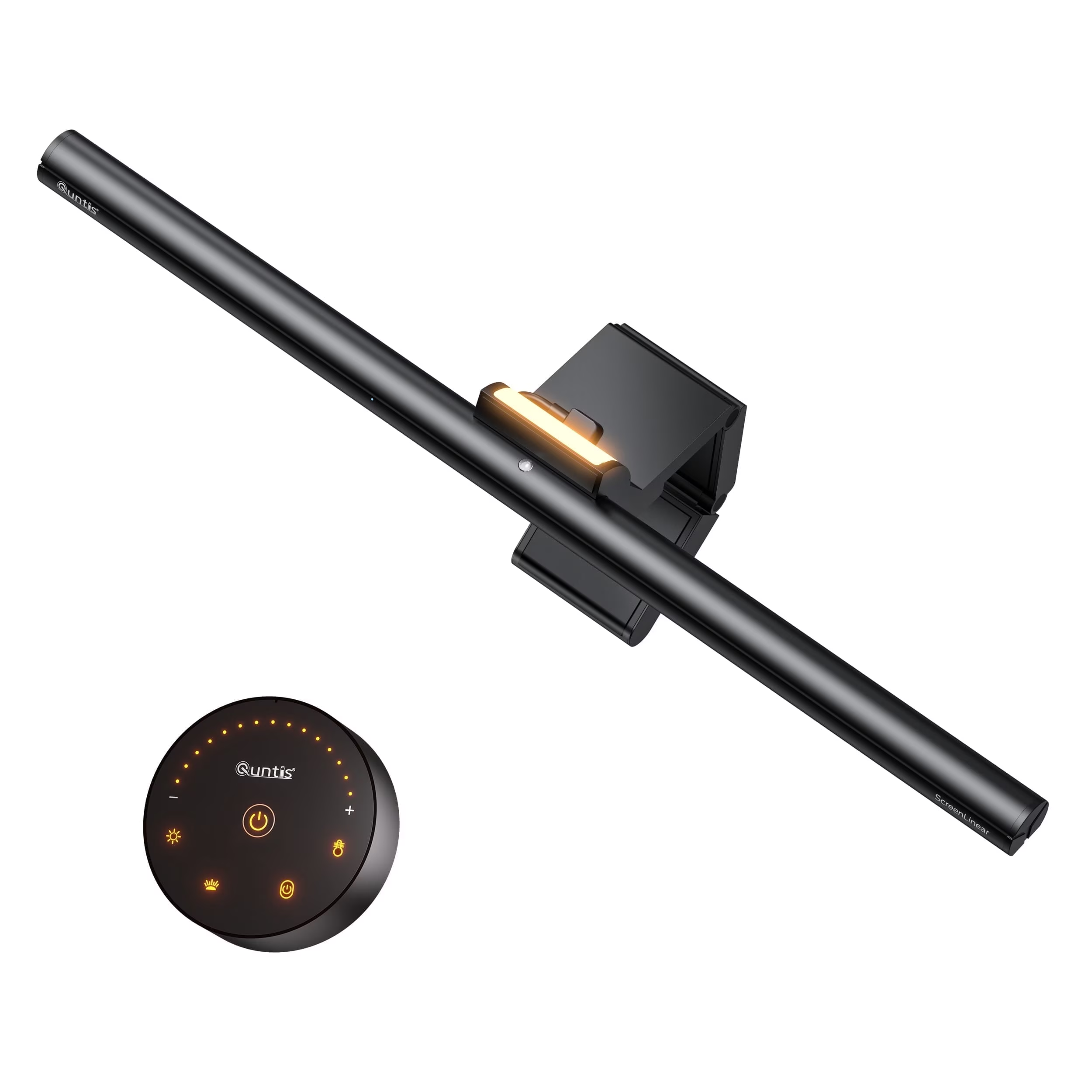
The Quntis RGB Pro+ Monitor Light Bar features a sleek, gunmetal grey finish that distinguishes it from the typical black designs of competitors like the BenQ ScreenBar Halo. According to Light And Matter's Matthew Gore, the build quality is solid but not all-metal, with a combination of aluminum and plastic that feels substantial yet not overly heavy. Tech Jio's review noted that the light bar sits further out than their BenQ ScreenBar Halo, which may be a consideration for users with limited desk space. The tri-fold clamp design allows for adaptability to monitors with varying thicknesses from 0.12" to 2.36", including curved screens, though some users reported the plastic neck extending around an inch to accommodate curved backs.
The light bar's construction includes a counterbalanced passive clamp system that securely holds the device on top of monitors without requiring screws or additional mounting hardware. The included 6.5ft USB-C cable is right-angled, which some reviewers found visually unappealing as it exposes the wire. The remote control is a puck-shaped device that uses standard AA batteries, offering a practical advantage over models that require watch batteries or AAA batteries. The remote's touch-sensitive interface allows for intuitive control of brightness and color temperature, with swipe gestures to adjust settings. However, the lack of physical controls on the light bar itself means users must rely entirely on the wireless remote for all adjustments, which some reviewers found inconvenient.
Lighting Performance and Features
Quntis claims a CRI of 95+ for the main light bar, which is notably high compared to standard monitor lights that typically range from 80-90 CRI. The RGB Pro+ delivers a wide throw area with a 45° angle that reduces screen glare while illuminating the workspace effectively. Tech Jio's review reported a maximum brightness of 275 lumens, which, while not the brightest in the category, proved sufficient for evening use. The light bar offers five brightness levels and five temperature settings ranging from 3000K to 6500K, allowing for customization of the lighting environment.
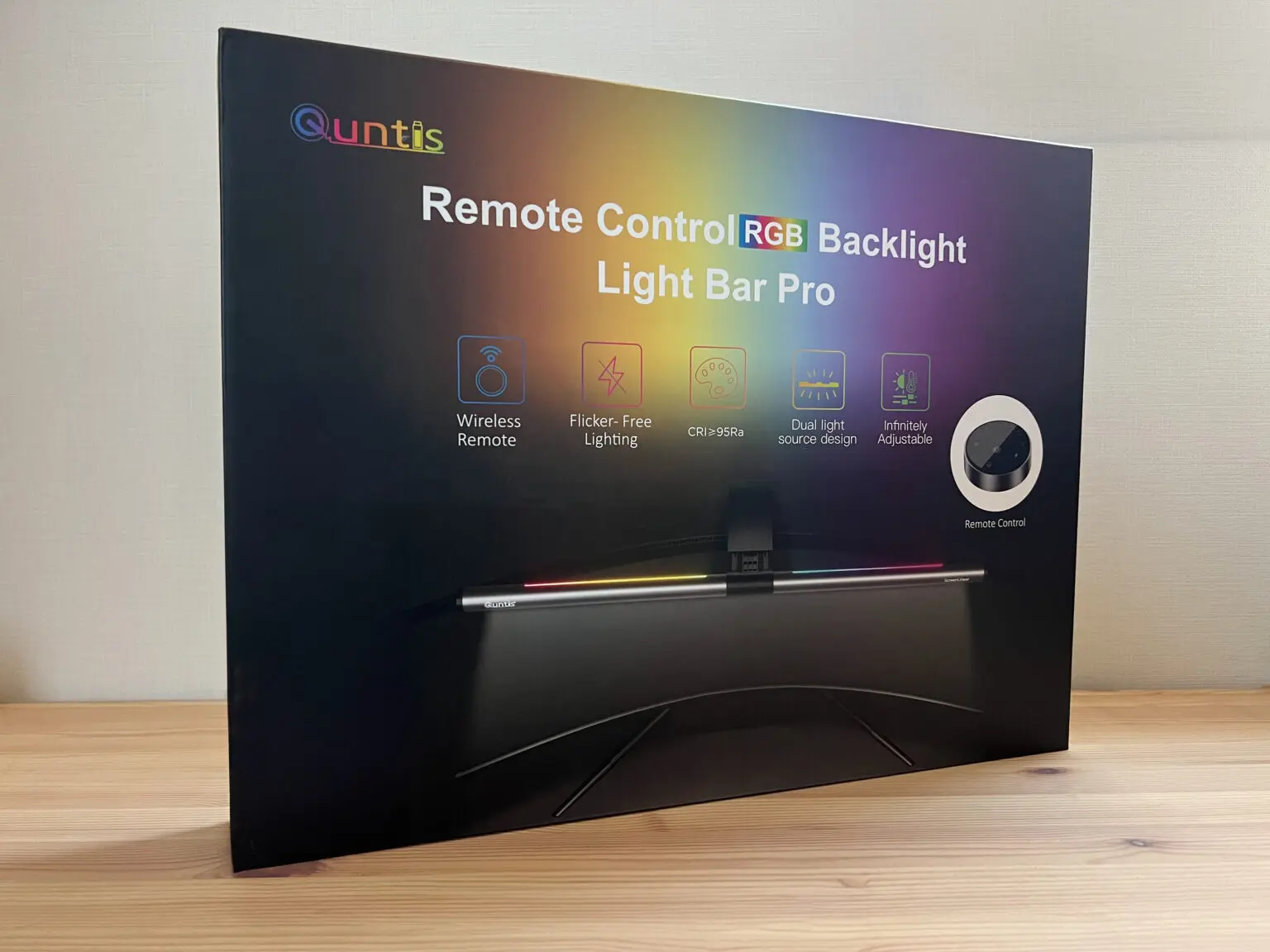
The most distinctive feature of the Quntis RGB Pro+ is its integrated backlighting system, which includes 15 RGB lighting modes that can be activated independently from the main light. This backlight projects light onto the wall behind the monitor, adding ambient color to the workspace. The RGB backlight can be toggled on/off using a long-press on the remote, and short-presses cycle through color options including solid colors, split colors, and changing patterns. However, the backlight cannot be activated independently of the main light bar, and the light throws more upwards and backwards than users might expect. The light bar also features an auto-dimming function that uses ambient light sensors to adjust brightness automatically, though this feature requires manual activation through the remote. The 2-hour auto-off timer is another helpful feature for preventing overuse and promoting eye health.
Setup and User Experience
Setup of the Quntis RGB Pro+ is described as straightforward by multiple reviewers, with the lamp coming mostly pre-assembled. The process involves attaching the bar light to the support, using adhesive to secure the support to the monitor's back, and plugging in the USB-C cable. AppleInsider noted that pairing the wireless remote only takes a few seconds, and the 2.4GHz signal provides reliable communication between the remote and the light bar. The included 90-degree USB-C cable helps maintain a clean installation, though some reviewers found the angled design visually unappealing. The remote's touch-sensitive interface allows for intuitive control of brightness and color temperature, with swipe gestures to adjust settings. The inclusion of standard AA batteries for the remote is a notable advantage over competitors that use watch batteries or AAA batteries.
The lack of physical controls on the light bar itself has been a point of contention among reviewers. Light And Matter's Matthew Gore noted that this design choice forces users to rely entirely on the wireless remote for all adjustments, which can be inconvenient when the remote is placed at a distance from the light bar. The remote's interface includes a dimmer slider for adjusting warmth and brightness, a power button, and a toggleable RGB backlight button. Users can also create a 2-hour timer to automatically turn off the light bar, which helps promote healthy usage habits. The wireless remote's battery life is sufficient for typical usage, but some reviewers noted that the AA batteries may need replacement more frequently than expected.
Real-World Performance
In practical use, the Quntis RGB Pro+ has been praised for its ability to reduce eye strain and improve focus, particularly during extended work sessions. AppleInsider reported that the light bar's even illumination and lack of flickering made it ideal for students and remote workers who spend long hours at their desks. The 45° angle of light projection effectively minimizes screen glare while providing adequate illumination for reading and writing tasks. The high CRI of 95+ was noted by Light And Matter as being beneficial for color-critical work such as photo editing and color correction. The RGB backlighting was described as a fun addition that can be used to match the color scheme of the workspace, though it was not considered essential for productivity.
The auto-dimming feature was tested by Tech Jio, who found it effective in adjusting to ambient lighting conditions. However, the feature requires manual activation through the remote, which some users found inconvenient. The light bar's ability to work with both flat and curved monitors was confirmed by multiple reviewers, including AppleInsider, who noted that the plastic neck extends around an inch to accommodate curved backs. The 2-hour auto-off timer was appreciated by several reviewers for promoting healthy usage habits and preventing overuse. The RGB backlighting was described as a nice touch that adds ambiance to the workspace, though it was not considered essential for productivity. The light bar's performance in reducing eye strain was consistent across different user groups, including students, designers, and office workers.
What Reviewers Loved
Reviewers consistently praised the Quntis RGB Pro+ for its value proposition, particularly when compared to more expensive alternatives like the BenQ ScreenBar Halo. The high CRI of 95+ was noted as a standout feature, especially for users engaged in color-critical work such as photography or video editing. Light And Matter's Matthew Gore highlighted the lamp's ability to provide near-natural light that is consistent and shadow-free, making it suitable for both professional and personal use. The wireless remote control was universally appreciated, with reviewers noting that it eliminates the need for additional purchases and uses standard AA batteries instead of proprietary or hard-to-find battery types.
The RGB backlighting system was another feature that received positive feedback, with reviewers noting its ability to add ambient color to the workspace. AppleInsider described the RGB backlight as a fun addition that can be used to match the color scheme of the workspace, while also providing additional lighting for the room. The lamp's compatibility with both flat and curved monitors was also appreciated, as it allows for greater flexibility in different desk setups. The 2-hour auto-off timer was noted as a helpful feature for promoting healthy usage habits and preventing overuse. The overall build quality and design were praised for being solid and functional, with reviewers noting that the lamp feels substantial without being overly heavy.
Where It Falls Short
Despite its many strengths, the Quntis RGB Pro+ has several notable drawbacks that have been pointed out by reviewers. The lack of physical controls on the light bar itself was a major point of criticism, with some reviewers finding it inconvenient to rely entirely on the wireless remote for all adjustments. AppleInsider noted that the light bar's design doesn't include any touch controls, forcing users to reach for the remote every time they need to make changes. The fixed angle of the main light bar was also criticized, as it cannot be rotated to adjust the light throw, limiting flexibility in positioning. The RGB backlighting, while appreciated, was noted as potentially unnecessary for users who don't want to customize their workspace with color accents.
AppleInsider gave the product a 3 out of 5 rating, citing that while it's reasonably priced, it doesn't offer features like auto-dimming that are standard in higher-end models. The angled USB-C cable was also noted as visually unappealing by some reviewers, as it exposes the wire and can create a cluttered appearance. Additionally, the lack of HomeKit, Matter, or Thread support was mentioned by one reviewer, indicating that the product doesn't integrate well with smart home ecosystems. The RGB backlighting, while fun, was described as potentially distracting for users who prefer a more focused, functional lighting solution.
Who It's Best For
The Quntis RGB Pro+ is best suited for users who value a combination of practical functionality and aesthetic appeal in their desk lighting solutions. According to Light And Matter's review, it's ideal for students, designers, and office workers who spend long hours at their desks and want to reduce eye strain while maintaining a comfortable working environment. The high CRI of 95+ makes it particularly appealing for color-critical work such as photo editing, video production, or any task requiring accurate color representation. The wireless remote control is especially beneficial for users who prefer not to reach up to adjust settings on the monitor itself, and the RGB backlighting adds a touch of personalization to the workspace.
The lamp is particularly well-suited for those who work in semi-darkened environments or have limited desk space, as the 20-inch light bar provides wide illumination without taking up much room. Users with curved monitors will appreciate the flexible clamp design that accommodates varying monitor thicknesses and back profiles. However, the product may not be ideal for users who require advanced features such as automatic dimming or smart home integration, as these features are either missing or limited in functionality. The Quntis RGB Pro+ is also not recommended for users who prefer a minimalist approach to desk lighting, as the RGB backlighting and wireless remote add extra components that may not be necessary for basic lighting needs.
How It Compares to Alternatives
When compared to the BenQ ScreenBar Halo, the Quntis RGB Pro+ offers a more affordable alternative with similar functionality, though it lacks some premium features like auto-dimming. , but it provides a more traditional approach to monitor lighting without RGB backlighting. According to Quntis's own marketing, the Quntis RGB Pro+ is priced at $60, making it a more budget-friendly option while still offering a high CRI of 95+ and RGB backlighting. The inclusion of a wireless remote that uses standard AA batteries is a significant advantage over the BenQ, which requires proprietary battery types. However, the Quntis RGB Pro+ does not include the auto-dimming feature that is standard in higher-end models.
The Quntis RGB Pro+ stands out from other monitor light bars in the $50-$70 price range due to its RGB backlighting and versatile clamp design. While some competitors offer similar features, the combination of high CRI, RGB backlighting, and wireless remote control at a competitive price point makes it a strong contender. However, reviewers noted that the lack of physical controls on the light bar itself and the fixed angle of the main light bar limit its flexibility compared to more advanced models. The product's compatibility with both flat and curved monitors is a significant advantage over some alternatives that only work with flat screens. Overall, the Quntis RGB Pro+ offers good value for users who want a feature-rich monitor light bar without the premium price tag.
Strengths
- +Features high CRI of 95 for accurate color reproduction suitable for artists and hobbyists
- +Includes stepless manual dimming and color temperature control between 3000K-6500K
- +Works with both flat and curved monitors using included adapters and counterbalanced passive clamp design
Watch-outs
- −Light bar must be mounted directly on monitor, limiting flexibility for smaller projects
- −Remote control requires batteries and has limited positioning options for curved screens
How it compares
The Quntis Monitor Light Bar Glow provides a high CRI of 95 and stepless dimming, features that the BenQ ScreenBar Pro also offers, but it lacks the wireless control puck of the BenQ Halo 2. Unlike the Razer Aether, it doesn't feature RGB lighting but is more versatile in mounting for curved screens. The Xiaomi model offers a sleeker design but doesn't match the Quntis' glare-free performance and CRI.
Who this is for
At a glance: productivity-focused users seeking eye-care lighting with high color accuracy.
Why you’d buy the Quntis Monitor Light Bar Glow
- Features high CRI of 95 for accurate color reproduction suitable for artists and hobbyists.
- Includes stepless manual dimming and color temperature control between 3000K-6500K.
- Works with both flat and curved monitors using included adapters and counterbalanced passive clamp design.
Why you’d skip it
- Light bar must be mounted directly on monitor, limiting flexibility for smaller projects.
- Remote control requires batteries and has limited positioning options for curved screens.
Rating sources
“The Quntis Light Bar Pro + is affordable and provides way more value than you would expect upfront.”
“Its been great, too. And last week, my third and most-feature rich lamp of this type arrived in the mail, also made by Quntis”
“The ScreenLinear Glow Pro retails for USD$77. Unboxing In the box, you'll find the following items: ScreenLinear Glow Pro monitor light bar Remote control User manual & Allen key Clamp that fits most monitors”
“This is almost everything someone could expect from a fully decked-out monitor light.”
Our 4.3 score is the average of these published ratings. Ratings marked * were derived from the reviewer’s written analysis or video transcript — the publisher didn’t print an explicit numeric score, so we inferred one from their own words. Click through to verify. More about methodology.