Verdict
Head-to-head · Best Monitor Light Bars

Baseus Light Bar vs BenQ ScreenBar

Which is the better buy? Side-by-side on rating, price, strengths, and watch-outs — with the published ratings we averaged to get there.

The short answer

BenQ ScreenBar comes out ahead by a narrow margin (4.3 vs 4.6). The gap is mostly about professionals needing high-quality directional lighting with accurate color reproduction — read the strengths below before deciding.

Baseus Light Bar
Ranked #3 in Best Monitor Light Bars
Baseus Light Bar

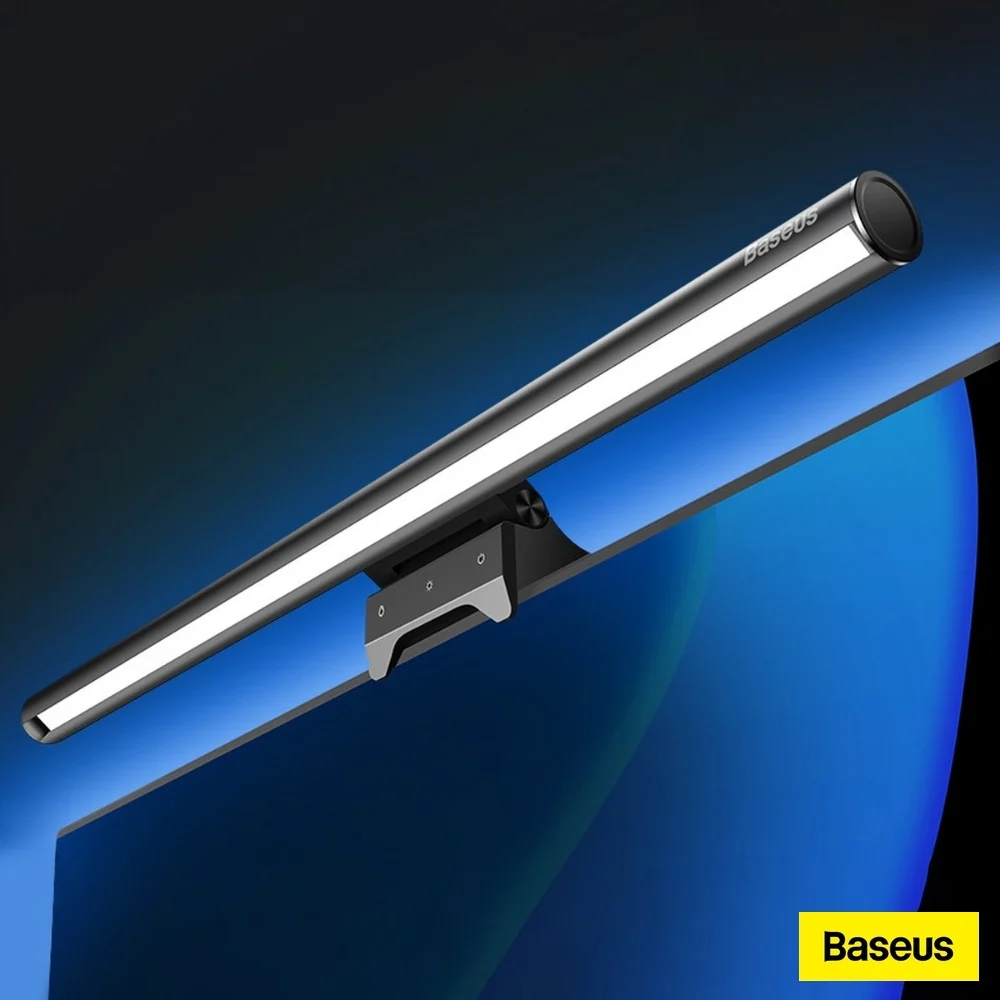
The Baseus Light Bar is a mid-range monitor light bar that offers solid build quality and adjustable pivoting head for targeting keyboard lighting. Reviewers noted its advanced touch controls and weight-based mounting system work well for flat monitors, though the asymmetrical lighting fails to prevent screen glare. YouTube reviewers criticized the overly sensitive touch controls and lack of wireless puck functionality, while comparison reviews placed it among the more affordable options that struggle with light bleed despite their $30–$40 price point. It's best suited for users prioritizing basic adjustability over premium glare-free performance.

Strengths
  • Includes advanced touch sensors for adjusting light settings with dedicated buttons for power, color, and brightness
  • Features a pivoting head that allows wide adjustment range for aiming light toward keyboard
  • Utilizes a weight system with a soft rubber clamp that works best with thin and flat monitors
Watch-outs
  • Asymmetrical lighting performance is subpar with noticeable screen light bleed
  • Touch sensors are overly sensitive and difficult to use for dimming adjustments
  • Does not include a wireless puck for adjustable lighting position
BenQ ScreenBar
Higher ratedRanked #1 in Best Monitor Light Bars
BenQ ScreenBar
$139as of Jul 9

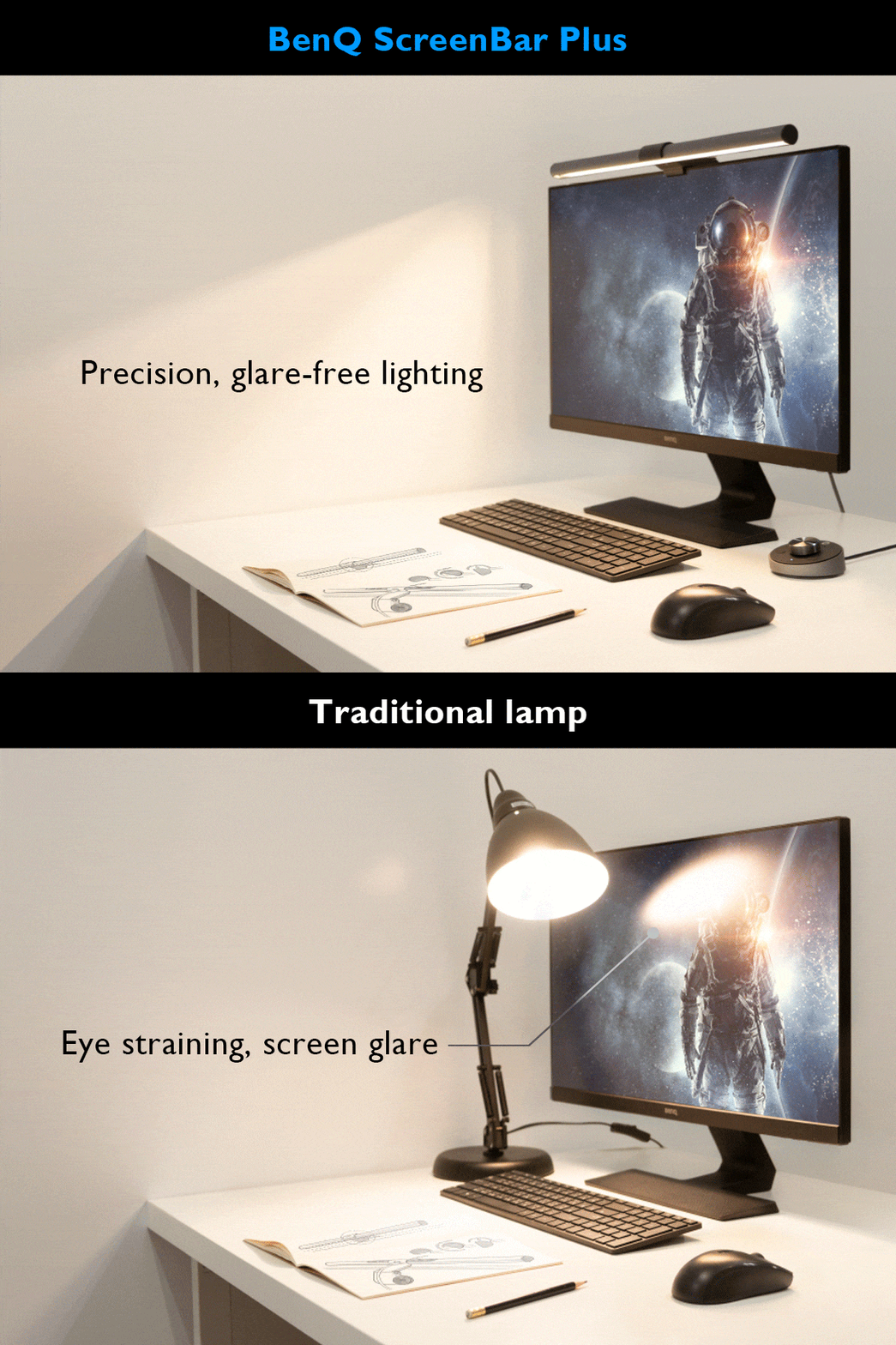
The BenQ ScreenBar Pro delivers exceptional lighting performance with its 500lx+ output and 1,000lx around keyboard/mouse area. Reviewers praised its directional light design that prevents display spill and eye strain, with a CRI over 95 for accurate color rendering. The Pro model offers 8 temperature and 16 brightness levels with USB-C power and touch controls. While some users noted minor issues with the light sensor and camera mounting interference, most found it a worthwhile investment for desk lighting. It's ideal for users seeking high-quality monitor lighting without desk clutter.

Strengths
  • Exceptional light engineering with 500lx+ output and 1,000lx around keyboard/mouse area
  • Color rendering index (CRI) greater than 95 for accurate color representation
  • Directional lighting design prevents spill onto display and avoids direct eye exposure
Watch-outs
  • Light sensor may not adjust accurately in all environments
  • Front lip design can interfere with camera mounting on certain monitors
  • Touch controls require reaching up to adjust during use

How they stack up

Baseus Light Bar

The Baseus Light Bar offers a pivoting head and touch controls that are not found in the Quntis or Xiaomi models, but it falls short in light bleed prevention compared to the BenQ ScreenBar Pro. Unlike the Razer Aether, it doesn't feature RGB lighting, and its asymmetrical design is less effective than the BenQ's directional light engineering. The Colorpanda model provides simpler controls but lacks the advanced adjustment range of Baseus.

BenQ ScreenBar

The BenQ ScreenBar Pro outperforms the Quntis models in terms of light output and directional design, preventing screen spill and eye strain. While the Xiaomi Mi Computer Light Bar offers a sleeker design and magnetic mounting, it lacks the high CRI (95+) and precise 24° angle adjustment that the BenQ Pro provides. The Baseus model is more affordable but doesn't match the BenQ's accuracy in color rendering or glare reduction.

Specs side-by-side

SpecBaseus Light BarBenQ ScreenBar
BrightnessStepless dimming from 5% to 100%500lx+
Color TemperatureWarm white, neutral white, cool white2700~6500K
Control Methodtouch sensors
Monitor Compatibilitythin and flat monitors
Power SourceUSB-CUSB-C
Light Lengthalmost 18 inches (450mm)45" x 23"
MountingWeight-based with soft rubber clampclamp
Dimensions2.59"D x 17.71"W x 3.62"H5.31"D x 19.68"W x 3.62"H
CRILess than 95greater than 95
MaterialAluminium
← See the full ranking of best monitor light bars