Verdict
Head-to-head · Best Monitor Light Bars

Baseus Light Bar vs Quntis ScreenLinear Pro

Which is the better buy? Side-by-side on rating, price, strengths, and watch-outs — with the published ratings we averaged to get there.

The short answer

Baseus Light Bar and Quntis ScreenLinear Pro score essentially the same (4.3 vs 4.3). Pick the one whose trade-offs match your priorities — the strengths and watch-outs below are where they actually differ.

Baseus Light Bar
Ranked #3 in Best Monitor Light Bars
Baseus Light Bar

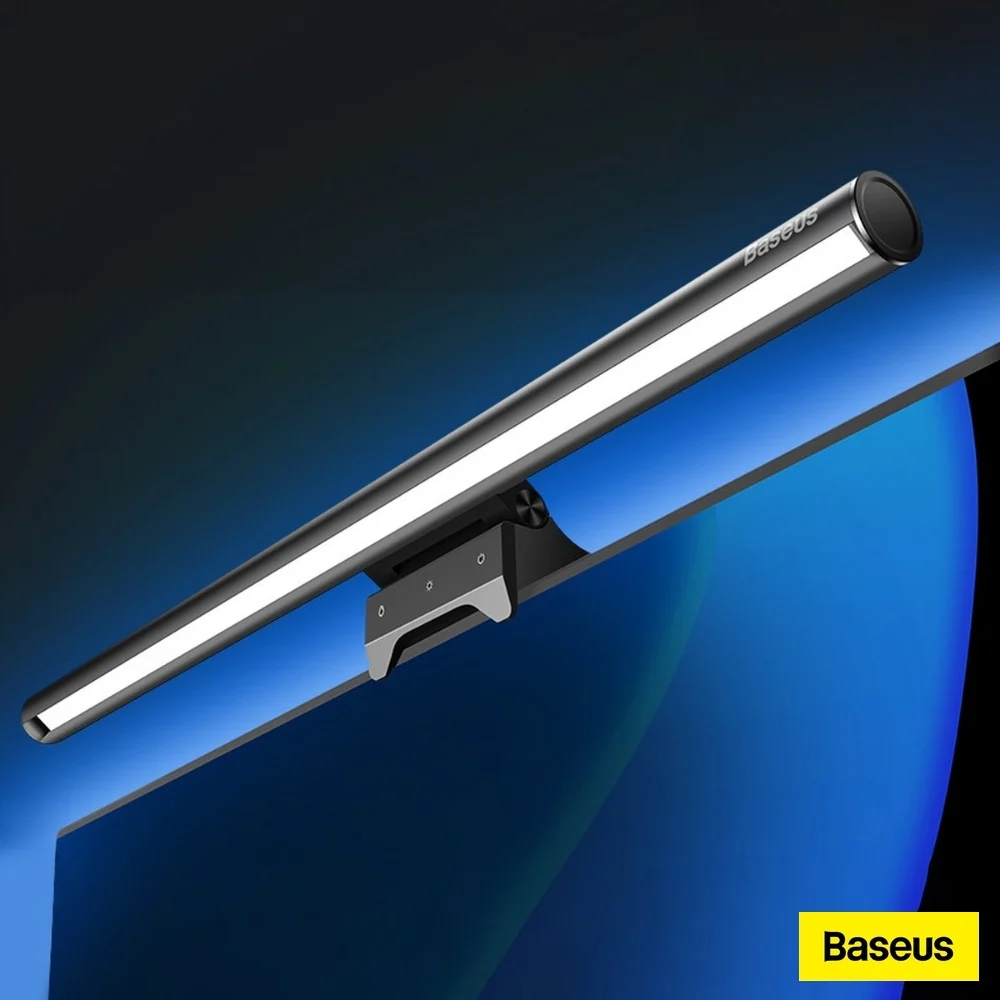
The Baseus Light Bar is a mid-range monitor light bar that offers solid build quality and adjustable pivoting head for targeting keyboard lighting. Reviewers noted its advanced touch controls and weight-based mounting system work well for flat monitors, though the asymmetrical lighting fails to prevent screen glare. YouTube reviewers criticized the overly sensitive touch controls and lack of wireless puck functionality, while comparison reviews placed it among the more affordable options that struggle with light bleed despite their $30–$40 price point. It's best suited for users prioritizing basic adjustability over premium glare-free performance.

Strengths
  • Includes advanced touch sensors for adjusting light settings with dedicated buttons for power, color, and brightness
  • Features a pivoting head that allows wide adjustment range for aiming light toward keyboard
  • Utilizes a weight system with a soft rubber clamp that works best with thin and flat monitors
Watch-outs
  • Asymmetrical lighting performance is subpar with noticeable screen light bleed
  • Touch sensors are overly sensitive and difficult to use for dimming adjustments
  • Does not include a wireless puck for adjustable lighting position
Quntis ScreenLinear Pro
Ranked #5 in Best Monitor Light Bars
Quntis ScreenLinear Pro
$42.99as of Jul 9

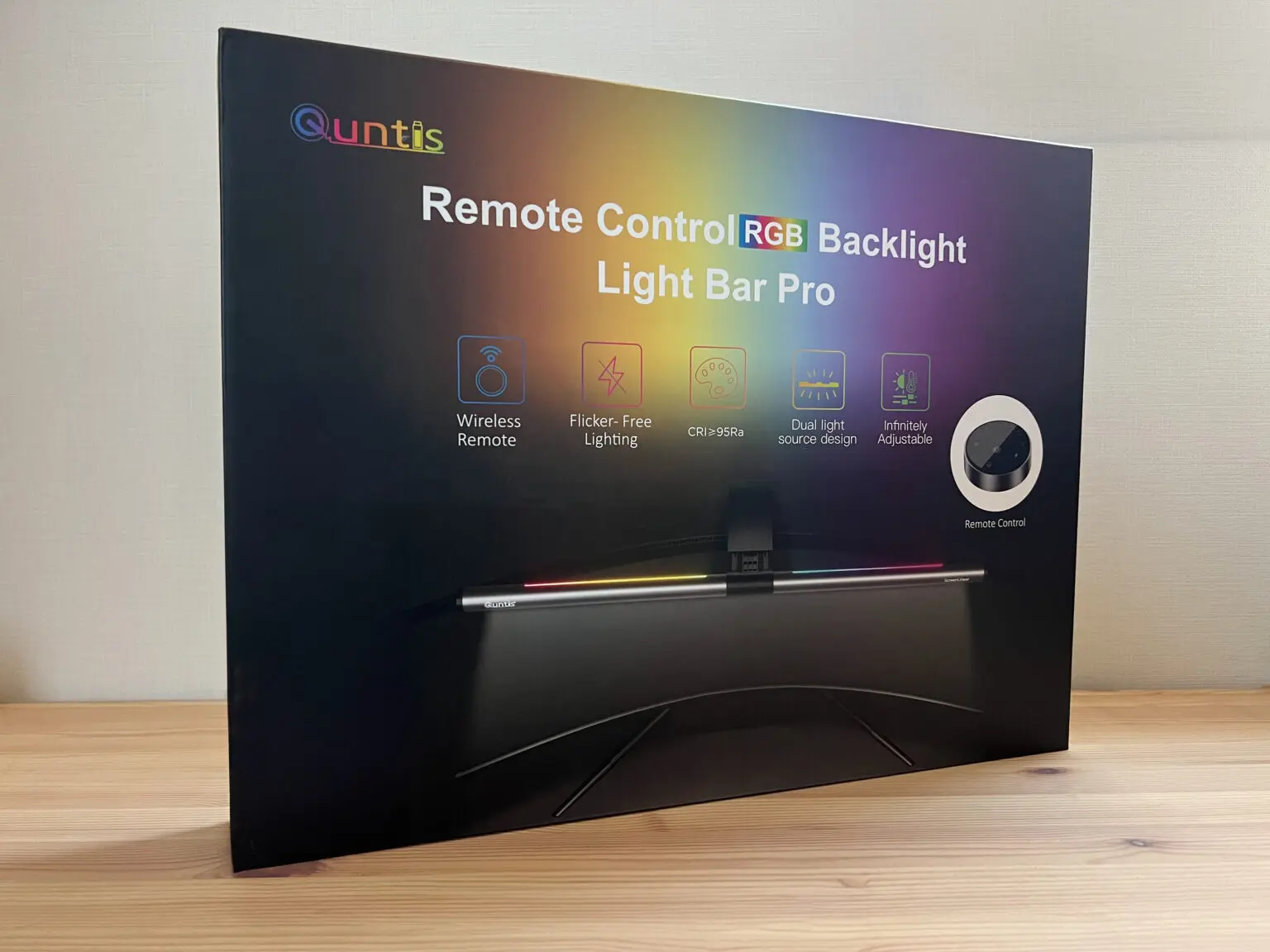
The Quntis ScreenLinear Pro+ offers a premium design inspired by the successful BenQ ScreenBar, featuring a sturdy weighted clamp and adjustable counterweight for secure monitor placement. Reviewers praised its auto-dimming function that adjusts to ambient light with minimal flicker, and its wide color temperature range from 3,000K to 6,500K. The lightbar's 51cm length fits monitors up to 30 inches, and its compact form saves desk space compared to traditional desk lamps. However, users noted it's unsuitable for laptops and may interfere with top-center webcams. This product is ideal for desk users seeking a space-saving, eye-friendly lighting solution versus those needing webcam compatibility.

Strengths
  • Classic design reminiscent of BenQ ScreenBar, with sturdy aluminum alloy and plastic construction
  • Weighted clamp with adjustable counterweight ensures secure, wobble-free placement on monitors
  • Adjustable color temperature from 3,000K to 6,500K with intuitive dial control
Watch-outs
  • Not suitable for laptops due to top-mounted placement
  • Can interfere with external webcams positioned at top-center of monitor

How they stack up

Baseus Light Bar

The Baseus Light Bar offers a pivoting head and touch controls that are not found in the Quntis or Xiaomi models, but it falls short in light bleed prevention compared to the BenQ ScreenBar Pro. Unlike the Razer Aether, it doesn't feature RGB lighting, and its asymmetrical design is less effective than the BenQ's directional light engineering. The Colorpanda model provides simpler controls but lacks the advanced adjustment range of Baseus.

Quntis ScreenLinear Pro

The Quntis ScreenLinear Pro mirrors the design of the BenQ ScreenBar Pro but with a top-mounted placement that can interfere with webcams, unlike the BenQ's more flexible positioning. It offers a sturdy clamp and auto-dimming but lacks the wireless control of the BenQ Halo 2. Compared to the Razer Aether, it doesn't feature RGB lighting but provides better directional light control and a more space-saving form factor.

Specs side-by-side

SpecBaseus Light BarQuntis ScreenLinear Pro
BrightnessStepless dimming from 5% to 100%Manual dial with auto-dimming feature
Color TemperatureWarm white, neutral white, cool white3,000K to 6,500K
Control Methodtouch sensorsWireless remote with stepless dial
Monitor Compatibilitythin and flat monitorsup to at least 30 inches
Power SourceUSB-CUSB-C
Light Lengthalmost 18 inches (450mm)51cm
MountingWeight-based with soft rubber clampWeighted clamp with adjustable counterweight
Dimensions2.59"D x 17.71"W x 3.62"H
CRILess than 95greater than 95
MaterialAluminiumAluminum
← See the full ranking of best monitor light bars