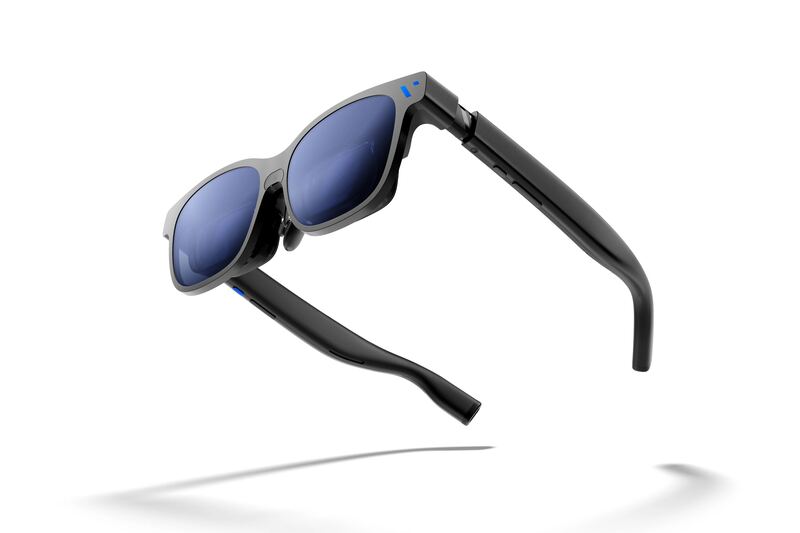
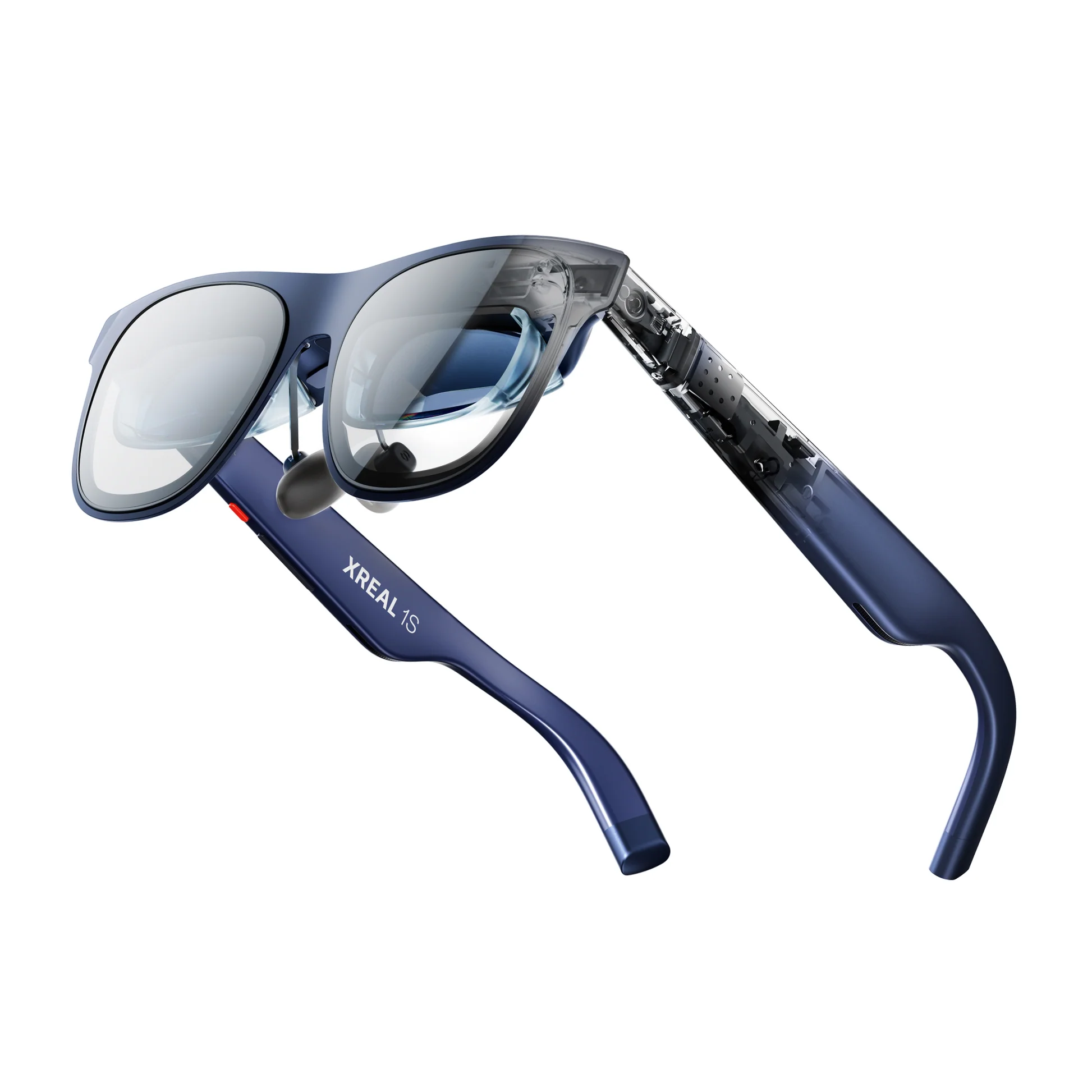
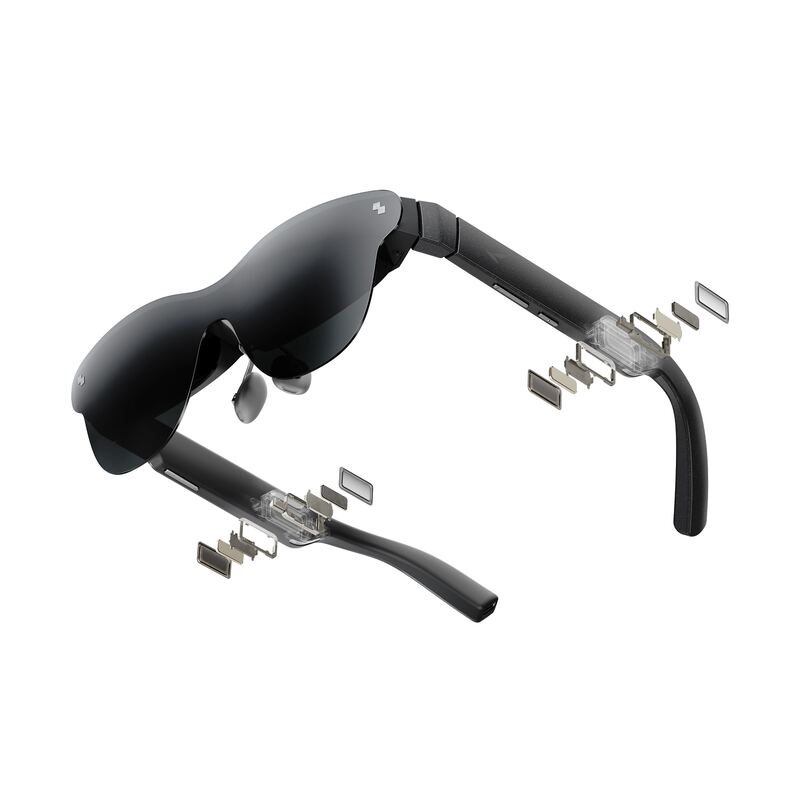
PCMag found that built-in diopter dials covering prescriptions up to -5.0D eliminate the need for separate lens inserts, while Digital Trends noted the lightweight design enhances comfort during extended sessions. The Sony Micro-OLED displays deliver 1600 nits of brightness and support 120Hz refresh rates, though the device lacks HDR10 support which limits contrast performance in high dynamic range content. Users must purchase additional dongles or docks to connect with iPhones and certain consoles like the Nintendo Switch. This product fits users who prioritize visual clarity and portability for well-lit environments but may disappoint those seeking seamless plug-and-play connectivity or full HDR compatibility.
Full review
Built-in diopter dials eliminate prescription inserts
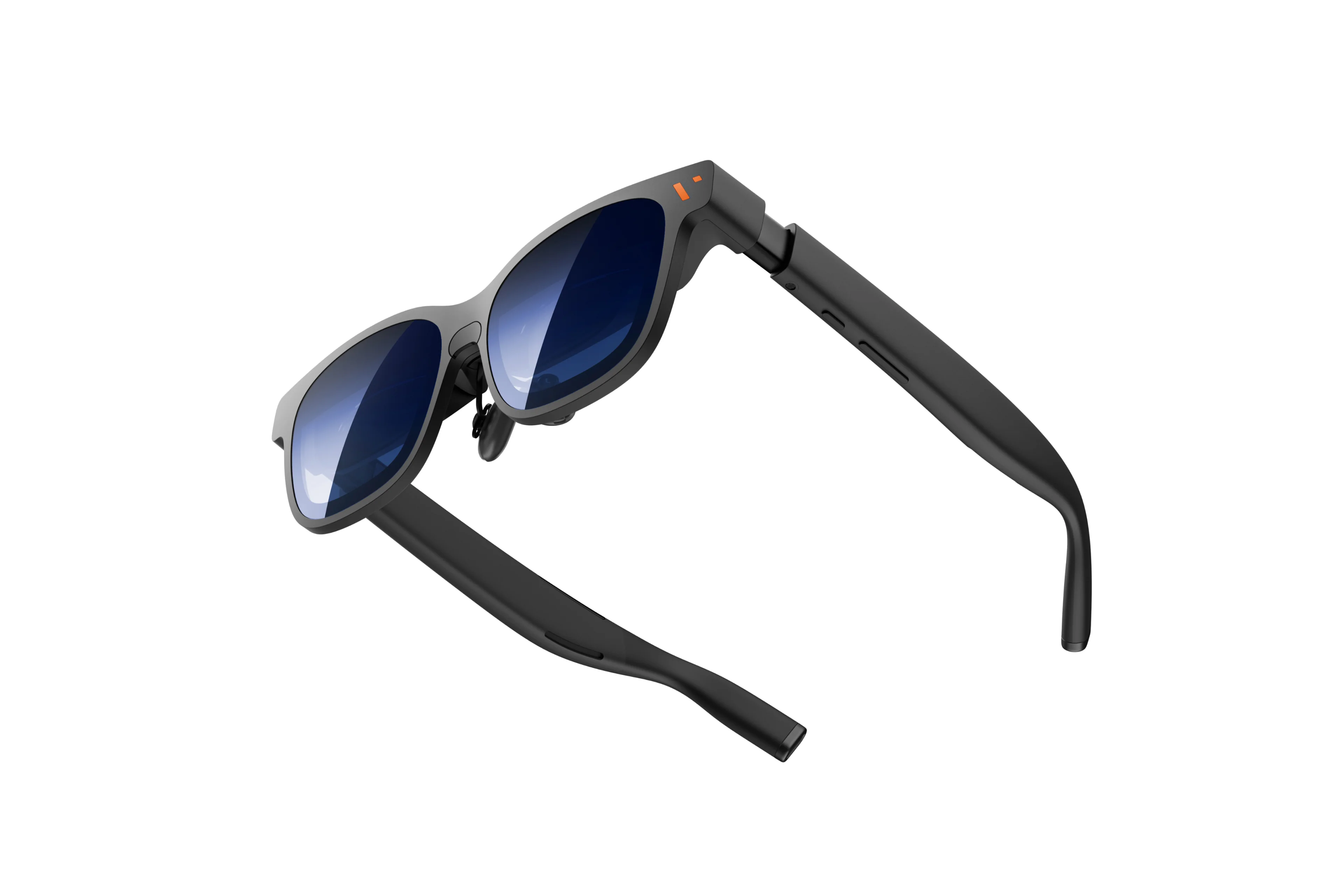
The Viture Pro 2 addresses a common pain point in the smart glasses market by integrating independent diopter focus dials that cover prescriptions from 0 to -5.0D, removing the need for users to purchase separate magnetic lens inserts. PCMag found this feature particularly valuable for short-sighted individuals who previously had to factor in additional costs and setup complexity when buying XR hardware. The mechanism allows wearers to adjust their vision correction directly on the device, ensuring a clear image without the optical distortion or alignment issues that sometimes accompany third-party add-ons.
This built-in adjustment system significantly reduces the total cost of ownership for users with myopia. By eliminating the $50 to $100 expense typically associated with prescription inserts from various manufacturers, the glasses become more accessible to a broader audience. The dials provide precise control over focus, allowing users to fine-tune their vision to match their specific prescription needs without removing the device or relying on external corrective lenses.
63g weight and adjustable fit enhance comfort
Digital Trends noted that this low mass makes a considerable difference during prolonged use, reducing pressure on the nose and ears. The device features adjustable temple arms and comes with three swappable nose pads, allowing users to customize the fit for their specific facial structure. This attention to physical ergonomics ensures that the glasses remain stable and comfortable even during long work or entertainment sessions.
The combination of lightweight materials and customizable fit components addresses a major barrier to entry for many potential buyers who find traditional VR headsets too heavy or restrictive. By distributing weight evenly across the face, the Viture Pro 2 minimizes fatigue and allows users to focus on their content rather than adjusting the device. This ergonomic design is particularly beneficial for users who plan to wear the glasses for hours at a time, whether for work presentations or immersive gaming.
1600 nit Sony Micro-OLED displays deliver bright visuals
The visual performance of the Viture Pro 2 is anchored by its dual Sony Micro-OLED panels, each delivering a resolution of 1920x1080 pixels. Digital Trends highlighted that these displays peak at an impressive 1600 nits of brightness, making them suitable for use in well-lit environments where other XR devices might struggle with visibility. The high brightness level ensures that content remains vibrant and clear even when used near windows or under bright indoor lighting, a significant advantage over many competitors that require dark rooms to achieve optimal image quality.
In addition to brightness, the displays support refresh rates up to 120Hz and offer a 50-degree field of view. This combination results in smooth motion handling for gaming and video playback, reducing motion sickness and enhancing immersion. The high refresh rate ensures that fast-paced content remains fluid, while the wide field of view provides a more expansive visual experience compared to narrower alternatives. These specifications make the Viture Pro 2 a strong contender for users who prioritize visual fidelity and responsiveness in their smart glasses.
Slight shimmer appears in spatial viewing modes
Despite its strengths, the Viture Pro 2 exhibits a slight shimmer effect when used in spatial viewing modes. Digital Trends identified this artifact as a noticeable flaw that can distract users during certain types of content consumption. The shimmer likely stems from the interaction between the high refresh rate and the specific rendering techniques used for spatial video or mixed reality overlays. While it does not completely ruin the experience, it is a consistent issue that potential buyers should be aware of, particularly those who plan to use the glasses extensively for immersive media.
This visual artifact is more pronounced in static scenes or when viewing high-contrast edges within spatial content. Users may find themselves adjusting their viewing angle or content type to minimize the effect. While not a dealbreaker for many, it represents a compromise in the overall image quality that could be improved with future software updates or hardware revisions.
Temple area heats up during extended use
Thermal management is another area where the Viture Pro 2 shows its limitations. Digital Trends reported that the temple areas of the glasses tend to heat up significantly after prolonged periods of use. This warmth can become uncomfortable for some users, particularly in warmer environments or during intensive tasks like gaming or high-resolution video playback. The heat generation is likely a result of the powerful processors and bright displays packed into such a compact form factor.
While the heating does not pose a safety risk, it can detract from the comfort of extended wear sessions. Users may need to take regular breaks to allow the device to cool down or adjust their usage patterns to avoid prolonged continuous operation. This thermal characteristic is a common trade-off in lightweight XR devices but remains a notable drawback for users who prioritize all-day comfort.
iPhone and Switch connectivity requires extra dongles
Connectivity flexibility is limited by the need for additional hardware when using certain devices. The Viture Pro 2 requires an extra dongle or dock to connect with iPhones and specific consoles like the Nintendo Switch. PCMag noted that this requirement adds complexity and cost for users who want to integrate these popular platforms into their setup. Without the appropriate adapter, iPhone users are restricted from accessing advanced features such as screen mirroring or high-bandwidth video output.
This limitation affects the overall convenience of the device, particularly for users who own multiple types of hardware. The need to purchase and carry additional accessories can be seen as a drawback in an otherwise streamlined package. While the dongles enable compatibility with these devices, they represent an extra step that detracts from the plug-and-play simplicity expected by many consumers.
Desktop companion application contains software bugs
The software experience is marred by reported bugs in the desktop companion application. Digital Trends found that issues with the setup process can disrupt initial configuration and ongoing management of the device. These software glitches may include connection drops, interface freezes, or difficulties in updating firmware. Such problems can frustrate users who expect a smooth out-of-the-box experience, particularly when setting up new hardware.
While these bugs do not necessarily prevent the glasses from functioning once configured, they add friction to the user journey and may require troubleshooting steps that non-technical users might find challenging. The presence of software issues highlights the importance of robust testing in companion applications, which are critical for managing device settings and content delivery.
Lack of HDR10 support limits contrast performance
The Viture Pro 2 lacks support for the HDR10 standard, a significant omission that impacts its ability to deliver high dynamic range content. Without HDR10 compatibility, the glasses cannot fully utilize the wide color gamut and contrast ratios offered by modern streaming services and games. This limitation means that users will not experience the deeper blacks and brighter highlights that define true HDR viewing, potentially reducing the visual impact of supported content.
While the high brightness of the Micro-OLED panels helps mitigate some aspects of this deficiency, the absence of standardized HDR support remains a notable drawback for enthusiasts who prioritize cinematic quality. Users who primarily consume SDR content may not notice the difference as acutely, but those looking to future-proof their investment or engage with high-end media libraries will find this limitation restrictive.
Strengths
- +Includes built-in diopter focus dials covering prescriptions from 0 to -5.0D, eliminating the need for separate prescription lens inserts.
- +Weighs only 63g and features adjustable temple arms with three swappable nose pads for a customizable fit.
- +Delivers an ultra-bright display peaking at 1,600 nits using Sony Micro-OLED panels with 1920x1080 resolution per eye.
- +Supports refresh rates up to 120Hz and offers a wide 50-degree field of view for smooth gaming and video playback.
Watch-outs
- −Lacks HDR10 support, which limits contrast performance in supported content.
- −Requires an additional dongle or dock to connect with iPhones and certain consoles like the Nintendo Switch.
- −The desktop companion application has reported software bugs that can disrupt setup.
How it compares
The Viture Pro 2 includes built-in diopter focus dials covering prescriptions up to -5.0D, eliminating the need for separate inserts required by the Viture Beast or Xreal One Pro. It also offers a higher brightness peak of 1600 nits compared to the 1250 nits found on the Viture Beast.
Rating sources
Counts as 4.66/5 in our score — this publisher's 181 scores on the site average 4.00, so its scores are adjusted up to compare fairly with other publishers.
Counts as 4.07/5 in our score — this publisher's 14 scores on the site average 4.07, so its scores are adjusted up to compare fairly with other publishers.
Our 4.4 score is the average of the 2 scored reviews above, each adjusted for how strictly its publisher scores; 1 more reviewed it without printing a score and is not in the average. More about methodology.