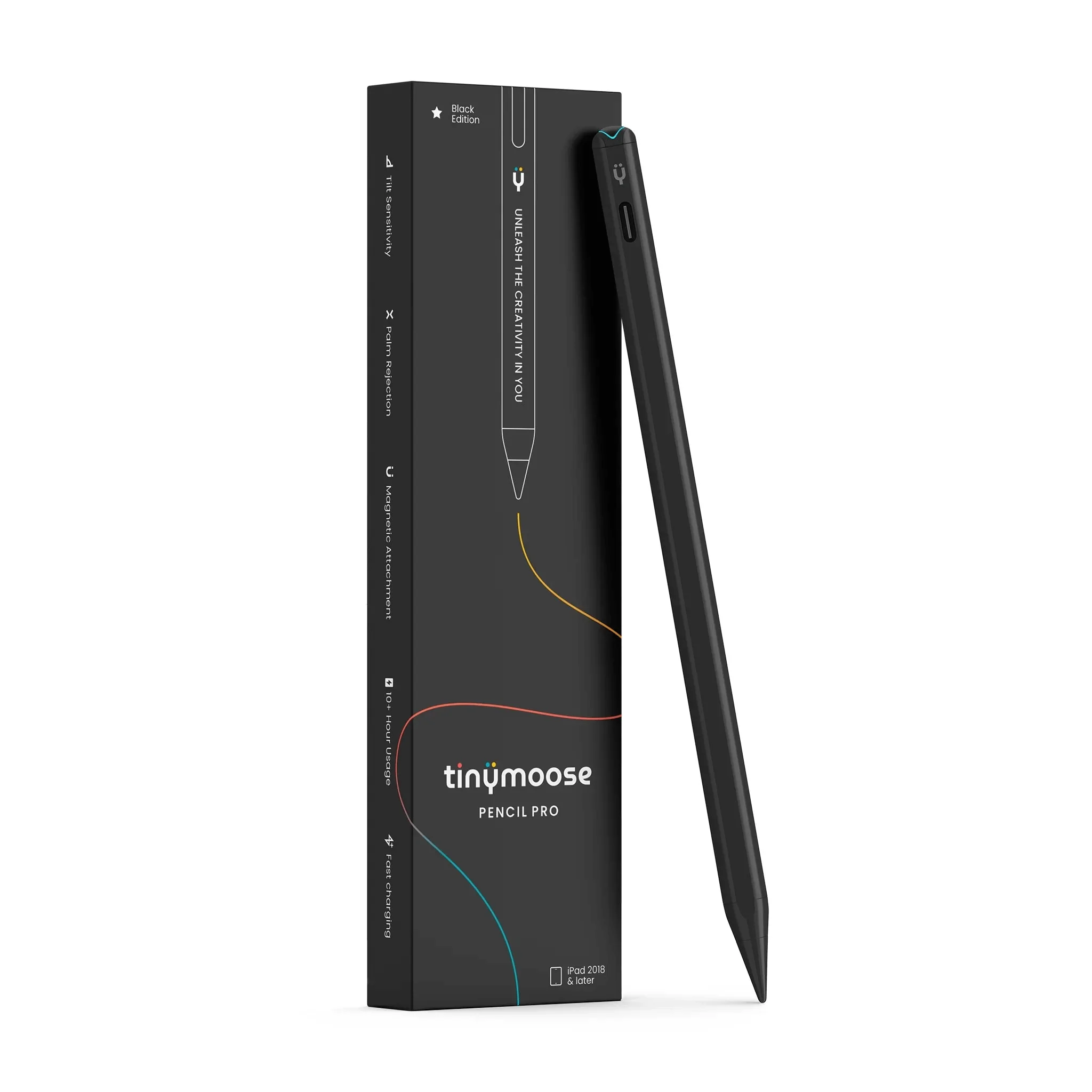
The Tinymoose Pencil Pro Ultra is a USB-C stylus that works with both iPad and iPhone, switching between them with the button on its end. Cult of Mac rated it 4.5 stars out of 5, calling that switch "a standout feature" and the stylus "a fine tool for sketching out ideas, signing documents or even taking meeting notes." The same review describes it as "a tool for average users, not artists": the tilt detection Tinymoose advertises did not work in any app the reviewer tried, and it lacks the pressure detection and squeeze gesture of the Apple Pencil Pro.
Full review
One stylus for iPad and iPhone
Cult of Mac's review centers on the feature no Apple Pencil has: iPhone support. The stylus has one mode for iPad and another for iPhone, and the button on its blunt end switches between them, turning green for the tablet and blue for the handset. The reviewer's verdict: "If you want a stylus that works with both your iPad and your iPhone, your search is over."
On the phone it works by making the handset treat the tip as a finger. Cult of Mac found that it works but that "writing on a 6- or 7-inch screen is simply awkward," good for a quick reminder rather than daily note-taking, and useful in a game that involves tracing with a narrow tip.
Notes and sketches on iPad, not art
On an iPad the reviewer used it for sketching ideas, signing documents and taking meeting notes and called it "a fine tool" for those jobs. Cult of Mac explains that iPadOS handles line tracking and palm rejection for third-party styluses, so skipping and lag are not a concern.
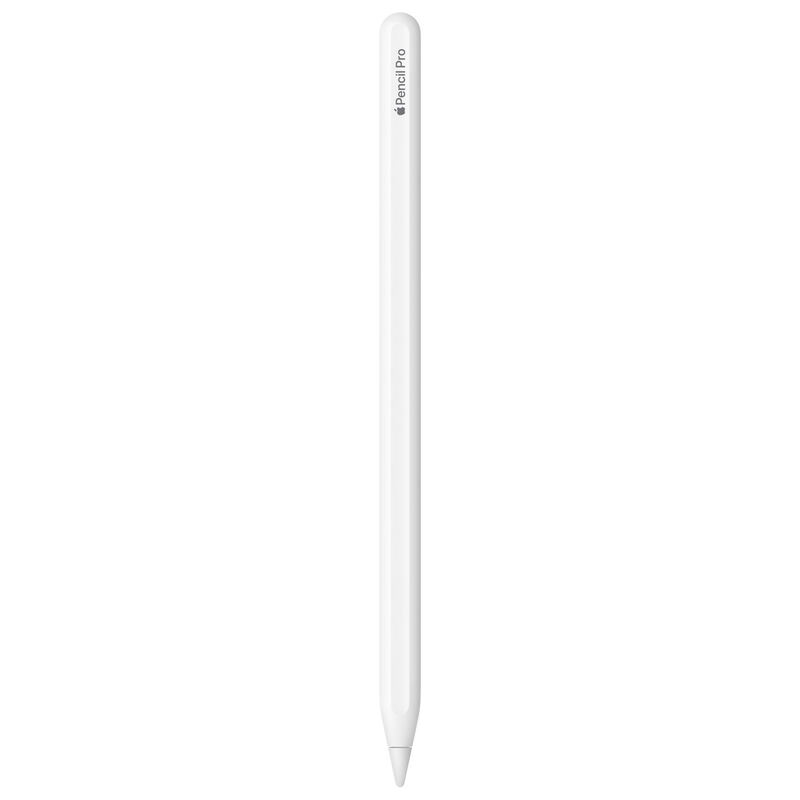
The limits are on the artist's side. Tinymoose lists tilt detection, but the reviewer wrote that it "doesn't work for me in any app that I tried, including Procreate," and the review says the stylus is "missing features that digital artists need." Cult of Mac points artists to the Apple Pencil Pro for tilt and pressure detection.
Design, button and charging
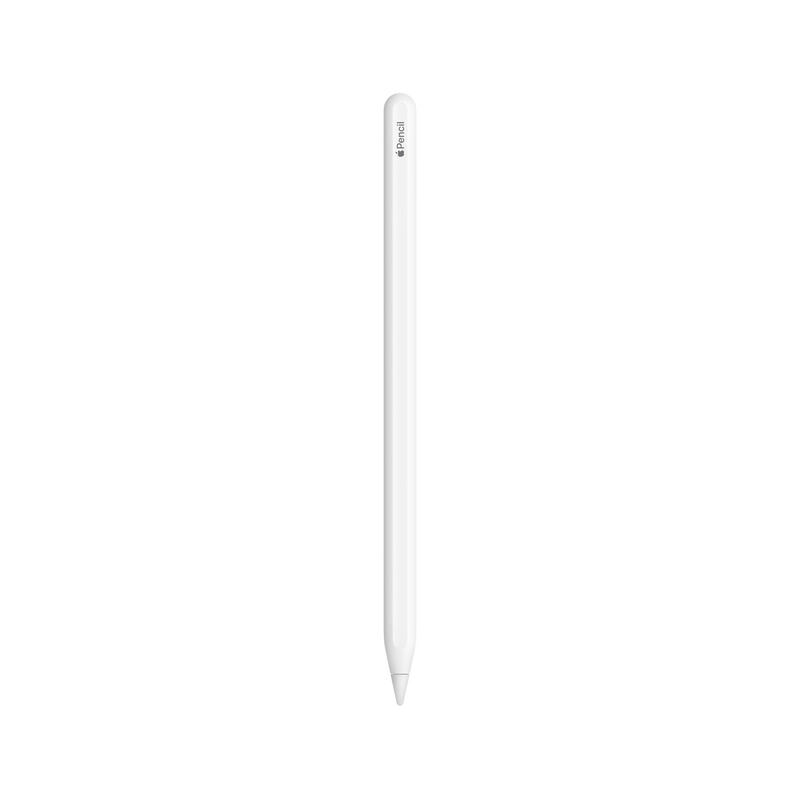
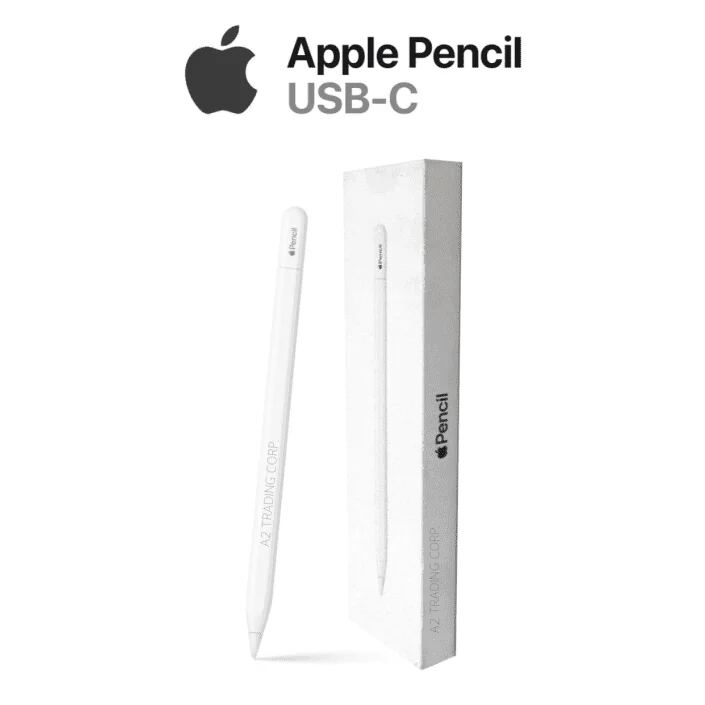
Cult of Mac describes the stylus as almost indistinguishable from an Apple Pencil from a few feet away: 6.5 inches long, in white or black, with one flat edge that attaches magnetically to an iPad. Paired over Bluetooth with an iPad, a quick press of the button opens the Home screen and a double press opens the app switcher.
It charges through a USB-C port rather than from the iPad, which Cult of Mac lists as a con. Tinymoose promises 10 hours of battery life, which the reviewer's testing found "a reasonable estimate," with an 80% charge in about 15 minutes. The stylus ships with a warning not to use chargers above 25W.
Price and what comes in the box
The box includes a carrying case and two replacement tips. Cult of Mac gives the MSRP as $49.95 and reviewed it while it was on sale for $39.95, and it discloses that Tinymoose provided the review unit.
Strengths
- +Palm rejection and no lag on iPad, which Cult of Mac attributes to iPadOS's built-in stylus support
- +Attaches magnetically to iPads that support the Apple Pencil Pro and Apple Pencil (USB-C)
- +About 10 hours of battery life, a Tinymoose claim Cult of Mac's testing found reasonable
- +Carrying case and two replacement tips in the box
Watch-outs
- −Advertised tilt detection did not work in any app Cult of Mac tried, including Procreate
- −Missing features that digital artists need, per Cult of Mac
- −Does not draw power from the iPad; it charges over USB-C
- −Writing on an iPhone screen is "simply awkward," per Cult of Mac
- −Tinymoose warns against using chargers above 25W
How it compares
Cult of Mac wrote that it "competes well against the Apple Pencil (USB-C)" and costs less, and that unlike either Apple Pencil it also works on an iPhone. It lacks the tilt and pressure detection and the squeeze gesture that Cult of Mac credits to the Apple Pencil Pro.
Rating sources
Our 4.4 score is the average of these published ratings, each adjusted for how strictly its publisher scores. More about methodology.