Verdict
Head-to-head · Best Ipad Stylus Alternatives

Apple Pencil (2nd generation) vs Tinymoose Pencil Pro Ultra

Which is the better buy? Side-by-side on rating, price, strengths, and watch-outs — with the published ratings we averaged to get there.

Verdict is reader-supported. As an Amazon Associate we earn from qualifying purchases. Some links on this page are affiliate links — if you click through and buy, we may earn a small commission at no extra cost to you. Our ratings are sourced from independent publications, not sponsors.
The short answer

Tinymoose Pencil Pro Ultra comes out ahead by a narrow margin (4.4 vs 4.3). Tinymoose Pencil Pro Ultra is best for: iPad owners who also want a fine-tipped stylus for an iPhone, for notes and sketches rather than pressure-sensitive artwork. Read the strengths below before deciding.

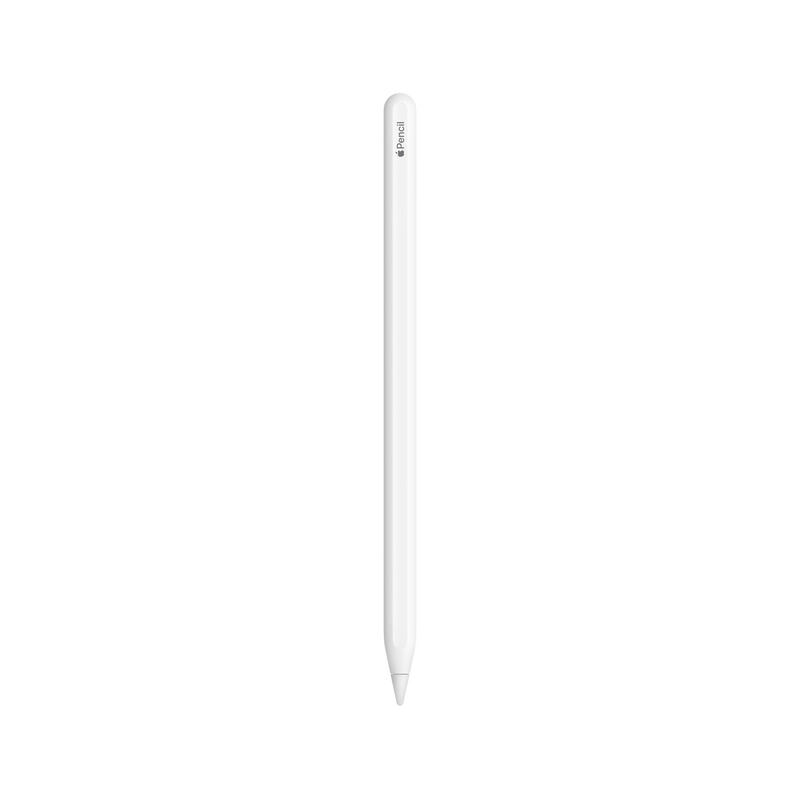
Apple Pencil (2nd generation)
Ranked #2 in Best Ipad Stylus Alternatives
Apple Pencil (2nd generation)
3 sources$129as of Oct 10

PCMag's Sascha Segan praised the Apple Pencil (2nd generation) for its precise pressure sensitivity and low latency, calling it an exemplary stylus for drawing and note-taking. The magnetic attachment system and replaceable tip were highlighted as key features. However, YouTube reviewer Mik noted the high cost and pointed out that Samsung's S Pen offers nearly identical functionality at no additional cost. The pencil is compatible only with specific iPad models, which may limit its appeal. This stylus is best suited for users deeply invested in the Apple ecosystem who value precision and seamless integration.

Strengths
  • — Magnetic attachment system for secure connection to compatible iPads
  • — Precise pressure sensitivity and low latency for drawing and note-taking
  • — Replaceable tip design for extended usability
Watch-outs
  • — High cost
  • — Limited controls
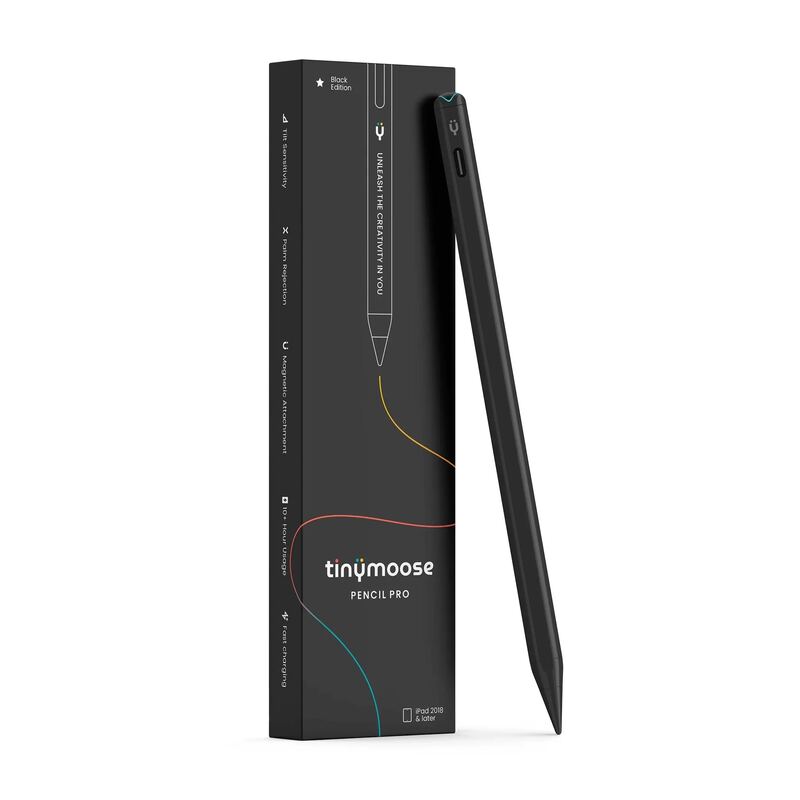
Tinymoose Pencil Pro Ultra
Higher ratedRanked #3 in Best Ipad Stylus Alternatives
Tinymoose Pencil Pro Ultra
1 source$50as of Oct 10

The Tinymoose Pencil Pro Ultra is a USB-C stylus that works with both iPad and iPhone, switching between them with the button on its end. Cult of Mac rated it 4.5 stars out of 5, calling that switch "a standout feature" and the stylus "a fine tool for sketching out ideas, signing documents or even taking meeting notes." The same review describes it as "a tool for average users, not artists": the tilt detection Tinymoose advertises did not work in any app the reviewer tried, and it lacks the pressure detection and squeeze gesture of the Apple Pencil Pro.

Strengths
  • — Palm rejection and no lag on iPad, which Cult of Mac attributes to iPadOS's built-in stylus support
  • — Attaches magnetically to iPads that support the Apple Pencil Pro and Apple Pencil (USB-C)
  • — About 10 hours of battery life, a Tinymoose claim Cult of Mac's testing found reasonable
Watch-outs
  • — Advertised tilt detection did not work in any app Cult of Mac tried, including Procreate
  • — Missing features that digital artists need, per Cult of Mac
  • — Does not draw power from the iPad; it charges over USB-C

How they stack up

Apple Pencil (2nd generation)

While it's more expensive than the TinyMoose Pencil Pro Ultra, it provides a sleek white design and replaceable tip that the latter doesn't match, making it ideal for users deeply invested in the Apple ecosystem.

Tinymoose Pencil Pro Ultra

Cult of Mac wrote that it "competes well against the Apple Pencil (USB-C)" and costs less, and that unlike either Apple Pencil it also works on an iPhone. It lacks the tilt and pressure detection and the squeeze gesture that Cult of Mac credits to the Apple Pencil Pro.

Specs side-by-side

SpecApple Pencil (2nd generation)Tinymoose Pencil Pro Ultra
ConnectivityMagnetic—
Charging Methodmagnetic charging/pairing—
Tip TypeReplaceable—
Weight0.64 oz—
Tip Size8.9 mm—
MaterialAluminum—
Dimensions6.53 x 0.35 x 0.35 inches—
Charging—USB-C
Compatibility—iPad (2018 and newer, per Tinymoose) and iPhone
Battery Life—10 hours (Tinymoose claim)
Length—6.5 inches
Colors—White, black
In the Box—Carrying case, two replacement tips
← See the full ranking of best ipad stylus alternatives