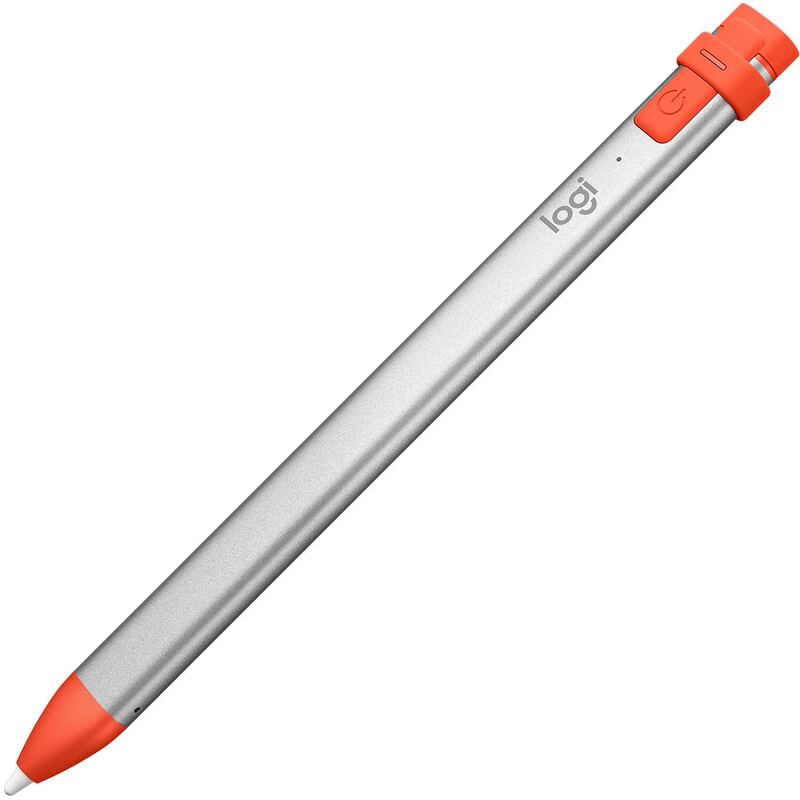
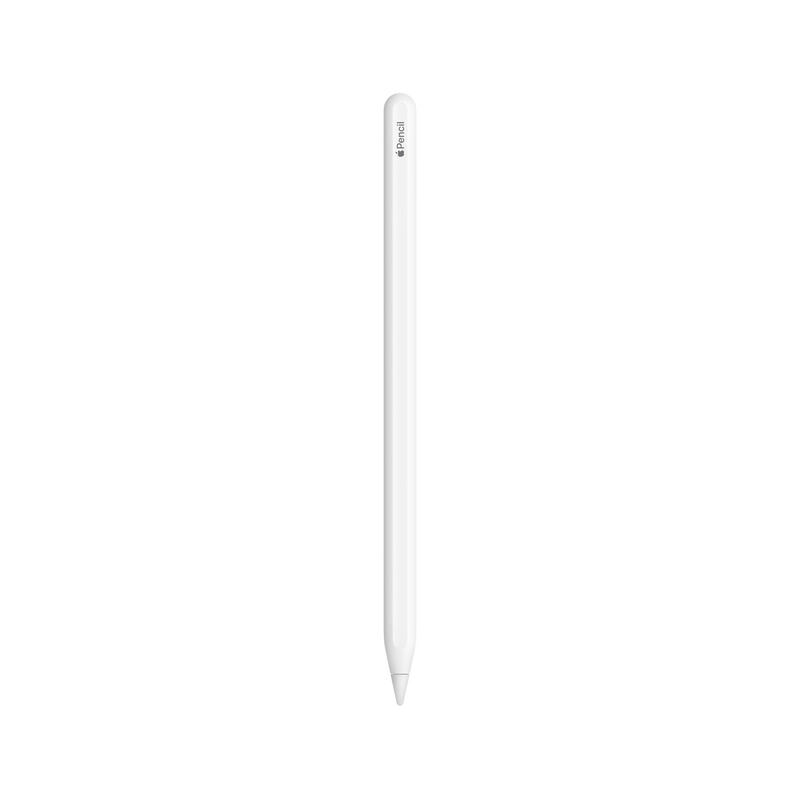
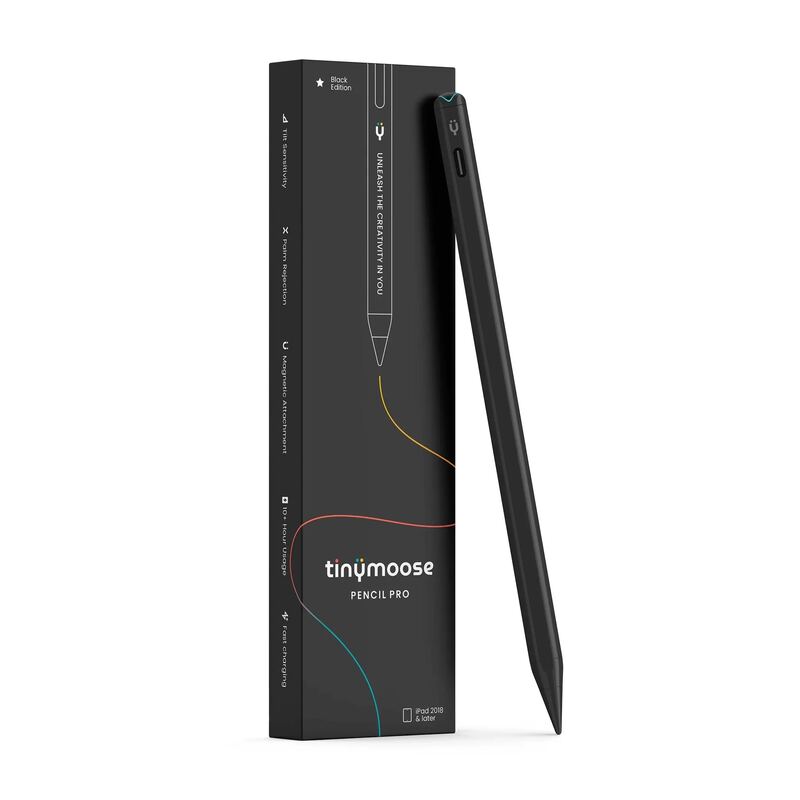
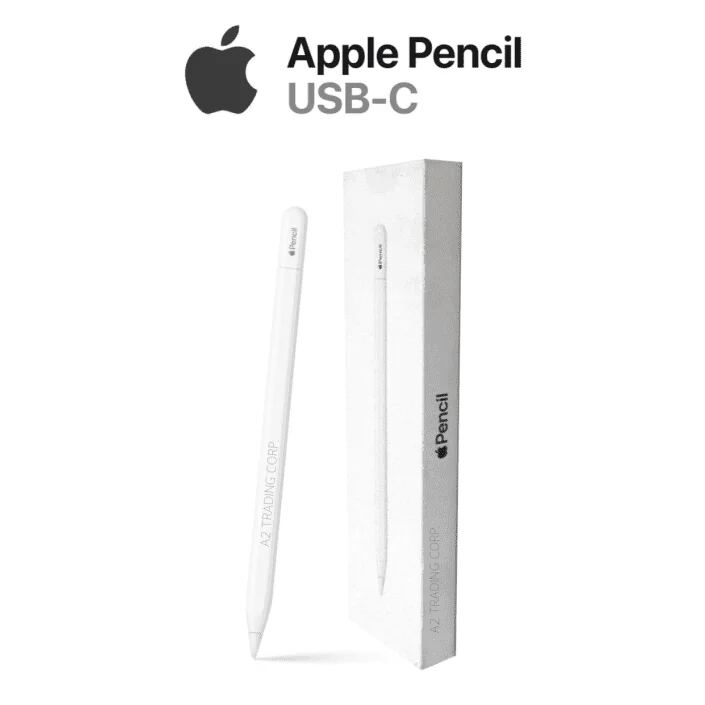
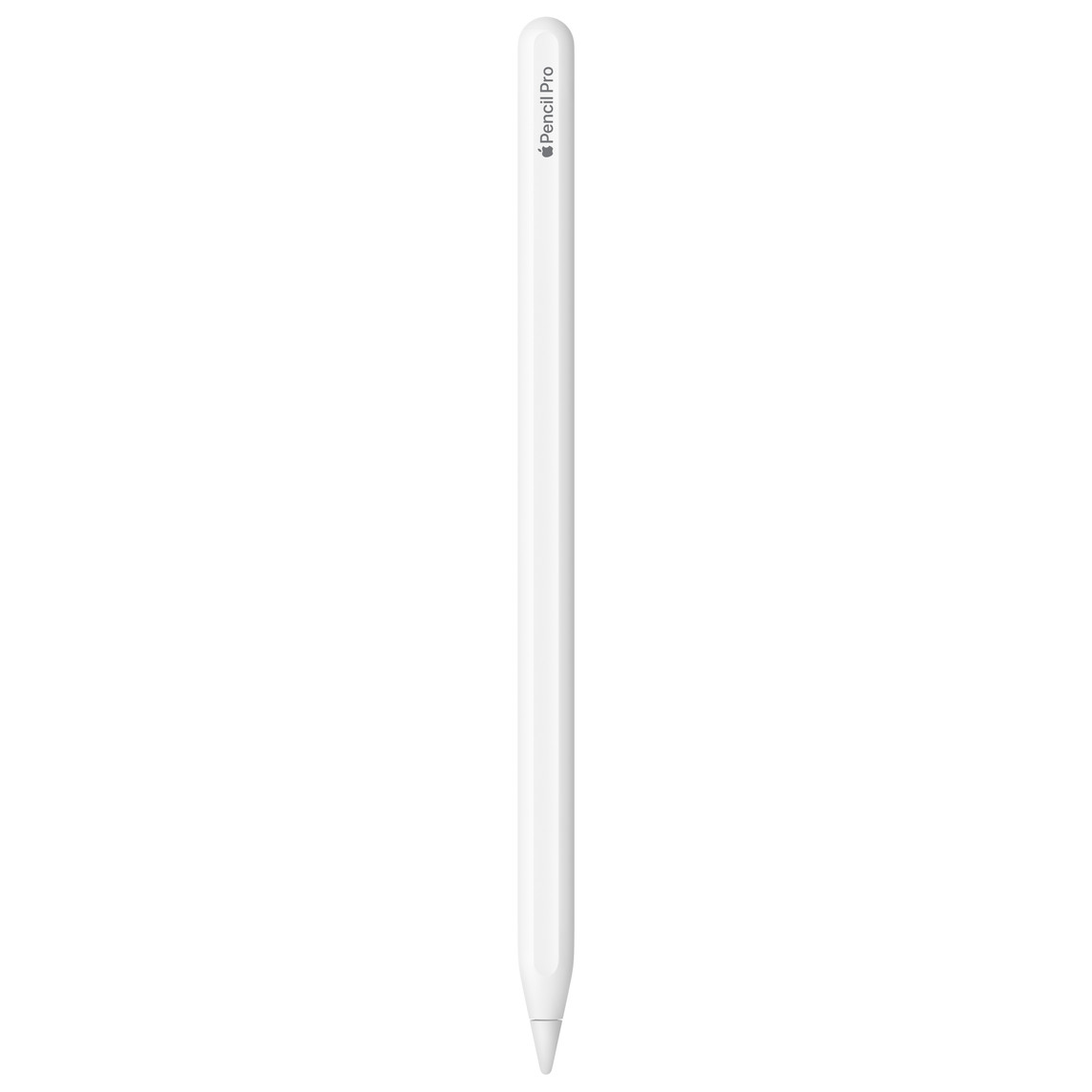
The Apple Pencil (USB-C) offers a refined design that bridges the gap between first and second-generation models, delivering familiar performance with modern USB-C connectivity. PCMag's Eric Zeman noted its comfortable, familiar feel and precise functionality, while YouTube reviewers highlighted its cap design and charging method. However, it lacks wireless charging and the double-tap tool switching found in the premium version. This pencil is ideal for users seeking a balance of functionality and modern connectivity without the premium price tag, though those wanting wireless features may want to consider the second-generation model.
Full review
Pressure sensitivity gap
The Apple Pencil (USB-C) lacks pressure sensitivity, a key differentiator from its predecessor and the Apple Pencil Pro. This omission significantly impacts its utility for artists and creative professionals who rely on varying line weights and shading effects. The stylus delivers pixel-perfect precision and tilt sensitivity, but without pressure detection, it cannot replicate the nuanced control that artists expect. Reviewers noted that while the USB-C model performs adequately for note-taking and basic drawing, it falls short for detailed artwork or calligraphy. The lack of pressure sensitivity makes it a less suitable choice for users who require the full range of Apple Pencil capabilities, particularly those who have upgraded from earlier generations. This limitation is especially apparent when comparing it to the Apple Pencil Pro, which offers full pressure sensitivity and enhanced creative control. The decision to exclude this feature in the USB-C model appears to be a deliberate cost-cutting measure that impacts its versatility in creative applications.
Haptic feedback implementation
The Apple Pencil Pro introduces haptic feedback as a significant enhancement, providing tactile confirmation for user interactions. This feature is particularly valuable for the squeeze gesture functionality, where users can physically feel when actions are registered. The haptic engine, described as the smallest ever used by Apple, required a complete architectural redesign to maintain the familiar external design. Reviewers praised the haptic feedback for creating convincing illusions of physical response, such as when switching between tools or navigating menus. The system works seamlessly with double-tap functions and other interactions, making it feel more responsive and intuitive. However, the Apple Pencil (USB-C) does not include this feature, which represents a notable gap in user experience. The absence of haptic feedback means that users miss out on the tactile confirmation that makes the Pro's interactions feel more natural and satisfying, particularly during complex creative workflows.
Squeeze gesture functionality
The squeeze gesture is one of the most innovative features introduced in the Apple Pencil Pro, allowing users to access tool palettes and perform actions by pinching the stylus. This feature works by squeezing the front of the pencil to trigger an action, with the default being to show the Tool Palette. The implementation is particularly useful in apps that support undo/redo functionality, where users can slide through multiple undo steps with live previews. This feature streamlines workflows for users who frequently need to correct mistakes or navigate through multiple editing steps. The Apple Pencil (USB-C) lacks this squeeze functionality entirely, which means users must rely on traditional interface methods rather than the more intuitive gesture-based controls. The Pro's squeeze feature has been described as 'incredibly useful and nicely implemented,' particularly for apps like GoodNotes where tool access is frequently needed. The absence of this feature in the USB-C model significantly reduces its appeal for users who value streamlined, gesture-based interactions.
USB-C model supports older iPads the Pro does not
The Apple Pencil (USB-C) maintains broad compatibility across multiple iPad generations, including the 10th-generation iPad, iPad Pro 12.9-inch (3rd-6th Gen), iPad Pro 11-inch (1st-4th Gen), iPad Air (4th-5th Gen), and iPad mini (6th Gen). This extensive compatibility makes it an attractive option for users with older iPad models who want to upgrade their stylus experience. However, it lacks support for wireless charging and Find My functionality, which are available on the Apple Pencil Pro. The Pro model is limited to newer iPad models, including iPad Pro 13-inch (M4), iPad Pro 11-inch (M4), iPad Air 13-inch (M2), and iPad Air 11-inch (M2). The USB-C model's compatibility extends to older devices, making it a more accessible choice for users who haven't upgraded their tablets. This broader device support comes at the cost of missing advanced features like wireless charging and Find My integration, which are available on the Pro version. The decision to support older iPad models makes the USB-C model appealing for budget-conscious users but limits its advanced functionality.
Charging and port design
The Apple Pencil (USB-C) features a sliding cap that conceals the USB-C charging port, providing a clean, integrated look. This design element makes charging more convenient than the older Apple Pencil models, which required users to manage magnetic charging or find dedicated charging solutions. The sliding cap mechanism allows for easy access to the charging port without the risk of losing the cap. Reviewers noted that the charging process is more streamlined compared to previous models, particularly for 10th-generation iPad users. The USB-C charging port eliminates the need for wireless charging, which was a feature included in the Apple Pencil Pro. The design maintains the familiar aesthetic of the Apple Pencil while incorporating the practicality of a standard charging port. This approach aligns with European Union regulations requiring USB-C charging ports on gadgets, suggesting that Apple designed the USB-C model with regulatory compliance in mind. The charging solution is straightforward and eliminates the complexity of wireless charging systems.
Price point and value proposition
This price difference reflects the feature set differences between the two models, with the USB-C version offering fewer capabilities but maintaining broad device compatibility. The USB-C model provides value for users who need basic stylus functionality without advanced features like pressure sensitivity or wireless charging. Reviewers noted that the USB-C version offers 'seamless and dynamic use' of the 2nd-Gen Apple Pen features at a fraction of the cost. The Pro model's higher price point is justified by its additional features, including pressure sensitivity, wireless charging, and Find My integration. For users who primarily use their iPad for note-taking or basic drawing, the USB-C model provides excellent value. However, for creative professionals who require advanced stylus capabilities, the Pro model's features may justify the additional cost. The price difference makes the USB-C model an attractive entry point for new iPad users or those testing Apple Pencil functionality.
Design and ergonomic considerations
Both Apple Pencil models share nearly identical external designs, featuring a sleek white appearance with a matte finish. The Apple Pencil (USB-C) maintains the same ergonomic form factor that users expect from Apple's stylus line, providing comfort during extended use. The design includes a magnetic strip that allows for secure attachment to iPad sides, ensuring easy storage and charging. The sliding cap on the USB-C model provides a clean aesthetic while concealing the charging port. Reviewers emphasized that the design maintains the premium feel of the Apple Pencil line, with no compromise on the tactile experience. The ergonomic design is particularly praised for being 'easy on the fingers and the wrist,' making it suitable for extended drawing or note-taking sessions. The Pro model includes additional features like the haptic feedback system and squeeze gesture functionality, but both models maintain the same fundamental design principles. The visual similarity between the two models makes it challenging to distinguish them without reading the model designation, which is a common point of confusion for users.
Feature trade-offs for different user groups
The Apple Pencil (USB-C) is positioned as an entry-level option for users who need basic stylus functionality without advanced features. It's particularly suitable for students and casual users who primarily use their iPad for note-taking and light drawing. The lack of pressure sensitivity and wireless charging makes it less appealing for creative professionals who require advanced control and convenience features. The Apple Pencil Pro targets artists and content creators who benefit from pressure sensitivity, wireless charging, and Find My functionality. Users who have upgraded from the first-generation Apple Pencil will find the USB-C model offers significant improvements in usability and charging convenience. However, those seeking the full creative experience will find the Pro model's features essential for professional-grade work. The decision between models depends on user needs and budget considerations. For users who primarily need to take notes or make simple sketches, the USB-C model provides excellent value. For creative professionals requiring advanced stylus capabilities, the Pro model's features justify the higher cost. The feature trade-offs make each model suitable for distinct user groups with different requirements and expectations.
Strengths
- +Feels nearly identical to the second-generation Apple Pencil in terms of build and comfort
- +Supports USB-C charging and pairing, offering a more modern connection method
- +Maintains the same precision and responsiveness as previous models
Watch-outs
- −Lacks wireless charging capability, a feature found in the second-generation model
- −No double-tap tool switching functionality present on the newer model
How it compares
The Apple Pencil Pro / Apple Pencil (USB-C) bridges the gap between first and second-generation models, offering familiar performance with modern USB-C connectivity. Unlike the standard Apple Pencil (USB-C), it maintains the same precision and responsiveness as previous models, but lacks the wireless charging and double-tap tool switching found in the premium second-generation version.
Rating sources
Counts as 4.16/5 in our score — this publisher's 181 scores on the site average 4.00, so its scores are adjusted up to compare fairly with other publishers.
“The Apple Pencil Pro may be my favorite new feature. I have long been a fan of double-tapping the side of an Apple Pencil to switch between two tools, such as between a pen and an eraser, and with the addition of haptic feedback, you get instant verification that the tools have changed.”
Not in the average — we derived this score from the review's words, and a publisher printed a score for this product, so the printed number counts instead.
“While the model does lack some of the defining features of the 2nd Generation Apple Pencil, like pressure sensitivity and wireless charging, it still packs a punch.”
“Apple Pencil Pro will delight creatives and casual users alike. Pros Great new gestures Find My network support Good price point”
Our 4.2 score is the average of 1 of the scored reviews above, each adjusted for how strictly its publisher scores; 5 more reviewed it without printing a score and are not in the average. 1 derived score above is not in the average because a publisher printed a score for this product. Ratings marked * were derived from the reviewer’s written analysis or video transcript — the publisher didn’t print an explicit numeric score, so we inferred one from their own words. Click through to verify. More about methodology.