The Logitech Crayon offers a cost-effective alternative to the Apple Pencil with its durable rounded rectangle design and USB-C charging capability. Reviewers noted its compatibility with lower-end iPads and the addition of battery life LED indicators in the newer model. However, it lacks pressure sensitivity and does not include a charger, so you supply your own USB-C cable. Creative Bloq praised it as a 'good stylus gets even better' while Robert Setiadi appreciated its reliability and simple functionality. This stylus is best suited for users seeking basic stylus functionality without the premium price tag.
Full review
Design and form factor
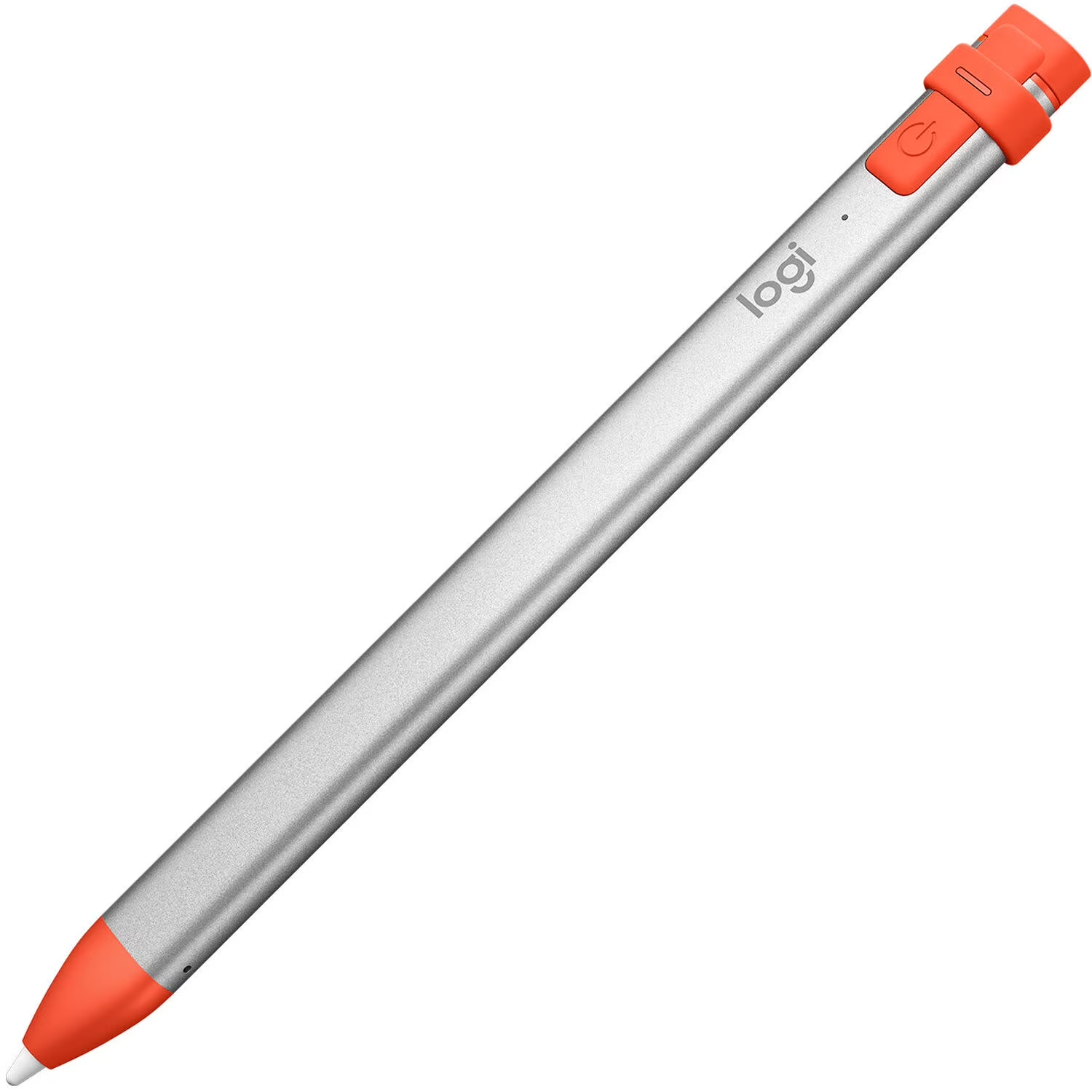
The Logitech Crayon maintains the distinctive rounded rectangular shape that sets it apart from traditional circular styluses, a design choice that prevents rolling off desks and improves grip. According to Robert Setiadi's review on his website, this form factor makes the device more comfortable to hold and less likely to slide around during use. Creative Bloq lists great build quality among the Crayon's strengths, and Podfeet likens its rounded-rectangle shape to a traditional carpenter's pencil. This design approach was noted as a deliberate improvement over earlier stylus models that often featured more generic or awkward shapes.
The 2023 model introduced subtle refinements to the original design, including a more minimalist aesthetic and the addition of a USB-C charging port, which aligns with the charging evolution seen in newer iPad models. However, the physical form factor remains largely unchanged from the original 2018 model. The device's power button is positioned at one end, and it comes with a small orange rubber cap covering the Lightning connector for charging, which is a notable departure from the original's exposed connector. The tip is designed to be removable and replaceable, though some users have reported issues with the tip becoming loose over time, as noted in discussions on the MPU Talk forum where users described having to tighten the tip manually to restore functionality.
Charging and power management
The Logitech Crayon's charging mechanism represents a significant upgrade from its predecessor, with the 2023 model transitioning to a USB-C charging port. This change aligns the Crayon with the charging standards of newer iPad models, eliminating the need for proprietary Lightning cables. According to Josephine Watson's review in Creative Bloq, the device charges in approximately 50 minutes, which is a reasonable timeframe for a stylus of this type. The device features three LED indicators to show battery life, a feature that was absent in the original model and has been widely appreciated by users for providing clear feedback on charging status.
Robert Setiadi's review noted that the Crayon can be charged using any standard USB-C cable, which he finds convenient since he always carries one with him. The device's battery life is reported to last about 7.5 hours of continuous use, which is sufficient for most drawing and note-taking tasks. However, the charging process is not wireless, and the device requires a physical connection to a power source, which may be seen as a limitation compared to wireless charging options found in some competing products. The device's charging port is protected by a small rubber cap, which some users have noted could be a point of concern for durability over time.
Compatibility and pairing
The Logitech Crayon is compatible with a wide range of iPad models, including iPad Pro 12.9-inch (3rd generation and above), iPad Pro 11-inch (1st generation and above), iPad Air (4th and 5th generation), iPad (10th generation), and iPad mini (6th generation). This broad compatibility makes it an attractive option for users who own multiple iPad models or those who want to use a stylus with older iPad generations that don't support the newer Apple Pencil models. The device pairs instantly with iPads, which is a significant advantage over other styluses that require Bluetooth pairing, as noted in the Creative Bloq review. This seamless pairing process allows users to start drawing or writing immediately upon powering on the device.
One notable difference from Apple Pencil is that the Logitech Crayon does not require Bluetooth pairing. Users simply power on the device by holding the orange button for about a second until a green light appears, then they can begin using it on any compatible iPad. This feature eliminates the need to manage multiple Bluetooth connections and simplifies the user experience. However, if an Apple Pencil is already paired with the iPad, users must go to Bluetooth settings and 'forget this device' to enable the Crayon to work, as mentioned in a discussion on the MPU Talk forum. This requirement may be inconvenient for users who frequently switch between multiple styluses.
Performance and functionality
The Logitech Crayon delivers a performance that closely mimics that of the Apple Pencil, with minimal lag and precise pointing capabilities. According to the Creative Bloq review, the device offers palm rejection and works seamlessly with hundreds of Apple Pencil-supported apps, providing a consistent drawing and writing experience. Podfeet's reviewer sensed zero lag and found the tip smooth and responsive on the screen, with very precise pointing. The tip is designed to be fine and precise, allowing for detailed work and accurate line drawing, which is essential for users who rely on styluses for artistic or professional purposes.
Despite its performance advantages, the Logitech Crayon lacks pressure sensitivity, which is a feature found in Apple Pencil models. This absence of pressure sensitivity is a trade-off for the device's lower price point, as noted in both the Creative Bloq review and the discussion on the MPU Talk forum. The lack of pressure sensitivity means that users cannot vary line thickness or intensity based on how hard they press, which may be a limitation for artists or professionals who rely on this feature. However, for note-taking and quick sketches, both Creative Bloq and Root-Nation consider the Crayon well suited.
User experience and reliability
User experiences with the Logitech Crayon are generally positive, with reviewers noting its ease of use and durability. Robert Setiadi's review emphasized that the device is a simple stylus that does what it says without issues, making it a reliable choice for users who need a straightforward tool for their iPad. The device's compatibility with multiple iPad models and its straightforward charging process contribute to its user-friendly design. The lack of a magnetic attachment, which is present in some Apple Pencil models, is listed as a drawback by Creative Bloq, and Root-Nation calls it a little inconvenient.
However, some users have reported issues with the tip becoming loose over time, as documented in discussions on the MPU Talk forum. Users have noted that the tip can become too loose for the device to function properly, even though it remains physically attached. In such cases, users must manually tighten the tip by twisting it counterclockwise to restore functionality. This issue, while not universal, has been reported by multiple users and may be a concern for those who frequently use the device or transport it in environments where it might be jostled. The tip's design and attachment mechanism have been criticized by some users who feel it could be more secure.
Strengths
- +Compatible with several lower-end iPads (same compatibility list as Apple Pencil first generation)
- +Durable rounded rectangle form factor that prevents rolling off desk
- +Charges using USB-C cable for convenience
- +Includes 3 LED indicators to show battery life
Watch-outs
- −No pressure sensitivity for drawing or writing
- −No included charger (you supply your own USB-C cable)
How it compares
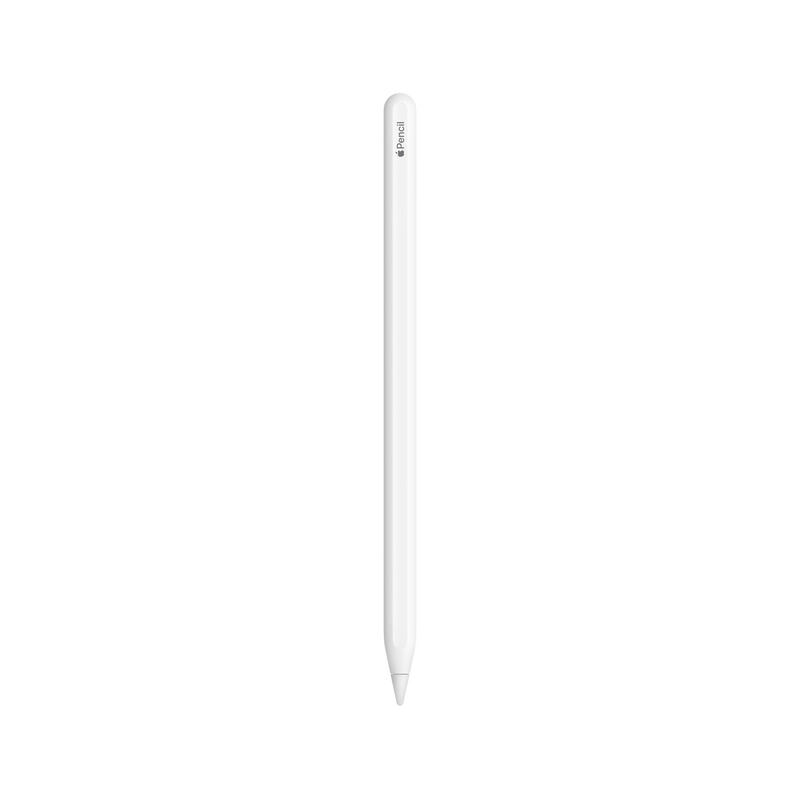
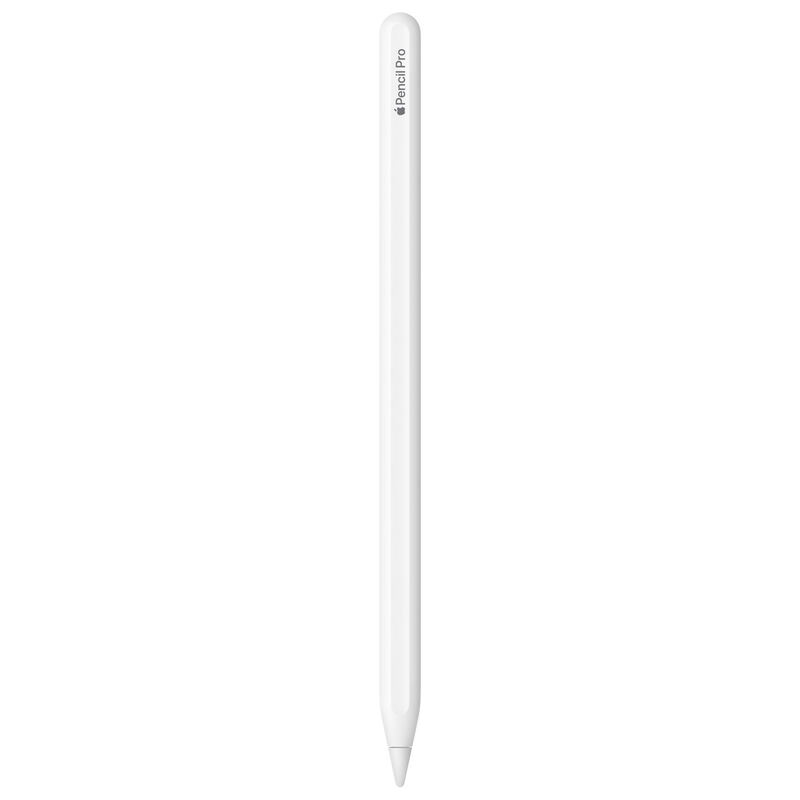
The Logitech Crayon provides a cost-effective alternative to the Apple Pencil with its durable rounded rectangle design and USB-C charging capability, features not found in the Apple Pencil (1st generation). However, it lacks pressure sensitivity, a key feature that makes the Apple Pencil (2nd generation) more suitable for detailed drawing and note-taking tasks.
Rating sources
“A simple stylus that does what it says without issues. Would recommend this to anyone with compatible iPad.”
“Sometimes when I'm placing the Crayon in its holder on my STM case or when I'm fidgeting with it I must have loosened the tip. The tip can be too loose for the Crayon to work even though it is still attached and looks the change.”
Counts as 4.66/5 in our score — this publisher's 181 scores on the site average 4.00, so its scores are adjusted up to compare fairly with other publishers.
Our 4.7 score is the average of the 1 scored review above, each adjusted for how strictly its publisher scores; 7 more reviewed it without printing a score and are not in the average. More about methodology.