The Ortur Laser Master 3 is a high-end engraver and cutter with a 20W modular laser that moves at 20000 mm/min, aimed at professionals and experienced hobbyists. Reviewers liked the sleek open-frame design and the full set of accessories, while flagging a complicated assembly and a basic air assist pump. It works well on wood, acrylic, glass, and aluminum, with specific settings recommended for each. Newcomers to laser technology should start somewhere else.
Full review
Performance at Speed
The Ortur Laser Master 3 delivers on its promise of exceptional speed, with engraving capabilities reaching up to 20,000 mm/min according to manufacturer claims. Professional reviewer John from Mellowpine tested the machine extensively and found that it could engrave plywood at 6,000 mm/min with 50% power and achieve 12,000 mm/min at 100% power for faster jobs. The machine's open-frame design and low center of gravity prevent vibrations at high speeds, which is critical for maintaining quality at rapid movement rates.
The Ortur Laser Master 3 showed impressive cutting performance on multiple materials. When cutting 3mm plywood, it achieved clean edges with minimal burn marks using 30 psi air assist pressure. For 10mm pine, the machine required 300 mm/min speed and 6 passes to achieve clean edges, though it struggled with hard grains. The device also demonstrated capability in cutting 2mm black acrylic at 600 mm/min in 5-6 passes, achieving a smaller kerf width and better edge finish. These results were consistent with the manufacturer's recommended settings, indicating reliable performance across various materials and thicknesses.
Rotary roller switch looks cheap and exposed
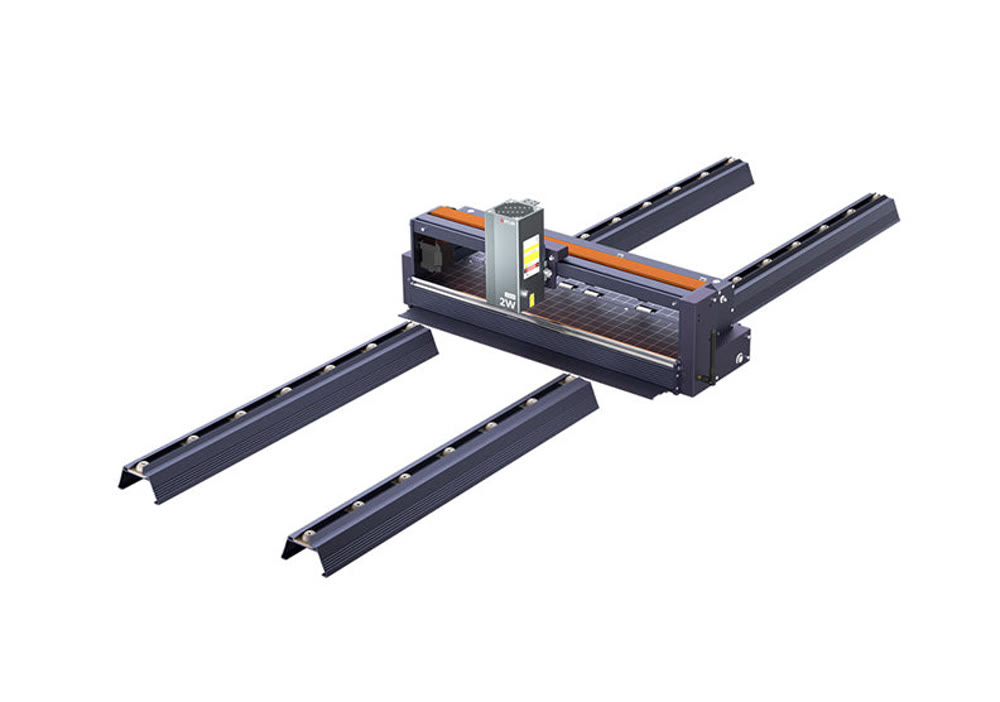
The Ortur Laser Master 3 features a distinctive open-frame design with a dark gray finish and integrated electronic components that create a futuristic appearance. According to ThePhonograph.net, the machine is constructed from 70% aluminum, 15% stainless steel, 5% plastic and 5% brass, making it sturdy yet remarkably light. The build quality is described as sturdy, with the company's custom parts ensuring precise fit and squareness. The design includes a low profile that makes it easier to work around, though the machine requires a footprint of 23.1" x 25.9" x 5.9" (588 x 660 x 150 mm). The machine's sleek appearance and concealed controller and wiring contribute to its modern aesthetic.
The Technology Man noted that while the frame goes together nicely with custom parts that lock precisely, there were issues with the rotary roller switch that looked cheap and exposed. Additionally, the lack of cable management for the bulky wiring loom was criticized, with one reviewer having to 3D print a cable tie base to prevent tangling. The machine's design, while sleek, has some practical drawbacks including an awkwardly positioned microSD card slot and the need for a 3D-printed solution to manage cables effectively.
Works right out of the box
Multiple reviewers praised the Ortur Laser Master 3 for its exceptional speed and power, with one reviewer from Trustpilot describing it as 'in a league of its own' and noting its unmatched speed, precision, and power. The machine's 20W diode laser module was highlighted as delivering outstanding performance, particularly in cutting and engraving tough materials like wood, acrylic, and some metals. The reviewer emphasized that the advanced motion control system ensures sharp cuts and minimal distortion, making it suitable for intricate designs and high-detail engravings. The compatibility with both LightBurn and LaserGRBL software was also appreciated for adding flexibility and customization options.
The ease of use and versatility were also frequently mentioned as strong points. The Technology Man noted that setup was straightforward and the interface was user-friendly, making it accessible for both beginners and experienced users. The inclusion of WiFi and a smartphone app for creating custom projects and sending them wirelessly was considered a significant advantage. The machine's ability to handle various materials including wood, tile, and some metals was highlighted as a major benefit. One reviewer specifically mentioned that the machine worked right out of the box, unlike other brands, and that the software setup was manageable with proper guidance from Ortur's website and YouTube videos.
Firmware updates require a Windows PC
Despite its many strengths, the Ortur Laser Master 3 has several notable shortcomings that reviewers have identified. One major issue concerns firmware updates, which require a Windows-only process and cannot be performed from virtual machines or tablets, as noted by the reviewer from Johns Tech Blog. This limitation creates accessibility problems for users who rely on non-Windows systems or mobile devices for firmware management. Additionally, the software experience has been criticized for being outdated, with the included LaserGRBL being described as an old version that requires additional downloads and installations to function properly.
Assembly challenges were also reported by several reviewers. The Technology Man noted that while basic assembly takes less than 30 minutes, the supplied user manual has small illustrations that are difficult to read, requiring users to seek online resources. The reviewer also mentioned that the assembly process was made easier by watching YouTube videos, but the lack of clear instructions was a significant drawback. Another concern was the machine's lack of proper cable management, which could lead to tangling and potential damage. The rotary roller switch was also criticized for appearing cheap and exposed, and the awkward positioning of the microSD card slot was noted as inconvenient.
Not recommended as a first laser machine
The Ortur Laser Master 3 is best suited for experienced users who are comfortable with technical setup and software configuration. Reviewers like those from The Technology Man and Mellowpine emphasized that while the machine is accessible to beginners, it requires a certain level of technical knowledge for optimal performance. The reviewer from Johns Tech Blog specifically noted that this would probably not be the first laser machine bought by newcomers to the laser world, suggesting that experienced users who have built other types of laser machines, CNC machines, or 3D printers would find it more approachable. The machine's advanced features and high-speed capabilities make it ideal for professional users or serious hobbyists who need precision and performance.
However, the machine may not be ideal for users seeking simple plug-and-play solutions. The need for additional software installations, firmware updates, and the complexity of setup procedures make it less suitable for casual users or those who prefer straightforward operation. The reviewer from Trustpilot who had experience with multiple laser engravers recommended it for those seeking a high-performance machine that outclasses the competition in speed, power, and accuracy, indicating that it's best for users who value performance over ease of use. The machine's requirement for specific tools and accessories also makes it less appealing to users looking for a more basic solution.
Support limited to one email per day
When compared to other laser engravers, the Ortur Laser Master 3 stands out for its speed and power capabilities. The reviewer from The Technology Man noted that it moves significantly faster than other lasers they've used, cutting and engraving with impressive efficiency. The 20W diode laser module delivers outstanding power, making clean, precise cuts even on tougher materials. In contrast, other reviewers like those from Trustpilot have noted that while Ortur machines are powerful, they may lack adequate customer support, with one reviewer stating they couldn't get support beyond one email per day. This suggests that while the hardware may be superior, customer service could be a weakness compared to competitors.
The comparison with other brands like xTool and LaserPecker shows that Ortur's main advantage lies in its speed and power, but it may fall short in customer service and software support. The reviewer from Trustpilot who had experience with multiple laser engravers found that Ortur's machine outperformed others in terms of speed, power, and accuracy, making it their go-to machine for all engraving and cutting projects. However, the lack of comprehensive customer support was noted as a potential drawback. The machine's compatibility with both LightBurn and LaserGRBL software was considered a plus, though the software setup process was noted as requiring additional effort compared to simpler alternatives.
Extra tools and software add hidden costs
The Ortur Laser Master 3 offers significant value for users who prioritize performance over ease of use. ThePhonograph's testing puts the case for the price in concrete terms. It scored the machine 5/5 for performance and for engraving, found that it 'was able to cut through 15mm pinewood in a single pass in 1 second, with pristine clear cuts and no over-burning', and judged that 'this laser machine includes far more safety features than other competitors'. The same review is clear about who it is for — 'Since this is a high-tier laser machine, it will probably not be the very first laser machine bought by a newcomer to the laser world' — and reports friction in software setup: 'we had a hard time setting it smoothly with Lightburn as the safety sensors of the machine were triggered with ease when using the Ortur with Lightburn, thus halting the lasering tasks'. The machine's ability to handle various materials including wood, tile, and some metals, along with its high-speed capabilities, makes it a versatile tool for professional or serious hobbyist use.
However, the value proposition becomes more complex when considering additional costs and requirements. The need for additional software installations, firmware updates, and the requirement for specific tools and accessories adds to the overall cost. The reviewer from Johns Tech Blog noted that while the machine itself was reasonably priced, the software setup process required additional time and effort, including downloading drivers and custom button files. The machine's requirement for 3D-printed cable management solutions and the need for specific tools for assembly also add to the total cost of ownership. Despite these factors, the reviewer concluded that the machine was 'well worth the investment' for those who need its performance capabilities.
Sturdy build but spotty long-term support
Long-term durability of the Ortur Laser Master 3 appears to be mixed based on user experiences. The reviewer from The Technology Man noted that the machine is very well built and sturdy, with custom parts that lock precisely and ensure the frame is square. The powder-coated extrusions and overall construction quality were praised, suggesting that the machine should withstand regular use. However, some concerns were raised about specific components like the rotary roller switch, which was described as cheap and exposed, potentially affecting long-term reliability. The lack of proper cable management was also noted as a potential long-term issue that could lead to damage over time.
Customer service experiences provide some insight into long-term support. The Trustpilot reviews show mixed experiences, with some users praising the machine's quality and performance while others criticized the lack of support. One reviewer specifically mentioned that they couldn't get support beyond one email per day, which could be problematic for long-term maintenance and troubleshooting. The reviewer from Johns Tech Blog noted that firmware upgrades require Windows-only processes and cannot be done from virtual machines or tablets, suggesting potential limitations in long-term support accessibility. Despite these concerns, the machine's core performance and build quality appear to be solid, with many users finding it reliable for their needs.
Strengths
- +20W modular laser module for high-power engraving and cutting
- +20000 mm/min maximum speed for efficient operation
- +Open-frame design with sleek low-profile build and concealed wiring
- +Includes comprehensive accessories pack with air assist pump, test materials, and detailed manuals
- +Supports multiple materials including wood, acrylic, glass, and aluminum
Watch-outs
- −Requires significant assembly effort with disassembled main components
- −Not suitable for beginners due to complexity of setup and alignment
How it compares
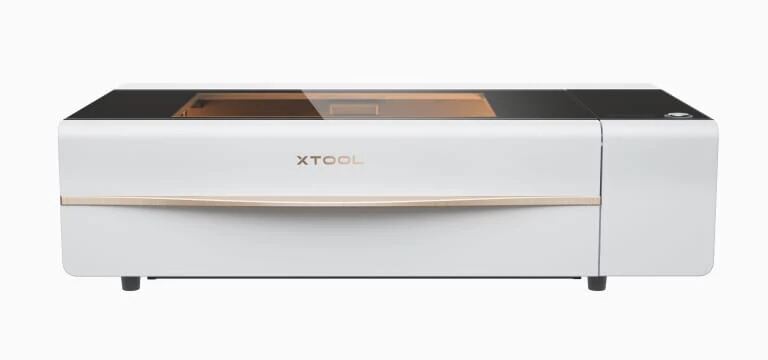
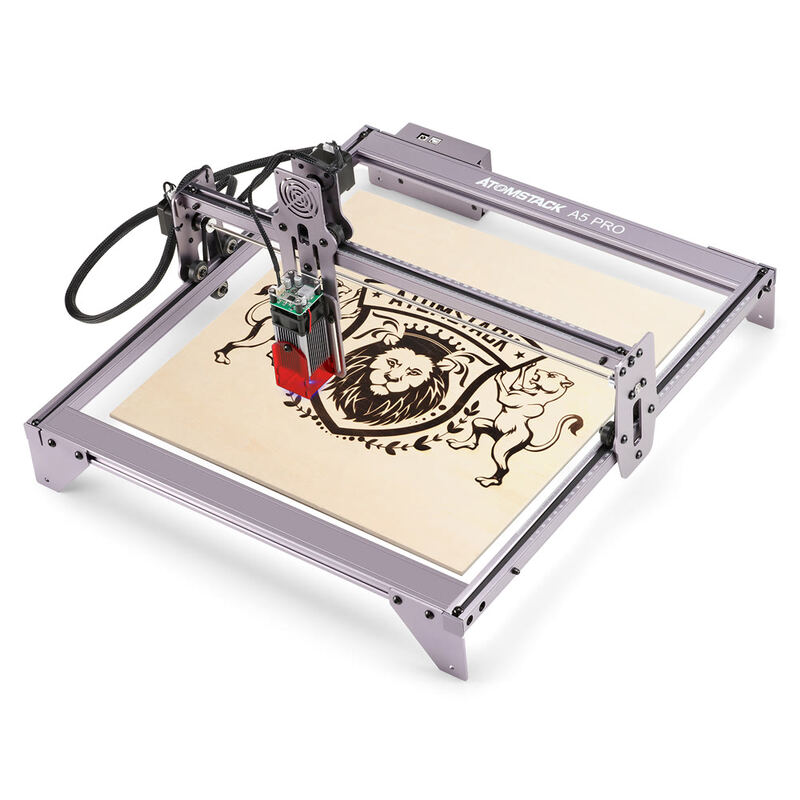
The Ortur Laser Engraver 4 surpasses the xTool D1 Pro in power with its 20W modular laser and high-speed operation, but it requires more complex setup and lacks the included tutorials and ease of assembly that the D1 Pro provides. It also doesn't match the xTool P2's built-in fume extraction or the Atomstack P50 Pro's air assist system.
Rating sources
“LaserGRBL is okay but to really make the Ortur Laser Master 2 sing youll want to get a program called Lightburn . It has a 30 day trial and costs $40. I bought the software after a day or two. Its worth every penny and then some.”
Our 4.0 score is the average of these published ratings. Ratings marked * were derived from the reviewer’s written analysis or video transcript — the publisher didn’t print an explicit numeric score, so we inferred one from their own words. Click through to verify. More about methodology.