Reviewers still call the Glowforge Plus the friendliest laser cutter to use on the market, thanks to how little you have to do out of the box and an autofocus that's hard to get wrong. It isn't the most powerful or fastest option, but it remains a common recommendation for beginners and hobbyists. Operation depends on a web-based app and an internet connection. It costs more than some alternatives, though reviewers rate the value well and report it holding up over multiple years of use. Choose it for reliability and ease rather than maximum cutting power.
Full review
User-Friendly Design
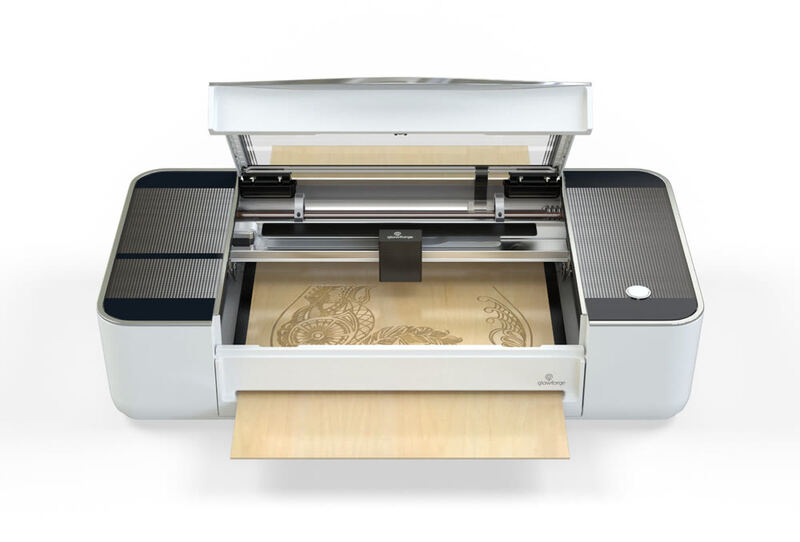
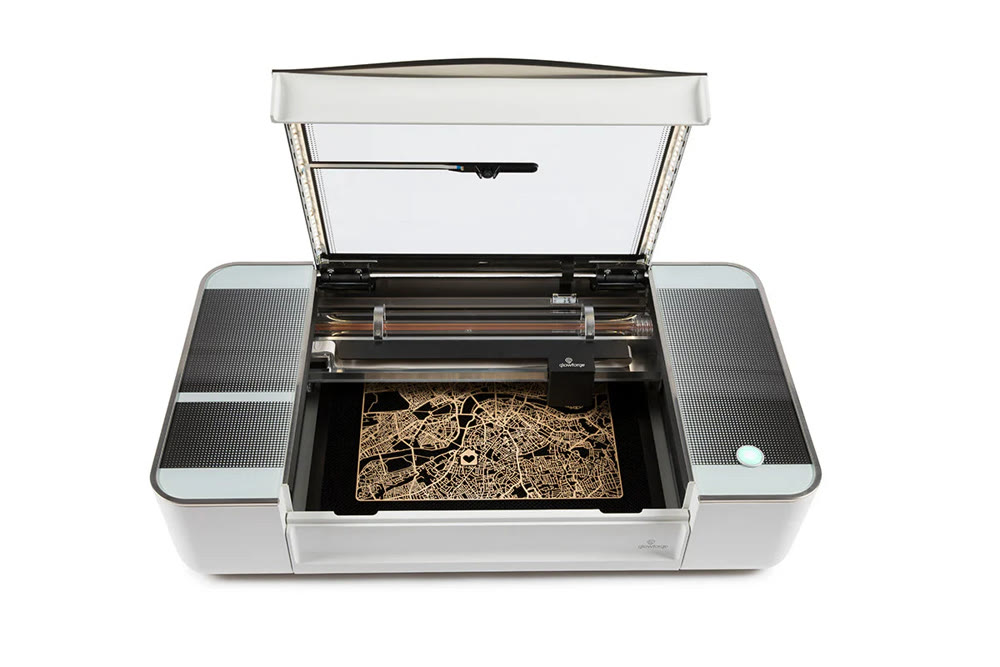
Glowforge Plus stands out in the laser cutting market for its exceptional ease of use, a trait that has been consistently praised by reviewers across multiple platforms. The Plus model delivers 'idiot-proof autofocus' that significantly improves upon manual focusing methods, particularly when cutting thick materials where focus point automatically adjusts during the cutting process. The machine's integrated camera system, featuring both a wide-angle camera for general placement and a high-precision autofocus camera, eliminates the need for manual focusing adjustments. The machine's build quality, as described by Make or Break Shop, features steel sheets with an all-glass lid, dual stepper motors for the Y-axis, and a single stepper motor for X and Z axes, resulting in minimal racking during gantry movement. The integration of LED strips inside the body and on the glass lid provides excellent illumination for both camera systems and user visibility, making the machine both functional and aesthetically pleasing.
Performance and Capabilities
The Glowforge Plus delivers robust performance with its 40-watt laser power, which makes it competitive against other desktop laser cutters in its class. The Plus model features enhanced cooling systems that manage heat effectively during extended use, with water circulation around the glass laser tube to reduce temperatures. The internal air assist system, integrated directly into the design, provides a stream of air focused directly on materials to extinguish flare-ups and clear smoke and debris, resulting in better engrave and cut quality. The machine works with hundreds of materials, including wood, acrylic, leather, paper, and various plastics. The Proofgrade materials, which include QR codes that direct the machine to exact settings, were particularly praised by both Maker Hacks and Make or Break Shop for their convenience and reliability in achieving consistent results.
Software and Connectivity
The Glowforge Plus operates exclusively through a web-based software interface that requires constant internet connectivity, a design choice that has generated mixed reactions among reviewers. Make or Break Shop highlighted that the software is web-based and works only over WiFi, leaving the machine 'a giant paperweight' whenever the internet is down. This cloud-dependent operation was seen as a significant drawback by some users, particularly when unreliable internet connections prevented access to the machine. However, the software's live camera preview and enhanced preview mode were praised for their ability to show print outcomes across different materials and design elements before pressing print. The software's compatibility with various file formats including JPEG, PNG, SVG, PDF, and others was noted as a significant advantage. The integration of scanning capabilities, which allows users to import hand-drawn designs, was described by Make or Break Shop as a seamless process for turning a sketch into a cuttable design. The software's ability to automatically recognize Proofgrade materials through QR codes was highlighted as a major time-saver, eliminating the need for manual power and speed adjustments that are required when using non-Proofgrade materials.
Build Quality and Construction
The Glowforge Plus demonstrates solid construction quality with its steel sheet body and all-glass lid, features that were consistently praised by reviewers. Make or Break Shop noted the machine's excellent build quality, with dual stepper motors driving the Y-axis and a single stepper motor for X and Z axes, which virtually eliminates racking during gantry movement. The machine's weight and size, measuring 38" x 20.75" x 8.25", were mentioned as requiring assistance for moving, with one reviewer noting that the UPS delivery driver left it on its side outside their front door, pressing the doorbell and dashing. The internal focusing mechanism was highlighted as a key feature that prevents smoke and debris from interfering with the focusing process, with the laser head housing the focusing mechanism to protect it from contamination. The machine's internal lighting system, featuring LED strips both inside the body and on the glass lid, was noted as providing excellent illumination for both camera systems and user visibility. The inclusion of gas pistons to hold the lid in place was mentioned as contributing to the machine's premium feel, with the 'thunk of the operating button' and visible laser tube adding to its tactile appeal.
Can't cut metal, per ChelseaMakes
Despite its many strengths, the Glowforge Plus has several notable drawbacks that reviewers have consistently identified. The primary criticism centers on its cloud-dependent operation, which requires constant internet connectivity and creates usability issues during internet outages; Maker Hacks notes that the app software is web-based and you need to be online in order to use the machine at all. The machine's reliance on web-based software with no local backup options was seen as a significant limitation, particularly for users who might experience unreliable internet connections. The need to purchase Proofgrade materials for optimal performance, which are sold separately at additional cost, was identified as a recurring revenue model that some reviewers found problematic. Additionally, the machine's inability to cut metal, as noted by ChelseaMakes, limits its versatility for users who might need to work with metallic materials.
Community and Support
The Glowforge community has been widely praised by reviewers for its helpfulness and the wealth of resources available to users. ChelseaMakes, who has been a Glowforge owner for over 8 years, highlighted the community forum as a valuable resource for answers to design questions, user issues, machine diagnostics, and free designs. The community's support was particularly noted by Make or Break Shop, which described Glowforge as an entire ecosystem that expands beyond the laser to the software, materials, designs, and community surrounding the machine. The availability of a catalog of customizable, ready-to-print designs was mentioned as a significant advantage, with users able to choose from hundreds of materials and designs. The manufacturer's commitment to providing lifetime free access to Glowforge Print software was noted as a positive feature that adds long-term value to the purchase. The community's role in helping users troubleshoot issues and share knowledge was highlighted as a major strength, with the forum serving as a central hub for user interaction and support. The availability of customer service and support was also noted as a key differentiator, with users reporting that the company's support team was responsive and helpful in addressing technical issues.
Needs a dedicated workshop, not an apartment
The Glowforge Plus is best suited for users who prioritize ease of use and reliability over maximum cutting power or cost efficiency. The machine's user-friendly interface and automated features make it particularly appealing to beginners in laser cutting, as noted by Maker Hacks, which still recommends the Glowforge to anyone getting into laser cutting for the first time. The Plus model's ability to handle a wide variety of materials, including leather, wood, acrylic, and paper, makes it suitable for users working in multiple creative disciplines. However, it's less ideal for users who require metal cutting capabilities or who operate in environments with unreliable internet connectivity. The machine's size and weight make it best suited for dedicated workshop spaces rather than small apartments or shared workspaces. Users who plan to work extensively with thick materials or require high-speed production will find the Plus model's performance adequate but not exceptional compared to industrial-grade alternatives. The machine's requirement for Proofgrade materials, while convenient, may not suit budget-conscious users who prefer to use their own materials without additional costs.
Optional filter adds $1,295 to the cost
The Glowforge Plus's $4,499 price point represents a premium in the desktop laser cutter market, but reviewers have found it offers good value for users who prioritize ease of use and reliability. ChelseaMakes, who has owned a Glowforge for over 8 years, noted that the machine paid for itself within the first few months of ownership, making it a worthwhile investment for serious users. The Plus model's enhanced features, including faster printing speeds, improved cooling, and the Preview Mode, justify the price for users who value productivity improvements. The inclusion of 12 months of worry-free warranty and lifetime free access to Glowforge Print software adds significant value to the purchase. However, the additional cost of Proofgrade materials and the optional Performance Laser Filter ($1,295) can significantly increase the total cost of ownership. The manufacturer's commitment to providing ongoing software updates and support was noted as adding long-term value that justifies the premium price for users who plan to use the machine extensively over time.
Strengths
- +User-friendly design that's easier to set up and operate than most competitors
- +Includes proof-grade materials with QR codes for automated settings
- +Web-based software that's accessible from any device with internet access
- +Good build quality with sturdy construction and included accessories
Watch-outs
- −Expensive compared to entry-level alternatives
- −Requires ongoing internet connection to operate
How it compares
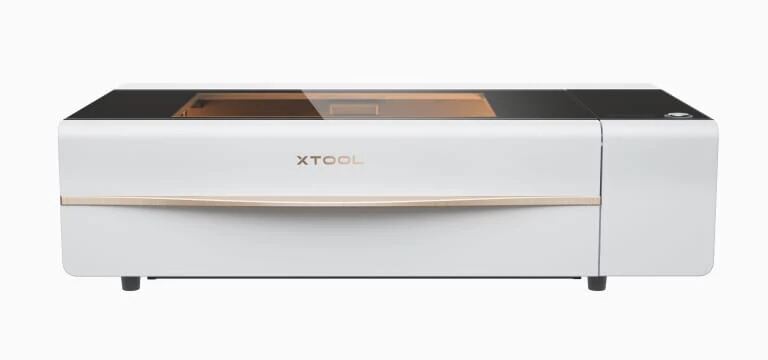
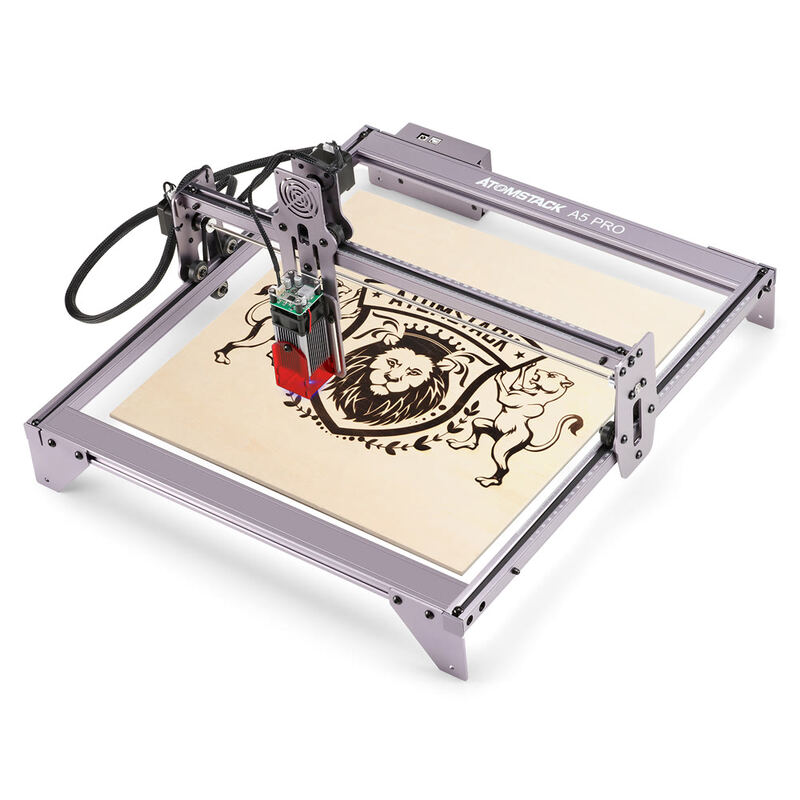
The Glowforge Plus is friendlier than the xTool P2 in terms of setup and operation, but it lacks the P2's powerful 55-watt CO2 laser and built-in fume extraction. It also requires internet connectivity, unlike the more independent Ortur Laser Engraver 4, which offers high-speed operation without cloud dependency.
Rating sources
“I’ve been a Glowforge owner since October 2017. (Technically since I ordered during the preorder campaign, I’m an owner since 2015! 10 years?! omg.)”
“Glowforge is one of the most popular laser engravers and laser cutters on the market. Through a combination of quality and ease of use, they've hit a sweet spot that appeals to hardcore makers and the crafting space.”
Our 4.3 score is the average of the 2 scored reviews above; 1 more reviewed it without printing a score and is not in the average. Ratings marked * were derived from the reviewer’s written analysis or video transcript — the publisher didn’t print an explicit numeric score, so we inferred one from their own words. Click through to verify. More about methodology.