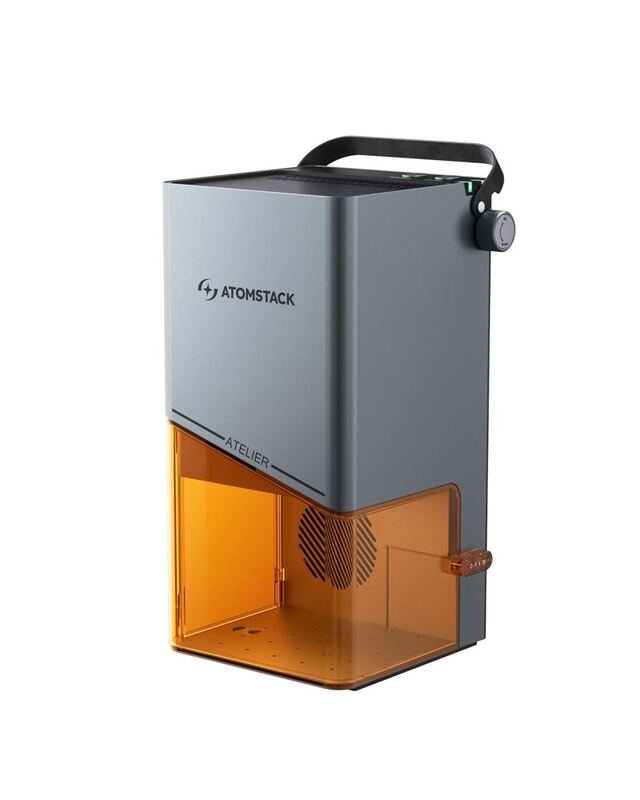
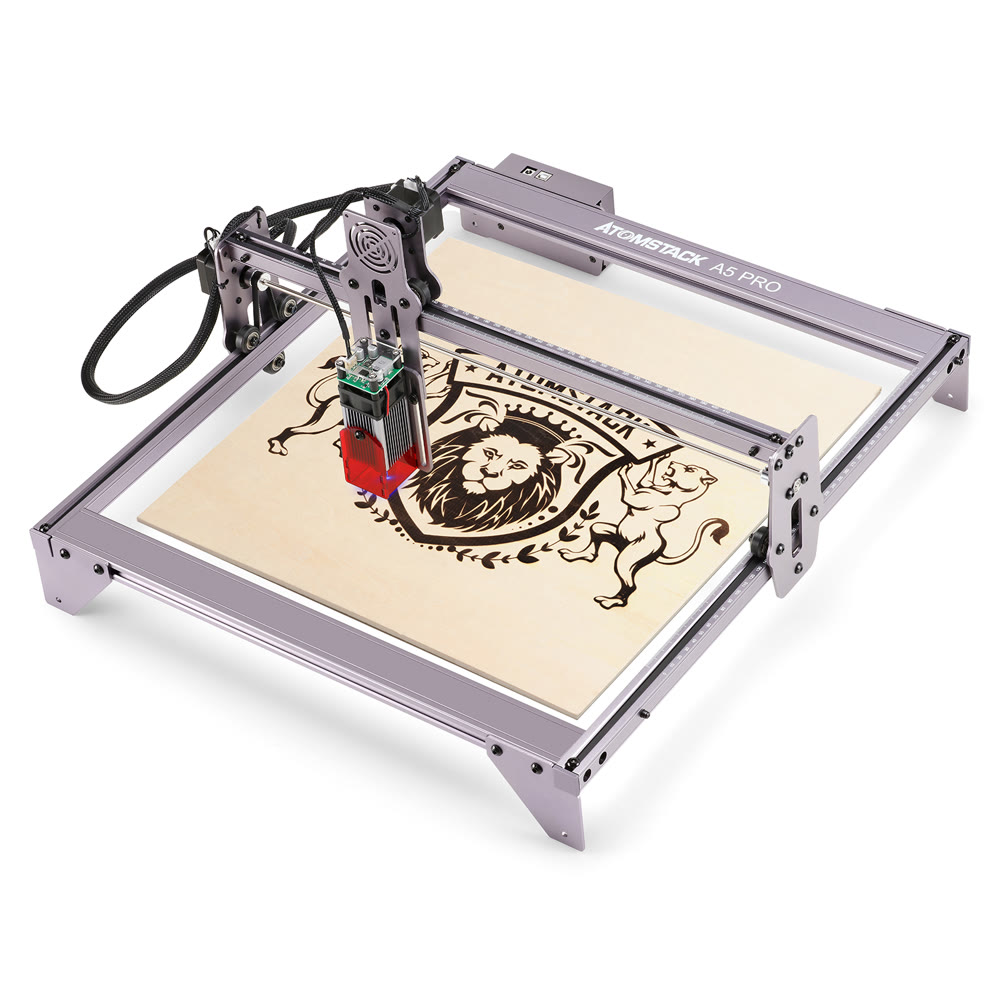
The Atomstack A5 Pro is a 20W diode laser engraver whose fixed focus design keeps operation simple. Reviewers found it easy to assemble and liked the included protective shroud, but noted it has no endstops for automatic positioning. Optical output measures 5-5.5W, well under the electrical input rating. It runs standard laser software and handles wood, plastic, and leather. Beginners and hobbyists who want straightforward engraving are the audience.
Full review
Initial Impressions and Setup
The Atomstack A5 Pro arrives in a well-packaged box containing all necessary components for assembly, including the engraving machine, laser module, protective goggles, power adapter, USB cable, wrenches, and sample materials. According to 3DPrintBeginner's review, the assembly process is straightforward and takes approximately 20 minutes, with clear labeling of screws and parts. The machine features a sturdy aluminum construction with no plastic components, except for the eye protection. Elektor Magazine's Clemens Valens noted that the kit includes all tools required for assembly, and the six-step process is manageable for beginners. However, the lack of endstops in the base model, as highlighted by both 3DPrintBeginner and Elektor, represents a significant drawback for users seeking automated positioning. The included manual is adequate for basic operation but lacks detailed technical specifications, requiring users to contact support for a comprehensive PDF guide.
Technical Specifications and Hardware
The A5 Pro utilizes a 20W diode laser module with an optical power output of 4.5-5W, operating at a wavelength of 455±5nm, as documented by 3DPrintBeginner. The machine features a fixed focus laser system that requires users to adjust the height using a 2mm acrylic shim, rather than manual focusing. The machine supports various engraving materials including wood, bamboo, paper, plastic, leather, and PCB boards, with cutting capabilities for materials like cardboard, non-woven fabric, and thin plastics. Doity.com.br's review emphasized the built-in cooling system with a fan and air collection hood, which helps prevent overheating and extends the laser module's lifespan. The device also includes a built-in measuring scale with millimeter-level precision, allowing direct visual alignment without additional tools.
Performance and Capabilities
Performance testing reveals that the A5 Pro can effectively engrave wood, plastic, and other materials with consistent results when using appropriate power settings. Elektor's Clemens Valens successfully completed a plywood cutting test using LaserGRBL software, achieving clean circular cuts on small plywood boards. The machine's 5W optical output is sufficient for most engraving tasks, though the fixed focus system requires careful height adjustment for optimal results. According to hobbylasercutters.com's review, the A5 M50 Pro variant (which shares the same mechanical design) demonstrates solid performance across various materials including wood, anodized aluminum, and acrylic. However, the lack of endstops can complicate precise positioning and automatic homing.
Included safety goggles need an upgrade
The Atomstack A5 Pro operates with GRBL firmware, a popular open-source solution that supports both LaserGRBL and LightBurn software platforms. As documented by 3DPrintBeginner and Elektor Magazine, the free LaserGRBL tool is compatible with the machine, though it lacks comprehensive guidance for new users. Users must manually install CH340 USB-to-serial drivers, which are conveniently included within LaserGRBL's Tools menu. Elektor noted that while the software is functional, it requires users to learn through experimentation and online resources rather than having built-in tutorials. However, the included safety goggles are deemed inadequate by hobbylasercutters.com, which recommends upgrading to OD6+ protection glasses for better eye safety. The absence of a technical manual in the box, requiring users to contact support for a PDF guide, represents a usability issue for beginners.
Safety and Protection Features
Safety is a critical consideration for laser engravers, and the A5 Pro includes several protective measures. 3DPrintBeginner and Elektor Magazine both emphasize the importance of wearing eye protection, as the laser can cause instant blindness. This design effectively reduces the need for separate protective glasses during operation, though the cover is made from the same acrylic material as the included goggles, which hobbylasercutters.com criticizes as insufficient protection. The machine's design prevents direct contact with the laser beam, and the inclusion of a safety shield helps prevent accidental exposure. However, the lack of proper limit switches in the base model can compromise safety during operation. Doity.com.br also highlights the built-in cooling system that prevents overheating and potential fire hazards, which is essential for long-term operation.
Limitations and Drawbacks
Several significant limitations affect the A5 Pro's overall performance and user experience. The most prominent issue is the lack of endstops, which prevents automatic homing and precise positioning, as noted by both 3DPrintBeginner and Elektor Magazine. The fixed focus laser system requires manual height adjustment using a shim, which can be time-consuming and less precise than adjustable focusing mechanisms. The included safety goggles are inadequate, with hobbylasercutters.com recommending upgraded OD6+ protection for better eye safety. Additionally, the machine's 8-bit controller board, while functional, lacks the processing power and modern features found in higher-end laser engravers. The absence of comprehensive technical documentation in the box requires users to contact support for detailed specifications, creating a barrier for beginners. Furthermore, the machine's performance with reflective materials is limited, as indicated by the material database in LaserGRBL software.
No endstops and an outdated 8-bit controller
The Atomstack A5 Pro offers competitive value for users seeking an entry-level to mid-range laser engraver. Its 410x400mm working area, 20W laser module, and aluminum construction provide solid performance for hobbyists and small businesses. However, the lack of endstops, inadequate safety goggles, and outdated 8-bit controller board represent significant drawbacks that affect its overall value proposition. According to 3DPrintBeginner's review, the machine's price point makes it accessible for beginners, but the learning curve and hardware limitations may frustrate more experienced users. The inclusion of sample materials and tools in the kit provides good value for new users, though the need for additional accessories like proper safety equipment and endstops may increase overall costs. The A5 Pro's performance is adequate for most common materials, but its fixed focus system and limited software support may restrict advanced users seeking more sophisticated features.
Fixed focus limits precision on reflective materials
The Atomstack A5 Pro is best suited for beginners and hobbyists who want an accessible entry point into laser engraving without significant upfront investment. Users who prioritize ease of assembly and basic functionality will appreciate the straightforward setup and aluminum construction. However, the product is not recommended for professional users or those requiring precise positioning, as the lack of endstops and fixed focus system limit accuracy. Users seeking advanced features like automatic homing, better safety equipment, or more powerful controllers should consider higher-end alternatives. The A5 Pro's performance with reflective materials is limited, making it unsuitable for metal engraving applications. Additionally, users who require comprehensive technical documentation and support should be aware that the manual is basic and requires contacting support for detailed specifications. The machine is most appropriate for those willing to accept its limitations in exchange for an affordable entry point into laser engraving.
Strengths
- +Fixed focus laser design eliminates need for manual focusing
- +Includes protective acrylic shroud for added safety
- +Supports multiple engraving materials including wood, plastic, and leather
- +Compatible with popular software like LightBurn and LaserGRBL
Watch-outs
- −No endstops included for automatic homing
- −Laser output power is 5-5.5W despite 20W input rating
How it compares
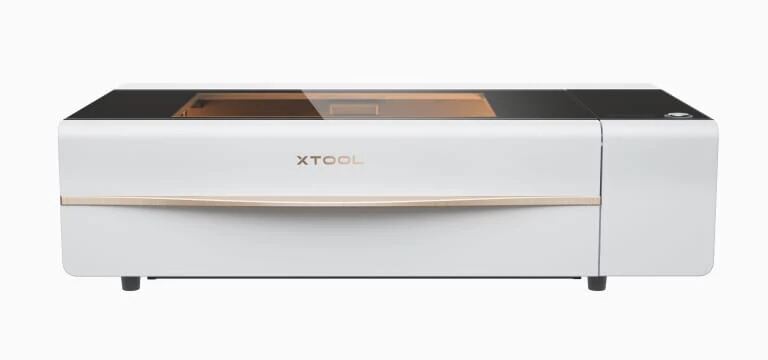
The Atomstack A5 Pro's fixed focus design and protective shroud make it more beginner-friendly than the Ortur Laser Engraver 4, which requires complex alignment. However, it's less powerful than the xTool D1 Pro and lacks the large cutting area and included software tutorials that make the D1 Pro more accessible.
Rating sources
“I never used a laser so when Banggood asked me if I want to test the ATOMSTACK A5 laser engraver, I gave it a chance even though I never used one.”
“The Atomstack A5 comes as a kit of parts that you must assemble yourself. This is not very difficult, and all the tools required for it are included in the kit.”
“The Atomstack A5 M50 Pro should be a very solid laser engraving machine since it has improved mechanical construction and an added offline touch screen controller compared to the previous model the Atomstack A5 Pro.”
“Without a doubt, the Atomstack A5 Pro is an innovative and commendable laser engraver. This is an amazing and laudable effort by the company.”
Our 4.0 score is the average of these published ratings. Ratings marked * were derived from the reviewer’s written analysis or video transcript — the publisher didn’t print an explicit numeric score, so we inferred one from their own words. Click through to verify. More about methodology.