Make: Magazine and Maker Hacks both rate the Glowforge Pro as easy to live with, crediting the easy setup and automatic material detection. Its reliance on cloud connectivity is the recurring complaint, since users hit limitations during internet outages. The built-in camera for placing designs visually draws the most praise, though adding text or simple shapes requires a monthly subscription. The optional air filtration system improves air quality but adds significant cost. Beginners and hobbyists who want an easy machine will be happy; anyone who needs offline functionality should consider alternatives.
Full review
User-Friendly Design
The Glowforge Pro stands out in the crowded laser cutter market primarily for its exceptional ease of use, a feature that has been consistently praised across multiple reviews. According to Make: magazine's Caleb Kraft, setup is straightforward with minimal construction required, simply pulling the machine from its box and removing packing materials. The company provides a helpful guide showing exactly where to remove parts that may not be immediately evident, making the initial unboxing process manageable even for novices. The machine's design prioritizes user-friendliness, with the autofocus system being particularly praised for its idiot-proof nature, even when compared to high-end competitors like the xTool P2 and S1. This ease of use extends to the software interface, which operates through a web-based client that connects to the Glowforge cloud, though this also introduces potential reliability issues when internet connectivity is spotty.
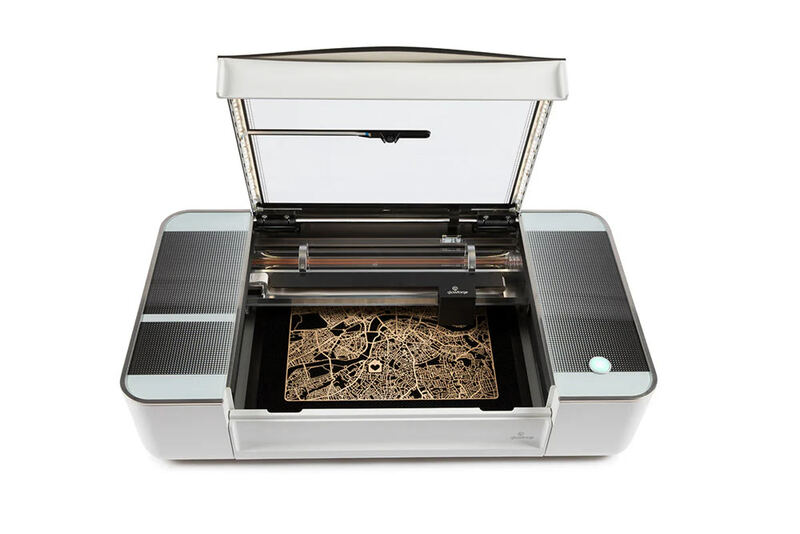
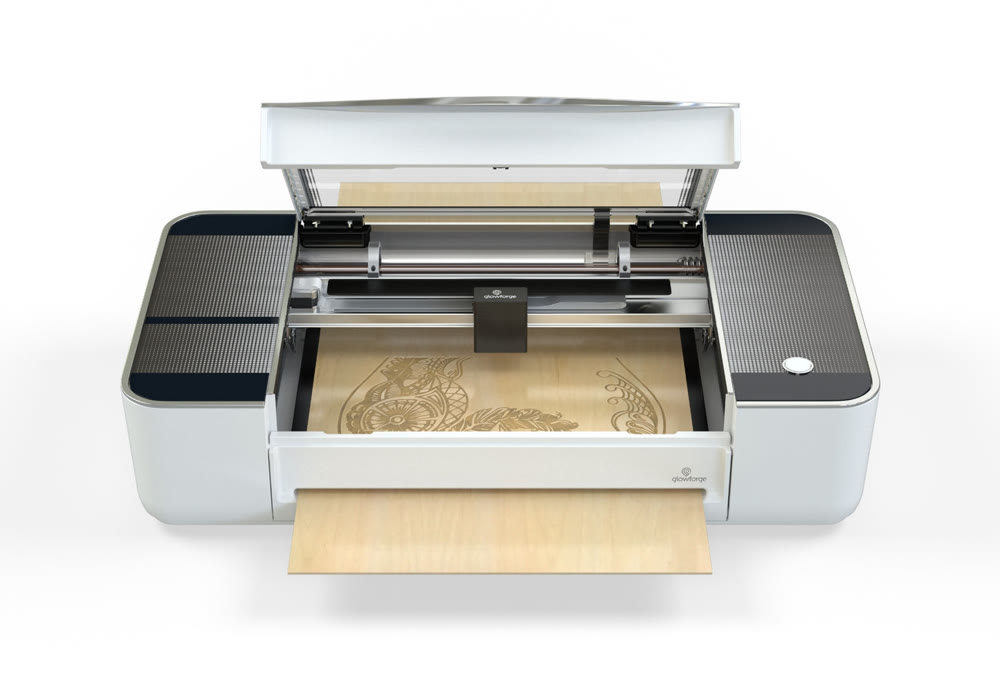
Professional reviewers consistently highlight the Glowforge's approachable design as its strongest asset. The machine's build quality and thoughtful engineering make it accessible to hobbyists and professionals alike, with the company's emphasis on simplicity being evident in every aspect of the user experience. The inclusion of a fish-eye camera inside the lid allows users to visually place designs on stock materials, a feature that has been particularly appreciated by makers. This camera not only aids in precise placement but also enables design scanning, which is a free feature that enhances the machine's versatility. The intuitive nature of the Glowforge's operation, combined with its robust construction, makes it a compelling choice for those new to laser cutting, while still offering enough power and precision for experienced users.
Performance and Capabilities
According to ChelseaMakes' comprehensive 8-year review, the Pro model can cut materials up to 1/4" thickness, including paper goods, wood products, plastics, and fabrics. The machine's 45W laser power, against 40W on the Basic and Plus, enables it to handle various materials with precision, including veneer, hardwood, plywood, MDF, acrylic, and leather. The company's own Proofgrade materials feature QR codes for automatic settings recognition, though the system also accommodates user-specified materials with manual power and speed adjustments. The machine's cutting area measures 11" x 19.5", with maximum material height of 2" and width of 20".
Performance testing shows the Glowforge Pro excels in both cutting and engraving quality, with consistent results especially when using Proofgrade materials. The machine's ability to automatically recognize materials through QR codes and adjust settings accordingly has been a standout feature, though this convenience comes with the caveat that using non-Proofgrade materials requires manual adjustments. The Pro model's passthrough slot allows for larger sheet cutting, making it suitable for projects that require more extensive material sizes. According to the Tool Girls Garage review, users can achieve detailed engravings with multiple depths and incredible clarity, while also being able to combine materials like epoxy for elevated designs. The machine's precision has been validated through various projects, from detailed wood engravings to layered wood signs and even functional items like tie racks.
Software and Connectivity
The Glowforge Pro's software operates exclusively through a web-based client that requires constant internet connectivity, a design choice that has generated mixed reactions among reviewers. Make: magazine's Caleb Kraft noted that while the interface is user-friendly, the reliance on cloud connectivity can be problematic, especially when internet reliability is an issue. This dependency means that users cannot operate the machine without an active internet connection, which could be a significant drawback during power outages or in areas with poor connectivity. The web-based approach also eliminates any local backup options, raising concerns about long-term accessibility if the company discontinues support for their cloud services.
Despite the connectivity concerns, the software has been praised for its intuitive design and comprehensive feature set. The machine's ability to scan designs and trace them directly into the cutting process has been particularly appreciated, with the camera system being described as a delightful addition that enhances the user experience. However, the premium subscription features, such as advanced design tools and text manipulation, require a monthly fee, which may be a consideration for budget-conscious users. The software's integration with the machine's hardware is seamless when internet connectivity is available, allowing for efficient workflow management and precise material handling. The cloud-based approach does, however, introduce potential vulnerabilities that users should consider when making their purchasing decision.
Build Quality and Construction
According to the Maker Hacks review, the machine arrives in two boxes with significant packaging protection, including foam padding and sturdy construction that can withstand shipping damage. The physical build is described as substantial, with the machine being heavy enough that users are advised to seek help during moving. The company's emphasis on quality is evident in the materials used, from the weight of the lid with gas pistons to the overall construction that feels solid and well-engineered. The Pro model's design includes a passthrough slot that allows for larger sheet cutting, which is a significant advantage over the Basic and Plus models.
Professional reviewers have noted the machine's durability and construction quality as standout features. The Glowforge's design philosophy emphasizes creating a tool that doesn't require an engineering degree to operate, with the company's focus on simplicity extending to its physical construction. The machine's components, from the laser tube to the internal camera system, are built to last and perform consistently. The inclusion of a compact filter system, which was not available at the time of initial reviews, has been positively received by users who appreciate the improved air quality during operation. The Pro model's construction allows for extended use in home environments while maintaining the precision and reliability expected from professional-grade equipment.
Community and Support
ChelseaMakes, who has owned a Glowforge for over eight years, emphasizes the importance of the community in providing answers to design questions, troubleshooting issues, and sharing free designs. The community aspect extends beyond simple support, with users sharing projects, techniques, and inspiration that enhance the overall experience of owning a Glowforge.
Glowforge's support infrastructure has been described as responsive and helpful by various reviewers, with the company's commitment to user satisfaction evident in their approach to customer service. The availability of comprehensive documentation, tutorials, and community resources helps users navigate the machine's capabilities effectively. The company's policy of not editing reviews or providing incentives for positive feedback ensures that the community feedback remains genuine and valuable for potential buyers. The support system includes both online resources and direct assistance, making it easier for users to get help when needed. This comprehensive support network, combined with the active community, creates a positive user experience that extends beyond the initial purchase.
Requires cloud connectivity with no offline mode
Despite its many strengths, the Glowforge Pro has notable drawbacks that potential buyers should consider. The primary concern raised by reviewers is the machine's complete dependence on internet connectivity, which can be problematic during power outages or in areas with unreliable internet service. Make: magazine's Caleb Kraft specifically noted that the requirement for cloud connectivity without local backup options could be a significant limitation. The reliance on web-based software also raises concerns about long-term accessibility if the company discontinues support for their cloud services, similar to issues faced by companies like Pebble, Chumby, and LittlePrinters. Additionally, the premium software subscription features require monthly fees, which may be a consideration for budget-conscious users.
The Proofgrade materials, while convenient, represent a significant ongoing cost that can add up over time. The Maker Hacks review noted that these materials are part of Glowforge's business model, with the company essentially offering machines at a lower price point while generating recurring revenue through material sales. This approach, while financially beneficial for the company, can be expensive for users who frequently make projects. The machine's price point of $5,995 also makes it a significant investment that may not be justified for occasional users or those with limited budgets. Furthermore, the machine's size and weight, while part of its robust design, can be challenging for users with limited workspace or mobility issues, requiring careful consideration of installation requirements.
Passthrough slot cuts larger sheets of material
The Glowforge Pro is ideally suited for hobbyists and small business owners who value ease of use and consistent performance over maximum power or speed. According to the Maker Hacks review, it remains highly recommended for anyone getting into laser cutting for the first time, with its idiot-proof autofocus system and user-friendly interface making it accessible to beginners. The Pro model's passthrough slot makes it particularly attractive for users who need to cut larger sheets of material, making it suitable for furniture makers, crafters, and small-scale manufacturers. ChelseaMakes, who has used her Glowforge for over eight years, recommends it for those who need to cut 1/4" plywood, leather, and acrylic, with the Pro model's capabilities enabling larger projects that wouldn't be possible with the Basic or Plus models.
The machine is particularly well-suited for users who prioritize precision and consistency over raw cutting power. The Tool Girls Garage review suggests it's ideal for those looking to improve productivity in their businesses or hobbies, with the ability to mass produce popular designs being a significant advantage. Users who appreciate the convenience of automatic material recognition through QR codes will find the Pro model particularly appealing, though this convenience comes with the ongoing cost of Proofgrade materials. The machine's design makes it suitable for home workshops where space is limited but precision is required. However, it may not be the best choice for professional users who need maximum cutting speed or industrial-grade capabilities, as the machine's focus on user-friendliness comes at the expense of some performance features.
Paid for itself within a few months
At $5,995, the Glowforge Pro represents a significant investment that must be weighed against its capabilities and the value it provides. The Maker Hacks review notes that while the machine is still considered great value despite many new laser engravers entering the space, the price point is substantial. However, the company's approach of offering machines at a lower price point with recurring revenue through Proofgrade materials has been noted as a business model that may not be sustainable long-term. ChelseaMakes, who has owned her Glowforge for over eight years, states that she earned back the cost within the first few months of ownership, suggesting that for frequent users, the investment can be justified. The Pro model's additional features, such as the passthrough slot and larger cutting area, provide added value for users who need to handle larger materials.
The value proposition becomes more complex when considering the ongoing costs associated with Proofgrade materials, which can add up over time. The company's referral program offering up to $500 off the price of a new laser has been helpful for some users, though the machine's price point remains high compared to alternatives. The Pro model's features, including the air filtration system and larger cutting area, justify the premium price for users who need these capabilities, but for those who primarily use the machine for basic projects, the investment may not be warranted. The machine's longevity and continued support, as evidenced by the eight-year experience of some users, suggests that the investment can be worthwhile for serious makers.
Strengths
- +User-friendly setup with clear step-by-step instructions
- +Intuitive web-based software with cloud connectivity
- +Automatic material detection using QR code stickers
- +High-quality engraving and cutting performance
- +Built-in fish-eye camera for visual design placement
Watch-outs
- −Requires constant internet connectivity for operation
- −Expensive optional air filtration system ($1,295)
- −No local backup or offline operation capability
How it compares
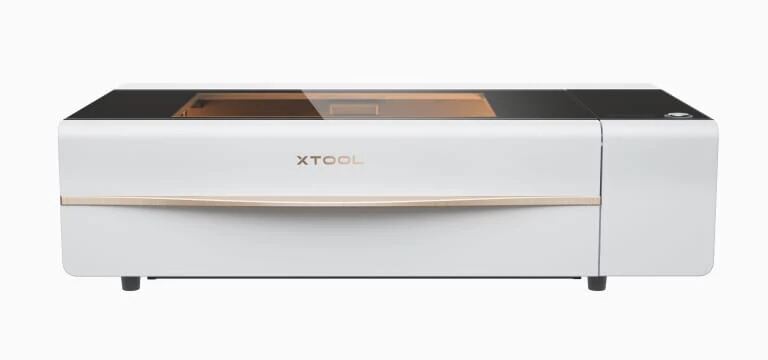
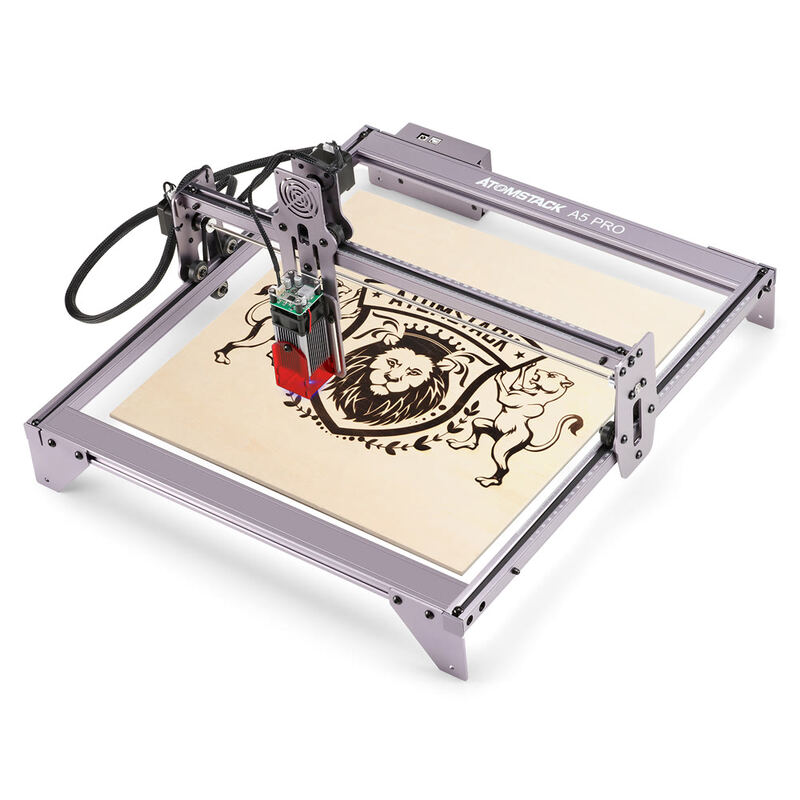
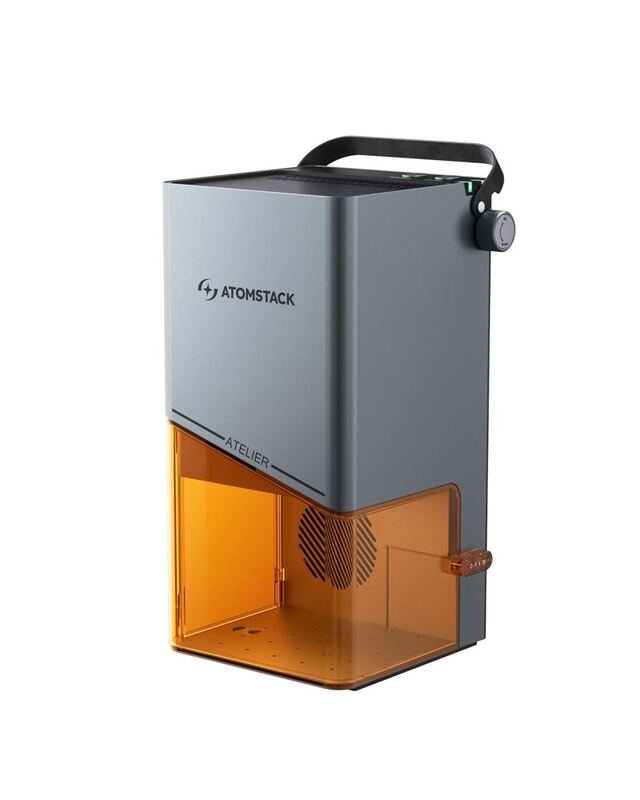
The Glowforge Pro's reliance on cloud connectivity sets it apart from the xTool D1 Pro and P2, which operate independently. While it offers automatic material detection and a user-friendly interface, it lacks offline functionality and requires constant internet access, unlike the more self-contained Ortur Laser Master 3 or Atomstack P50 Pro.
Rating sources
“I’ve been a Glowforge owner since October 2017. (Technically since I ordered during the preorder campaign, I’m an owner since 2015! 10 years?! omg.)”
Our 4.0 score is the average of the 3 scored reviews above; 2 more reviewed it without printing a score and are not in the average. Ratings marked * were derived from the reviewer’s written analysis or video transcript — the publisher didn’t print an explicit numeric score, so we inferred one from their own words. Click through to verify. More about methodology.