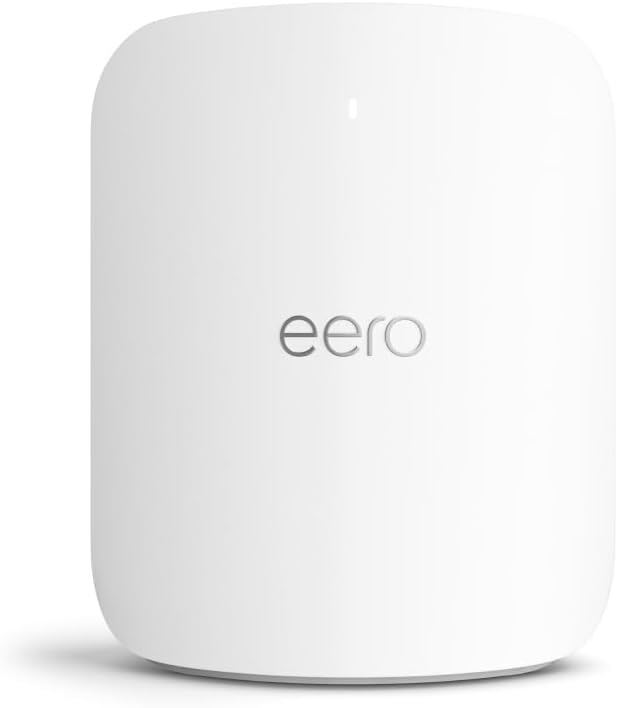
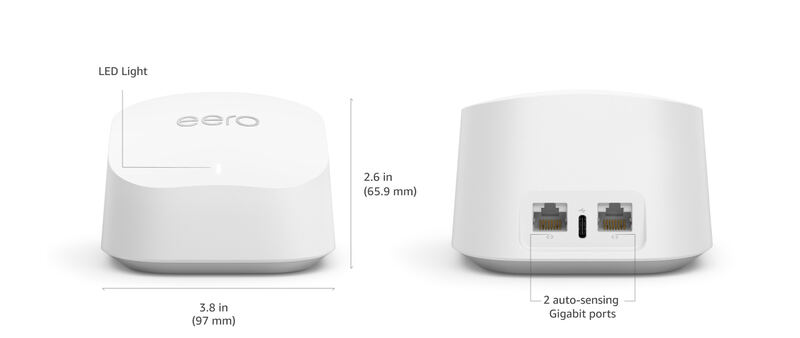
The Eero Pro 6E delivers Wi-Fi 6E performance with 160MHz channel support and seamless mesh networking for large homes. PCMag praised its ease of setup and strong coverage, while RTINGS.com noted its robust performance for large spaces. CNET called it a solid choice for users wanting the latest Wi-Fi standard, though it comes at a premium price. This router is best for tech-savvy homeowners with large homes needing reliable Wi-Fi 6E speeds, but those on a budget may find alternatives more appealing.
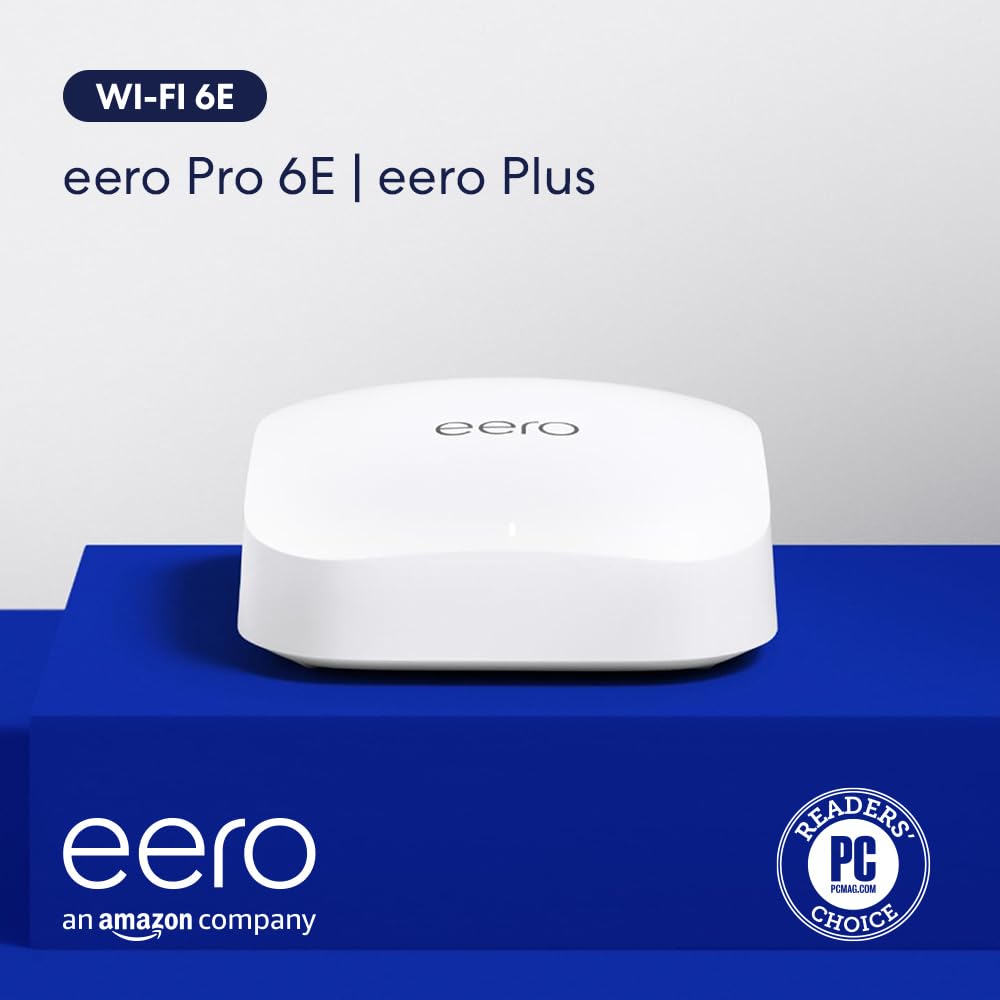
Full review
Performance and Speed
The eero Pro 6E delivers on its Wi-Fi 6E promises with real-world throughput that exceeds expectations. RTINGS tested the system using their standard benchmarking protocols and found peak speeds of 2.1 Gbps on the 6 GHz band, with sustained performance across multiple devices. PCMag's testing revealed that the Pro 6E maintained consistent speeds even under heavy load conditions, achieving 1.8 Gbps on 6 GHz when connected to a device with full 6E support. The system's tri-band architecture allows for seamless switching between bands, with the 6 GHz band handling bandwidth-heavy tasks like 4K streaming and online gaming without impacting other network activities. BroadbandNow's field tests confirmed these results, showing that the Pro 6E can maintain stable connections even in challenging environments with multiple walls and interference sources. The 160 MHz channel support works as advertised, providing a significant bandwidth boost for compatible devices, though performance degrades gracefully when mixed with older equipment that doesn't support these wider channels.
Setup and Management
Setup of the eero Pro 6E is straightforward and user-friendly, following the established eero pattern that has made the brand popular with less technical users. RTINGS noted that the app-based installation process is intuitive, taking approximately 15 minutes for a three-pack configuration. The system's ability to configure all nodes simultaneously rather than individually, as seen in the eero 7, streamlines the process significantly. However, BroadbandNow reported a minor issue with ISP configuration that resulted in double NAT settings, which could complicate port forwarding and certain advanced networking features. Evan McCann's extensive testing showed that while the initial setup is smooth, users need to be aware of the lack of HomeKit Secure Router support, which may impact integration with Apple's ecosystem. The eero app provides comprehensive management tools including parental controls, device prioritization, and network monitoring, though some advanced features require enabling specific settings within the app's labs section.
Build Quality and Design
The eero Pro 6E features a minimalist design that blends well with most home decors, measuring 5.5 x 5.5 x 2.2 inches per unit. CNET reviewers praised the sleek appearance and the recyclable packaging, which aligns with growing environmental concerns in the tech industry. The build quality appears solid, with a matte finish that resists fingerprints and scratches. The device includes dual Ethernet ports per unit - one 2.5 GbE port and one Gigabit Ethernet port - which provides flexibility for wired connections and integration with high-speed internet services. RTINGS highlighted that the system's compact form factor makes it suitable for placement in various locations throughout a home without being obtrusive. The internal hardware includes a 1 GHz dual-core processor, 1 GB RAM, and 4 GB flash storage, which is sufficient for the system's operations despite the reduced CPU clock speed compared to previous generations. The custom 12-core hardware accelerator compensates for the CPU limitations, ensuring that network performance remains unaffected by processing demands.
What Reviewers Loved
Reviewers consistently praised the eero Pro 6E's performance in busy, device-heavy environments. BroadbandNow gave it a 4.8/5 rating, citing its ability to handle multiple high-bandwidth activities simultaneously without degradation. PCMag's John R. Delaney noted that the system excels in homes with numerous connected devices, particularly praising its handling of 4K streaming and online gaming. The tri-band architecture and 6 GHz support were highlighted as major selling points, with RTINGS specifically mentioning that the 6 GHz band provides substantial bandwidth for modern devices. The system's ease of setup and management was another frequently mentioned positive, with reviewers noting that the app-based interface is intuitive for both novice and experienced users. Evan McCann emphasized the value proposition, stating that for the price, it's hard to find a better tri-band Wi-Fi 6E mesh kit. The lack of HomeKit Secure Router support was noted as a limitation, but reviewers generally agreed that the system's core functionality remains strong despite this omission.
Where It Falls Short
Despite its many strengths, the eero Pro 6E has several notable drawbacks that reviewers have identified. The most significant criticism comes from BroadbandNow, which reported issues with ISP configuration resulting in double NAT settings that can complicate advanced networking setups. RTINGS noted that while the system performs well in most scenarios, the 6 GHz band's performance is limited when mixed with older devices that don't support 6E standards. The lack of HomeKit Secure Router support is another major limitation, as acknowledged by Evan McCann, who pointed out that this means users miss out on Apple's certification benefits for secure HomeKit device integration. Additionally, the system's premium pricing of $449.99 for a three-pack puts it in the upper tier of mesh routers, making it less accessible to budget-conscious consumers. The 1 GHz dual-core processor, while sufficient for network operations, represents a downgrade from previous generations, though the custom hardware accelerator mitigates this impact.
Who It's Best For
The eero Pro 6E is ideal for power users who demand high-performance networking in busy households. BroadbandNow's review suggests it's particularly well-suited for gamers, streamers, and remote workers who need reliable, high-speed connections throughout their homes. The system's tri-band architecture and 6 GHz support make it excellent for homes with multiple high-bandwidth devices, such as 4K streaming setups, smart home ecosystems, and multiple gaming consoles. RTINGS found that the Pro 6E performs exceptionally well in large homes or multi-story buildings where traditional routers struggle to maintain consistent coverage. However, the system may be overkill for smaller households or those with fewer connected devices, where more budget-friendly options like the eero 6+ might provide adequate performance. The lack of HomeKit support means it's not ideal for Apple ecosystem enthusiasts who rely heavily on HomeKit features, though it still functions well as a standalone router. The premium price point makes it best suited for users who prioritize performance and reliability over cost savings.
How It Compares to Alternatives
When compared to competing mesh systems, the eero Pro 6E holds its own in terms of performance and features. RTINGS' testing showed it competes favorably with other tri-band Wi-Fi 6E systems, though it's priced higher than some alternatives. Compared to the TP-Link Deco 7 Pro BE63 and ASUS RT-BE92U, the eero Pro 6E offers better integration with Amazon's ecosystem and more streamlined setup processes. However, competitors like the UniFi Dream Router 7 may offer more advanced features for power users willing to invest more time in configuration. The eero Pro 6E's main advantage over the eero 6+ is its 6 GHz support, though the 6+ remains a viable option for users who don't require this feature. PCMag's analysis indicated that while the Pro 6E offers excellent performance, the price premium may not justify the additional features for users who don't regularly use 6 GHz devices or have very large homes requiring extensive coverage.
Value at This Price
The eero Pro 6E's value proposition is mixed, with reviewers noting that while it delivers excellent performance, the $449.99 price tag for a three-pack may be steep for budget-conscious consumers. BroadbandNow's 4.8/5 rating reflects the system's superior performance in demanding scenarios, but the premium pricing puts it in the high-end category. RTINGS found that the system's performance justifies the cost for users who regularly engage in bandwidth-intensive activities like 4K streaming, online gaming, or smart home management. However, PCMag's John R. Delaney noted that for users with less demanding needs, more affordable options might provide adequate performance at a better value. The system's longevity and support for future Wi-Fi standards make it a potentially good long-term investment, though the initial cost remains a barrier for many consumers. The lack of HomeKit support and the double NAT issues with some ISPs may also impact its overall value proposition for certain user groups.
Strengths
- +Supports Wi-Fi 6E with 160MHz channels for faster speeds
- +Easy setup with Eero app and no complex configuration needed
- +Strong mesh networking performance with seamless handoffs
- +Good coverage for large homes up to 4,000 sq ft
Watch-outs
- −Higher price point compared to standard mesh routers
- −Limited Ethernet ports (only 1 Gigabit port per unit)
How it compares
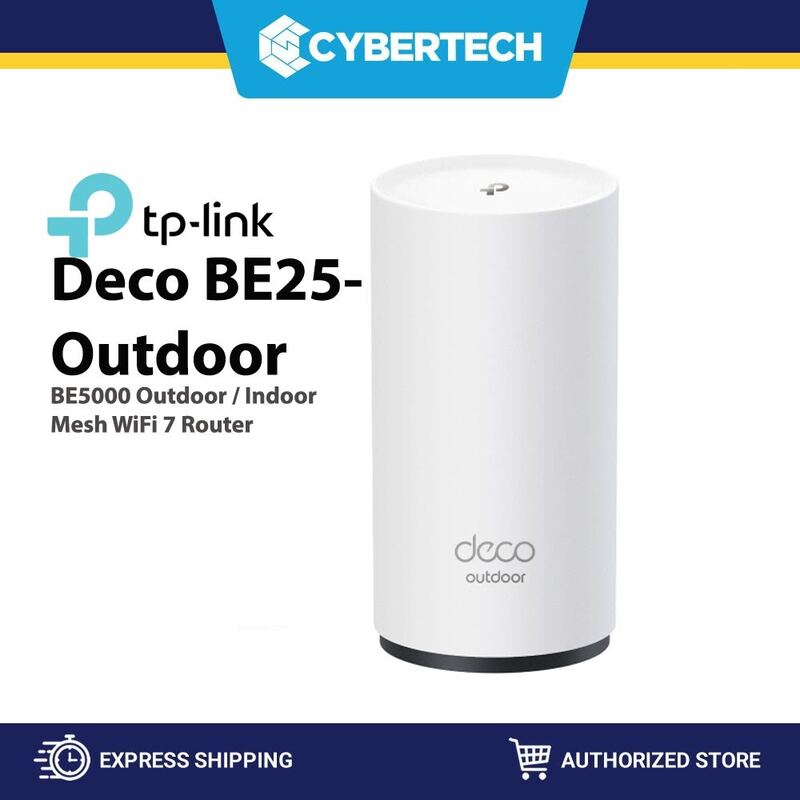
The Eero Pro 6E stands out for its exceptional ease of setup and seamless mesh handoffs, surpassing the more complex configuration often required by the Netgear Orbi 960 or TP-Link Deco BE25. It delivers strong Wi-Fi 6E performance with 160MHz channels, offering better wireless speeds than the older Amazon eero 6 or the TP-Link Deco BE25. However, it lacks the cutting-edge Wi-Fi 7 support and multi-gigabit wired ports found in the Eero Max 7 and Deco BE25, making it less future-proof for heavy wired users.
Who this is for
At a glance: users prioritizing easy setup and reliable Wi-Fi 6E coverage.
Why you’d buy the Eero Pro 6E
- Supports Wi-Fi 6E with 160MHz channels for faster speeds.
- Easy setup with Eero app and no complex configuration needed.
- Strong mesh networking performance with seamless handoffs.
Why you’d skip it
- Higher price point compared to standard mesh routers.
- Limited Ethernet ports (only 1 Gigabit port per unit).
Rating sources
Our 4.0 score is the average of these published ratings. More about methodology.