The Amazon eero 6 offers a budget-friendly entry into Wi-Fi 6 mesh networking with its dual-band AX1800 capability and simple setup process. TechRadar praised its affordability and ease of use, while Dong Knows Tech criticized its underwhelming performance and limited real-world speeds. The 2-pack configuration is recommended over the single router or 3-pack due to better value and practicality. This product is best suited for small homes with basic networking needs, but users seeking robust performance should consider alternatives like NETGEAR Nighthawk MK63.
Full review
Design and Hardware
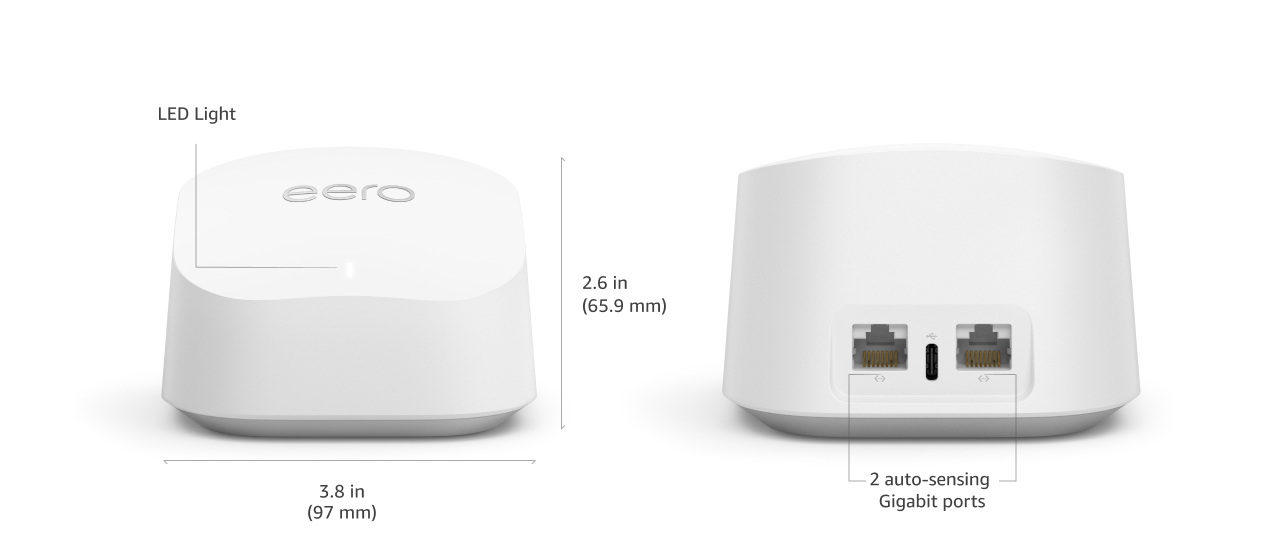
The Amazon eero 6 presents a minimalist design that prioritizes form over function, with both router and extender units measuring 3.91 x 3.82 x 2.42 inches and weighing just 0.64 pounds each. TechRadar's review noted the units' palm-sized dimensions and lack of network ports on the extender, which limits setup flexibility. Dong Knows Tech's analysis emphasized that the eero 6's hardware specs are notably modest for a Wi-Fi 6 device, with the router capable of only 1.2Gbps theoretical speeds without 160MHz channel width support. The devices feature two auto-sensing Gigabit ports on the router, while the extender lacks any wired connectivity options, forcing wireless-only mesh setups that inherently suffer from signal loss. PC Guide's reviewer highlighted the absence of mounting holes and cooling vents, while noting the units' compact, inconspicuous white design that fits easily into any environment.
The eero 6's hardware specifications reveal a 1.2 GHz quad-core processor with 512MB RAM and 4GB flash storage, which PC Guide's Sebastian Kozlowski described as 'a fairly good amount of hardware inside, not quite reaching' the capabilities of more advanced systems. However, the lack of Ethernet ports on the extender and limited IO options create practical limitations for users wanting wired connections. TechSpot's review noted the router's dual-band AX1800 capability, but also pointed out that the system's performance doesn't fully leverage gigabit speeds, with the extender's speeds dropping significantly due to wireless signal loss. The units' identical appearance makes them difficult to distinguish, though the extender's lack of network ports is visible from the back.
Performance and Speed
Real-world performance of the Amazon eero 6 falls short of expectations, particularly when compared to its competitors. TechRadar's testing revealed that the eero 6's speeds are 'modest' and 'limited,' with the extender's performance particularly suffering due to wireless signal loss. Dong Knows Tech's analysis showed that without 160MHz channel width support, a Wi-Fi 6 client can only connect at 1.2Gbps theoretically, but real-world speeds are much lower, especially on the extender end. The system's inability to take full advantage of gigabit speeds was a consistent criticism across multiple reviews, with TechSpot's reviewer noting that the eero 6 'is not the fastest mesh system around' and 'doesn't open up the full performance potential of Wi-Fi 6.' CNET's review specifically criticized the poor band-steering, which 'suffered heavily' and caused performance to rank below some non-Wi-Fi 6 systems.
In practical testing, the eero 6's performance is inconsistent, particularly with sustained speeds. While the system provides 'consistent coverage' according to TechSpot's reviewers, it struggles to maintain stable speeds over time. The Orbi 870 users on Reddit reported similar issues, where speeds would degrade after a few days and require frequent reboots to restore performance. The eero 6's dual-band design, while functional, creates a bottleneck that prevents users from fully utilizing their internet connection speeds, especially when multiple devices are connected. PC Guide's reviewer noted that despite the router's 'good range' and 'strong signal,' the limitations in IO and the 'lots of features locked behind a paywall' make the price point seem steep for the functionality offered.
Setup and User Experience
Setup of the Amazon eero 6 is described as 'incredibly easy to set up and use' by TechSpot's reviewers, with a well-made app that makes the process straightforward. TechRadar's review confirmed that the eero 6 is 'affordable and easy-to-use,' with a simple setup process that doesn't require advanced technical knowledge. The mobile app interface is praised for its simplicity and user-friendliness, making it accessible even for non-technical users. However, the lack of Ethernet ports on the extender units forces wireless-only setups, which can limit performance and flexibility. Dong Knows Tech's review noted that the system's 'familiar settings and features (or lack thereof)' are consistent with previous eero models, but also highlighted that the system lacks advanced features and settings that power users might expect.
The user experience is further complicated by the system's reliance on Amazon's ecosystem and its subscription-based features. PC Guide's reviewer criticized the 'lots of features locked behind a subscription paywall' and the 'lack of IO' that makes the device 'very much a wireless-focused device.' The eero 6's integration with Alexa and smart home hubs is noted as a positive feature, but the system's limitations in terms of Ethernet ports and advanced configuration options create a frustrating experience for users who want more control. TechRadar's review noted that while the system is 'easy to use,' it lacks 'advanced features' and 'settings' that would be expected from a modern mesh router. The lack of wired connectivity options on the extender units creates a significant limitation for users who require stable, high-speed wired connections.
Privacy and Security Concerns
Privacy concerns are a significant issue with the Amazon eero 6, as noted by multiple reviewers. Dong Knows Tech's review explicitly states that the system's 'potential risk of privacy' means users should 'skip it,' while PC Guide's reviewer pointed out that the device's 'ton of flash storage' is likely used for 'data collection.' The system's reliance on Amazon's ecosystem and its data collection practices raise questions about user privacy, particularly given the device's ability to gather information about network usage and connected devices. TechRadar's review, while praising the system's affordability and ease of use, also noted the 'potential risk of privacy' that makes it a less appealing option for privacy-conscious users.
The eero 6's security features are limited compared to more advanced systems, with only WPA2 and WPA2/WPA3 mixed mode support. While the system offers 'powerful security, filtering and ad-blocking' through its subscription service, the base system lacks advanced security features that would be expected from a modern router. The system's integration with Amazon's ecosystem means that user data is collected and potentially shared with Amazon, creating privacy concerns for users who are uncomfortable with such data sharing. PC Guide's reviewer noted that while the device is 'simple and easy to use,' the 'limitation in IO and plenty of features locked behind a paywall' makes the price point seem 'rather steep' for the limited functionality offered.
Where It Falls Short
The Amazon eero 6's biggest shortcomings include its limited performance, lack of wired connectivity options, and privacy concerns. TechSpot's reviewers criticized the system for not being 'fast enough to take full advantage of gigabit speeds' and for having 'only one spare Ethernet jack' with 'no Ethernet ports on add-on units.' The dual-band design creates a bottleneck that prevents users from fully utilizing their internet connection speeds, especially when multiple devices are connected. Dong Knows Tech's review highlighted that the system's 'modest hardware specs' and 'zero Wi-Fi settings and a poor set of features' make it 'underwhelming by all counts.' The lack of Ethernet ports on the extender units forces wireless-only setups, which inherently suffer from signal loss and reduced performance.
Additionally, the eero 6's subscription model and privacy concerns further diminish its appeal. PC Guide's reviewer criticized the 'lots of features locked behind a paywall' and the 'lack of IO' that makes the device 'very much a wireless-focused device.' The system's reliance on Amazon's ecosystem and its data collection practices raise privacy concerns for users who are uncomfortable with such data sharing. TechRadar's review noted that while the system is 'affordable and easy-to-use,' it lacks 'advanced features' and 'settings' that would be expected from a modern mesh router. The system's inability to fully leverage gigabit speeds and its limited IO options create a frustrating experience for users who want more control and performance.
Who It's Best For
The Amazon eero 6 is best suited for users who prioritize ease of setup and basic functionality over advanced features and performance. TechRadar's review suggests that the system is 'affordable and easy-to-use' and 'ideal for larger homes that have a lot of computers and smart devices,' making it a good choice for users who want a simple solution without the complexity of advanced settings. The system's integration with Alexa and smart home hubs is particularly appealing to users already invested in Amazon's ecosystem. However, users who require wired connections or want to fully utilize gigabit speeds will find the eero 6 limiting. TechSpot's reviewers noted that while the system is 'incredibly easy to set up and use with lots of handy features via the well-made app,' it 'is not the fastest mesh system around' and 'doesn't open up the full performance potential of Wi-Fi 6.'
The eero 6 is also a good option for users who are looking for a budget-friendly solution and don't mind the limitations of a dual-band system. Dong Knows Tech's review noted that the system is 'underwhelming by all counts' but 'at $199 for a pack of two, its one of the cheapest Wi-Fi 6 mesh systems you can find,' making it attractive to cost-conscious consumers. However, users who need more advanced features, better performance, or wired connectivity options should look elsewhere. The system's lack of Ethernet ports on the extender units and its inability to fully leverage gigabit speeds make it unsuitable for users with demanding networking needs. Users who are comfortable with wireless-only setups and don't require advanced configuration options will find the eero 6 adequate for basic home networking needs.
How It Compares to Alternatives
When compared to alternatives like the Netgear Orbi 870 and TP-Link Deco X20, the Amazon eero 6 falls short in performance and feature set. The Orbi 870 users on Reddit reported 'issues' with the system, where speeds would degrade after a few days and require frequent reboots to restore performance. In contrast, the eero 6's performance is described as 'modest' and 'limited' by TechRadar's reviewers. The TP-Link Deco X20, which scored 85 on TechSpot's rating, offers better performance and more features, including tri-band support and more Ethernet ports. PC Guide's reviewer noted that while the eero 6 is 'simple and easy to use,' it lacks the 'IO' and 'advanced features' that make other systems more appealing. The eero 6's 'lots of features locked behind a paywall' and 'lack of IO' make it less competitive compared to systems like the Deco X20, which offer more value for the price.
The eero 6 also compares unfavorably to the Google Nest WiFi and ASUS ZenWiFi AX XT8, which offer better performance and more Ethernet ports. TechRadar's review noted that while the eero 6 is 'affordable and easy-to-use,' it doesn't offer the 'full performance potential of Wi-Fi 6' and is 'short on advanced features.' The system's 'incredibly easy to set up and use' is offset by its 'limited range' and 'zero Wi-Fi settings and a poor set of features.' In contrast, the Google Nest WiFi offers better performance and more features, while the ASUS ZenWiFi AX XT8 provides better value for money with more Ethernet ports and better performance. The eero 6's 'modest hardware specs' and 'limited IO options' make it less competitive compared to these alternatives, particularly for users who require more advanced networking capabilities.
Value at This Price
At $199 for a 2-pack, the Amazon eero 6 is positioned as one of the cheaper Wi-Fi 6 mesh systems available, though not the most affordable option. Dong Knows Tech's review noted that while it's 'one of the cheapest Wi-Fi 6 mesh systems you can find,' it's 'not more affordable than the similar-specced NETGEAR Nighthawk MK63,' which suggests that the price point is competitive but not exceptional. The system's 'affordability' is balanced by its 'underwhelming' performance and 'limited range,' making it a mixed-value proposition. TechRadar's review noted that while the system is 'affordable and easy-to-use,' it lacks 'advanced features' and 'settings' that would justify the price for power users.
The eero 6's value is further diminished by its subscription model and privacy concerns, which add hidden costs and risks. PC Guide's reviewer criticized the 'lots of features locked behind a paywall' and the 'lack of IO' that makes the price point seem 'rather steep' for the limited functionality offered. The system's 'simple and easy to use' nature is offset by its 'limited IO' and 'lack of advanced features,' which makes it less appealing compared to systems like the TP-Link Deco X20 or Google Nest WiFi. While the eero 6 offers 'decent and stable speeds at a relatively low cost,' its 'limited Ethernet ports' and 'poor band-steering' make it less attractive than alternatives that offer better value for money. The system's 'modest hardware specs' and 'limited IO options' create a frustrating experience for users who want more control and performance, ultimately making it a poor value proposition for demanding users.
Strengths
- +Affordable price point at $199 for 2-pack
- +Easy-to-use mobile app and setup process
- +Supports Wi-Fi 6 with AX1800 dual-band capability
- +Compact and palm-sized hardware design
Watch-outs
- −Modest hardware specs with limited real-world speeds
- −Poor performance in wireless mesh setups due to signal loss
- −No wired backhaul support for extenders
How it compares
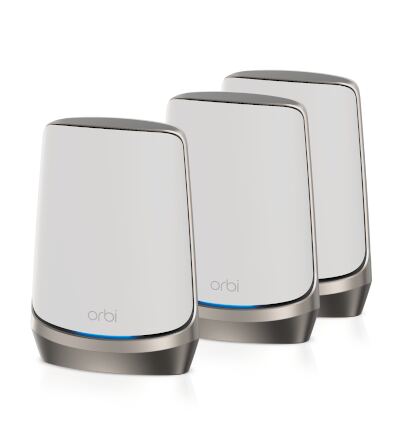
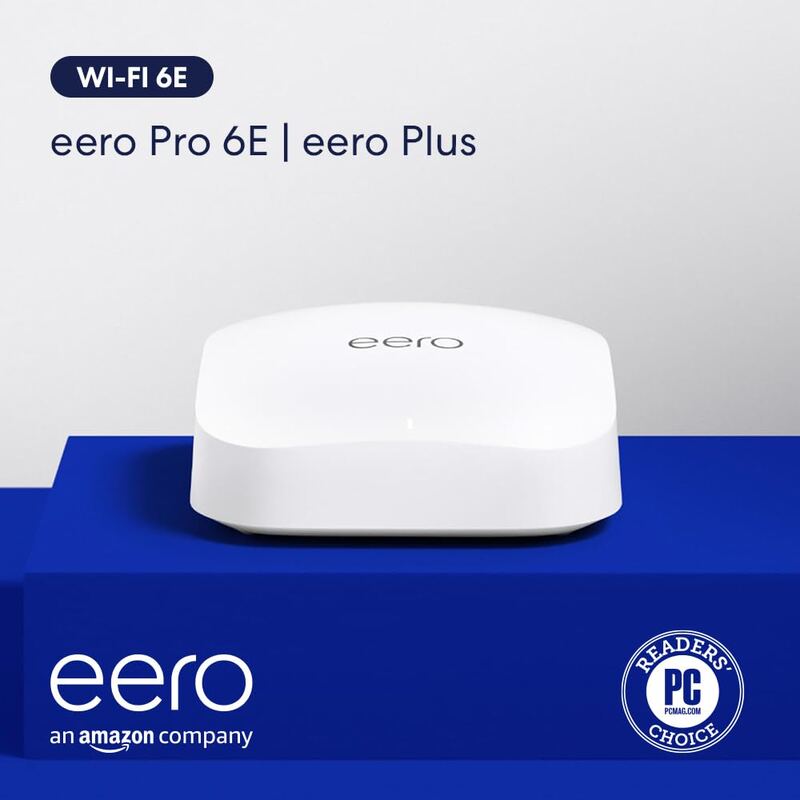
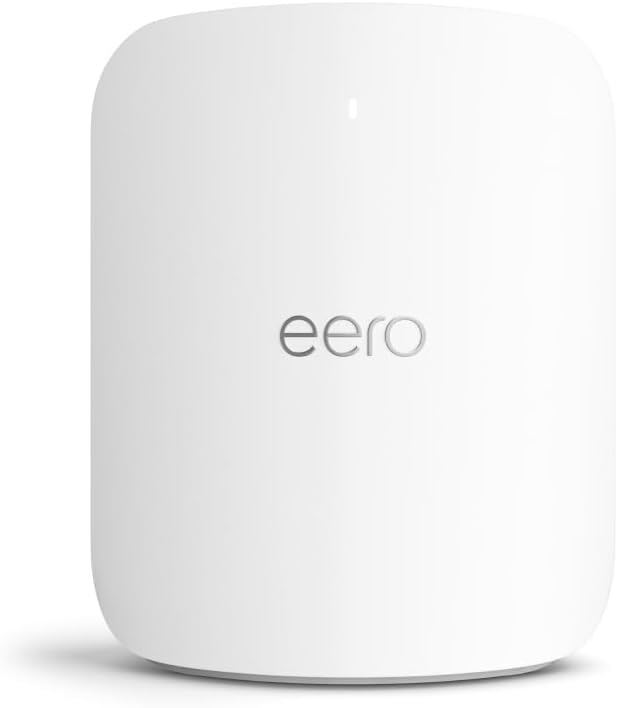
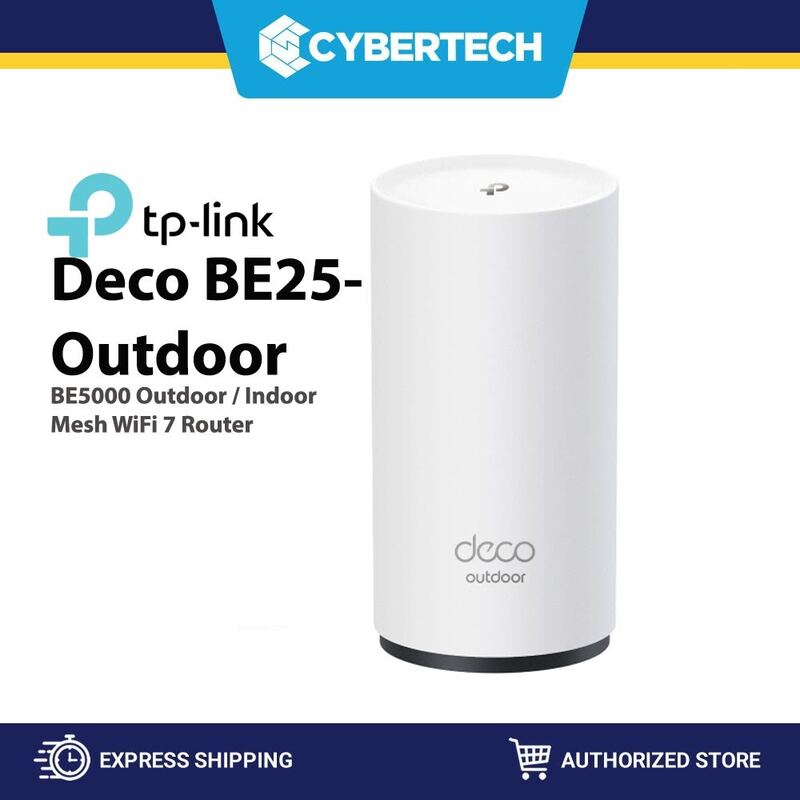
The Amazon eero 6 is the most affordable option in this list, making it ideal for small homes or basic setups where the high-end features of the Netgear Orbi 960 or Eero Max 7 are unnecessary. Its compact design and simple app rival the Eero Pro 6E in usability, but it suffers from modest hardware specs and poor mesh performance compared to the TP-Link Deco BE25 or Eero Pro 6E. It is significantly less powerful than the Wi-Fi 7 capable Deco BE25 and lacks the wired backhaul options of the Eero Max 7.
Who this is for
At a glance: budget buyers with small homes and basic needs.
Why you’d buy the Amazon eero 6
- Affordable price point at $199 for 2-pack.
- Easy-to-use mobile app and setup process.
- Supports Wi-Fi 6 with AX1800 dual-band capability.
Why you’d skip it
- Modest hardware specs with limited real-world speeds.
- Poor performance in wireless mesh setups due to signal loss.
- No wired backhaul support for extenders.
Rating sources
“The Eero 6 offers fast Wi-Fi speeds and robust whole-home connectivity for a very attractive price. Incredibly easy to set up and use with lots of handy features via the well-made app.”
Our 3.7 score is the average of these published ratings. Ratings marked * were derived from the reviewer’s written analysis or video transcript — the publisher didn’t print an explicit numeric score, so we inferred one from their own words. Click through to verify. More about methodology.