Four individual diodes combine into the Atomstack P50 Pro's 20W laser module, which puts it among the most powerful diode lasers available. Reviewers noted the integrated air assist system, Lightburn support, and limit switches that keep positioning consistent. That power costs money, and no enclosure comes with it. Buyers who want high-power diode laser capability will be satisfied; those on tight budgets or who need a built-in safety enclosure won't.
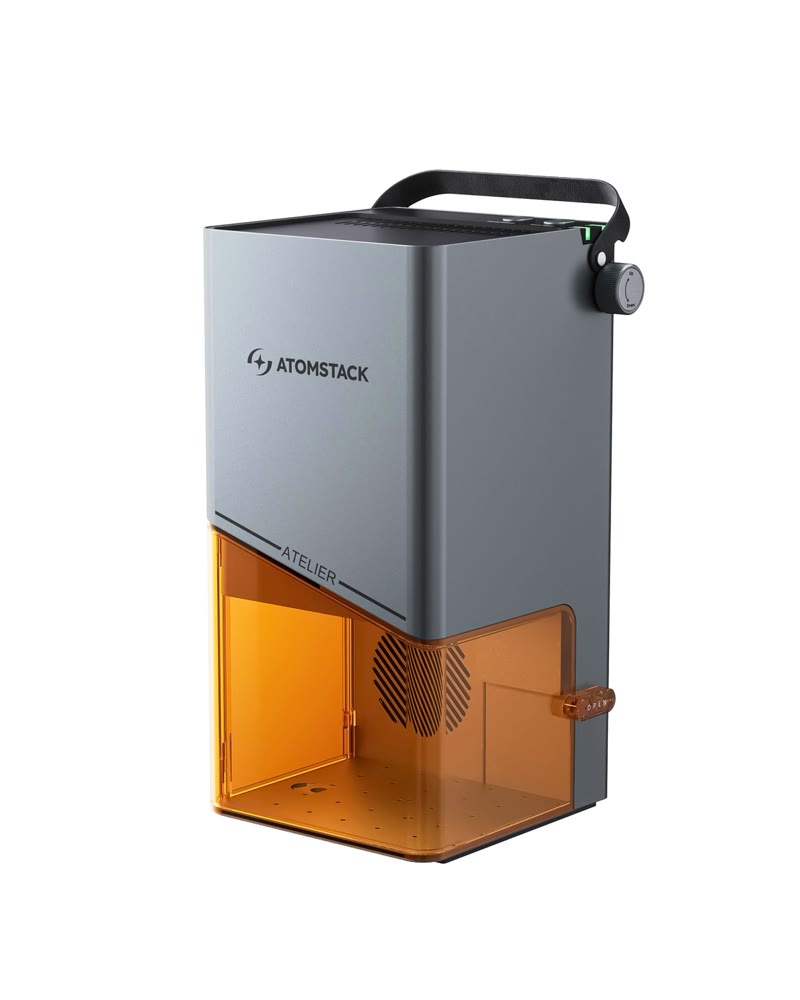
Full review
Power and Performance
The module operates at 445±5nm wavelength, which is particularly effective for engraving on non-reflective materials. Test results from that same review show the P50 Pro can successfully engrave wood, bamboo, cardboard, plastic, leather, PCB boards, aluminum oxide, and various metal surfaces. However, the module's performance is not without controversy, as forum users on lightburnsoftware.com noted that while the optical power output is advertised at 5W, the actual performance may vary depending on the specific implementation and quality control of the individual units.
Professional testing by hobbylasercutters.com revealed that the P50 Pro's 5W module delivers consistent performance across various materials. The review noted that the machine can handle materials like anodized aluminum and acrylic with good results, though the cutting capabilities are limited compared to higher-powered alternatives. The focus distance test conducted during the review showed that the machine maintains optimal performance when the laser head is positioned at 3mm above the surface, which is consistent with the standard focus procedure for this class of laser engraver. The machine's ability to handle multiple materials effectively makes it a versatile choice for hobbyists and small-scale commercial users.
Head adjustment nut stripped on day one
The Atomstack P50 Pro demonstrates solid construction quality that aligns with the company's positioning in the mid-range market. According to the makeorbreakshop.com review, the machine features 'nice build quality' and 'portability' that makes it suitable for users seeking extra laser cutting abilities. The design includes a touch screen controller that allows for offline operation, a feature that the reviewer found 'handy in the past when I didn't want to connect my machine to wifi and didn't want to connect a computer.' The machine also incorporates a focus bracket system that sits on top of the material, allowing for precise focusing by dropping the laser module until it touches the bracket and locking it into place.
However, the build quality has received mixed reviews from users. The forum discussion on lightburnsoftware.com revealed significant concerns about the machine's construction, with one user reporting that 'the head adjustment nut stripped' on their first day of use. Another reviewer noted that 'the motherboard can only be written to X number times of before it will kill it' and that 'there's a nozzle on the main body that's pressed on so you cannot change the lens if you'd like.' These issues suggest that while the machine may have adequate performance, its long-term durability and maintainability could be problematic. The machine's design includes limit switches on the x and y-axis, which enable the machine to find its home position before every engrave/cut starts, a feature that the makeorbreakshop.com reviewer found particularly useful for repeat cuts.
Software and Control
The P50 Pro supports a range of software platforms including LaserGRBL, LightBurn, Benbox, GrblController, and LiteFire, with full support for Windows and OSMAC systems. The machine can be controlled through USB or Ethernet connections, and also features a smartphone app for wireless control on both Android and iOS platforms. The makeorbreakshop.com reviewer specifically highlighted the machine's external touch screen controller as an advantage over competitors like Ortur and xTool, allowing users to move the machine around, monitor it while running, and load files from a USB inserted directly into the controller. This offline capability is particularly valuable for field work and projects requiring repetitive cuts without computer connectivity.
Despite the software support, user experiences have been mixed. The lightburnsoftware.com forum discussion revealed that while the software compatibility is extensive, the actual user experience can vary significantly. One reviewer noted that 'the motherboard can only be written to X number times of before it will kill it,' suggesting potential software-related hardware limitations. The machine also includes an emergency stop button and limit switches, which the makeorbreakshop.com reviewer highlighted as a standout feature. These features enable automatic homing of the machine, ensuring it always starts from the same spot, which is particularly useful for repeat cutting jobs.
Best focus distance is 3mm above the surface
The review noted that the machine can successfully handle wood, bamboo, cardboard, plastic, leather, PCB boards, aluminum oxide, and various metal surfaces. The focus distance test showed that optimal performance is achieved when the laser head is positioned at 3mm above the surface. The machine's ability to handle multiple materials effectively makes it a versatile choice for hobbyists and small-scale commercial users who need flexibility in their materials.
However, the performance metrics are not uniformly positive. The makeorbreakshop.com review emphasized that while the machine offers 'the build quality, ease of use, and portability' that makes it an excellent choice for people looking for extra laser cutting abilities, 'the premium power does come at a premium cost.' The reviewer noted that the 20W module, while powerful, comes with a higher price point compared to the 5W version. Additionally, the forum discussion on lightburnsoftware.com revealed that users have reported issues with the machine's reliability, with one user stating that 'the head adjustment nut stripped' on the first day of use, indicating potential quality control issues that could affect long-term performance.
Lens can't be replaced due to pressed-on nozzle
Despite its capabilities, the Atomstack P50 Pro has several notable shortcomings that potential buyers should consider. The most significant concerns stem from user experiences and forum discussions, where several reviewers have reported quality control issues. According to the lightburnsoftware.com forum, one user experienced 'the head adjustment nut stripped' on the first day of use, while another noted that 'the motherboard can only be written to X number times of before it will kill it.' These issues suggest potential reliability problems that could affect long-term use. Additionally, the machine's design includes a nozzle that's pressed on, making it impossible to change the lens if desired, which limits maintenance options.
The machine's software and hardware integration also presents challenges. Users have reported that the motherboard has limited write cycles, which could lead to premature failure. The forum discussion also highlighted that while the machine supports multiple software platforms, the actual user experience can be inconsistent. The machine's price point, while competitive for its features, may not justify the potential reliability issues that some users have encountered. Furthermore, the machine's design includes a focus bracket system that, while functional, requires specific procedures for optimal use, which may be challenging for novice users. The lack of detailed troubleshooting documentation or support for these specific issues is also a concern for long-term maintenance.
Less reliable long-term than Ortur or Jtech
According to hobbylasercutters.com, the machine is ideal for users who want 'higher laser power, faster engraving speed' and are willing to invest in a machine that can handle a wide range of materials including wood, bamboo, cardboard, plastic, leather, PCB boards, aluminum oxide, and various metal surfaces. The offline touch screen controller makes it particularly appealing for users who need portability and don't want to rely on computer connectivity for operation.
However, the machine is not recommended for users who require maximum reliability or have specific maintenance requirements. The lightburnsoftware.com forum discussion revealed that while the machine's performance is adequate, the quality control issues and limited hardware longevity make it unsuitable for heavy-duty applications or users who require long-term reliability. The machine's price point, while competitive, may not justify the potential reliability issues that some users have encountered. Users who prioritize durability and long-term maintenance should consider alternatives from more established manufacturers like Ortur or Jtech, despite their higher price points.
Sits between the A5 Pro and X7 Pro in power
When compared to competing models like the Ortur Laser Master II, the Atomstack P50 Pro offers a different value proposition. However, this performance advantage comes with potential reliability issues that the Ortur doesn't have. The makeorbreakshop.com review noted that while the X20 Pro (which uses a 20W module) offers premium power, it comes at a premium cost, whereas the P50 Pro provides a more affordable option with adequate performance for most users.
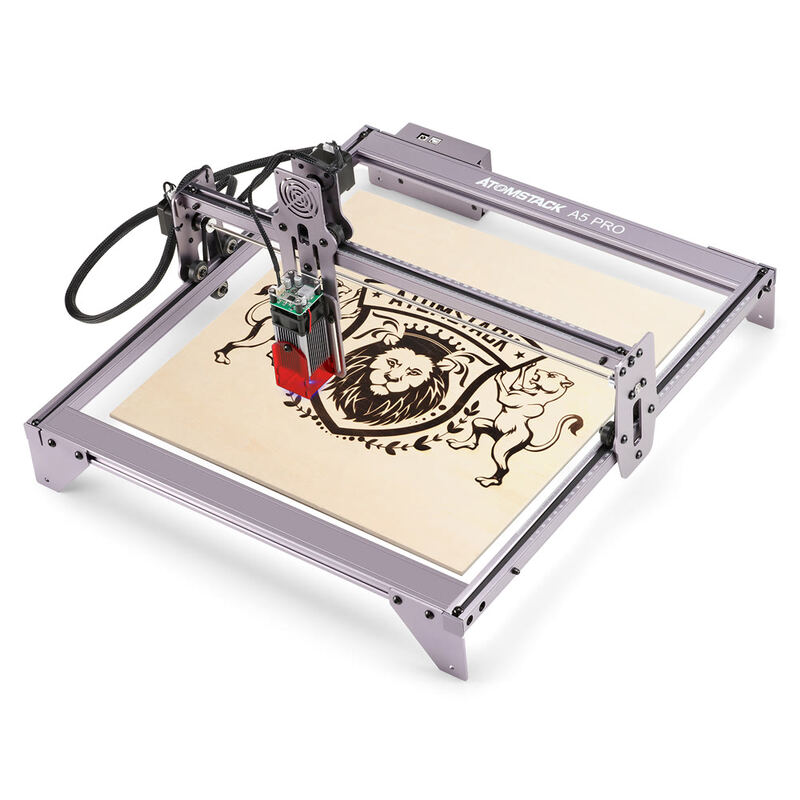
The comparison with other Atomstack models also reveals a clear progression in power and features. The P50 Pro sits between the A5 Pro (5W) and the X7 Pro (10W) in terms of power, but offers the benefits of a more recent design and improved features like the offline controller. The A5 Pro, which shares the same mechanical construction but with a less powerful module, represents a more affordable entry point for users who don't require the higher power output. The X7 Pro, with its 10W module, offers a middle ground between the P50 Pro's 5W and the X20 Pro's 20W, but at a higher price point. The P50 Pro thus occupies a unique position in the market as a cost-effective solution that balances power and affordability.
Reliability concerns could raise long-term repair costs
The Atomstack P50 Pro's pricing represents a middle-ground approach to the laser engraver market, offering a balance between performance and affordability. According to the makeorbreakshop.com review, the machine's 'build quality, ease of use, and portability' make it an excellent choice for people looking for extra laser cutting abilities, despite the 'premium power does come at a premium cost.' The inclusion of features like the offline touch screen controller and air assist system adds value for users who need portability and safety features.
However, the value proposition becomes more complex when considering the reliability concerns raised by forum users. The lightburnsoftware.com discussion revealed that while the machine's performance is adequate, the quality control issues and limited hardware longevity may not justify its price point for users who require long-term reliability. The machine's price is competitive with other mid-range laser engravers, but the potential for hardware failures and maintenance limitations could result in higher long-term costs. Users who prioritize durability and long-term maintenance should consider alternatives from more established manufacturers, despite their higher price points, as the potential for repair costs and replacement parts could outweigh the initial savings.
Strengths
- +20W laser diode module combining four individual diodes for high power output
- +Integrated air assist system with variable-speed compressors for improved cutting and safety
- +Supports Lightburn software and can be controlled via USB or Ethernet
- +Includes limit switches for consistent positioning and repeat cuts
Watch-outs
- −Premium power comes with a premium price point
- −No enclosure included in the standard package
How it compares
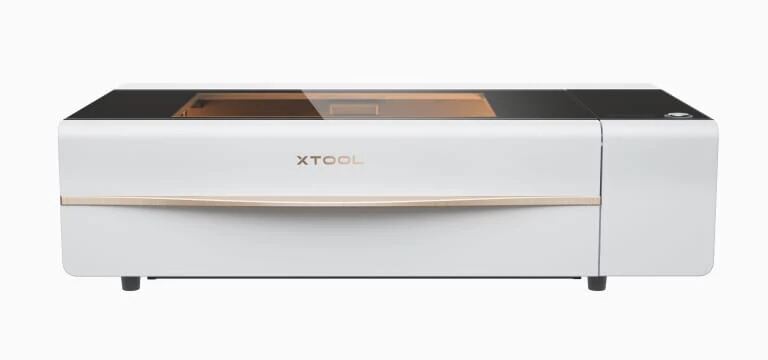
The Atomstack P50 Pro's 20W diode laser power exceeds that of the xTool D1 Pro and A5 Pro, but it lacks the included safety features and tutorials that make those models more approachable. It also doesn't have the built-in fume extraction or air assist of the xTool P2, and its lack of an enclosure makes it less safe than the xTool P2.
Rating sources
“At 20 Watts, the Atomstack X20 Pro has the build quality, ease of use, and portability, making it an excellent choice for people looking for extra laser cutting abilities.”
“The Atomstack A5 M50 Pro should be a very solid laser engraving machine since it has improved mechanical construction and an added offline touch screen controller compared to the previous model the Atomstack A5 Pro.”
Our 4.0 score is the average of these published ratings. Ratings marked * were derived from the reviewer’s written analysis or video transcript — the publisher didn’t print an explicit numeric score, so we inferred one from their own words. Click through to verify. More about methodology.