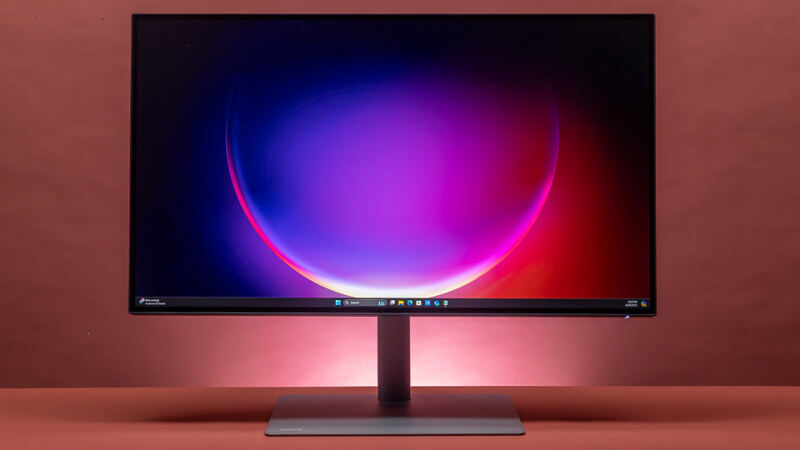
The ASUS ProArt Display PA279CRV delivers exceptional color accuracy and wide gamut coverage suitable for creative professionals, though it falls short in contrast and HDR performance. It features 4K resolution, 27-inch IPS panel, and robust connectivity options including USB-C with 96W PD. While it offers good value for budget-conscious creators, its motion clarity and overall display quality are unimpressive compared to higher-end alternatives.
Full review
Color gamut performance
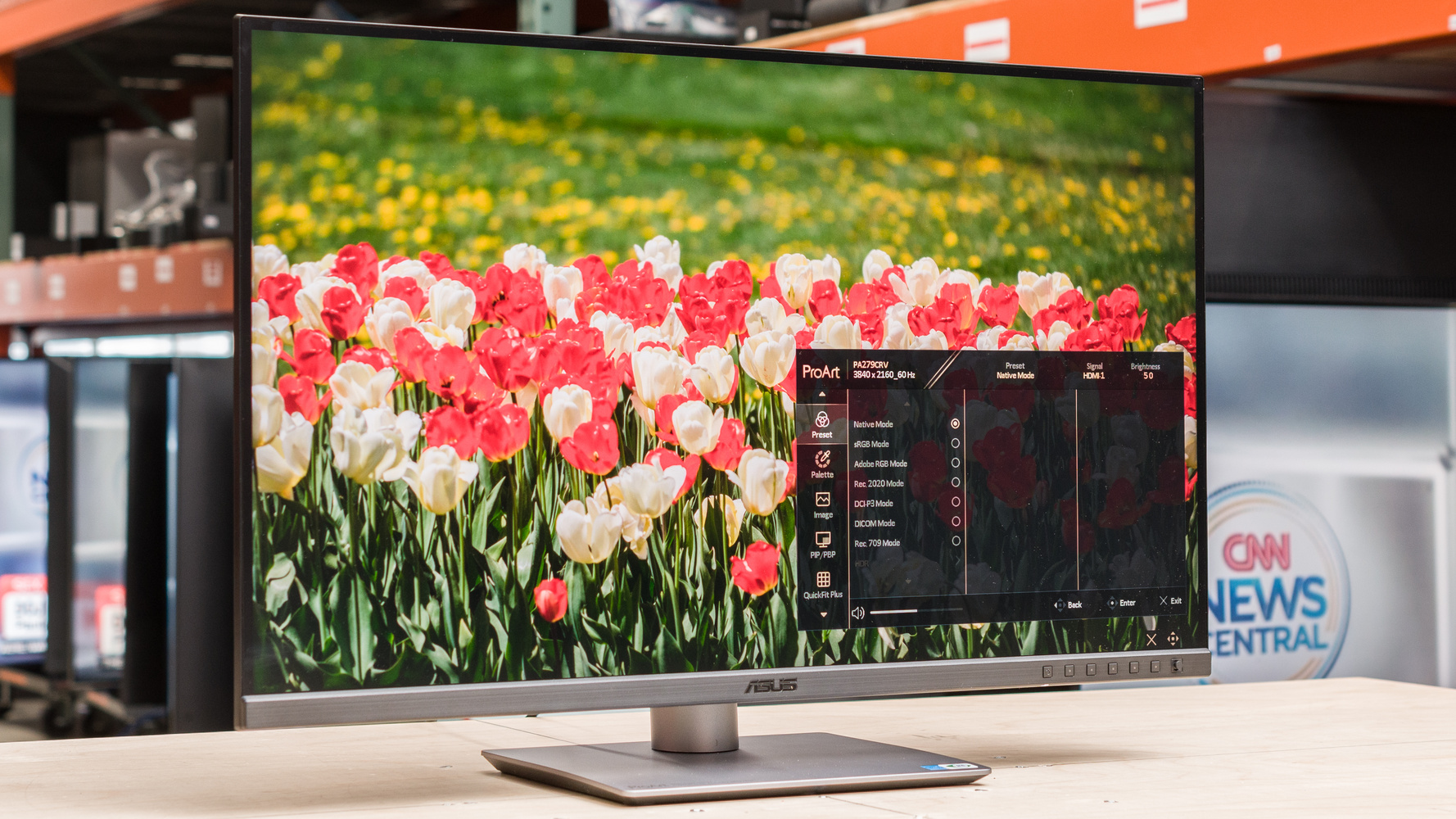
The ASUS ProArt Display PA279CRV delivers color coverage that meets professional standards for content creators. In sRGB, the display achieves 100% coverage, which is a strong baseline for most creative workflows. DCI-P3 coverage reaches 99%, and Adobe RGB coverage is 98% after calibration, with factory settings showing 99% as well. These figures indicate the monitor is well-suited for color-critical applications, particularly in graphic design and photo editing. The display's ability to reproduce these color spaces accurately is supported by factory calibration and the inclusion of a calibration certificate. However, Display Ninja noted that the 98% Adobe RGB coverage after calibration is slightly below the advertised 99%, which may be relevant for users requiring maximum color accuracy. The monitor also includes dedicated presets for Rec.2020, DICOM, and other color spaces, making it adaptable to various professional requirements.
Brightness and HDR capabilities
Peak brightness of the ASUS ProArt Display PA279CRV is recorded at 366 nits, which is a notable decrease from its predecessor's 402 nits, per Australian Photography. This level of brightness is adequate for most office environments and daylight use, though it falls short of the 400 nits mentioned in one review as being 'brilliant' for content consumption. The monitor is VESA DisplayHDR 400 certified, supporting HDR10 content, though it lacks true HDR performance due to its LCD panel technology. The display's brightness is sufficient for professional editing, especially when working in well-lit environments. One reviewer noted that while 350 nits is good for HDR, it's not a standout feature for this type of display. The contrast ratio is measured at 1000:1, which is modest but acceptable for general use. The display's ability to handle HDR content is limited by its panel type, but it performs adequately for content that doesn't require full HDR fidelity.
Connectivity and port options
The ASUS ProArt Display PA279CRV offers a comprehensive array of connectivity options that support both professional and general use. It includes one USB-C port with DisplayPort Alternate Mode and 96 watts Power Delivery, two DisplayPort 1.4 ports (one input, one output for daisy chaining), two HDMI 2.0 ports, three USB-A 3.2 Gen-1 ports, and a 3.5mm audio-out. The addition of the DisplayPort-out port is a significant upgrade over previous models, allowing for easier multi-monitor setups. The USB-C port supports both data transfer and charging, with a maximum power delivery of 96 watts. This makes the monitor a versatile hub for connecting laptops, cameras, and other peripherals. One reviewer emphasized the convenience of the USB-C port for charging compatible devices like cameras and phones, reducing cable clutter on desks. The inclusion of a USB 3.2 hub at the base of the monitor adds further flexibility, allowing users to connect multiple devices through a single port. The port layout is well-organized and accessible, contributing to the monitor's usability in professional settings.
Ergonomic design and stand features
The stand design of the ASUS ProArt Display PA279CRV has been significantly refined compared to its predecessor. The monitor features a sleek, minimalist appearance with a compact base that takes up less desk space. The stand supports height adjustment, tilt, swivel, and pivot functions, allowing for ergonomic positioning. One notable change is the removal of the rulers from the bottom panel, which gives the monitor a cleaner look. The monitor's design includes a 5-way joystick for menu navigation, which is a significant improvement over previous models where menu access was cumbersome in low-light conditions. The stand's construction feels solid, with a plastic exterior and metal interior, providing durability without excessive weight. The monitor weighs 4.07 kg, making it relatively lightweight for its size. One reviewer noted the monitor's ability to be easily adjusted to portrait orientation, which is beneficial for tasks like document editing or reading long-form content.
Image quality and calibration
Image quality on the ASUS ProArt Display PA279CRV is consistently accurate, especially when calibrated. Factory calibration ensures that the display meets industry standards for sRGB, DCI-P3, and Adobe RGB color spaces. The monitor's IPS panel provides wide viewing angles of 178°, ensuring consistent color reproduction from various angles. One reviewer noted that the display's default preset mode 'Native' does not clamp the gamut, resulting in a maximum Delta E of 4.49 when measured against DCI-P3, which is acceptable for everyday use but not ideal for color-critical work. After calibration using the User mode, the monitor achieved 98% Adobe RGB and 97% DCI-P3 coverage, which is still very strong for professional applications. The display includes extensive customization options through its menu system, allowing users to fine-tune brightness, contrast, saturation, hue, color temperature, gamma, RGB tuning, and black level adjustments. The inclusion of multiple preset modes for different color spaces, such as Rec.2020, DICOM, and Rec.709, makes it easy for users to configure the display for specific workflows. The monitor's ability to handle 4K resolution at 60Hz ensures that high-resolution content is displayed clearly, making it suitable for detailed editing tasks.
User interface and menu navigation
The user interface of the ASUS ProArt Display PA279CRV is designed with usability in mind, particularly for professionals who need to make frequent adjustments. The menu navigation is facilitated by a 5-way joystick located at the bottom of the monitor, which is a significant improvement over previous models where menu access was difficult in low-light conditions. The buttons are backlit, which enhances visibility and usability in various lighting environments. The menu system is intuitive, with dedicated presets for sRGB, Adobe RGB, Rec.2020, DCI-P3, DICOM, and Rec.709, allowing users to quickly switch between color spaces. Additionally, the 'Palette' sub-menu provides detailed controls for brightness, contrast, saturation, hue, color temperature, gamma, RGB tuning, and black level adjustments. The monitor's OSD (On-Screen Display) is responsive and well-organized, enabling users to make precise adjustments without confusion. One reviewer highlighted that the menu system is easy to navigate, which is crucial for users who need to fine-tune their display settings regularly.
Build quality and materials
The build quality of the ASUS ProArt Display PA279CRV is robust, with a combination of plastic and metal components that contribute to its durability and stability. The monitor's exterior is mostly plastic, but the interior components are metallic, providing structural integrity. The monitor's stand is solid and feels rigid when handled, contributing to the overall stability of the display. The base is compact, taking up minimal desk space, and the stand's design allows for easy adjustment in various orientations. The monitor's profile is 8mm at its thinnest point, which is a significant improvement over previous models. The materials used in the construction are appropriate for a professional-grade display, balancing durability with a sleek appearance. One reviewer noted that while the exterior feels plastic, the internal construction is solid enough to support the monitor's intended use in professional environments. The overall build quality reflects the monitor's positioning as a professional-grade display for content creators.
Performance in real-world scenarios
In practical use, the ASUS ProArt Display PA279CRV performs well for its intended audience of content creators and professionals. The monitor's ability to reproduce accurate colors, especially in sRGB and DCI-P3, makes it suitable for tasks like photo editing and video grading. The 4K resolution at 60Hz provides sharp and detailed visuals, which is essential for detailed work. The display's brightness of 366 nits is sufficient for most office environments, though it may not be ideal for high-contrast or HDR content in very bright rooms. One reviewer noted that the monitor's performance is adequate for color-critical tasks, especially when calibrated. The inclusion of USB-C power delivery and multiple connectivity options makes it a versatile choice for users who need to connect various devices. The monitor's ability to support daisy chaining through its DisplayPort-out port is a useful feature for users who need to connect multiple displays. The stand's ergonomic adjustments and the 5-way joystick enhance usability in professional settings, making it a practical choice for users who spend long hours working at their desks.
Strengths
- +Extremely wide color gamut covering 99% of Adobe RGB and DCI-P3
- +USB-C with 96 watts Power Delivery support
- +Supports HDR 10 and 60Hz refresh rate
Watch-outs
- −Mediocre contrast and brightness performance, per PCWorld
- −Mediocre contrast, brightness, and HDR performance
How it compares
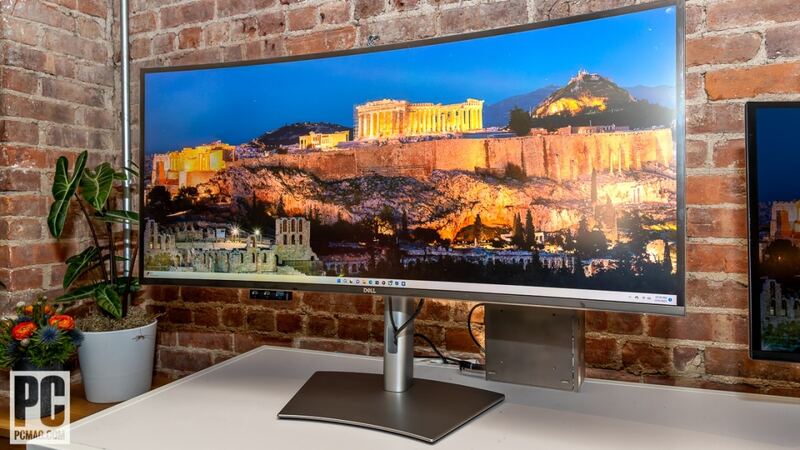
The ASUS ProArt Display PA279CRV stands out for its wide color gamut coverage. While it offers good value for budget-conscious creators, its contrast and HDR performance are unimpressive relative to the Dell UltraSharp 40 Curved Thunderbolt Hub Monitor.
Rating sources
“the winning formula remains almost the same in the new model. It's still a 27-inch widescreen with a native resolution of 3480×2160, and it still provides 4K resolution, a 60Hz refresh rate, and supports HDR 10.”
Our 4.0 score is the average of these published ratings. Ratings marked * were derived from the reviewer’s written analysis or video transcript — the publisher didn’t print an explicit numeric score, so we inferred one from their own words. Click through to verify. More about methodology.