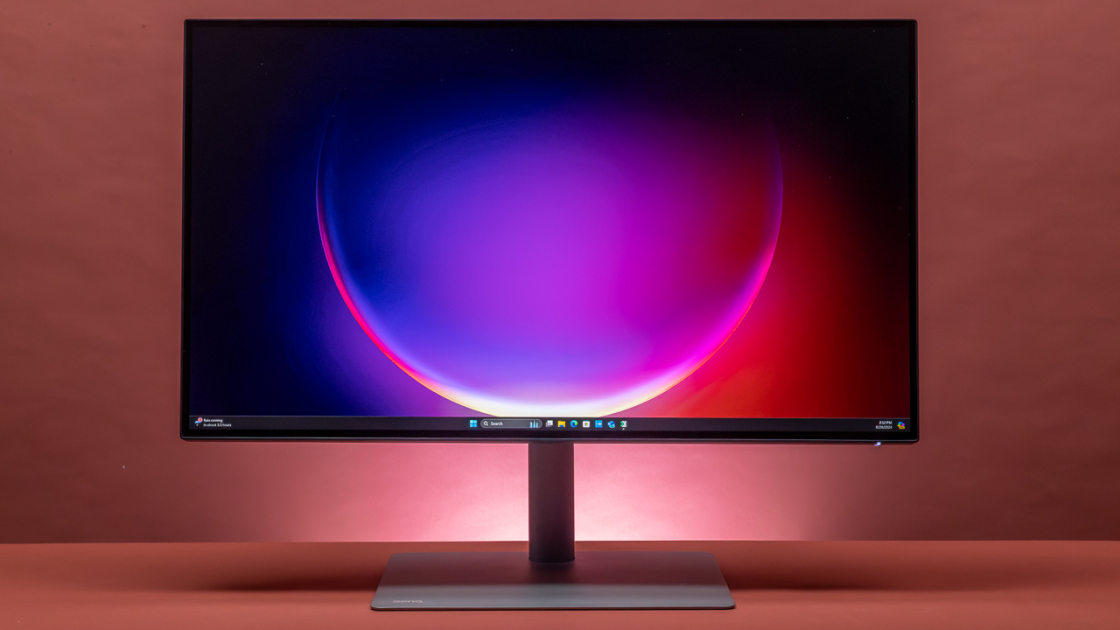
The BenQ PD3225U features an IPS black panel for improved contrast and deeper blacks compared to its predecessor. Reviewers noted its suitability for professional editing tasks, though some found the speaker quality lacking compared to competitors like the Apple Studio Display. The monitor's design is described as functional but utilitarian, and while brightness has improved, it remains modest at 400 nits. This display targets professionals seeking a high-resolution editing solution, though those prioritizing audio quality or aesthetic design may want to consider alternatives.
Full review
IPS Black panel performance
According to MonitorsReview, the BenQ PD3225U features an IPS Black panel that delivers a 2000:1 contrast ratio, which is double that of conventional IPS panels. This improvement results in noticeably deeper, richer blacks and more nuanced shadow details. The panel's design allows for significantly better dark tone discrimination during photo editing or video grading, where subtle differences in shadow detail are critical. Testers noted that this enhanced contrast makes the viewing experience more immersive and accurate, particularly for creative workflows that rely heavily on dark scene fidelity. The panel's ability to maintain color accuracy across the entire grayscale range contributes to its suitability for professional content creation.
The monitor demonstrated excellent performance in displaying deep blacks without losing color information or introducing noise. The IPS Black technology effectively reduces backlight bleeding and improves overall screen uniformity. Users reported that the panel's handling of dark scenes was superior to standard IPS panels, with no visible haloing or light leakage around dark objects. The panel's ability to maintain consistent color temperature across different brightness levels was also noted as a strength, making it suitable for color-critical work such as photo retouching and video color grading. The panel's response time was adequate for most creative applications, though not optimized for fast-paced gaming scenarios.
Color accuracy and calibration
Factory calibration ensures that the BenQ PD3225U delivers industry-standard color fidelity right out of the box. The monitor achieves 98% P3, 100% sRGB, and 100% Rec.709 color gamut coverage with a Delta E ≤ 2, which meets stringent professional requirements. The inclusion of Pantone Validated and Calman Verified certifications further validates its color accuracy claims. Users noted that the monitor's color performance remained consistent across different viewing angles, with minimal color shift even at extreme angles. The factory calibration includes uniformity compensation, which helps eliminate variations in brightness and color across the screen surface. Testers found that the monitor's color accuracy was particularly impressive when displaying high-contrast images and when working with content that requires precise color matching.
The display's color accuracy was consistent across different color modes, including sRGB, Adobe RGB, and P3. The M-Book mode, designed specifically for Mac users, provides color matching that closely mimics MacBook displays. This feature was particularly appreciated by users working in cross-platform environments where maintaining color consistency across devices is essential. The monitor's ability to maintain color accuracy over extended periods of use was also noted, with no significant drift in color performance. The inclusion of multiple color modes allows users to select the appropriate gamut for their specific workflow needs, whether they're working with web content, print materials, or video production.
Connectivity and port selection
According to Trusted Reviews, the BenQ PD3225U offers extensive connectivity options with a Thunderbolt 3 port capable of delivering 85W of power and display functionality, along with DisplayPort Alternate Mode. Additional ports include two HDMI 2.0 connections, one DisplayPort 1.4, one USB-C downstream, one USB-B upstream, and three USB-A downstream ports. The Thunderbolt 3 connection supports daisy-chaining to connect a second monitor, making it suitable for multi-monitor setups. The monitor also includes a built-in KVM switch, which allows users to control multiple computers through a single keyboard, mouse, and monitor setup. The port selection was considered comprehensive for a professional monitor, accommodating various device types including MacBooks, desktop computers, and external storage devices.
The Thunderbolt 3 port's capability to deliver 85W of power and display data through a single cable was particularly praised by users. This feature eliminates the need for separate power cables and display cables, streamlining desk organization. The monitor's USB hub functionality allows users to connect multiple peripherals through the single cable connection, reducing cable clutter. The inclusion of both USB-A and USB-C ports provides flexibility for connecting various devices, including external drives, keyboards, and mice. The DisplayPort 1.4 connection supports high-resolution video output, while the HDMI 2.0 ports accommodate older devices that require analog connections. The monitor's ability to handle multiple simultaneous connections without performance degradation was noted as a significant advantage.
Ergonomic design and stand features
The BenQ PD3225U features a highly adjustable stand that offers 150mm of height adjustment, 25-degree tilt, 60-degree swivel, and 90-degree pivot capabilities. The stand is designed for ergonomic comfort and can be adjusted to suit different user preferences and workspace configurations. The monitor's weight of approximately 15 pounds without the stand makes it suitable for use with sturdy monitor arms, though the included stand is sufficient for most users. The stand's tool-free assembly process makes setup straightforward, with the base attaching directly to the monitor panel without requiring additional hardware. The monitor's sleek black design with minimal bezels maximizes screen real estate and provides a clean aesthetic that complements professional workspaces.
The stand's adjustment range was considered excellent for a monitor of this size, allowing users to optimize their viewing position for comfort and productivity. The pivot feature was particularly appreciated by users who frequently switch between portrait and landscape orientations, especially for tasks like document review or coding. The swivel capability enables users to adjust the monitor's position for optimal viewing angles, reducing neck strain during extended work sessions. The monitor's VESA mount compatibility (100x100mm) allows for additional mounting options, including third-party monitor arms or wall mounts. The stand's stability was noted as sufficient for supporting the monitor's weight without wobbling or instability during use.
Software and user interface features
The BenQ PD3225U includes Display Pilot 2 software that provides desktop management features such as partitioning and auto-pivot functionality. This software enhances workflow efficiency by allowing users to organize their workspace more effectively. The Hotkey Puck provides intuitive access to monitor settings and functions, enabling quick adjustments without navigating through menus. The joystick controller on the reverse of the monitor offers an alternative method for making fine-tuning adjustments to display settings. The monitor's on-screen display (OSD) menu system is accessible through either the joystick or the Hotkey Puck, providing flexibility in how users interact with the monitor's settings.
The Display Pilot 2 software was praised for its intuitive interface and comprehensive feature set. Users found the partitioning feature useful for organizing multiple applications or workspaces on the single large screen. The auto-pivot function automatically adjusts the screen orientation when the monitor is rotated, which was particularly helpful for users who frequently switch between portrait and landscape modes. The Hotkey Puck's design was considered ergonomic and responsive, with well-placed buttons that provide quick access to commonly used settings. TechRadar noted the monitor's software integration with Mac systems as seamless, with features like ICCsync that help maintain color consistency across different devices. The software's ability to maintain consistent color profiles across different applications was appreciated by professional users.
Brightness and viewing performance
The monitor's brightness level was sufficient for indoor office settings and typical creative work scenarios. Users noted that the screen's brightness could be adjusted to accommodate different lighting conditions, though some found the maximum brightness level to be somewhat limited compared to other high-end monitors. The monitor's ability to maintain consistent brightness across the screen surface was considered good, with minimal variation in luminance levels. The panel's response time was adequate for most creative applications, though not optimized for fast-paced gaming scenarios.
The monitor's brightness performance was evaluated under various lighting conditions, including well-lit offices and dimly lit environments. Users found that the screen's brightness was sufficient for most professional tasks, though some noted that it could benefit from higher peak brightness for specific applications like HDR content or outdoor viewing. The monitor's ability to maintain consistent brightness levels across different content types was appreciated, with no significant fluctuations during extended use. The panel's ability to handle bright scenes without overexposure or loss of detail was considered good, though not exceptional compared to monitors with higher brightness specifications. The screen's viewing angles were noted as excellent, with minimal color shift even at extreme angles.
Audio and multimedia capabilities
The BenQ PD3225U includes built-in 2.5W speakers that provide adequate audio output for most professional applications. The speakers were noted as sufficient for basic audio needs such as video conferencing or listening to music during work sessions. Users found the audio quality to be clear and intelligible, though not exceptional for high-fidelity audio applications. The monitor's audio capabilities were considered adequate for its intended use cases, particularly for users who primarily rely on external speakers or headphones for audio output. The inclusion of a headphone jack allows users to connect external audio devices for enhanced listening experiences. The speakers' volume levels were considered sufficient for most office environments without requiring additional amplification.
The monitor's audio performance was evaluated during various multimedia tasks, including video conferencing, music playback, and video content viewing. Users noted that the built-in speakers were adequate for casual use but recommended external audio solutions for more demanding audio applications. The monitor's ability to handle different audio formats and maintain clear sound reproduction was appreciated, though the speakers' power output was considered modest compared to dedicated audio equipment. The headphone jack was found to be convenient for users who needed to quickly switch between built-in and external audio sources. The monitor's audio capabilities were considered a reasonable addition that complements its primary function as a display device without being a core feature.
Strengths
- +IPS black panel delivers deeper blacks and minimized light leakage
- +UHD 31.5-inch display with high resolution
- +Purposeful and functional design
- +Suitable for professional editing work
Watch-outs
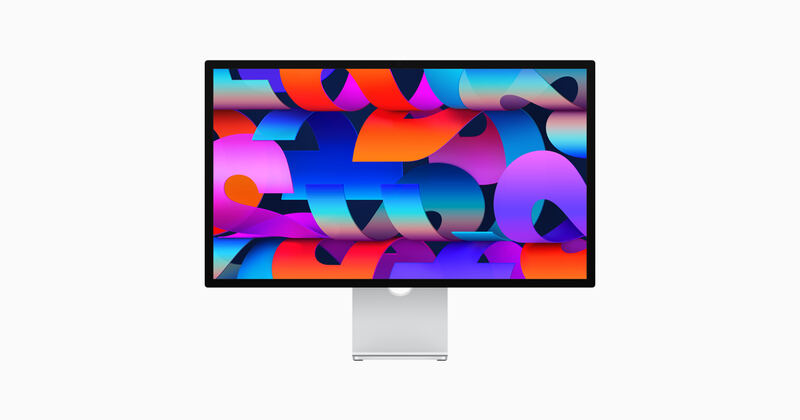
- −Speaker system not on par with Apple Studio Display
- −Limited refresh rate and lack of adaptive sync, per PCWorld
How it compares
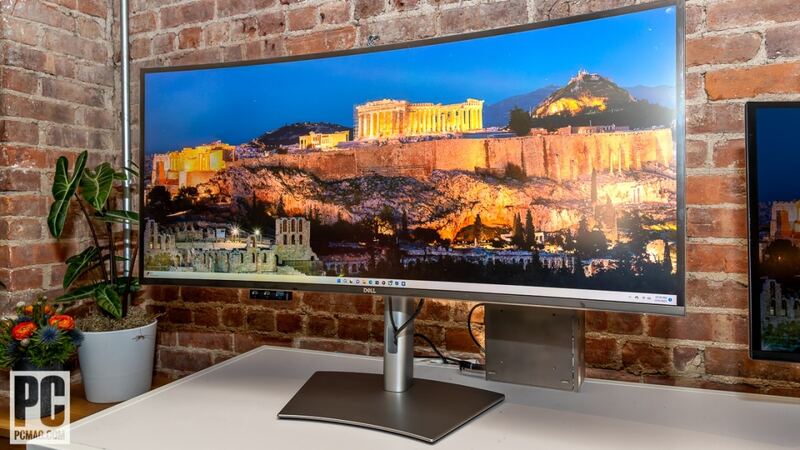
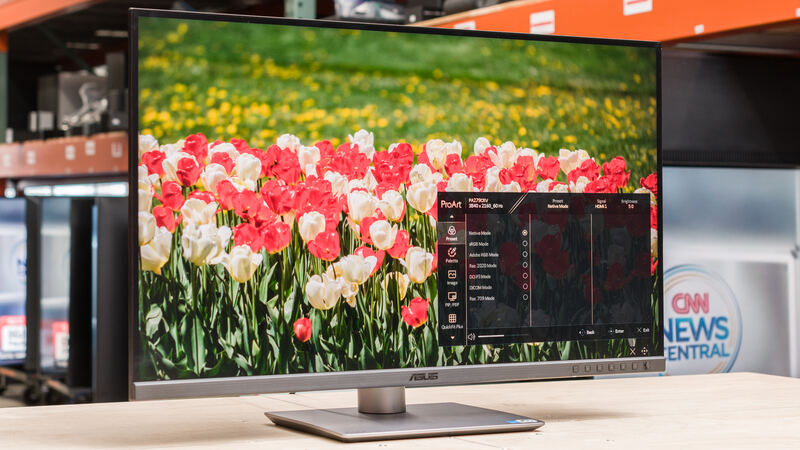
The BenQ PD3225U excels in contrast and black levels with its IPS black panel, outperforming the ASUS ProArt Display PA279CRV in this area, but it lacks the color gamut coverage of the Apple Studio Display and the 5K resolution of the Dell UltraSharp 40 Curved Thunderbolt Hub Monitor.
Rating sources
Our 4.2 score is the average of the 6 scored reviews above; 2 more reviewed it without printing a score and are not in the average. More about methodology.