The Anker 555 USB-C 8-in-1 Hub offers significant upgrades over cheaper alternatives with its 4K60Hz HDMI output, full 10Gbps USB speeds across all ports, and dual card readers. Blogged Off reviewer noted it's bulkier than older hubs but provides better heat dissipation and reliable performance. Fstoppers reviewer praised its compact size and pass-through charging capabilities, though both reviewers mentioned the lack of rubber feet and awkward dangling design. This hub is ideal for creatives needing high-speed data transfer and display output, but those seeking a slimmer form factor or Thunderbolt connectivity should consider more expensive docking stations.
Full review
Design and Build Quality
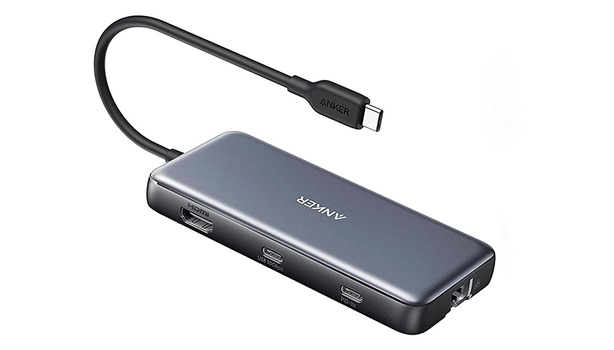
The Anker 555 USB-C Hub presents a compact, streamlined design that measures 4.76 x 2.17 x 0.6 inches and weighs just 4.5 ounces, making it highly portable for frequent travelers. Fstoppers reviewer Alex Cooke noted the device's solid dark plastic construction with subtle black port labels and a small white status light, while Blogged Off's author found it 'kind of awkward to dangle off the side of my MacBook Air.' The hub's layout places USB-A ports and card slots on one side, with PD, USB-C, and HDMI on the other, and Ethernet at the far end. However, the lack of rubber feet or grip mechanisms means the lightweight plastic housing can slide around under tension, a point that both Fstoppers and Blogged Off reviewers acknowledged as a minor inconvenience. Mini PC Reviewer's examination revealed that while the build feels sturdy enough to withstand knocks, some users have reported concerns about long-term durability with the plastic casing, particularly under heavy usage conditions.
Port Configuration and Performance
The Anker 555 delivers a comprehensive array of ports including two USB-A 3.2 Gen 2 ports with 10 Gbps throughput, one USB-C 3.2 Gen 2 port with the same speed, 4K at 60 Hz HDMI output, 1 Gbps Ethernet, and both SD and microSD card readers. PC Tech Bits reviewer noted that the hub supports 4K/60Hz HDMI output for DP 1.4 laptops, or 4K/30Hz for DP 1.2 laptops, which is a significant upgrade from many competing hubs that max out at 30 Hz. The 10 Gbps USB speeds are consistently maintained across all ports, with Mini PC Reviewer reporting that 'throughput extensively' tested and 'the real-world performance lives up to the specifications.' However, the Ethernet port's actual performance was questioned by Blogged Off, who noted that 'most external hubs are optimistic about this' and that they had not personally tested how fast it is in practice. The hub's design does pack ports tightly, which can cause cable congestion issues for users with chunky adapters.
Display Output Capabilities
The 4K 60 Hz HDMI output represents one of the Anker 555's standout features, offering a significant advantage over competing hubs that typically max out at 30 Hz. According to Fstoppers, the HDMI port 'offers 4K at 60 Hz, which is a nice perk over many other portable hubs, which typically max out at 30 Hz,' and this higher refresh rate is particularly beneficial for video editing, gaming, or high-frame-rate content. PC Tech Bits confirmed that 'most users say the video signal is steady and setup is a breeze,' though they noted that 'your mileage may vary based on the HDMI cable and display you use.' Mini PC Reviewer emphasized that 'seamlessly I can connect my laptop or other devices to a 4K 60Hz HDMI display allowing me to enjoy crisp high-resolution visuals and fluid motion for an immersive viewing experience.' However, the hub's HDMI output is limited to a single display connection, unlike Thunderbolt docks that can support multiple displays simultaneously.
Power Delivery and Charging
The Anker 555 supports 85-watt pass-through charging with a 100-watt input, which is sufficient for most laptops but not all power-hungry models. Fstoppers reported that 'from the 100-watt input, the Anker hub takes 15 watts to run things and makes 85 watts available for charging,' allowing for fast charging of devices like the MacBook Air at 67 watts, which can provide 50% battery life in just 30 minutes. However, Blogged Off noted that 'the hub does not come with a USB-C cable or power adapter, so if you want to make use of the pass-through power delivery capabilities, you'll need to bring those along as well.' The hub requires a 100-watt power brick for optimal performance, and PC Tech Bits warned that 'don't expect it to play nice with Linux' and that 'charging speed drops if you overload it.' Mini PC Reviewer added that 'the hub keeps some power for itself, so you won't get the full wattage out of your charger,' which can impact charging efficiency for high-power devices.
Real-World Performance Testing
Multiple reviewers confirmed the hub's ability to maintain high-speed data transfer rates across all ports, with PC Tech Bits noting that 'both USB-C and USB-A deliver solid speeds—no major slowdowns unless you're maxing out every port at once.' Fstoppers reported that 'the hub had no problem keeping up with the demands of speedy SSDs, easily maintaining the fastest possible speeds,' which is crucial for photographers and videographers who frequently transfer large files. However, Mini PC Reviewer noted that 'under heavy loads' the hub can get warm, and some users have reported 'overheating under heavy loads' issues. The hub's performance was also tested with various devices, with Blogged Off finding that 'the Ethernet port reached its advertised bandwidth of 1 Gbps' and that 'combined with a slim cable, it ensures I can always fall back on a reliable and fast wired connection if desired.' The reliability of the connections was generally praised, though Mini PC Reviewer mentioned that 'some users gripe about power issues if you cheap out on the charger.'
Where It Falls Short
Despite its many strengths, the Anker 555 has several notable drawbacks that reviewers have identified. The most consistent criticism comes from its lack of rubber feet or grip mechanisms, which causes the lightweight plastic housing to slide around under tension, as noted by both Fstoppers and Blogged Off. Additionally, the hub's power delivery pass-through functionality is sometimes 'finicky' and may require troubleshooting, according to Mini PC Reviewer. The device requires a 100-watt power brick for optimal performance, which isn't included, and users have reported issues with charging speed when overloaded. PC Tech Bits noted that 'don't expect it to play nice with Linux' and that 'charging speed drops if you overload it,' while Blogged Off mentioned that 'the extra bulk might mean better heat dissipation performance, and I suspect heat is what killed my old USB hub in the end.' Furthermore, the hub's design is relatively bulky compared to slimmer alternatives, and some reviewers noted that 'the power delivery pass-through functionality is sometimes finicky and may need troubleshooting.'
Who It's Best For
The Anker 555 is best suited for professionals who need a reliable, high-performance hub for creative workflows, particularly photographers, videographers, and content creators who frequently work with large files and require multiple connectivity options. Fstoppers identified that 'photographers and filmmakers have much higher connectivity demands than the average person' and that the hub 'fit the bill' for their specific needs including Ethernet and HDMI. Blogged Off's reviewer, who primarily uses a MacBook Air, found the hub 'a pretty significant upgrade' over his previous slim hub, especially for 4K60 display output and SD card readers. The hub is also ideal for users who need both high-speed data transfer and power delivery capabilities, as it supports up to 85 watts pass-through charging. However, it's not recommended for users who primarily use older technology with only USB-A connections or those who need Thunderbolt support, as it lacks Thunderbolt capabilities and multiple HDMI outputs.
How It Compares to Alternatives
When compared to other USB hubs, the Anker 555 stands out primarily due to its 4K 60 Hz HDMI output and 10 Gbps USB speeds across all ports, which many cheaper alternatives lack. Blogged Off noted that 'the biggest advantages of the Anker 555 over cheaper USB hubs are as follows: The Anker 555 supports 4K 60Hz display out HDMI, many other cheaper hubs only support 4K 30Hz.' The Anker 555 also offers both SD and microSD card readers, which are missing in many competing products, including the Anker 332, which the reviewer noted 'is a very good product, but no SD card slot meant it was a non-starter for me.' Compared to Thunderbolt docks, the Anker 555 offers a more affordable solution but lacks Thunderbolt support and multiple HDMI outputs. PC Tech Bits noted that 'Thunderbolt docks usually support display over Thunderbolt (USB-C), meaning no HDMI or DisplayPort cables are necessary,' but added that 'Thunderbolt docks are very expensive' and 'most begin at around $150-200 and go to $300 and beyond.' The Anker 555's price point of around $50 makes it a more accessible option for users who don't need the full Thunderbolt functionality.
Strengths
- +Supports 4K at 60 Hz over HDMI, which is superior to most competitors that max out at 30 Hz
- +All USB ports (2x USB-A 3.2 and 1x USB-C 3.2) deliver 10 Gbps throughput
- +Includes both SD and microSD card readers with 104 MBps speed
- +Provides 85-watt pass-through power delivery for most laptops
Watch-outs
- −No rubber feet or grip mechanism, causing it to slide around on surfaces
- −Relatively bulky design compared to slim alternatives, awkwardly dangling from laptop
- −Ethernet port is included but may not be frequently used by many consumers
How it compares
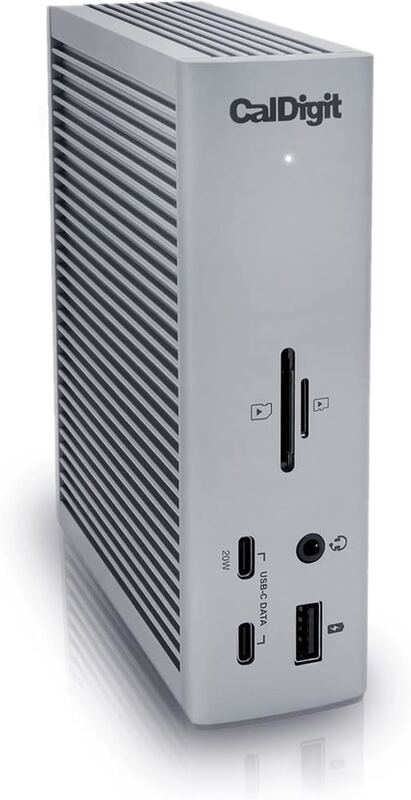
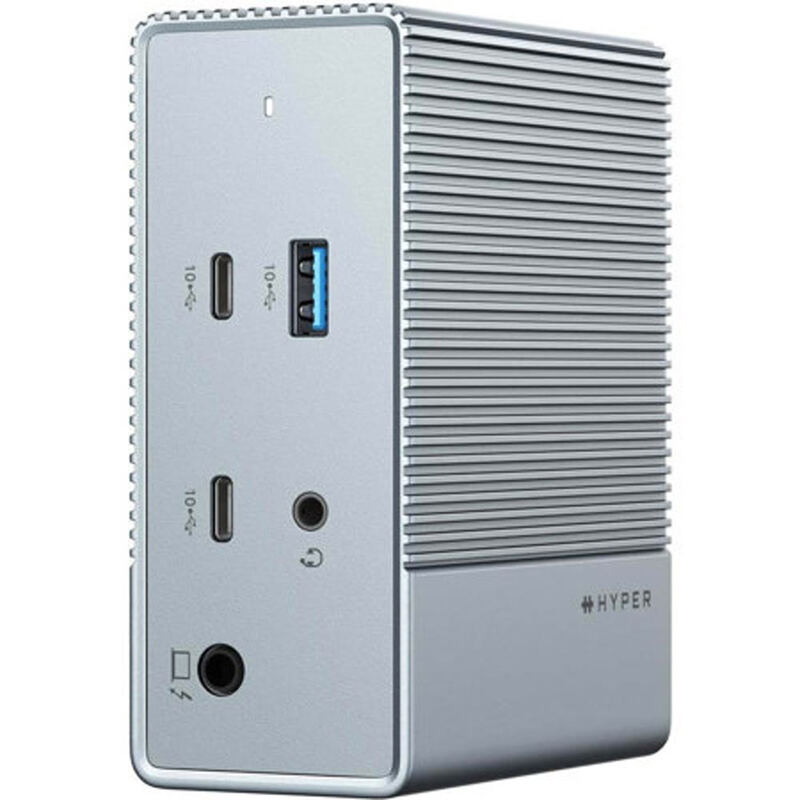
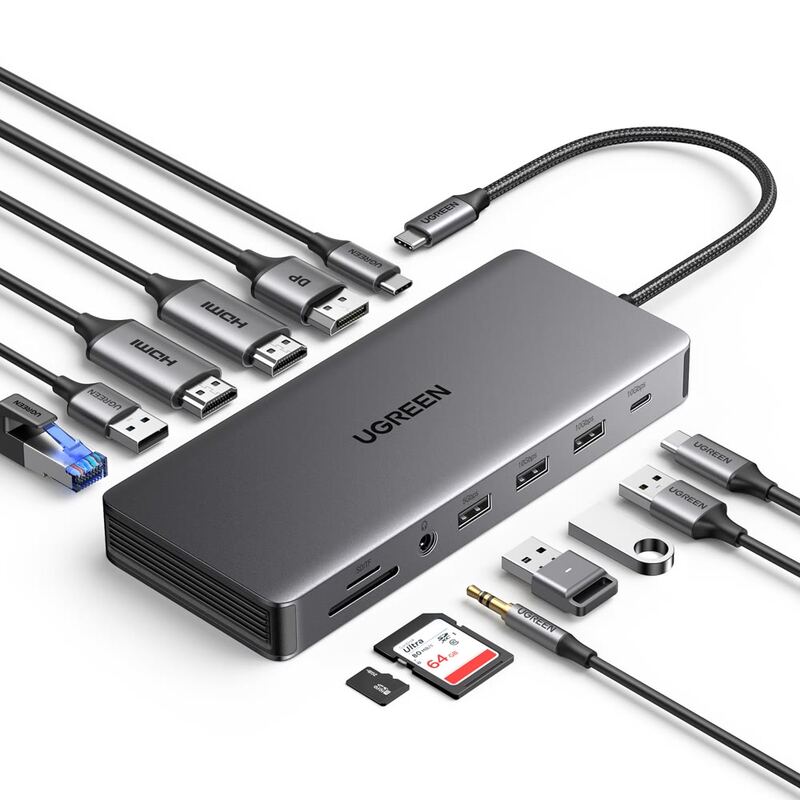
The Anker 555 excels in 4K60Hz HDMI output and full 10Gbps USB speeds, surpassing the UGREEN Revodok Pro and HyperDrive 12 in display and data transfer capabilities. However, it lacks Thunderbolt support and is bulkier than the Satechi 15-in-1, which offers wireless charging and vertical device organization. Compared to the Dell D6000, it's more affordable but doesn't support triple 4K displays without DisplayLink drivers.
Who this is for
At a glance: creatives needing high-speed data and 4K output.
Why you’d buy the Anker 555 8-in-1 USB-C Dock
- Supports 4K at 60 Hz over HDMI, which is superior to most competitors that max out at 30 Hz.
- All USB ports (2x USB-A 3.2 and 1x USB-C 3.2) deliver 10 Gbps throughput.
- Includes both SD and microSD card readers with 104 MBps speed.
Why you’d skip it
- No rubber feet or grip mechanism, causing it to slide around on surfaces.
- Relatively bulky design compared to slim alternatives, awkwardly dangling from laptop.
- Ethernet port is included but may not be frequently used by many consumers.
Rating sources
“The Anker 555 USB-C 8-in-1 Hub fit the bill, and given the reliability of their other products, it was a logical choice.”
“The Anker 555 is a lot bulkier than my old slim USB hub... but this new hub is a pretty significant upgrade, even if it is more than twice the size!”
Our 4.2 score is the average of these published ratings. Ratings marked * were derived from the reviewer’s written analysis or video transcript — the publisher didn’t print an explicit numeric score, so we inferred one from their own words. Click through to verify. More about methodology.