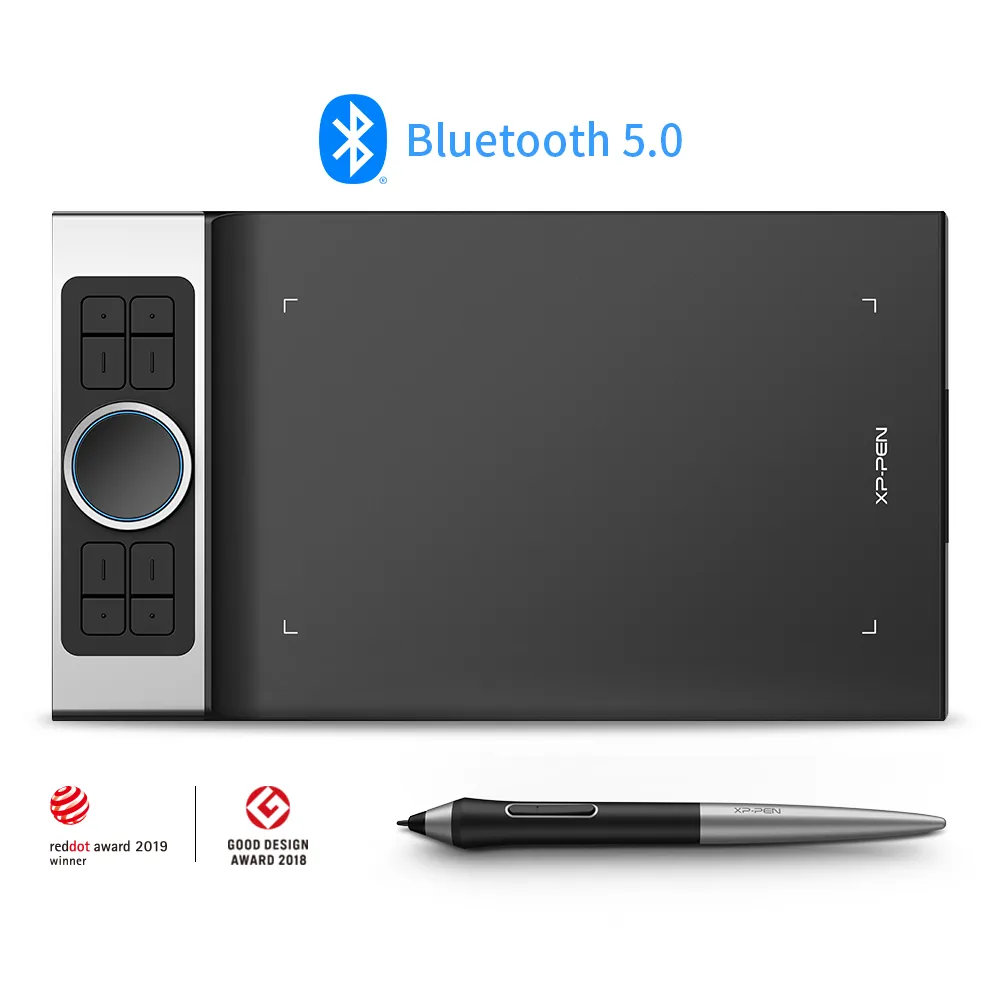
The XP-Pen Deco Pro MW is the one screenless tablet on this page: an 11 x 6 inch Bluetooth pen tablet with a battery-free 8,192-level stylus, eight shortcut keys and a dial with a built-in trackpad. TechRadar tested the MW and rated it 4 out of 5, calling it one of the best value-for-money drawing tablets while faulting its drivers, an easily nudged dial and a stylus that needs firm pressure at the top of its range. TechGameWorld found no latency over Bluetooth but called phone use unconvincing. This entry is the original Deco Pro MW, not the later Deco Pro (Gen 2).
Full review
A screenless tablet among pen displays
Every other product on this page has a screen. The Deco Pro MW is a pen tablet: you draw on its surface and watch the result on your own monitor. TechRadar, which tested the MW (medium, wireless) version and rated it 4 out of 5, warns that this is a steep learning curve for anyone used to pen displays, but describes the tablet as offering a lot at its price for artists upgrading from older pen tablets or starting out.
TechRadar lists the wireless medium model at $159.99 and concludes that at its price the Deco Pro is one of the best value-for-money products on the market.
Drawing surface and stylus
The medium tablet has a 279 x 152.4 mm active area with a lightly textured surface that TechRadar describes as slightly grainy with a decent paper feel and very little resistance. The large non-active border around it initially put the reviewer off, but TechRadar came to see it as room for wrist and hand support.
The stylus is battery-free with 8,192 pressure levels and tilt of plus or minus 60 degrees. TechRadar reported no significant lag or jitter and good accuracy, but found that more force than expected is needed at the high end of the pressure range, that the nib can feel scratchy, and that the two side buttons are easy to press by accident.
Shortcut keys, dial and drivers
Eight shortcut buttons and a dial sit in an aluminum panel beside the drawing surface; the dial rotates, works as a trackpad and clicks. TechRadar found the layout made light work of complex workflows but said the dial is quite easy to nudge and the buttons are a little stiff. TechGameWorld's tester found all eight keys and the wheel mappable and ended up rarely using the trackpad.
Drivers are the weak point in TechRadar's review: the software is described as very limited, needing a few restarts at the beginning, and on a MacBook the tablet's trackpad overrode the laptop's own. TechRadar's verdict is that professional-grade drivers, drawing experience and stylus design hold it back for professionals.
Wireless use and phone support
Both reviews were positive about Bluetooth. TechRadar noticed no additional latency in wireless mode and measured 11+ hours of battery life with about two hours to recharge. TechGameWorld's tester, who had expected lag, reported a total absence of latency.
Phone use is a different story. TechGameWorld tried the included adapter with smartphones, ran into compatibility problems on several of them and called the arrangement very inconvenient to use, listing "unconvincing connectivity and use on smartphones" as its point against.
Build and longevity
TechRadar says the finish leans towards cheap next to Wacom devices while feeling robust enough for a good few years, and notes that no stand is included. It tested for only a few weeks and says it cannot be sure about long-term durability, noting that it could not corroborate Amazon buyers' complaints about the drawing surface in its own use.
Strengths
- +Battery-free stylus with 8,192 pressure levels and 60 degrees of tilt
- +Bluetooth 5.0; TechRadar noticed no additional latency in wireless mode and got 11+ hours per charge
- +Eight shortcut keys plus a dial that also works as a trackpad
Watch-outs
- −Screenless, so you draw while looking at your monitor; TechRadar calls this a steep learning curve for newcomers
- −TechRadar found the driver software limited and needing restarts at first
- −The dial is easy to nudge and the stylus side buttons are easy to press by accident, per TechRadar
- −TechGameWorld hit compatibility problems on several smartphones and found phone use inconvenient
- −No stand is included, and TechRadar says the finish leans towards cheap
How it compares
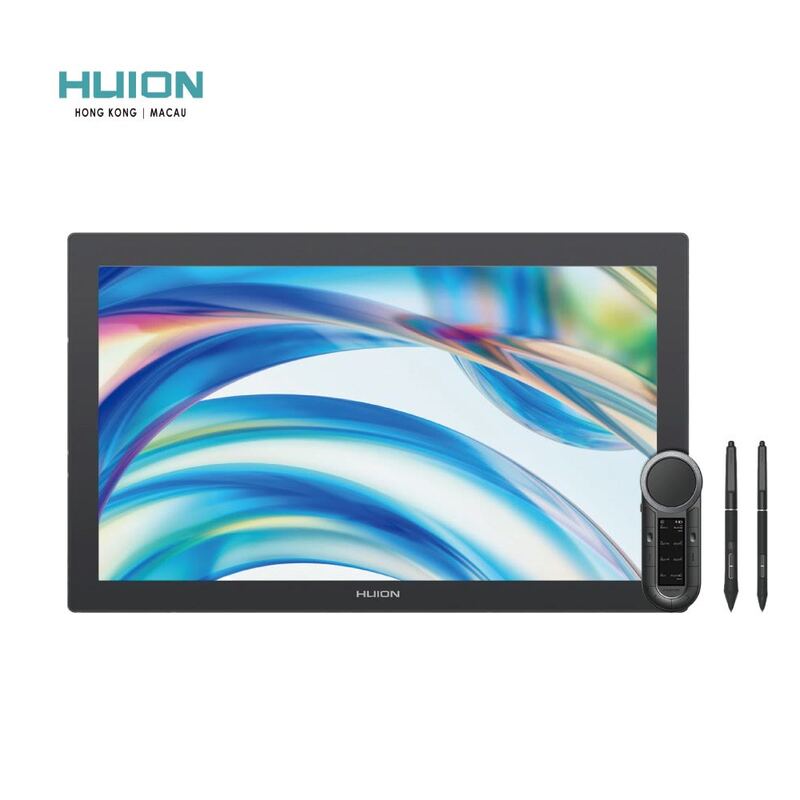
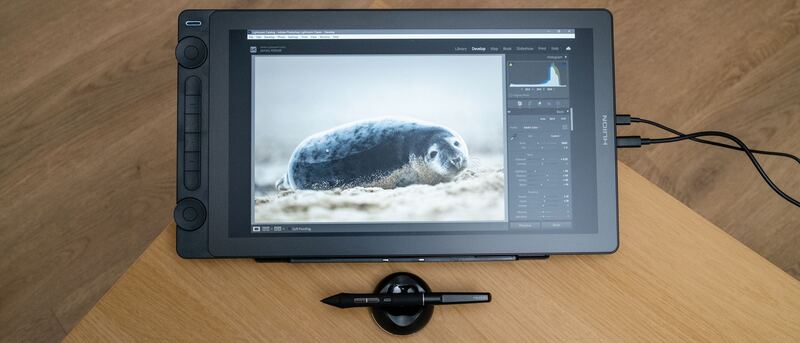
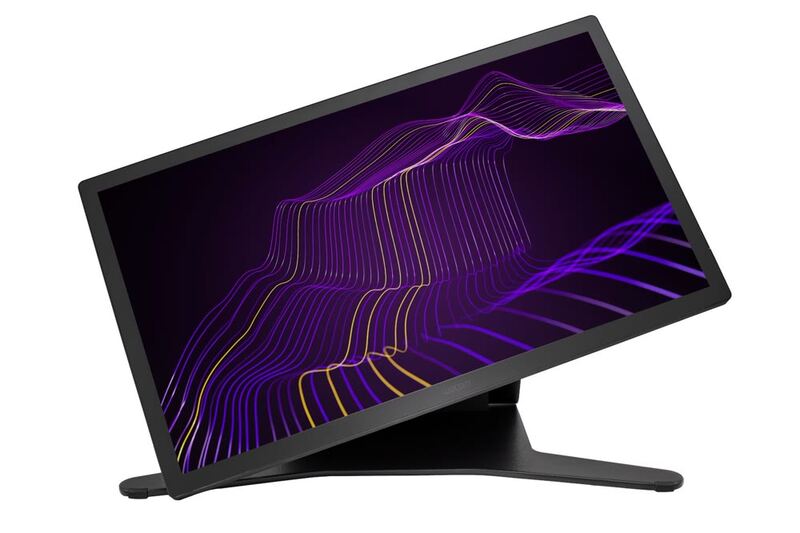
The only screenless tablet here: the Wacom Cintiq Pro 27, Huion Kamvas Pro 24 (4K) and Huion Kamvas 16 (Gen 3) are all pen displays you draw on directly. It costs far less than the $459 Huion Kamvas 16 (Gen 3), the cheapest display on the page.
Rating sources
“XP Pen Deco Pro MW is a full screenless graphics tablet absolutely suitable for your purpose.”
Counts as 3.92/5 in our score — this publisher's 195 scores on the site average 4.25, so its scores are adjusted down to compare fairly with other publishers.
Our 3.9 score is the average of the 1 scored review above, each adjusted for how strictly its publisher scores; 1 more reviewed it without printing a score and is not in the average. More about methodology.