Verdict
The Best 5Reviewed by Mike Hun·May 20, 2026

Best Graphics Drawing Tablets

Top 5 graphics drawing tablets reviewed and ranked.

Quick answer

Wacom Cintiq Pro 27 is our top pick for graphics drawing tablets — an averaged 4.8/5 across 1 published review at about $3,499. Runner-up: Huion Kamvas Pro 24 (~$1,099).

At a glance

Tap any product for the full review
(1 source)
$3,499Best for: professional illustrators and studios where color fidelity and Wacom support matter
$3,499 · Check Price on Amazon
(1 source)
$1,099Best for: serious hobbyists and budget pros who want 4K pen display without paying Wacom's premium
$1,099 · Check Price on Amazon
(1 source)
$230Best for: tablet artists who need portability and don't require on-screen drawing
$230 · Check Price on Amazon
(1 source)
$599Best for: new digital artists who want to start in the Wacom ecosystem
$599 · Check Price on Amazon
(1 source)
$449Best for: hobbyists upgrading from entry-level pen displays
$449 · Check Price on Amazon
Verdict is reader-supported. As an Amazon Associate we earn from qualifying purchases. Some links on this page are affiliate links — if you click through and buy, we may earn a small commission at no extra cost to you. Our ratings are sourced from independent publications, not sponsors.
Reviews aggregated from
TechtimesCreativebloqArtsideoflife

The full ranking

How we rank →
Wacom Cintiq Pro 27
#1 · Top Score
Best for: professional illustrators and studios where color fidelity and Wacom support matter
Wacom Cintiq Pro 27
from 1 source$3,499

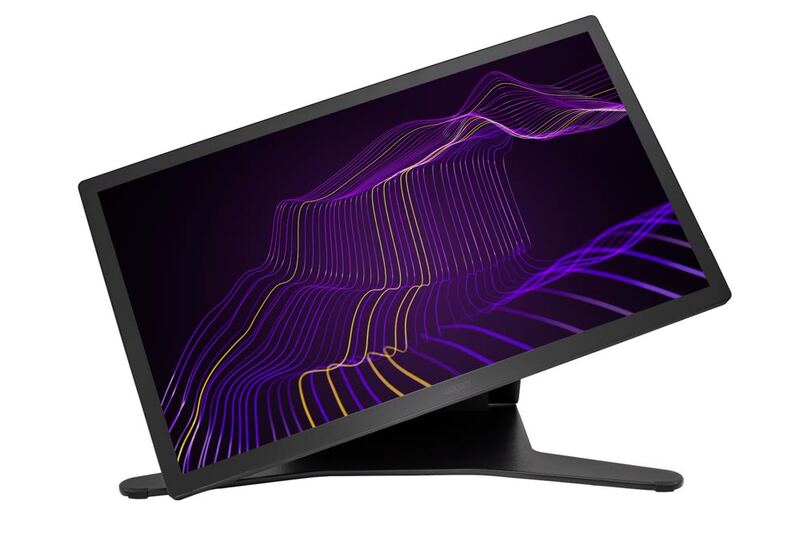
The Cintiq Pro 27 is the studio pro pick. 4K + 120Hz + 8192 pressure + near-zero parallax — the spec ceiling for pen displays. Best for professional illustrators and studios where color fidelity and Wacom support matter more than price.

Strengths
  • 4K resolution + 120Hz refresh — only pen display in this lineup with both
  • Pro Pen 3 with 8,192 pressure levels + near-zero parallax
Watch-outs
  • $3499 is by far the most expensive pick — pro-tier pricing
  • Heavy and large — needs a sturdy stand
Huion Kamvas Pro 24
#2
Best for: serious hobbyists and budget pros who want 4K pen display without paying Wacom's premium
Huion Kamvas Pro 24
from 1 source$1,099

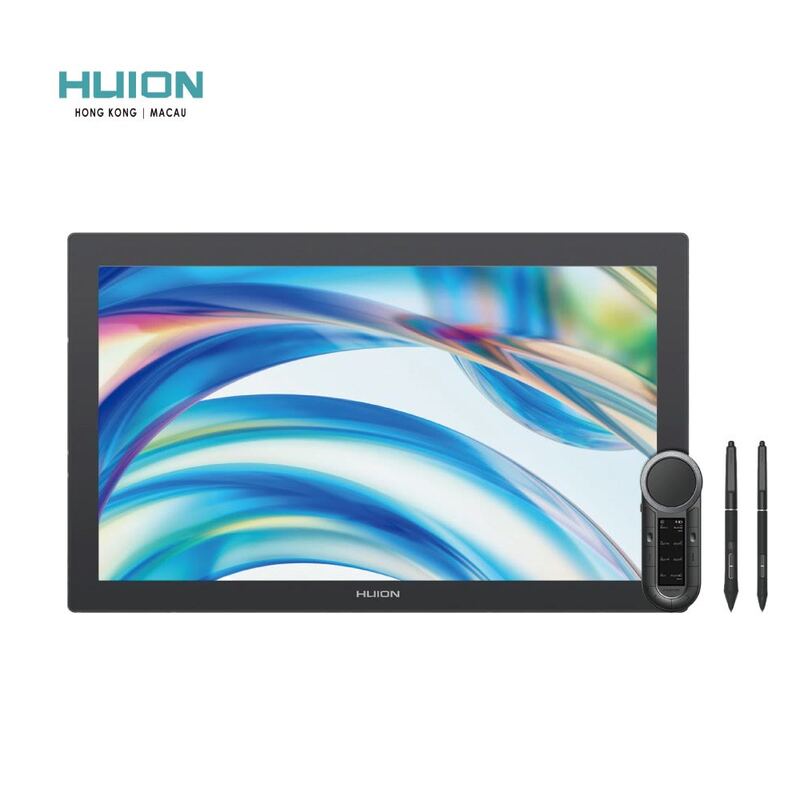
The Kamvas Pro 24 is the value 4K pen display pick. Huion delivers 4K + full lamination + 8192 pressure at $1099 — roughly one-third the Cintiq Pro 27's price. Trade-offs: 60Hz refresh and less consistent color. Best for serious hobbyists and budget pros.

Strengths
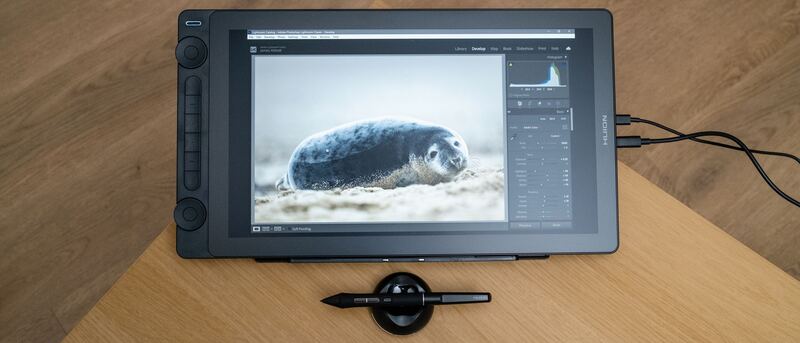
  • 23.8" 4K display — same resolution as Cintiq Pro 27 at a third the price
  • Full lamination minimizes parallax
Watch-outs
  • 60Hz refresh rate (Cintiq Pro 27 has 120Hz)
  • Huion's brand support trails Wacom in pro studios
XP-Pen Deco Pro MW
#3
Best for: tablet artists who need portability and don't require on-screen drawing
XP-Pen Deco Pro MW
from 1 source$230

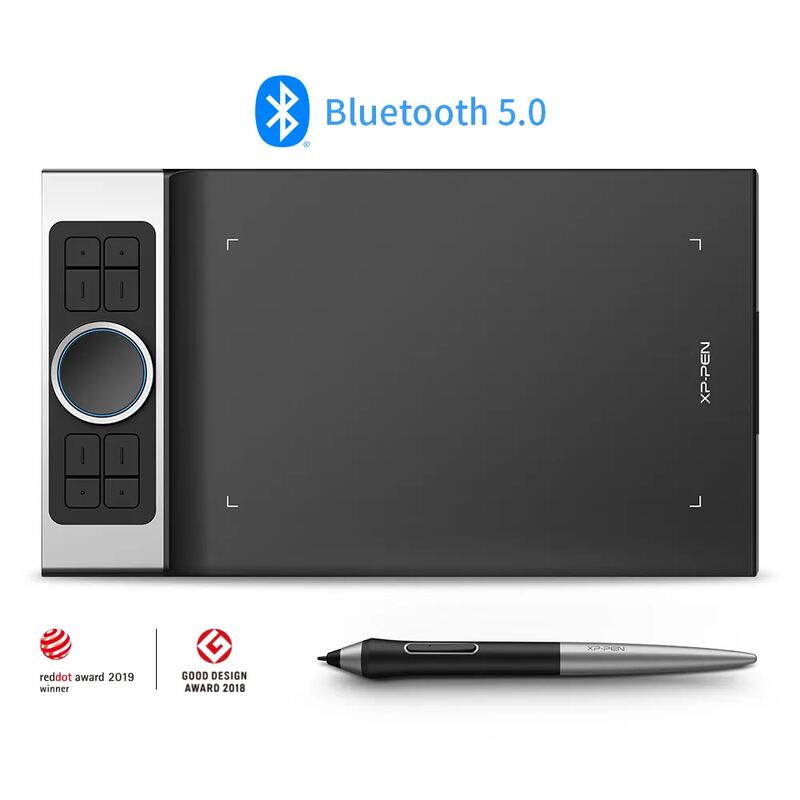
The Deco Pro MW is the wireless pen tablet pick. The only wireless option in this lineup — useful for tablet artists who move around or work in shared spaces. Trade-off vs pen-display picks is no on-screen drawing.

Strengths
  • Wireless via Bluetooth — only wireless pick in this lineup
  • 8,192 pressure levels with battery-free pen
Watch-outs
  • Pen tablet (no display) — you draw on the tablet, looking at your monitor
  • Some Bluetooth latency vs wired connections
Wacom One 13 Touch
#4
Best for: new digital artists who want to start in the Wacom ecosystem
Wacom One 13 Touch
from 1 source$599

The Wacom One 13 Touch is the beginner Wacom pen display pick. Wacom's signature build and pen feel at a third the price of Cintiq Pro 27. Trade-offs: lower resolution, lower-tier pen. Best for new digital artists committing to the Wacom ecosystem.

Strengths
  • Wacom build quality and pen feel at sub-$600
  • 13.3" 1080p with touch support (rare at this price)
Watch-outs
  • 1080p (not 4K like Cintiq Pro / Kamvas Pro)
  • 60Hz refresh
Huion Kamvas 16 (2026)
#5
Best for: hobbyists upgrading from entry-level pen displays
Huion Kamvas 16 (2026)
from 1 source$449

The Kamvas 16 (2026) is the mid-range Huion pick. 2.5K + 120Hz + Red Dial at $449 is a strong feature set for serious hobbyists. Trade-off vs Kamvas Pro 24 is the 1080p+ resolution. Best for hobbyists upgrading from a Wacom One.

Strengths
  • 15.6" 2.5K display + 120Hz refresh — best refresh at this price
  • Red Dial control system for workflow shortcuts
Watch-outs
  • Not 4K like the Kamvas Pro 24
  • Pen tip wear faster than premium Wacom Pro Pen 3

Spec comparison

5 products
SpecWacom Cintiq Pro 27Huion Kamvas Pro 24XP-Pen Deco Pro MWWacom One 13 TouchHuion Kamvas 16 (2026)
Display27" 4K 120Hz23.8" 4K 60Hz13.3" 1080p15.6" 2.5K 120Hz
PenPro Pen 3 (8192 levels)Battery-free 8192 levelsBattery-freeWacom standard (4096 levels)
Color99% Adobe RGB99% Adobe RGB
ConnectionUSB-C / DisplayPortUSB-CUSB-C
LaminationFullFull

Frequently asked questions

What is the best graphics drawing tablet?
Wacom Cintiq Pro 27 is our top pick for graphics drawing tablets, with an averaged rating of 4.8/5 from 1 published reviews. The Cintiq Pro 27 is the studio pro pick. 4K + 120Hz + 8192 pressure + near-zero parallax — the spec ceiling for pen displays. Best for professional illustrators and studios where color fidelity and Wacom support matter more than price.
Is there a cheaper alternative worth considering?
XP-Pen Deco Pro MW (around $230) rates 4.5/5 in our analysis. The Deco Pro MW is the wireless pen tablet pick. The only wireless option in this lineup — useful for tablet artists who move around or work in shared spaces. Trade-off vs pen-display picks is no on-screen drawing.
How does Verdict rank these products?
Every rating on Verdict is the numerical average of scores published by independent review sites, YouTube reviewers, and Reddit buyer reports. No editor adjusts the order — the ranking is whatever the source data produces. See our methodology page for the full process.
When was this guide last updated?
This guide was last re-checked in May 2026. We re-run our research pipeline for each category on a rolling basis so prices and rankings reflect current market reality.

Related guides

Browse all →