The Huion Kamvas 16 (Gen 3) is the standout mid-range pen display, pairing a sharp 2.5K QHD screen with a high-end 16,384-level PenTech 4.0 pen and on-device dials. Creative Bloq praised its unique control-heavy design and Digital Camera World called it good enough for professional use. Modest brightness and added bulk are the trade-offs.
Full review
The Control-Heavy Mid-Ranger
The Huion Kamvas 16 (Gen 3) targets the sweet spot between entry-level and professional, and reviewers reward it for the balance. Creative Bloq praised how it "ekes out its own identity" with "a unique design that bucks the trend for a streamlined frame and actually adds more dials and Quick Keys onto the device," concluding "it's a choice that pays off." Digital Camera World judged that while "it's not quite pro-spec, it is good enough to be used in a professional environment," and The Gadgeteer found "little to fault" with it.
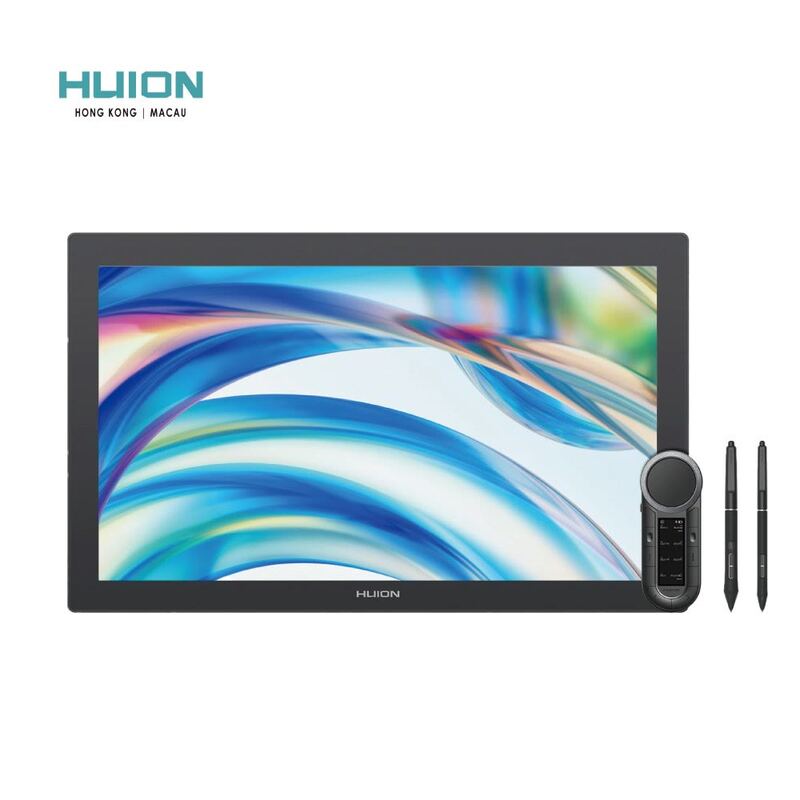
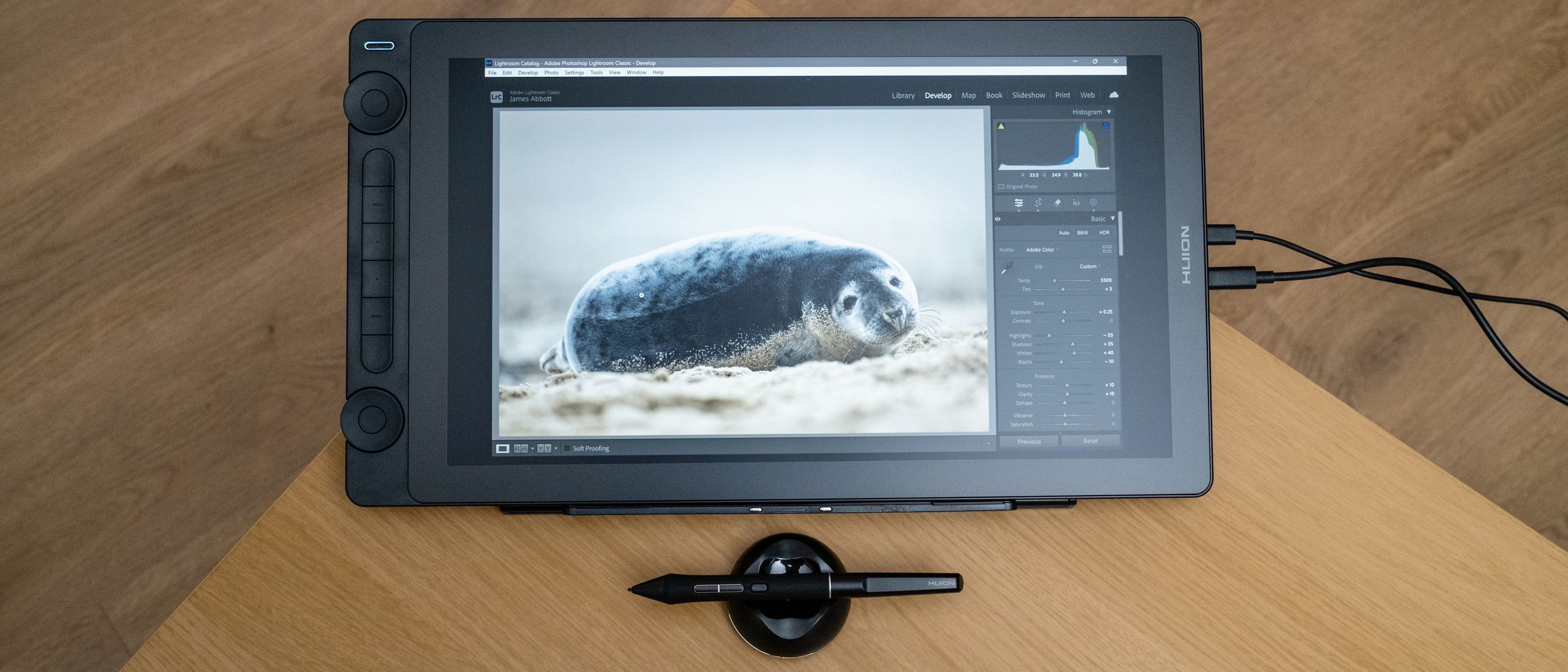
Where most modern tablets chase minimalism, Huion went the other way, loading the Kamvas 16 with two dial controllers and six silent press keys directly on the unit. For artists who hate reaching for keyboard shortcuts, that on-device control surface is a genuine workflow advantage that the cleaner Wacom One 13 Touch doesn't offer.
Display and Build
The 15.8-inch panel runs at 2.5K QHD (2560x1440), a meaningful step up in sharpness from the Full HD Wacom One 13 Touch, at 186 PPI. It's fully laminated to minimize parallax and finished with nano-etched anti-glare, anti-sparkle glass that gives a natural paper-like texture. Color coverage is strong for the class: 99% sRGB, 99% Rec.709 and around 90% Adobe RGB with a low Delta-E under 1.5 for accurate reproduction.
The one display weakness reviewers noted is brightness. At roughly 200 nits the Kamvas 16 is dimmer than ideal for brightly lit rooms, where the 4K Kamvas Pro 24 and Cintiq Pro 27 pull ahead. For typical indoor studio lighting it's fine, but it's a limitation worth knowing.
Pen Performance
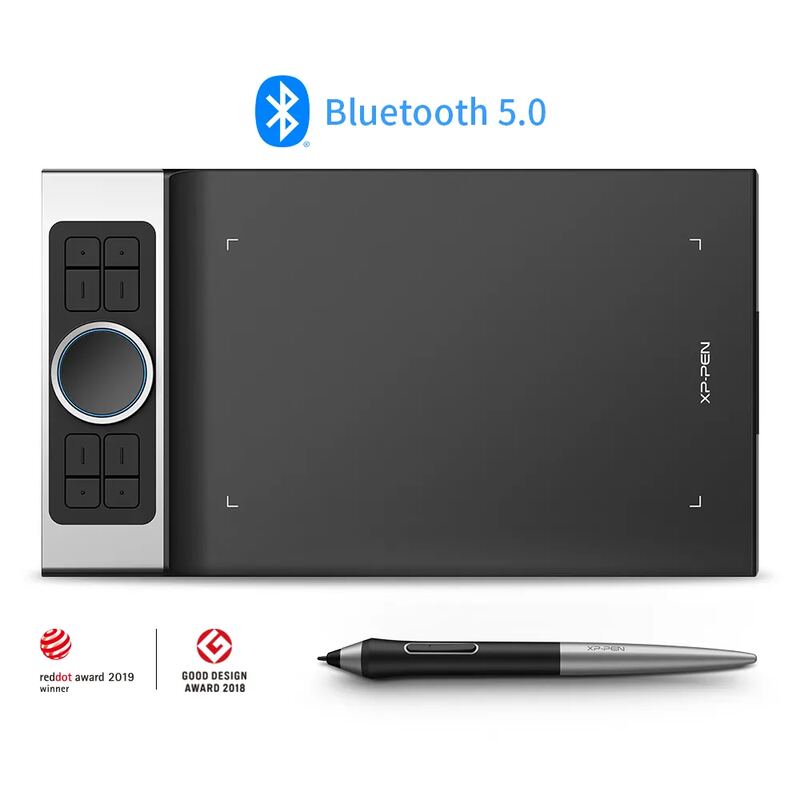
The Kamvas 16 (Gen 3) ships with Huion's latest PenTech 4.0 technology and the PW600L pen, which divides pressure into 16,384 levels with a 2g initial activation force. That actually out-specs the 8,192-level pen on the more expensive Huion Kamvas Pro 24 and dwarfs the roughly 4,000 levels on the Wacom One 13 Touch, matching the headline figure of the XP-Pen Deco Pro MW.
In practice, reviewers found the pen responsive and precise, with the high pressure-level count translating to smooth, controlled line variation. It's the clearest example of how Huion packs flagship-tier pen technology into a mid-range device, and a big part of why the Kamvas 16 represents such strong value.
Setup and Compatibility
Like the other pen displays here except the all-in-one Cintiq, the Kamvas 16 (Gen 3) is not a standalone device; it must be connected to a computer or a compatible Android phone to work. Setup is via USB-C, and it works across Windows, macOS and Android. Digital Camera World rated its individual categories, features, design, performance and value, each at four to five stars, reflecting a well-rounded package with no glaring weakness.
Just 200 nits and a bulkier design
The Kamvas 16's compromises are mostly about its mid-range positioning. The 200-nit brightness is modest, the control-heavy design makes it physically bulkier than streamlined rivals, and at 2.5K it doesn't reach the 4K resolution of the step-up Kamvas Pro 24 or the Cintiq Pro 27. Digital Camera World's "not quite pro-spec" framing is fair: for color-critical professional print work, the validated displays higher up the range are safer. But for the intermediate artist it targets, none of these are dealbreakers.
More shortcut controls than the Wacom One 13
The Huion Kamvas 16 (Gen 3) is the right pick for intermediate artists who want a sharp mid-size pen display with a top-tier 16K pen and lots of on-device shortcut controls at a reasonable price. It offers more pen precision and more physical controls than the similarly-sized Wacom One 13 Touch, while costing far less than the 4K Huion Kamvas Pro 24 or Wacom Cintiq Pro 27. Beginners who want touch should consider the Wacom One 13 Touch instead, and budget-focused artists who don't need a screen can save more with the XP-Pen Deco Pro MW.
Strengths
- +Crisp 15.8-inch 2.5K QHD (2560x1440) display with full lamination
- +High-spec PenTech 4.0 pen with 16,384 pressure levels
- +Strong color: 99% sRGB, 99% Rec.709, ~90% Adobe RGB with low Delta-E
- +Unusual but useful design with dual dials and extra Quick Keys on the unit
- +Anti-glare, anti-sparkle etched glass with a natural paper feel
Watch-outs
- −Not a standalone device; must connect to a computer or Android phone
- −200-nit brightness is modest for bright rooms
- −Bulkier design than streamlined rivals due to the added controls
- −Mid-range, not quite pro-spec for color-critical work
How it compares
The mid-range pick: its 16,384-level PenTech 4. 5K screen sits below the 4K Kamvas Pro 24 and Wacom Cintiq Pro 27; it adds a screen the XP-Pen Deco Pro MW lacks.
Rating sources
“Where this Huion ekes out its own identity is with a unique design that bucks the trend for a streamlined frame and actually adds more dials and Quick Keys onto the device. It's a choice that pays off.”
“It's not quite pro-spec, but it is good enough to be used in a professional environment.”
“There's little to fault with Huion's latest small-sized display. It's great at what is required of it.”
Our 4.2 score is the average of these published ratings. Ratings marked * were derived from the reviewer’s written analysis or video transcript — the publisher didn’t print an explicit numeric score, so we inferred one from their own words. Click through to verify. More about methodology.