Samsung built the ViewFinity S9 (model S90PC / LS27C900PANXZA) to go after the Apple Studio Display: a 27-inch 5K (5120x2880) IPS productivity monitor with a matte coating, 99% DCI-P3 coverage, an integrated Thunderbolt 4 hub, and a detachable 4K SlimFit camera. TechRadar and TechPowerUp credit its hardware-calibrated color and Tizen smart-TV apps, while 9to5Mac and Six Colors call out backward-facing ports and middling speakers. The pick if you want Apple-class pixel density on Windows or Mac.

Full review
Metal base, but a plastic chassis throughout
The physical construction of the Samsung ViewFinity S9 presents a mixed bag of premium aesthetics and practical compromises. The monitor features a sleek, minimalist design with thin bezels measuring just 0.6 cm on the top, left, and right sides, creating a near-frameless look that rivals high-end competitors. However, the bottom bezel is noticeably thicker at 1.3 cm, breaking the symmetry that purists might prefer. While the base is constructed from metal to provide stability, the rest of the chassis is plastic. Reviewers noted that while the finish looks uniform on video, the tactile experience differs from all-metal alternatives like the Apple Studio Display, with the plastic components feeling less substantial to the touch. This material choice keeps the weight manageable but may detract from the luxury feel expected at this price point.
Stand Ergonomics and Stability
Ergonomically, the ViewFinity S9 offers significant flexibility with its height-adjustable stand, which allows the screen to float between 4.5 cm and 17 cm above the desk surface. This range is competitive, though it falls slightly short of the Apple Studio Display’s adjustable stand, which can reach up to 22.3 cm. The monitor supports tilt and rotation into portrait mode, providing versatility for different workflows. However, a notable drawback identified by reviewers is the stand’s stability. The detachable nature of the stand results in more pronounced wobble compared to integrated designs, which can be distracting for users on standing desks or those who frequently interact with the screen. For users seeking rock-solid stability, mounting the monitor on a VESA-compatible arm is recommended, as the S9 supports standard 100x100 mm VESA mounting with the included screws.
Display Performance and Color Accuracy
At the heart of the ViewFinity S9 is a 27-inch IPS panel with a native 5K resolution (5120 x 2880), delivering a pixel density of 218 ppi. This high resolution ensures exceptional text clarity and image detail, making it a compelling option for photographers and graphic designers who require precision. The panel supports 1.07 billion colors via 8-bit with FRC and is pre-calibrated for sRGB and DCI-P3 color spaces, which is crucial for professional content creation. While it lacks Adobe RGB coverage, a surprising omission given its Pantone validation, the DCI-P3 support is sufficient for most video editing and digital art workflows. The matte finish effectively reduces glare, allowing users to work in brightly lit environments without compromising visibility. However, the 60Hz refresh rate limits its appeal for gamers, though it remains adequate for productivity and media consumption.
Smart Features and Tizen OS Integration
Samsung distinguishes the ViewFinity S9 by integrating Tizen OS, the same platform found in its smart TVs, transforming the monitor into a multifunctional hub. Users can connect to Wi-Fi and access streaming services like Netflix, Disney Plus, and Prime Video directly on the monitor, bypassing the need for a connected PC. The included remote control, which resembles the Apple TV remote but is made of plastic, offers dedicated buttons for popular streaming apps. Additionally, the monitor supports cloud gaming via Xbox Game Pass and Nvidia GeForce Now, allowing users to play games directly on the display. While these features are impressive, they come with caveats. The initial setup requires navigating through various menus, and the smart interface can feel sluggish compared to dedicated media devices. The integration is a novelty that adds value for entertainment but may not be essential for purely professional users.
Connectivity and Port Selection
The ViewFinity S9 is equipped with a robust array of connectivity options, including one Thunderbolt 4 port and three USB 3.0 ports. The Thunderbolt 4 connection allows for high-speed data transfer, video output, and power delivery, making it ideal for Mac users who can connect their devices with a single cable. For users without USB-C video output, a Mini DisplayPort is also available, though the cable must be purchased separately. The monitor comes with a 1-meter Thunderbolt cable and a power brick with an L-shaped connector, which aids in cable management. However, the inclusion of only one Thunderbolt port may be limiting for users who need to daisy-chain multiple displays or connect multiple peripherals simultaneously. The three additional USB 3.0 ports do not support video signals, serving primarily for peripheral connectivity.
Audio and Webcam Capabilities
Audio performance is a standout feature of the ViewFinity S9, with reviewers praising the built-in speakers for their clarity and surprising bass response. This is a significant improvement over many professional monitors that often lack adequate audio solutions. The speakers are powerful enough for casual media consumption and video calls, reducing the need for external audio equipment. Additionally, the monitor includes a detachable 4K webcam with a built-in microphone, which snaps magnetically onto the top of the screen. While the webcam offers high resolution, it lacks a physical privacy shutter, relying instead on a magnetic cap that does not disable the camera. Users concerned about privacy may prefer to leave the webcam in the box or use software solutions to disable it when not in use.
Software Experience and Wireless Connectivity
The Tizen OS interface includes a 'Workplace' area that allows wireless connectivity to PCs and Samsung phones via DeX. However, this feature has been criticized for its sluggish performance and noticeable lag, making wired connections via Thunderbolt a more reliable option for productivity. The Microsoft 365 integration is also reported to be slow, which can hinder workflow efficiency for users relying on cloud-based applications. While the smart features add versatility, the software experience is not as polished as dedicated operating systems, and users may find themselves reaching for wired connections to avoid latency issues. This highlights a trade-off between the convenience of wireless connectivity and the reliability of wired setups, with the latter being preferable for professional tasks requiring precision and speed.
Comparison with Apple Studio Display
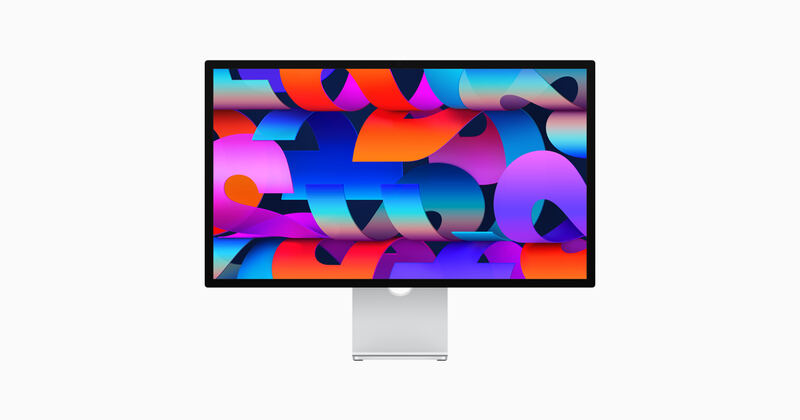
The Samsung ViewFinity S9 is often compared to the Apple Studio Display, given their similar 5K resolution and target audience. While both monitors offer excellent image quality and color accuracy, the ViewFinity S9 provides more flexibility in terms of connectivity and smart features. The Apple Studio Display boasts a more premium build with an all-metal enclosure and superior stand stability, but it comes at a higher price point and is locked into the Apple ecosystem. The ViewFinity S9, priced around $1,600, offers a more accessible alternative for users who want 5K resolution without committing to Apple’s ecosystem. However, the lack of Adobe RGB support and the plastic construction may deter some professionals who prioritize these features. Ultimately, the choice between the two depends on individual needs, with the ViewFinity S9 appealing to those who value versatility and smart features, while the Studio Display suits users seeking premium build quality and seamless Apple integration.
Tizen OS streams without a connected PC
The Samsung ViewFinity S9 is best suited for creative professionals who require high-resolution displays for detailed work, such as photographers, graphic designers, and video editors. Its 5K resolution and DCI-P3 color accuracy make it an excellent choice for color-critical tasks. Additionally, users who value smart features and multimedia capabilities will appreciate the Tizen OS integration, which allows for streaming and cloud gaming without a connected PC. The monitor is also a strong option for Mac users who want a high-quality display without the premium price of the Apple Studio Display. However, it may not be ideal for gamers due to its 60Hz refresh rate or for users who require Adobe RGB coverage. Those who prioritize stand stability and all-metal construction might also find the ViewFinity S9 lacking compared to competitors. Ultimately, it is a versatile monitor that balances professional performance with smart features, making it a compelling choice for a wide range of users.
Strengths
- +Native 5K 5120x2880 resolution at 218 PPI matching the Apple Studio Display
- +Hardware-calibrated to 99% DCI-P3 / 100% sRGB with matte anti-glare coating
- +Single-cable Thunderbolt 4 with 90W power delivery plus DP/HDMI for non-Mac users
- +Detachable 4K webcam, smart-TV Tizen apps (Netflix, Plex, GeForce Now), and remote
Watch-outs
- −Backward-facing ports between display and stand are awkward to cable up
- −Built-in speakers are tinny — Trusted Reviews and 9to5Mac both flag audio as weak
- −Frequent retail discounts to ~$900 mean buyers at $1,599 MSRP overpay
How it compares
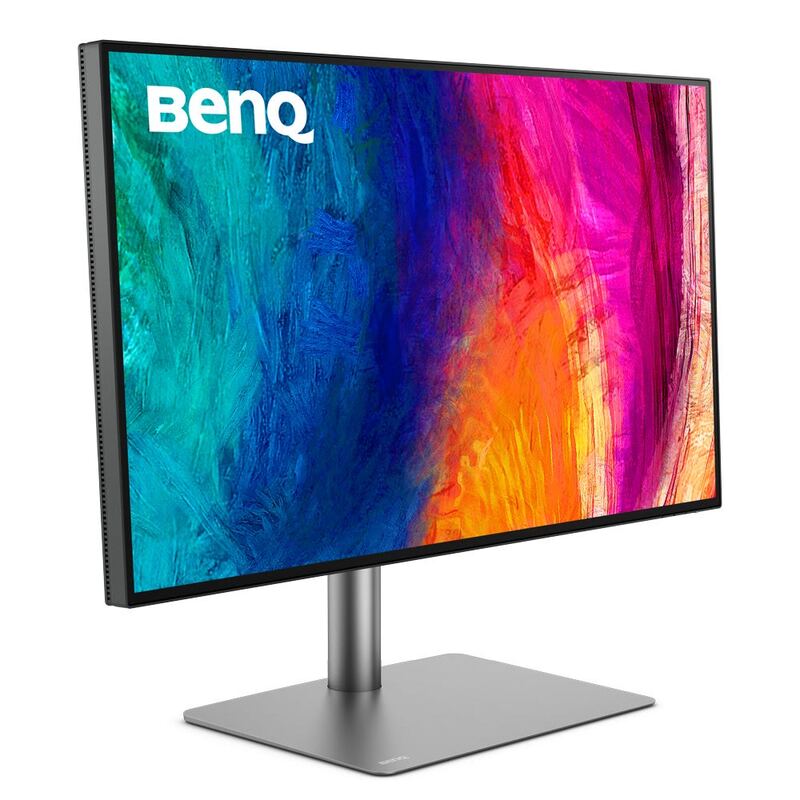
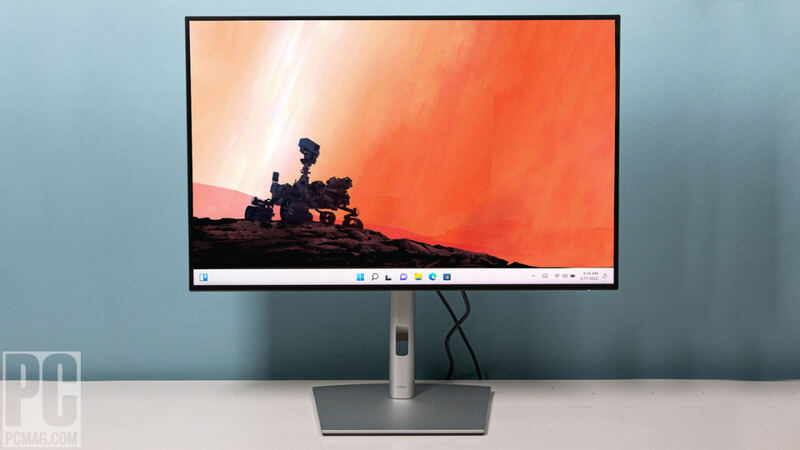
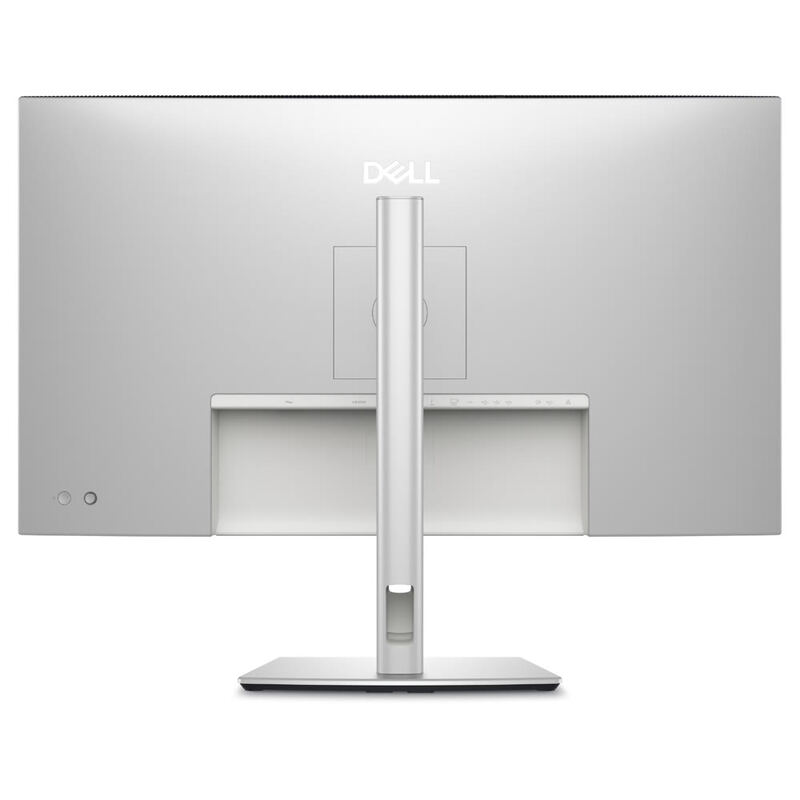
The Samsung ViewFinity S9 is the only 5K option in this category; the BenQ PD3220U and Dell U2723QE both stop at 4K UHD (3840x2160), giving the Samsung roughly 60% more pixels in a similar 27-inch footprint. Versus the BenQ's KVM and the Dell's IPS Black contrast, the Samsung trades on raw pixel density and Tizen smart-monitor extras, though its connectivity hub is less generous than the Dell's RJ45-equipped offering.
Rating sources
“A standout monitor for its 'smart' TV and gaming features, its hardware calibration and its price.”
“Samsung's most ambitious attempt to challenge Apple's dominance in the professional 5K monitor space.”
“If you want an external monitor as good as Apple's for less, the Samsung ViewFinity S9 is the one to go for.”
Our 4.0 score is the average of these published ratings. Ratings marked * were derived from the reviewer’s written analysis or video transcript — the publisher didn’t print an explicit numeric score, so we inferred one from their own words. Click through to verify. More about methodology.