Verdict
The Best 5Reviewed by Mike Hunter·April 17, 2026

Best 4K Monitors

Top 5 4K monitors reviewed and ranked.

Quick answer

BenQ PD3220U is our top pick for 4k monitors — an averaged 4.7/5 across 3 published reviews at about $400. Runner-up: Dell U2723QE (~$391).

At a glance

Tap any product for the full review
1BenQ PD3220UTop Score
(3 sources)
$400Best for: Multi-computer users needing a KVM switch and Thunderbolt 3
$400 · Buy at benq.com
(2 sources)
$391Best for: Professionals needing extensive USB connectivity and a versatile hub
$391 · Check Price on Amazon
(4 sources)
$950Best for: Best 32-inch 4K — IPS Black hub monitor for home-office pros
$950 · Buy at dell.com
(4 sources)
$1,599Best for: Best for cross-platform creators — 5K resolution at Studio-Display price
$1,599 · Buy at samsung.com
(4 sources)
$1,599Best for: Best for Mac users — polished 5K plug-and-play with built-in studio audio
$1,599 · Buy at apple.com
Verdict is reader-supported. As an Amazon Associate we earn from qualifying purchases. Some links on this page are affiliate links — if you click through and buy, we may earn a small commission at no extra cost to you. Our ratings are sourced from independent publications, not sponsors.
Reviews aggregated from
TechRadarPCMagiMorePCWorldLaptop MagRTINGSTechpowerup9to5mac

The full ranking

How we rank →
BenQ PD3220U
#1 · Top Score
Best for: Multi-computer users needing a KVM switch and Thunderbolt 3
BenQ PD3220U
from 3 sources$400as of May 8

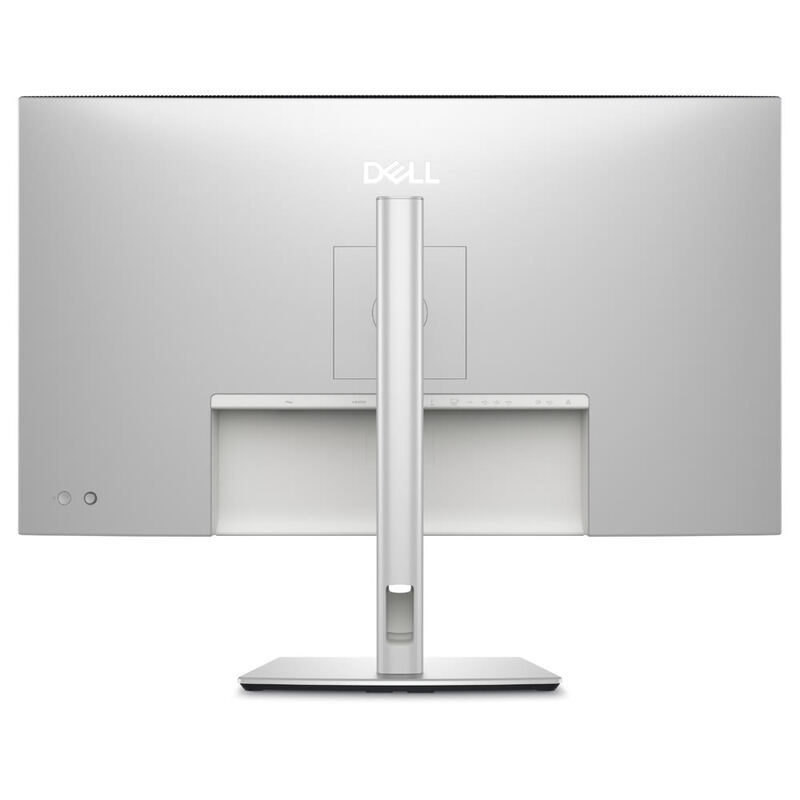
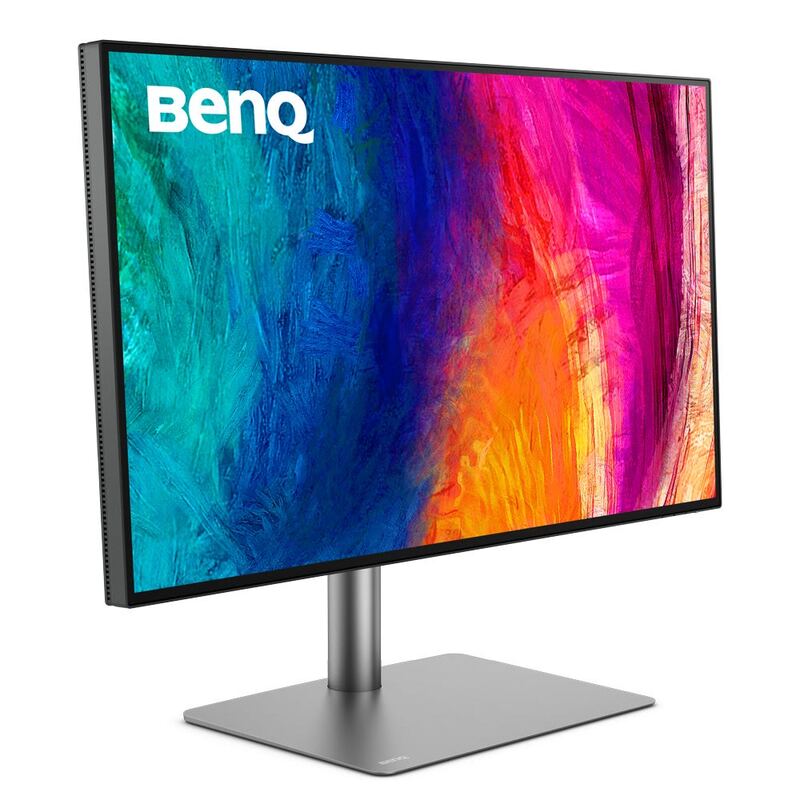
The BenQ PD3220U is a professional-grade 32-inch 4K monitor praised for its excellent display performance, versatile connectivity including Thunderbolt 3, and a convenient KVM switch. Its sleek design and high-quality build make it a strong contender for creative professionals, though the built-in speakers are a weak point and its brightness is only adequate for HDR.

Strengths
  • Excellent display performance with 4K resolution, high pixel density, and HDR capability
  • Wide range of connectivity options including Thunderbolt 3, HDMI, DisplayPort, and USB-C
Watch-outs
  • Built-in speakers are not great
  • Brightness is only 350 cd/m2, which is not ideal for HDR content
Dell U2723QE
#2
Best for: Professionals needing extensive USB connectivity and a versatile hub
Dell U2723QE
from 2 sources$391as of May 8

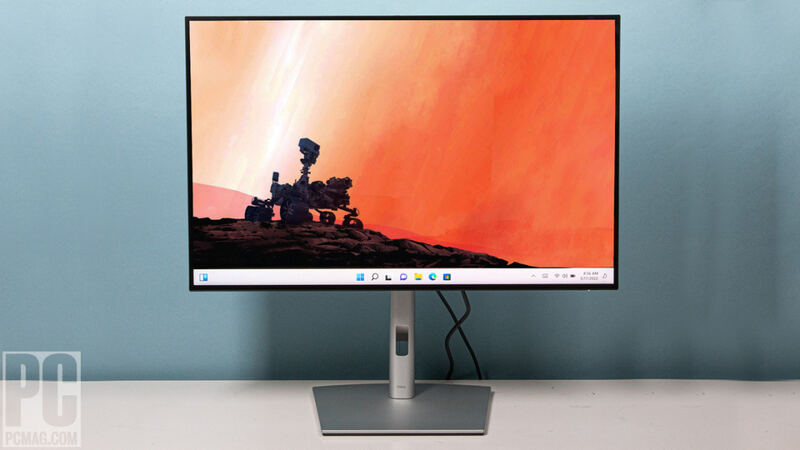
The Dell U2723QE is a versatile 4K USB-C hub monitor offering excellent image quality, extensive connectivity, and great ergonomics, making it suitable for professional and home office use. While it provides a comprehensive workspace solution, users should be aware of the compromise between resolution and data speed over USB-C and the short included cable.

Strengths
  • Built-in connectivity hub with a generous number of USB ports
  • Wide range of color setting options including sRGB, Rec. 709, DCI-P3, and HDR
Watch-outs
  • Users must choose between High Resolution or High Data Speed when connecting via USB-C
  • The included USB-C cable is too short for convenient laptop connectivity or can interfere with viewing space when using a riser
Dell UltraSharp U3225QE
#3
Best for: Best 32-inch 4K — IPS Black hub monitor for home-office pros
Dell UltraSharp U3225QE
from 4 sources$950as of May 26

The Dell UltraSharp U3225QE is a 32-inch 4K productivity monitor built around Dell's second-generation IPS Black panel, offering a 3,000:1 contrast ratio, 134% DCI-P3 coverage, and a Thunderbolt 4 hub with 140W power delivery. PCWorld calls it a new high bar for office monitors and TechRadar gives 4.5/5 stars, while LaptopMag praises the color but flags 339-nit brightness and panel wobble. Best for desk warriors who want the U2723QE's hub layout in a larger 32-inch IPS Black canvas.

Strengths
  • IPS Black panel hits a measured 3,000:1 contrast ratio — best in class for office IPS
  • Thunderbolt 4 hub with 140W PD, RJ45 Ethernet, and full USB-A/C complement
Watch-outs
  • Peak brightness of ~340 nits is underwhelming for a flagship at this price
  • Panel exhibits noticeable wobble on minor desk movement (per LaptopMag)
Samsung ViewFinity S9
#4
★ Premium Pick
Best for: Best for cross-platform creators — 5K resolution at Studio-Display price
Samsung ViewFinity S9
from 4 sources$1,599as of Apr 25

The Samsung ViewFinity S9 (model S90PC / LS27C900PANXZA) is a 27-inch 5K (5120x2880) IPS productivity monitor explicitly built to challenge the Apple Studio Display, with a matte coating, 99% DCI-P3 coverage, integrated Thunderbolt 4 hub, and a detachable 4K SlimFit camera. TechRadar and TechPowerUp credit its hardware-calibrated color and Tizen smart-TV apps, though 9to5Mac and Six Colors call out backward-facing ports and middling speakers. Best for users who want Apple-class pixel density on Windows or Mac.

Strengths
  • Native 5K 5120x2880 resolution at 218 PPI matching the Apple Studio Display
  • Hardware-calibrated to 99% DCI-P3 / 100% sRGB with matte anti-glare coating
Watch-outs
  • Backward-facing ports between display and stand are awkward to cable up
  • Built-in speakers are tinny — Trusted Reviews and 9to5Mac both flag audio as weak
Apple Studio Display
#5
Best for: Best for Mac users — polished 5K plug-and-play with built-in studio audio
Apple Studio Display
from 4 sources$1,599as of Apr 25

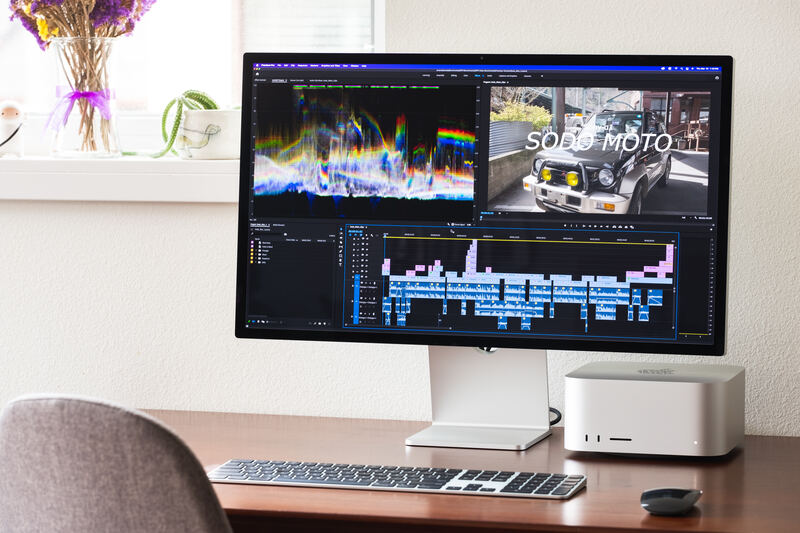
The Apple Studio Display is a 27-inch 5K monitor purpose-built for Mac users, with a 218-PPI Retina panel, 600-nit P3-wide gamut, and an integrated six-speaker spatial-audio system plus 12MP Center Stage webcam. Tom's Guide and Digital Trends praise its near-flawless color and seamless macOS integration, while MacRumors and MKBHD note the lack of HDR, 60Hz cap, and $400 stand upcharge make it a hard sell against the Samsung ViewFinity S9. Best for users already deep in Apple's ecosystem.

Strengths
  • Stunning 5120x2880 5K Retina panel with 218 PPI density and accurate P3 color out of the box
  • Best-in-class six-speaker system with spatial audio and three-mic studio-quality array
Watch-outs
  • No HDR support and only 60Hz refresh, despite the premium $1,599 price
  • Tilt-only stand by default; height adjustment is a $400 upgrade

Spec comparison

5 products
SpecBenQ PD3220UDell U2723QEDell UltraSharp U3225QESamsung ViewFinity S9Apple Studio Display
Panel Type31.5" IPS27" IPS Black31.5-inch IPS Black27-inch IPS LCD with matte anti-glare coating27-inch IPS LCD
Resolution3840x21603840x21603840 x 2160 (4K UHD, ~140 PPI)5120 x 2880 (5K, 218 PPI)5120 x 2880 (5K, 218 PPI)
Refresh Rate60Hz60Hz60 Hz (120 Hz at lower depth)60 Hz60 Hz
HDR SupportHDR10VESA DisplayHDR 400HDR400HDR10HDR10
Color Gamut95% DCI-P3, 100% sRGB98% DCI-P3100% sRGB, 99% DCI-P3, 134% DCI-P3 measured99% DCI-P3, 100% sRGB, hardware calibratedDCI-P3 wide color, factory calibrated
ConnectivityThunderbolt 3 (85W), HDMI 2.0, DP 1.4USB-C 90W, HDMI 2.0, DP 1.41x Thunderbolt 4 (140W PD), 2x HDMI 2.1, 1x DP 1.4, 1x RJ45, USB-C/A hub1x Thunderbolt 4 (90W PD), 1x DisplayPort, 1x HDMI, USB hub1x Thunderbolt 3 host (96W PD), 3x USB-C downstream
Brightness350 cd/m2400 nits450 nits peak HDR (~340 nits sustained)600 nits peak600 nits typical (no HDR)

Frequently asked questions

What is the best 4k monitor?
BenQ PD3220U is our top pick for 4k monitors, with an averaged rating of 4.7/5 from 3 published reviews. The BenQ PD3220U is a professional-grade 32-inch 4K monitor praised for its excellent display performance, versatile connectivity including Thunderbolt 3, and a convenient KVM switch. Its sleek design and high-quality build make it a strong contender for creative professionals, though the built-in speakers are a weak point and its brightness is only adequate for HDR.
Is there a cheaper alternative worth considering?
Dell U2723QE (around $391) rates 4.5/5 in our analysis. The Dell U2723QE is a versatile 4K USB-C hub monitor offering excellent image quality, extensive connectivity, and great ergonomics, making it suitable for professional and home office use. While it provides a comprehensive workspace solution, users should be aware of the compromise between resolution and data speed over USB-C and the short included cable.
How does Verdict rank these products?
Every rating on Verdict is the numerical average of scores published by independent review sites, YouTube reviewers, and Reddit buyer reports. No editor adjusts the order — the ranking is whatever the source data produces. See our methodology page for the full process.
When was this guide last updated?
This guide was last re-checked in April 2026. We re-run our research pipeline for each category on a rolling basis so prices and rankings reflect current market reality.

Related guides

Browse all →