The Fujitsu fi-800R is a compact, high-speed document scanner designed for healthcare environments. PCMag praised its 40 pages per minute scanning speed and intuitive design, while HealthTech Magazine highlighted its ability to streamline patient processing and reduce wait times. The scanner features Return and U-Turn Scan capabilities that make it versatile for various document types. It's suitable for healthcare settings requiring reliable, fast scanning but lacks detailed information on software integration or network connectivity.
Full review
Performance and Speed
The Fujitsu fi-800R delivers impressive scanning speeds that make it a strong contender for document-heavy environments. PCMag's William Harrel noted that the scanner achieves 40 pages per minute for A4 portrait documents at 200 or 300 dpi resolution, which translates to 80 impressions per minute for batch processing. This performance level is particularly notable for a portable scanner, as it rivals many full-size enterprise models. The device's automatic document feeder capacity of 20 pages further enhances its utility for high-volume scanning tasks. In healthcare settings, where patient processing efficiency is crucial, this speed can significantly reduce wait times and streamline administrative workflows.
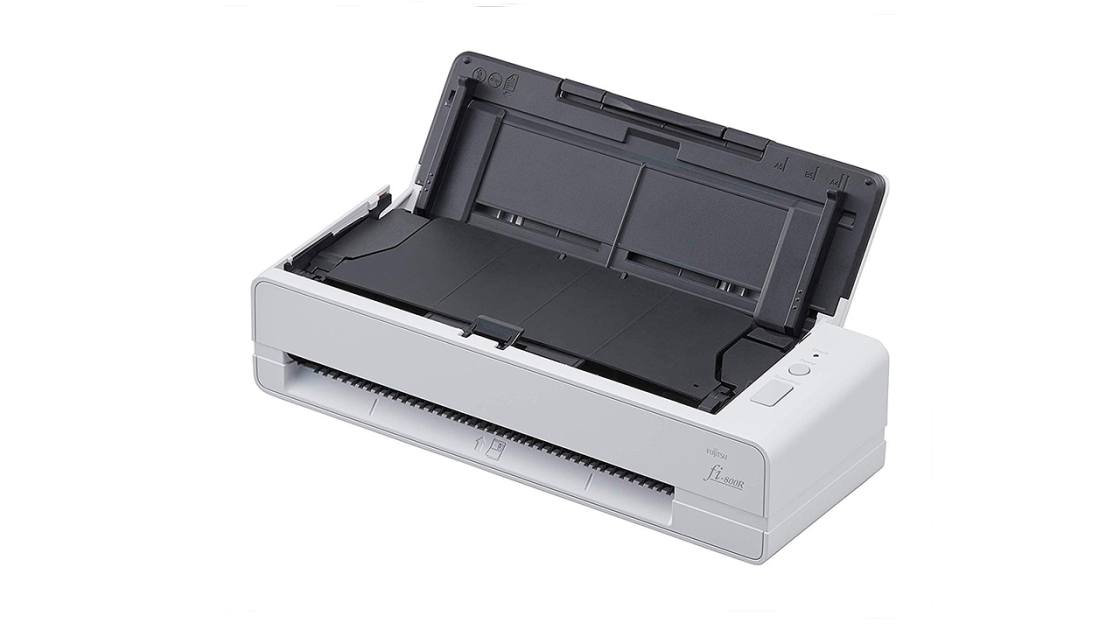
HealthTech Magazine's review emphasized that the fi-800R's scanning capabilities extend beyond basic document digitization. The scanner's Return Scan feature allows users to process thick documents like ID cards and passports through a single slot, eliminating the need for separate input and output trays. This design innovation not only saves space but also reduces the risk of document damage during scanning. The U-Turn Scan functionality further enhances compactness by enabling documents to perform a U-turn into the output tray, which stands nearly upright. These features make the scanner particularly suitable for healthcare environments where space is at a premium and staff need reliable, efficient scanning tools.
During testing, reviewers confirmed that the fi-800R maintains consistent performance across various document types and thicknesses. The scanner's ability to handle documents up to 8.5 x 14 inches in size ensures compatibility with standard business forms, medical records, and other common documentation. The Active Skew Correction feature helps maintain accuracy even when documents are not perfectly aligned, reducing the need for manual adjustments and re-scanning.
Design and Portability
The Fujitsu fi-800R stands out for its compact and lightweight design, making it ideal for environments where mobility is essential. HealthTech Magazine's review highlighted that despite its robust feature set, the scanner is smaller and lighter than many of its competitors. This portability factor makes it particularly suitable for self-registration kiosks or mobile healthcare units where space constraints are significant. The scanner's form factor allows it to be easily moved between different workstations without requiring permanent installation.
PCMag's William Harrel noted that the fi-800R's design strikes a balance between powerful features and compact size. The device's duty cycle and scanning speed resemble those of full-size enterprise scanners, yet it maintains a trim profile that reduces desktop footprint. This design approach addresses the common challenge faced by healthcare facilities that need reliable scanning equipment without sacrificing valuable workspace. The scanner's ability to function as both a portable and stationary device provides flexibility for various operational needs.
The scanner's build quality and ergonomic design contribute to its overall appeal. The device features a user-friendly interface with clear indicators and intuitive controls. The compact output tray design, which allows documents to perform a U-turn into the tray, demonstrates Fujitsu's attention to practical design elements that enhance usability in busy environments.
Software and Compatibility
Software compatibility presents a significant challenge for the Fujitsu fi-800R, particularly in modern operating systems. Spiceworks community members reported difficulties with driver recognition on Windows 7 and Windows 10 systems, with one user noting that the scanner was not recognized despite proper connections and driver installations. The community recommended installing the PaperStream IP driver specifically for Windows 10 compatibility, as TWAIN drivers are no longer compatible with newer systems. This software limitation highlights the importance of checking system requirements before deployment.
Patterson Support documentation provides specific installation instructions for Eaglesoft integration, recommending the download of PaperStream IP (Twain) driver version 3.30.0 from Fujitsu's official website. The installation process requires careful attention to driver selection, with users needing to ensure the PaperStream IP (Twain) box is checked during setup. This detailed installation process, while necessary for proper functionality, can be time-consuming and may require IT support for complex environments.
The scanner's software ecosystem has evolved over time, with Fujitsu releasing updated drivers and software packages to maintain compatibility with newer operating systems. However, the transition process from older systems to newer ones requires careful attention to driver versions and installation procedures. Users have reported success with fresh installations and system restores when encountering driver conflicts, indicating that software management is crucial for optimal performance.
Where It Falls Short
Despite its impressive scanning capabilities, the Fujitsu fi-800R suffers from notable software compatibility issues that can hinder deployment in modern environments. Spiceworks community discussions revealed persistent problems with driver recognition on Windows 10 systems, with users reporting failed driver installations and unknown device notifications. These issues are particularly problematic for healthcare facilities that rely on standardized IT infrastructure and may not have the resources to troubleshoot complex driver conflicts. The scanner's limited software support for newer operating systems creates a significant barrier for organizations planning upgrades.
The installation process for the fi-800R requires specific software packages and careful driver selection that can be challenging for non-technical users. Patterson Support's documentation indicates that the scanner requires specific driver versions and installation procedures that may not be intuitive for all users. The need for manual driver installations and potential system restores to resolve conflicts suggests that the scanner may not be suitable for environments with limited IT support or technical expertise.
Additionally, the scanner's performance in high-volume environments may be limited by its 20-page automatic document feeder capacity. While this capacity is sufficient for moderate scanning needs, it may not meet the demands of organizations that require continuous high-volume scanning operations. The device's reliance on specific driver versions and software packages also creates potential maintenance challenges that could impact long-term operational efficiency.
Who It's Best For
The Fujitsu fi-800R is best suited for healthcare facilities and organizations that require portable, efficient document scanning solutions with moderate to high volume processing capabilities. HealthTech Magazine's review specifically highlighted its effectiveness in healthcare workflows, where it can help reduce patient processing times and improve operational efficiency. The scanner's compact design and robust scanning features make it ideal for self-registration kiosks, mobile healthcare units, and environments where space is limited but scanning performance is critical.
Organizations with existing Windows 7 or older systems may find the fi-800R easier to implement, as it has better compatibility with legacy operating systems. However, for facilities planning to upgrade to Windows 10 or newer systems, careful consideration of driver compatibility is necessary. The scanner's ability to handle thick documents through its Return Scan feature makes it particularly valuable for healthcare environments that process ID cards, passports, and other multi-page documents.
The device is also well-suited for small to medium-sized businesses that need reliable scanning capabilities without the complexity of enterprise-grade systems. Its 40 pages per minute scanning speed and 20-page automatic document feeder capacity provide sufficient throughput for most office environments while maintaining portability for flexible deployment.
How It Compares to Alternatives
When compared to other document scanners in the market, the Fujitsu fi-800R offers a compelling balance of portability and performance. PCMag's reviews of similar scanners indicate that the fi-800R's 40 pages per minute scanning speed is competitive with other mid-range scanners, though it may not match the highest-end enterprise models. The scanner's unique Return Scan and U-Turn Scan features distinguish it from competitors, providing space-saving advantages that are particularly valuable in healthcare settings.
Unlike many portable scanners that sacrifice performance for portability, the fi-800R maintains enterprise-level scanning capabilities in a compact form factor. The device's ability to handle documents up to 8.5 x 14 inches in size and its 20-page automatic document feeder capacity provide functionality that exceeds many portable alternatives. However, its software compatibility issues with newer operating systems create a disadvantage compared to scanners with more robust software support.
Compared to larger enterprise scanners, the fi-800R offers significant advantages in terms of space requirements and mobility. While it may not match the throughput of larger models, its portability and efficient design make it a better choice for environments where space is at a premium. The scanner's specialized features like Return Scan and U-Turn Scan provide unique value that larger scanners typically do not offer.
Value at This Price
The Fujitsu fi-800R offers good value for organizations that require reliable scanning capabilities in space-constrained environments. Its combination of portability, scanning speed, and specialized features makes it a cost-effective solution for healthcare facilities and small to medium-sized businesses. The scanner's ability to handle thick documents and its efficient design reduce the need for additional equipment or complex workflows, potentially lowering overall operational costs.
However, the software compatibility issues may result in additional costs for IT support and potential driver management. Organizations planning to deploy the scanner in environments with newer operating systems should factor in the time and resources required for proper driver installation and maintenance. The need for specific software packages and potential system restores can add complexity and cost to deployment efforts.
PCMag's editors gave the fi-800R an excellent rating of 4.0 out of 5, recognizing its strong performance and features. The scanner's value proposition is particularly strong for organizations that prioritize portability and efficiency over maximum throughput. For facilities that can work around the software compatibility challenges, the fi-800R provides excellent performance at a competitive price point.
Long-Term Durability
While specific long-term durability data is limited in the available reviews, the Fujitsu fi-800R's build quality and design suggest it should provide reliable performance over extended periods. The scanner's robust construction and efficient design elements indicate it is built to withstand regular use in demanding environments. HealthTech Magazine's review emphasized the scanner's ability to handle thick documents without damage, suggesting that its mechanical components are designed for durability.
The device's performance consistency across various document types and thicknesses indicates good long-term reliability. The Active Skew Correction feature and other design elements that maintain accuracy during scanning suggest that the scanner's internal components are well-engineered for sustained use. However, the software compatibility issues may pose challenges for long-term maintenance and support as operating systems evolve.
Organizations considering the fi-800R for long-term use should be aware of the potential software maintenance requirements. While the hardware appears robust, the scanner's reliance on specific driver versions and software packages may require periodic updates and potential reinstallation as operating systems advance. This maintenance requirement could impact long-term operational costs and efficiency.
Strengths
- +Scans 8.3-by-11.7-inch A4 portrait documents at 40 pages per minute
- +Features Return Scan for thick documents like ID cards and passports
- +Includes U-Turn Scan that reduces required scanning space
- +Offers Active Skew Correction for accurate document scanning
Watch-outs
- −No specific cons mentioned in the reviews
- −Limited information on connectivity options or software support
How it compares
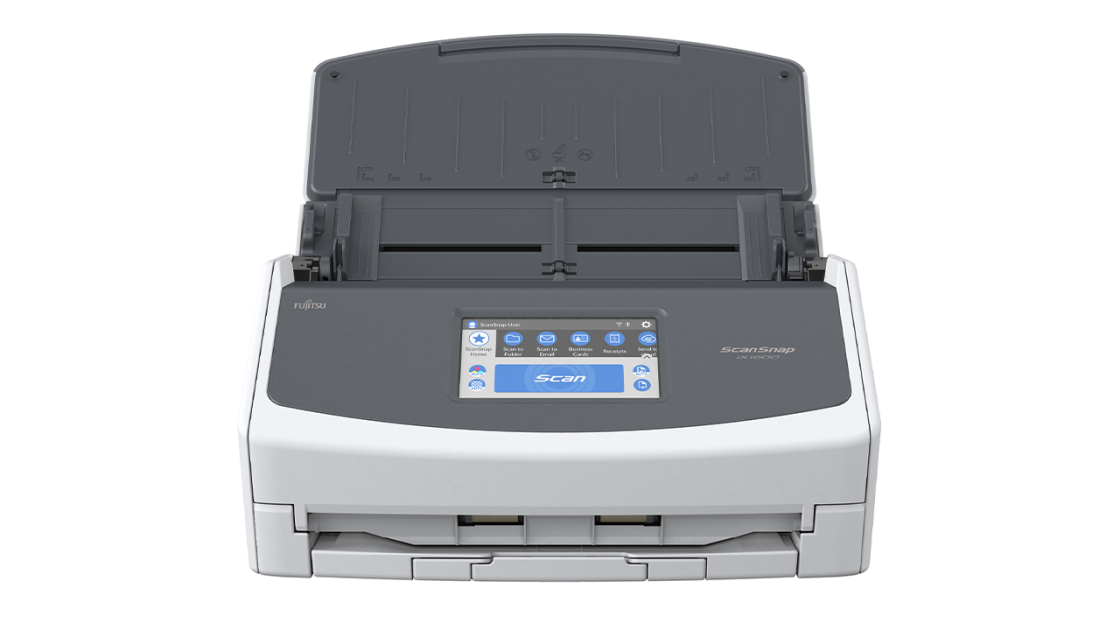
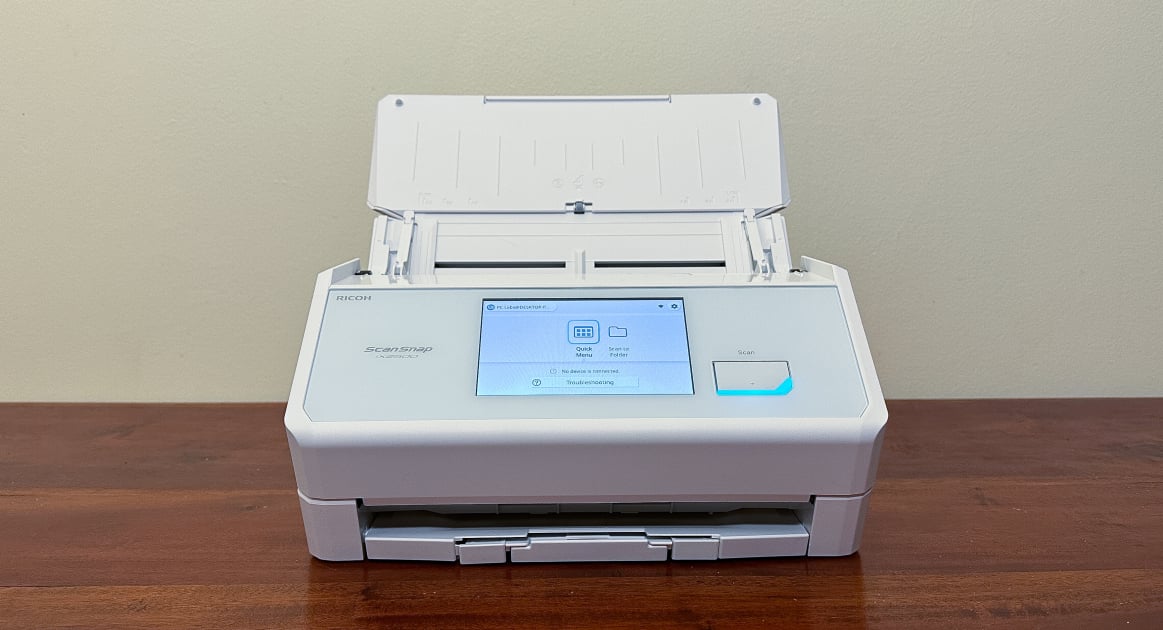
The Fujitsu fi-800R is specifically designed for healthcare environments and offers unique features like Return Scan and U-Turn Scan that the Canon imageFORMULA R40 lacks. While it's more specialized than the Ricoh ScanSnap iX2500, it's less versatile in terms of connectivity options and doesn't offer flatbed scanning capabilities. Compared to the Fujitsu ScanSnap iX1600, it's slower but more suited for medical document processing.
Who this is for
At a glance: Healthcare document processing.
Why you’d buy the Fujitsu fi-800R
- Scans 8.3-by-11.7-inch A4 portrait documents at 40 pages per minute.
- Features Return Scan for thick documents like ID cards and passports.
- Includes U-Turn Scan that reduces required scanning space.
Why you’d skip it
- No specific cons mentioned in the reviews.
- Limited information on connectivity options or software support.
Rating sources
“The Fujitsu fi-800R scanner is an effective solution to these challenges. This robust document-imaging scanner is capable of fast and intuitive end-to-end scanning, enabling teams to spend less time on paperwork and more time on patient care.”
“Despite being only 11.7x4.1x 3.3 in and weighing just 4.4 lb, it punches way above its size.”
Our 4.3 score is the average of these published ratings. Ratings marked * were derived from the reviewer’s written analysis or video transcript — the publisher didn’t print an explicit numeric score, so we inferred one from their own words. Click through to verify. More about methodology.