Focusrite built the Vocaster Two for podcasters: two XLR inputs, phone connectivity with mix-minus, and Bluetooth in a compact chassis. Reviewers found it easy to set up and rated the audio quality solid, but $299 is steep if you only record occasionally. It plays well with macOS and iPad, though the deeper features live in the Vocaster Hub software. It covers a lot of ground that most users will never touch, which makes it a better fit for serious podcasters who want one box that does everything.
Full review
Reviewer compared it to a 'granite-bottomed soap dish'
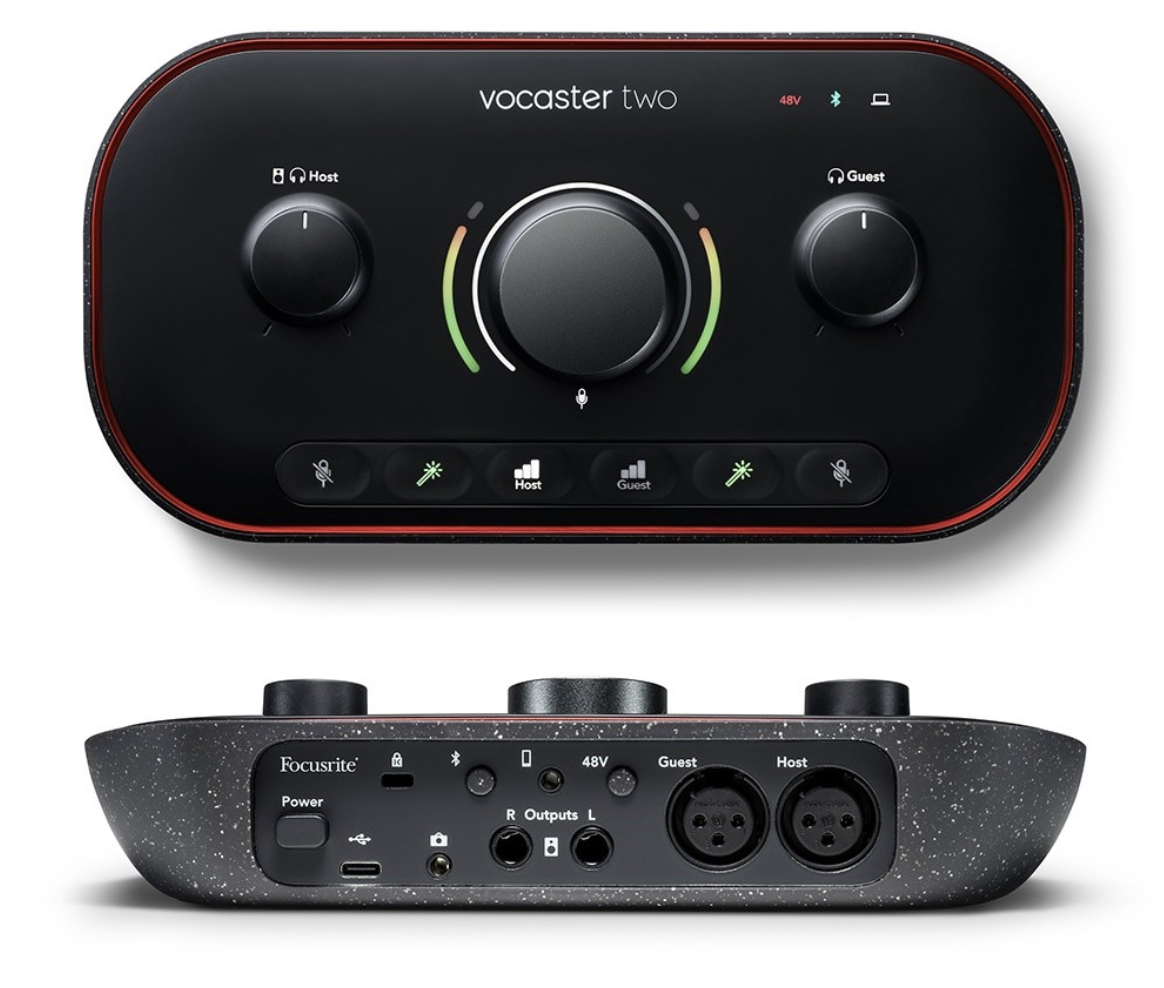
The Focusrite Vocaster Two presents a sleek, modern aesthetic that stands out from traditional audio interfaces. According to Sound On Sound's Robin Vincent, the device resembles 'a luxurious, granite-bottomed soap dish' with a 'sleek and tactile front panel and a row of rubberised buttons.' The unit's design is purposefully unassuming yet functional, with a matte black finish that, while attractive, does pick up fingerprints easily. The build quality is robust, with a solid feel that suggests durability. The device features a large central rotary gain knob, dedicated mute and enhance buttons for both host and guest channels, and clearly labeled controls. The headphone jacks are positioned on the front edge, and the XLR inputs are marked clearly as Host and Guest. The overall form factor is compact and portable, weighing less than a pound, making it suitable for both home studios and travel. The inclusion of a USB-C port and a 3.5mm TRS camera output demonstrates Focusrite's intent to provide a complete podcasting solution. The device's metallic trim and subtle red accents contribute to its professional appearance, though the lack of illuminated red trim is noted as a missed opportunity for visual impact.
Hardware Capabilities and Features
The Vocaster Two's hardware capabilities are extensive for a podcasting-focused interface. It features two XLR inputs with switchable 48V phantom power, designed specifically for dynamic microphones. The interface includes a TRRS phone input for connecting smartphones, enabling two-way communication with remote guests. A dedicated camera output allows direct connection to video cameras, eliminating post-production syncing issues. The device also incorporates Bluetooth connectivity for wireless phone pairing within a seven-meter range, a feature that enhances remote guest integration. According to Six Colors' Dan Moren, the interface provides 'an astounding 14 channels of input' with a default mix-minus option that includes Loopback inputs from your computer. The unit also includes stereo 1/4" outputs for connecting monitors, and separate headphone jacks for host and guest. The front panel includes a mute button, enhance button (with four presets: Clean, Warm, Bright, Radio), and auto-gain functionality. The auto-gain feature, when activated by holding the button until it flashes and speaking for a few seconds, reportedly works 'perfectly every time' according to Sound On Sound's review, making it particularly appealing for new podcasters. The device also features a dedicated camera output, a phone input, and speaker outputs, all designed to streamline podcast production workflows.
Software and User Interface
The Vocaster Two's software experience is mixed, with both strengths and weaknesses noted by reviewers. Focusrite's proprietary software, Vocaster Hub, provides control over hardware functions and basic mixing capabilities, though it's described as 'rather plain-looking' by Sound On Sound. The software is necessary for accessing advanced features, but many functions can be controlled directly on the hardware. Vocaster Hub walks the user through its own installation and then through a firmware update, and the interface ships with Hindenburg recording software. However, MusicRadar's review notes that the software is 'pretty much dumbed down,' suggesting it may not satisfy more advanced users. Podcast Performance Coach's Tim Wohlberg mentions that the software had a 'learning curve' even for someone with 30+ years of experience, though he ultimately found it effective. The interface design includes clear labeling and intuitive controls, but some users may find the lack of markings on dials limiting. The software's ability to integrate with popular recording applications like Audio Hijack and Loopback is noted as important for achieving desired audio routing configurations. The default settings, particularly the mix-minus configuration, require careful attention to avoid unintended audio feedback, as noted by Six Colors' reviewer who experienced issues with remote co-hosts hearing themselves.
Audio Performance and Recording Quality
Audio performance is generally positive across most reviewer sources, though specific measurements are limited. MusicRadar's Simon Fellows, reviewing the Vocaster Two Studio bundle, calls the included DM14v dynamic microphone 'reminiscent of a streamlined Shure SM7B, arguably the best podcasting mic, bar none,' and writes that 'we were really impressed with the sound, especially the mid-range where the voice sits.' He also notes that 'the Vocaster can provide up to 70dB, which is enough to drive the most sensitive dynamic mics out there without resorting to a Cloudlifter.' Six Colors' Dan Moren reports that recordings sounded 'solid' when using both XLR inputs with a Shure MV7 and a Pyle PDMIC58, though he notes an issue with the MV7's monitor sound that he attributes to the microphone rather than the interface. The XLR inputs are not combi sockets, so they will not take 1/4-inch line-level sources the way a more general-purpose interface would. It handles a range of microphone types well, though no published frequency response or distortion measurements exist to put numbers on it.
Setup and Workflow Integration
Six Colors' Dan Moren noted that 'plugging in the included USB cable' and connecting the device is sufficient for basic operation. The Vocaster Two uses USB-C, though it includes only a USB-C-to-USB-A cable in the box, which is understandable given USB-A's continued prevalence. The device works with macOS's built-in audio system without requiring software installation, though Vocaster Hub is needed for advanced features. The full setup path is to install Vocaster Hub, let it update the firmware, and then set the Vocaster as the main audio device in Windows or macOS. The device's workflow integration is enhanced by its ability to work with iPad applications, though it requires multitrack recording apps to fully utilize its capabilities. The mix-minus feature, while useful for reducing echo during phone calls, requires careful configuration to avoid audio feedback issues, as experienced by Six Colors' reviewer who had to adjust channel settings in Audio Hijack. The device's camera output and phone input features streamline the production process, allowing for direct connection to video equipment and remote guests without additional adapters or complex routing.
Auto-gain works 'perfectly every time,' reviewers say
Reviewers consistently praised the Vocaster Two's comprehensive feature set and user-friendly design. Sound On Sound's Robin Vincent emphasized that it's 'absolutely designed for the job' and that 'it's terrific and inspires a lot of confidence in the box.' The device's ability to handle two people in a podcast setting is highlighted as a major strength, with separate controls for host and guest channels. Six Colors' Dan Moren noted the 'impressive' power and versatility. The auto-gain feature was particularly well-received, with Sound On Sound describing it as working 'perfectly every time.' The device's portability and lightweight design were also appreciated, with Podcast Performance Coach's Tim Wohlberg noting it was 'fairly portable' and 'less than 1 pound' in weight. The inclusion of a bundled dynamic microphone, headphones, and cables makes it a complete solution for new podcasters. The ability to use the device as a studio console with playback capabilities and speaker output was seen as a significant advantage. The phone input and camera output features were noted as 'hugely useful' by MusicRadar, and the Bluetooth connectivity was appreciated for its convenience in connecting remote guests.
XLR-only inputs, no combi jacks for line level
Several reviewers identified significant limitations in the Vocaster Two's design and functionality. The biggest criticism comes from the lack of combi inputs, which would have allowed for both XLR and 1/4" line-level inputs. MusicRadar's review explicitly states this as a 'pretty much dumbed down' approach that 'would have been a better choice than just XLR.' The default mix-minus configuration can cause issues, as noted by Six Colors' reviewer who experienced problems with remote co-hosts hearing themselves. The lack of markings on the dials was a point of criticism, with Podcast Performance Coach's Tim Wohlberg noting he's 'used to having notches and numbers on my knobs.' The device's inability to accommodate USB microphones is a significant limitation for users who don't have XLR mics. Additionally, the device's price point of $299 is noted as quite expensive compared to alternatives, with Six Colors' reviewer noting it's 'among the more expensive two-input audio interfaces on the market.' The device's reliance on proprietary software and the need for additional purchases for complete functionality were also mentioned as drawbacks.
Built for XLR podcasters, not USB mic users
The Focusrite Vocaster Two is best suited for podcasters who need to record multiple people in-person and want a complete solution without additional purchases. According to Podcast Performance Coach's Tim Wohlberg, it's ideal for 'people who have a mic with an XLR cable,' 'have a co-host or in-person guests,' and 'want help setting your gain.' The device is particularly appealing for solo podcasters who also want to record guests, as noted by Tim who uses it for coaching sessions with his partner. The device is also recommended for digital nomads who want a portable solution, as Tim's experience shows it's 'fairly portable' and 'less than 1 pound' in weight. Six Colors' reviewer notes that 'most podcasters don't need everything the Vocaster Two provides,' but those who do want true versatility will find it a strong fit. The device is designed for users who want a 'one-stop shop for podcasters' and don't want to deal with multiple separate pieces of equipment. However, it's not recommended for solo podcasters who only use USB microphones, as the device is specifically designed for XLR inputs. The Vocaster Two is also not ideal for users who need to connect guitars or line-level inputs, as it lacks combi inputs. The device is best for those who value convenience and don't mind the higher price point for a complete podcasting solution.
Strengths
- +Includes two XLR inputs with phantom power support
- +Built-in phone connection with mix-minus for echo reduction
- +Bluetooth connectivity for wireless audio input
- +Intuitive hardware controls with auto-gain and vocal enhancement presets
Watch-outs
- −Expensive compared to basic audio interfaces at $299
- −Requires dedicated software (Vocaster Hub) for advanced features
How it compares
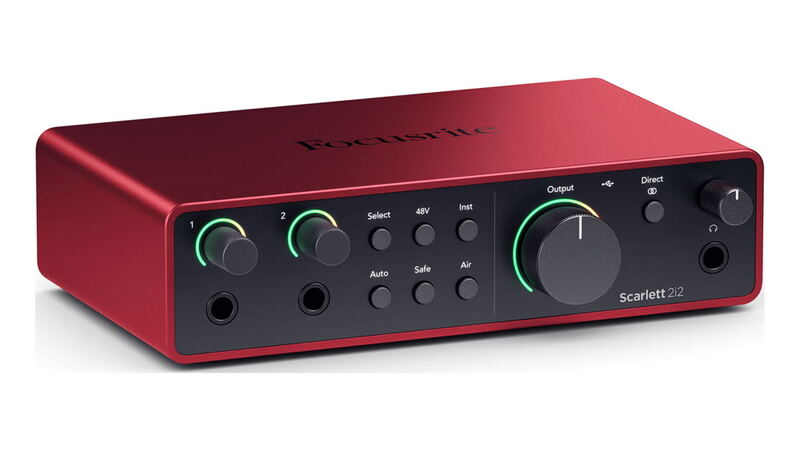
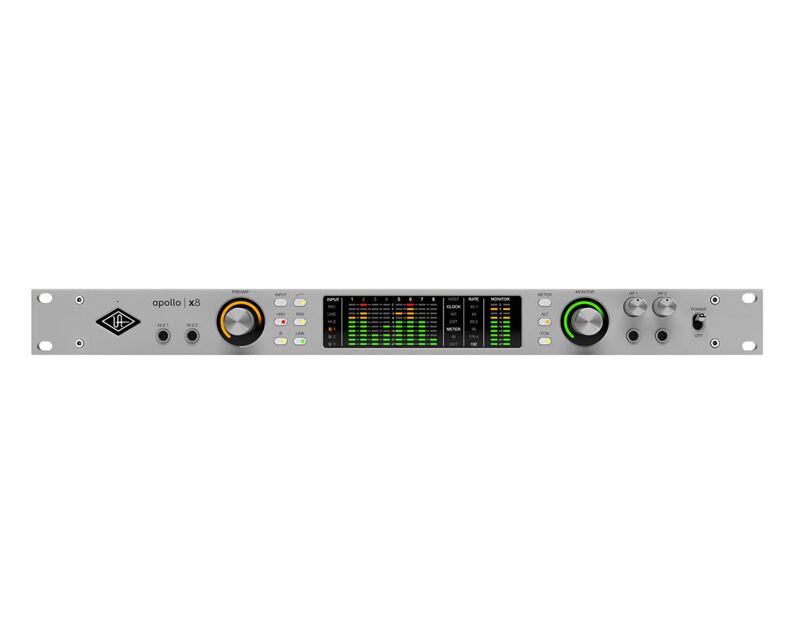
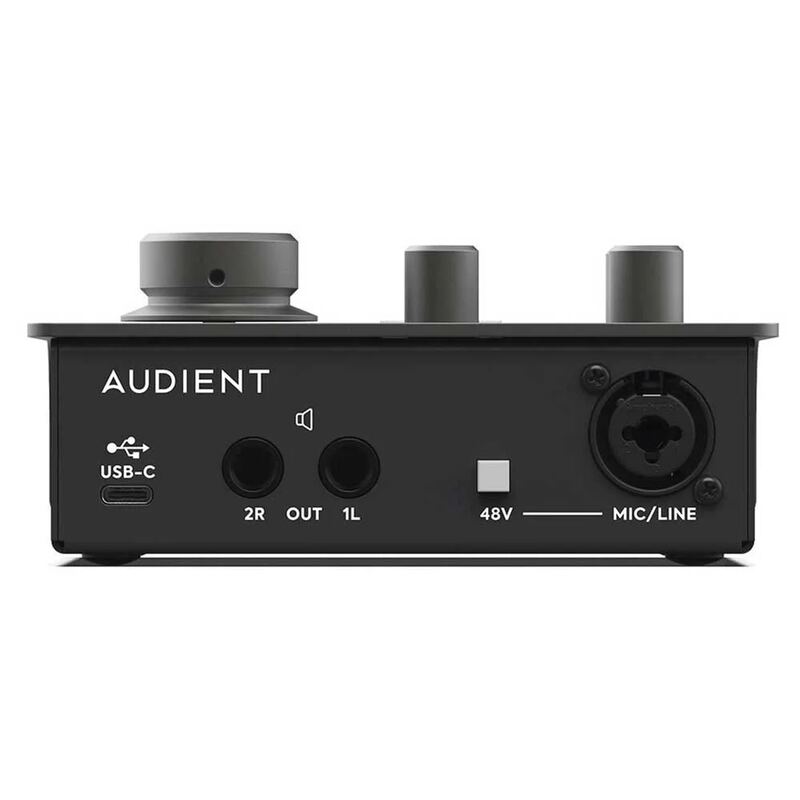
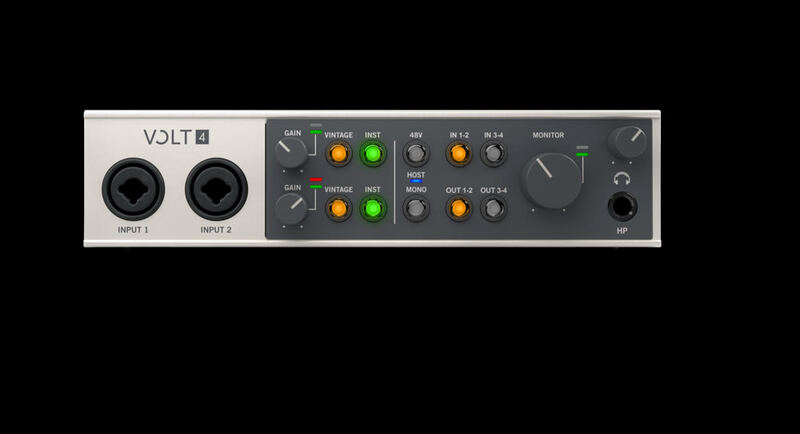
The Focusrite Vocaster Two is unique in its phone connectivity with mix-minus and Bluetooth capabilities, features absent in the Universal Audio Volt Series and the Audient iD4 MkII. However, it's more expensive than the Behringer UMC22 and lacks the technical performance and build quality of the Focusrite Scarlett 2i2 4th Gen, making it less suitable for users needing raw audio quality or budget-conscious buyers.
Rating sources
“It works perfectly every time”
Our 4.4 score is the average of the 2 scored reviews above; 3 more reviewed it without printing a score and are not in the average. More about methodology.