The Ubiquiti UniFi Travel Router (UTR) offers a compact, low-power design that's well-suited for travel, with reliable performance and excellent VPN support. Reviewers noted its simple setup via the UniFi app and energy efficiency, though it's held back by outdated Wi-Fi 5 specifications that deliver modest throughput. While it works well for basic travel networking needs, those requiring faster bandwidth should consider future upgrades. The device is ideal for users already in the UniFi ecosystem but may not meet demands of power users seeking modern Wi-Fi standards.
Full review
Design and Build Quality
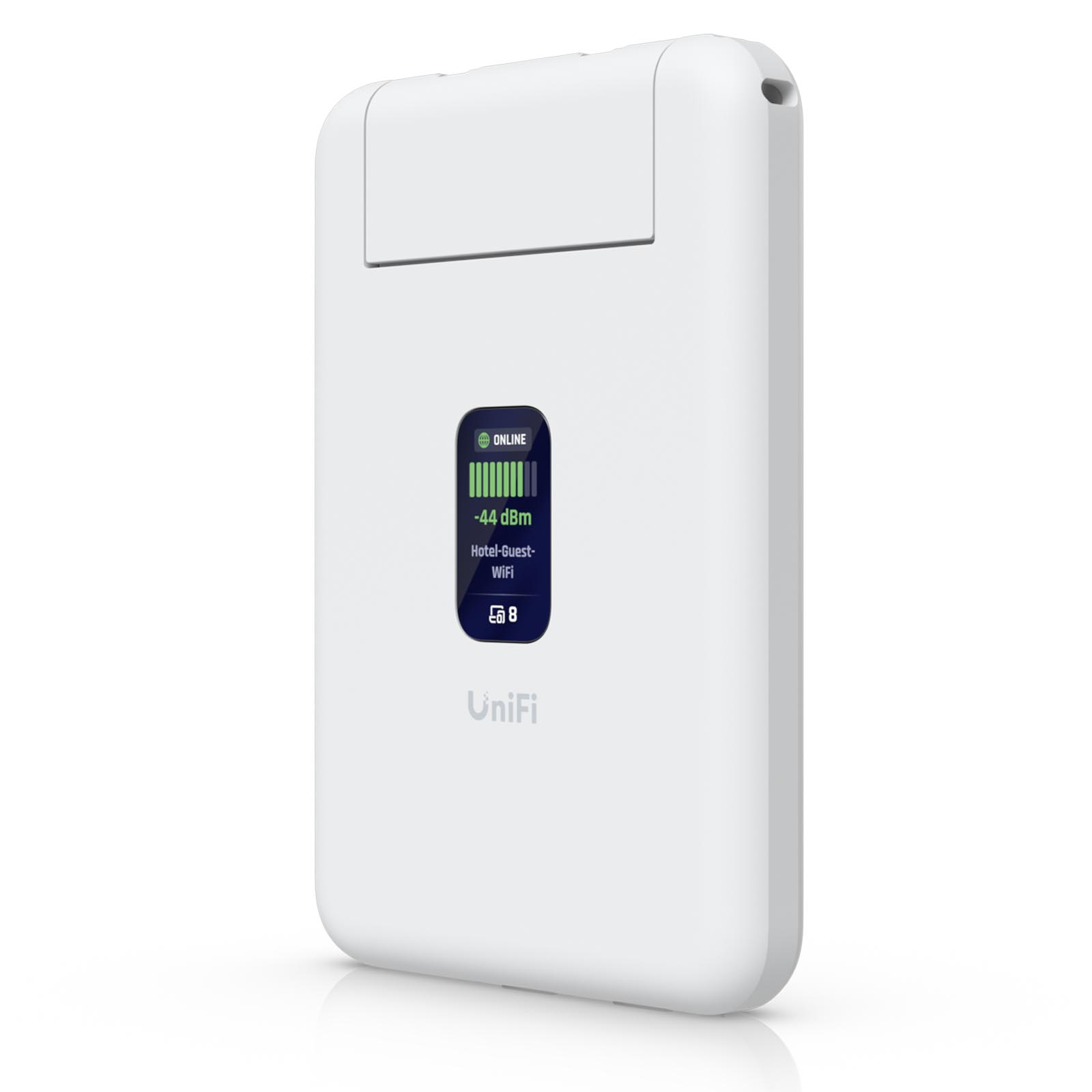
The Ubiquiti UniFi Travel Router (UTR) stands out for its remarkably compact form factor, measuring just 95.95 x 65 x 12.5 mm and weighing only 89 grams. This palm-sized device is designed for portability, easily fitting into a laptop bag or even a jacket pocket. Dong Ngo from dongknows.com noted its diminutive size, describing it as 'significantly smaller than you might expect from its marketing photos.' The device features a sleek white design with no external antennas or flashy LED indicators, presenting a clean, professional appearance. Packetswitch.co.uk reviewer Suresh Vinasiththamby emphasized its pocket-sized nature, stating 'it genuinely fits in your pocket.' The build quality received a 9/10 rating from NAS Compares, with the device featuring a 1.14-inch status display that shows connectivity information, uplink status, and connected clients. However, this display is not touch-sensitive, requiring all configuration to be handled through the UniFi mobile app rather than on-device controls.
Hardware Specifications and Connectivity
The UTR's hardware specifications reflect a deliberate compromise between portability and functionality. It operates on Wi-Fi 5 (802.11ac) with dual-stream 2x2 MIMO capabilities, providing up to 866 Mbps on the 5GHz band and 300 Mbps on the 2.4GHz band. While this represents modest performance for a travel router, it's still adequate for basic connectivity needs. The device includes two Gigabit Ethernet ports (WAN and LAN) with RJ45 connectors, though these ports are protected by caps that rise to accommodate the connections. Packetswitch.co.uk reviewer noted that the UTR has 'two GbE RJ45 ports for wired uplink' and supports power via USB-C at 5W maximum. The router also features separate USB-C ports for power and smartphone tethering, allowing users to utilize their phone as a cellular uplink. However, unlike some competitors, the UTR lacks a built-in battery, internal SIM slot, or eSIM option, making it reliant on external power sources and WiFi uplinks, wired WAN, or phone tethering.
Software and Ecosystem Integration
The UniFi Travel Router's strength lies in its seamless integration with Ubiquiti's broader ecosystem. As noted by iFeelTech, the device is purpose-built for users already invested in UniFi, allowing them to extend their familiar network setup to temporary locations. The router can bind to an existing UniFi site, automatically applying WiFi settings and Teleport configurations, enabling users to carry their familiar SSID and consistent LAN behavior with them. RTINGS confirmed that 'the UTR can bind to an existing UniFi setup and effectively carry your familiar SSID and behavior with you so your devices and even colleagues can connect without reconfiguring anything.' The device supports multiple uplink types including Ethernet, WiFi, and USB tethering, with the ability to set uplink priority once an upstream connection has been established. However, the UTR does not appear in the regular UniFi console alongside other devices; instead, it appears in the Site Manager as its own separate entry, requiring independent management through the UniFi mobile app.
Performance and Real-World Testing
Performance testing reveals that the UTR delivers modest but adequate throughput for its intended use cases. Packetswitch.co.uk reviewer Suresh Vinasiththamby conducted speed tests, connecting the UTR's WAN port to a home Internet connection and testing both Wi-Fi and wired connections. Over Wi-Fi, he achieved around 150 Mbps download and 220 Mbps upload to a laptop, while wired connections via LAN port yielded approximately 250 Mbps download and 270 Mbps upload. When testing with an iPhone, he recorded around 300 Mbps upload speeds. However, iFeeltech's Nandor Katai noted that while the device works well for field teams and business travelers, 'the Ethernet ports are 1 GbE rather than 2.5 GbE,' which may limit performance for users requiring higher bandwidth. The device's Wi-Fi 5 capabilities, while functional, trail newer standards like Wi-Fi 6 and 7, which will become increasingly relevant as network demands grow.
VPN and Security Features
The UTR excels in its VPN support, particularly for users within the UniFi ecosystem. iFeeltech emphasized that 'Teleport support enables secure remote access back to your UniFi network on public WiFi,' which is crucial for business travelers and field teams. The device supports both OpenVPN and WireGuard protocols, allowing users to tunnel traffic back to their home network securely. Packetswitch.co.uk reviewer noted that 'you can use UniFi's own Teleport, which requires a Cloud Gateway at home, or WireGuard.' However, the reviewer also mentioned that without a Cloud Gateway, they had to rely on WireGuard, which sometimes failed to connect or took time to establish. The device's ability to handle captive portal logins through the mobile app simplifies access to public WiFi networks, as noted by NAS Compares. The UTR also supports WPA Enterprise and Passpoint authentication methods, providing additional security options for enterprise users.
Where It Falls Short
Despite its strengths, the UTR has several notable limitations that prevent it from being a complete solution for all users. The most significant drawbacks include its outdated Wi-Fi 5 specifications, which trail newer standards like Wi-Fi 6 and 7 in both performance and feature set. Dong Ngo from dongknows.com noted that 'the UTR is more than passable as a travel router, even excellent if you only need modest bandwidth on the go and have a home network hosted by a UniFi console, oftentimes, you'd sure wish it had better Wi-Fi specs.' The device lacks a built-in battery, internal SIM slot, or eSIM option, making it unsuitable for users seeking a standalone cellular travel router. Additionally, the lack of a touch-sensitive status display means all configuration must be done through the mobile app, which can be inconvenient for users who prefer on-device controls. The device also does not appear in the regular UniFi console, requiring separate management through the Site Manager, which may complicate network administration for users accustomed to centralized control.
Who It's Best For
The UniFi Travel Router is best suited for users already invested in Ubiquiti's ecosystem who need to extend their familiar network setup to temporary locations. iFeeltech's Nandor Katai recommended it for 'field service teams, remote workers, and IT professionals already using UniFi,' emphasizing its purpose-built design for enterprise networking needs. The device is particularly valuable for business travelers who require secure, consistent connectivity without reconfiguring devices each time they move between locations. Users who have existing UniFi infrastructure, including Cloud Gateways, will find the Teleport VPN integration especially beneficial. However, the UTR may not be ideal for users seeking standalone cellular capabilities or those who require the latest Wi-Fi standards for high-bandwidth applications. Packetswitch.co.uk reviewer Suresh Vinasiththamby noted that while the device is 'incredibly small' and 'wins on form factor alone,' it's not necessarily the best choice for users who need more features or higher performance than what the UTR provides.
Value and Price Comparison
At $79, the UTR offers good value for users within the UniFi ecosystem who need a portable networking solution. NAS Compares rated it 8/10 for price and value, noting that 'the UTR is worth considering thanks to its friendly $79 price tag.' The device's compact design, reliable performance, and seamless integration with existing UniFi setups make it a compelling option for users who prioritize ecosystem compatibility over cutting-edge features. However, the device's dated Wi-Fi 5 specifications and lack of advanced features like built-in battery or cellular connectivity mean that users seeking more comprehensive functionality may find better value in competing products with newer standards. The UTR's value proposition is strongest for users who already own UniFi equipment and need to extend their network to temporary locations, rather than for those seeking a general-purpose travel router with all the bells and whistles.
Strengths
- +Compact design that's easy to pack and travel with
- +Reliable performance with excellent VPN client support including Ubiquiti's Teleport
- +Simple setup and management via the UniFi mobile app
- +Low power consumption at only 5W, supports USB-C charging from power banks
Watch-outs
- −Dated Wi-Fi 5 specs with modest real-world throughput rates and coverage
- −No built-in cellular modem, SIM slot, or battery option
How it compares
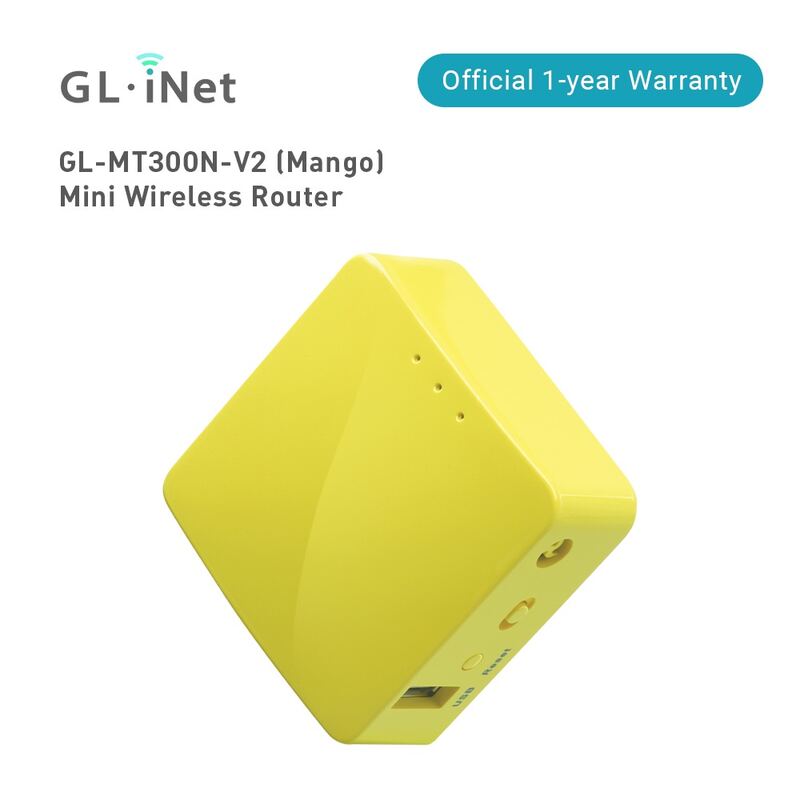
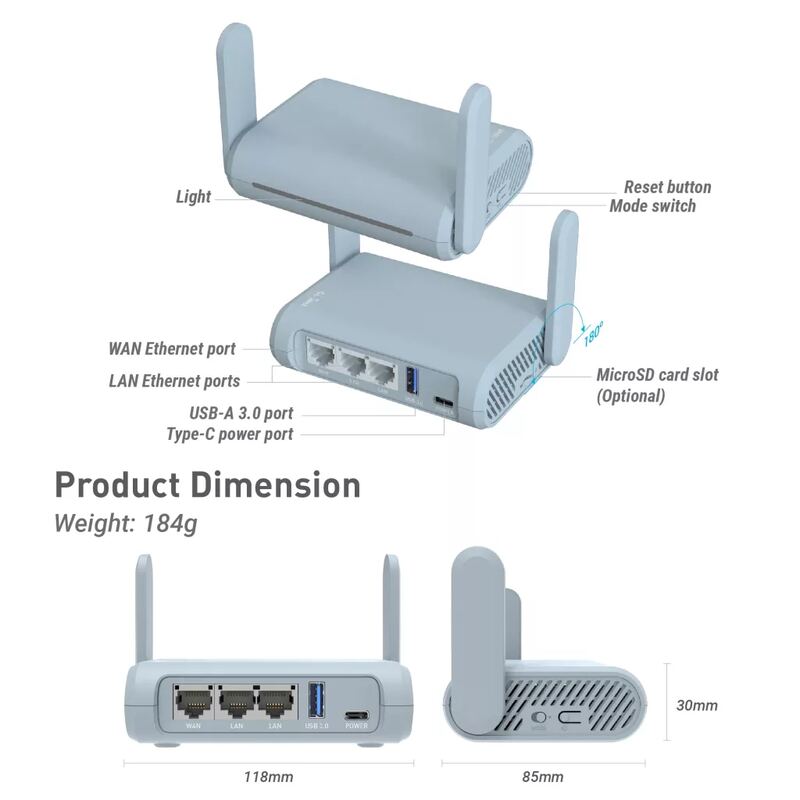
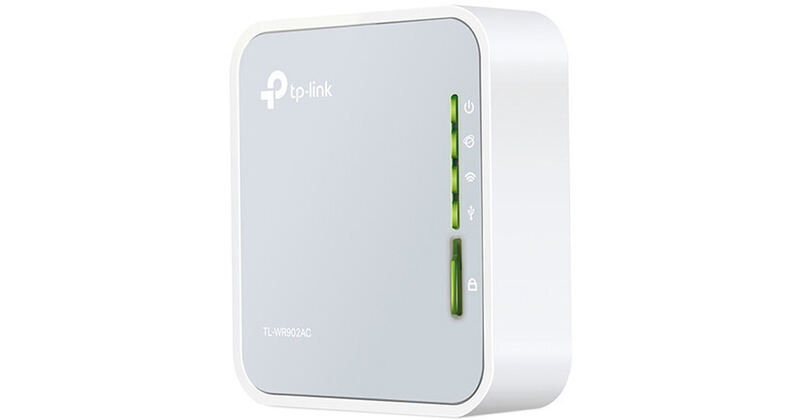
The Ubiquiti UniFi Travel Router is more energy-efficient and easier to manage than the GL-MT2500, which has more advanced features but a complex setup. Unlike the GL-SFT1200 Slate, it lacks built-in VPN support and has outdated Wi-Fi 5 specs. Compared to the GL-MT300N-V2 Mango, it's less portable but offers better VPN client support and reliability.
Who this is for
At a glance: UniFi ecosystem users needing low-power travel router.
Why you’d buy the Ubiquiti UniFi Travel Router
- Compact design that's easy to pack and travel with.
- Reliable performance with excellent VPN client support including Ubiquiti's Teleport.
- Simple setup and management via the UniFi mobile app.
Why you’d skip it
- Dated Wi-Fi 5 specs with modest real-world throughput rates and coverage.
- No built-in cellular modem, SIM slot, or battery option.
Rating sources
“The UTR is worth considering thanks to its friendly $79 price tag, and it will work out decently in most cases. However, those with Gigabit-class or faster bandwidth needs should wait for a better version in the future.”
“Even though I still don't have a clear use case for it, I bought it purely based on vibes.”
Our 4.0 score is the average of these published ratings. Ratings marked * were derived from the reviewer’s written analysis or video transcript — the publisher didn’t print an explicit numeric score, so we inferred one from their own words. Click through to verify. More about methodology.