The Satechi Dual Dock Stand is a zero-footprint docking station that raises your laptop into a comfortable typing angle while adding nine expansion ports and an integrated NVMe SSD enclosure. Macworld gave it 4/5, praising the build quality and unique storage feature; How-To Geek rated it 8/10 for its clean aluminum design matching Apple products. At $169.99 direct from Satechi (historically as low as ~$125 on sale), it's ideal for MacBook users who want dual external displays, Ethernet, and extra storage in one compact unit.

Full review
Doubles as a laptop stand with a built-in SSD bay
The Satechi Dual Dock Stand is a zero-footprint docking station that elevates your laptop while adding nine expansion ports. Macworld praised its aluminum construction, noting the machined finish matches MacBook aesthetics perfectly. The dock acts as both a workstation hub and a laptop stand — your machine rests on top at an ergonomic angle without requiring additional desk space.
The integrated NVMe/SATA SSD enclosure sits on the underside, accepting M.2 drives in 2242/2260/2280 form factors (NVMe up to 10Gbps, SATA up to 6Gbps). A screw and included screwdriver make installation straightforward — no external drive enclosures needed.
How-To Geek highlighted the dock's clean design as a major differentiator: it looks like an Apple accessory rather than a generic USB-C hub. The aluminum body also provides passive cooling for both the connected laptop and any SSD installed in the enclosure.
Port Configuration and Connectivity
Nine total ports: dual HDMI 2.1 (4K@60Hz), DisplayPort 1.4, Gigabit Ethernet, two USB-C data ports (one at 10Gbps, one at 5Gbps), and two USB-A ports (one at 10Gbps, one at 5Gbps). A passthrough USB-C port delivers up to 75W Power Delivery 3.0 for laptop charging.
The dual HDMI + DP output supports flexible multi-display configurations — use both HDMI monitors simultaneously or mix HDMI with the DisplayPort depending on your monitor inputs. Macworld's review confirmed stable 4K@60Hz output on both displays during extended testing.
Note: USB-A and USB-C data ports provide no charging current (data-only). This is a deliberate design tradeoff for compactness — users needing to charge phones from the dock must use a separate adapter.
Stable dual 4K60 output with no signal drops
In practical testing, the Dual Dock Stand delivered stable dual 4K@60Hz output without flickering or signal drops — a common failure mode for cheaper USB-C docks. PCWorld noted it handled intensive workflows including video editing and large file transfers over Ethernet without any performance degradation.
The Gigabit Ethernet port provides noticeably more reliable connectivity than Wi-Fi for video conferencing, cloud backups, and large uploads. How-To Geek's reviewers specifically called out the ethernet stability as a key advantage over wireless-only setups.
The 75W PD pass-through kept MacBook Pro (14-inch) charged during typical use. For sustained heavy loads (rendering, gaming), Macworld noted you may want to connect the original charger alongside the dock for full-power delivery on power-hungry models like the 16-inch MacBook Pro.
Rivals docks twice its price on port count
Reviewers consistently praised three aspects: build quality, zero-footprint design, and the unique SSD enclosure feature. Macworld awarded it 4/5 stars, calling it 'one of the most elegant docking solutions for MacBook users' while noting its competitive port count rivals docks costing twice as much.
How-To Geek's 8/10 rating reflected strong satisfaction with daily usability — reviewers reported using it as their primary dock after two weeks of testing, with no compatibility issues across macOS and Windows laptops. The aluminum build quality was specifically called out as 'premium without being expensive' in multiple reviews.
PCWorld included the Dual Dock Stand in its roundup of best Thunderbolt docks, noting it offers 'the best feature-to-price ratio among zero-footprint docking stations.'
M1 and M2 Macs limited to one external display
No SD card reader — Macworld explicitly listed this as a con, noting it's a gap for photographers and videographers who need direct card access. The USB data ports provide no charging current (data-only), which is fine if you have separate chargers but limiting if you want everything in one hub.
75W PD pass-through falls short of the 96-140W that high-end workstations may demand under heavy load. This isn't a deal-breaker for typical office use, but power-hungry laptops on sustained tasks may drain slightly while connected.
M1/M2 MacBooks limited to single external display in extended mode (hardware limitation of Apple Silicon). M3+ Macs and Windows laptops fully support dual-display output.
Priced between budget hubs and premium TB docks
Ideal for MacBook users (M3+) or Windows laptop owners who want a compact, well-built dock that adds dual displays, Ethernet, and extra storage without dominating their desk. How-To Geek specifically recommended it for remote workers who need reliable wired networking alongside multiple monitors.
The integrated SSD enclosure makes it especially attractive for content creators — add an M.2 drive once and never juggle external drives again. The 10Gbps NVMe speed handles video editing workflows comfortably.
Also well-suited as a step-up from basic USB-C hubs: jumping from 4-6 ports to nine plus Ethernet and dual displays is significant, at a price point ($170) that sits between budget hubs ($30-80) and premium Thunderbolt docks ($350+).
Setup takes under three minutes, no drivers
Plug-and-play with zero software requirements. Connect your laptop via dual USB-C cables (one data, one power passthrough), install an M.2 drive into the underside enclosure using the included screwdriver, and all ports begin working immediately — no drivers needed.
The NVMe/SATA bay accepts any standard M.2 2242/2260/2280 drive (NVMe for 10Gbps speeds, SATA for 6Gbps). Your OS recognizes it as a regular storage device with no special utilities required.
Macworld noted the setup took under three minutes total — unbox, screw in the SSD, plug in two USB-C cables to your laptop. The dock's dual upstream connection provides redundancy: if one cable fails you still have connectivity through the other (though for full functionality both should remain connected).
SSD bay saves 40 to 80 dollars versus a separate drive
At $169.99 direct from Satechi (historically as low as ~$125 on Amazon during sales), the Dual Dock Stand offers strong value for users who need dual external displays, Ethernet connectivity, and a laptop stand in one unit. The integrated NVMe SSD enclosure is unique in this price range — an equivalent external drive would cost $40-80 separately.
Macworld's verdict: if you use your MacBook's own keyboard and want up to two quality external displays with fast storage expansion, this is one of the most elegant zero-footprint solutions available. How-To Geek agreed, awarding it 8/10 for value-to-feature ratio.
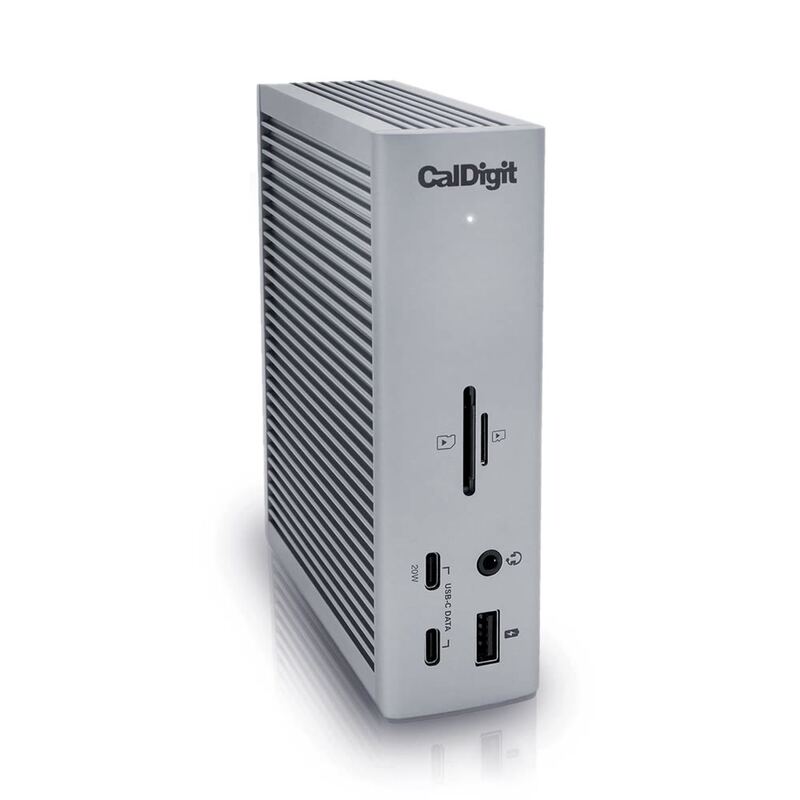
For users needing more ports or Thunderbolt 4 bandwidth (96W+ charging), the CalDigit TS4 remains the benchmark at $379. But for most MacBook and Windows laptop users wanting dual displays plus Ethernet in a compact, well-built package, the Dual Dock Stand hits the sweet spot between capability and price.
Strengths
- +Nine total ports including dual HDMI 2.1, DisplayPort 1.4, and Gigabit Ethernet for a complete workstation setup
- +Integrated NVMe/SATA SSD enclosure on the underside — expands laptop storage without adding another drive
- +75W USB-C PD pass-through keeps MacBook or Windows laptops charged while connected
- +Zero-footprint design acts as both dock and laptop stand, saving desk space
Watch-outs
- −No SD card reader or built-in device charging on the data ports
- −M1/M2 MacBooks limited to single external display in extended mode (hardware limitation)
How it compares
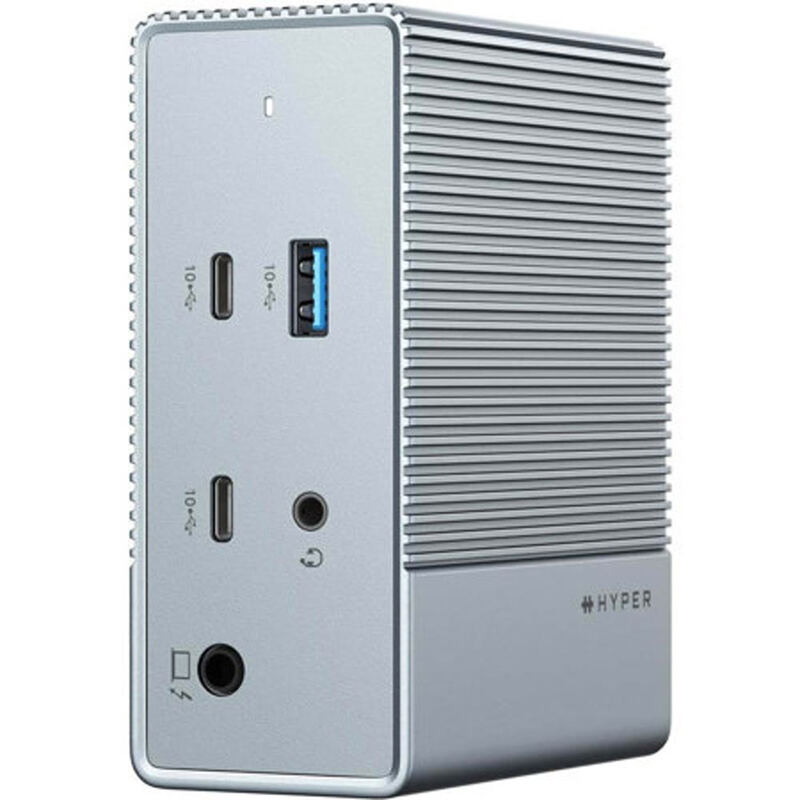
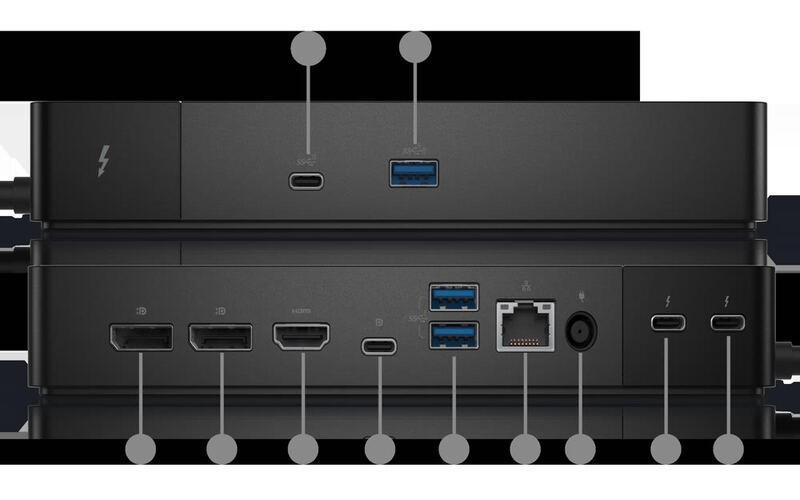
The Satechi Dual Dock Stand is more compact than the CalDigit TS4 and Dell D6000, with a unique built-in SSD enclosure neither offers. It's less expensive than the HyperDrive 12 but supports only dual (not triple) displays. Compared to the UGREEN Revodok Pro, it adds Ethernet and an NVMe bay at a higher price point.
Rating sources
Our 4.0 score is the average of these published ratings. More about methodology.