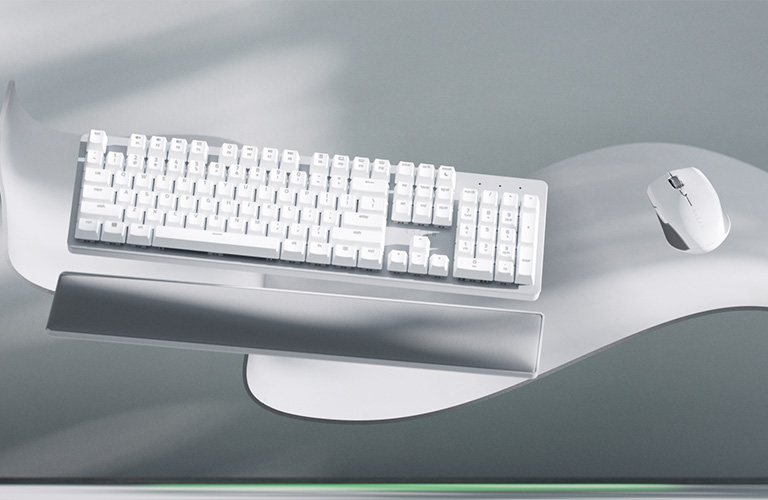
The Razer Pro Type Ultra delivers a luxurious typing experience driven by its proprietary Razer Yellow linear switches and a plush leatherette wrist rest that reviewers found to be highly comfortable. TechGearLab found that the keyboard offers versatile connectivity via Bluetooth, 2.4GHz wireless, and USB-C wired options, alongside dedicated productivity shortcut keys for email and media playback. However, Tom's Hardware explicitly titles their assessment around the device being too loud for office environments due to the distinct acoustic signature of the mechanical switches. The included wrist rest is not magnetic or attached to the keyboard and can shift out of place during active use. This model fits users who prioritize tactile feedback and ergonomic comfort in private settings, while those requiring silent operation should look elsewhere.
Full review
Typing Feel and Switch Limitations
TechGearLab found that typing on this mechanical keyboard delivers a luxurious experience, largely driven by its proprietary Razer Yellow linear switches. The keys feature a softened feel combined with a welcoming concave shape that accommodates various finger sizes comfortably during long sessions. However, the review notes an imperfect execution: while the tactile smoothness is appreciated, the board produces a very loud typing noise upon key release. This acoustic characteristic stands in stark contrast to the premium build quality, making it a device that makes a statement no one can ignore but may alienate those sensitive to mechanical actuation sounds.
A significant constraint for enthusiasts is the lack of hot-swappable switches. TechGearLab points out that users cannot swap the Razer Yellow linear switches for different styles, locking them into this specific tactile profile from day one. While some might lament this limitation compared to modular alternatives, the chosen switch type provides a consistent linear experience without the clicky feedback found in other mechanical boards. The inability to customize the actuation mechanism means buyers must commit fully to the pre-installed Razer Yellow switches, which are optimized for smoothness rather than tactile bump.
Acoustic Profile and Office Suitability
Tom's Hardware explicitly titles their assessment around the device being too loud for office environments. The mechanical nature of the Razer Yellow switches generates a distinct acoustic signature that clashes with quiet, professional settings. While TechGearLab quantifies this noise as a lower score in its typing noise category, Tom's Hardware emphasizes the practical consequence: colleagues or family members sharing a space may find the constant clacking disruptive. This loudness is not a defect but a trait of the linear mechanical design chosen by Razer, requiring users to weigh their acoustic tolerance against the tactile benefits.
The volume issue creates a clear divide in who should purchase this keyboard. In a home office or private gaming setup where ambient noise is less critical, the sound may be an acceptable trade-off for the typing feel. Conversely, in shared workspaces or quiet libraries, the audible key release becomes a genuine drawback that outweighs other ergonomic benefits. Reviewers suggest that individuals prioritizing silence should look elsewhere, as this board does not offer silent linear or rubber dome alternatives to mitigate the noise.
Ergonomics and Wrist Rest Performance
The included plush leatherette wrist rest is a standout feature that enhances comfort significantly. TechGearLab describes the palm rest as supple, noting that using it feels luxurious when paired with the keyboard's adjustable angles. The underside of the board features rubber feet for friction and flip-out stands offering 6-degree and 9-degree elevation options. This adjustability ensures that users of different heights and desk setups can find a comfortable typing posture without straining their wrists.
Despite its comfort, the wrist rest lacks magnetic or physical attachment to the keyboard chassis. It sits independently on the desk, relying solely on rubber pads on its underside to maintain position. During active use, this separate accessory can shift out of place, requiring users to frequently readjust it to ensure proper alignment with their hands. While the material quality is high, the lack of integration means the wrist rest functions more as a loose companion piece than a unified ergonomic system.
Connectivity Versatility and Battery Life
The keyboard supports three distinct connection methods: Bluetooth, 2.4GHz wireless via a provided USB dongle, and direct USB-C wired connectivity. This multi-mode approach allows users to switch between multiple devices seamlessly, making it suitable for hybrid workflows that involve desktops, laptops, and tablets. The inclusion of both Bluetooth and proprietary wireless ensures flexibility in environments where interference might be an issue or when connecting to older hardware lacking modern ports.
Battery performance is rated at 214 hours with the backlighting turned off. This duration provides substantial autonomy for daily use without frequent recharging. Users who prioritize constant illumination will need to keep the keyboard plugged in or accept a much shorter interval between charges compared to those who prefer ambient-free typing.
Productivity Keys and Software Integration
The top row of keys features a unique array of dedicated shortcuts designed for productivity. These include physical buttons for mute, volume increase and decrease, play, rewind, and fast forward functions. Additionally, the board includes specific keys for launching email clients and opening calculators directly from the keyboard layout. This hardware-level integration reduces reliance on software overlays or function-key combinations, streamlining common tasks for office workers and content creators.
PCMag highlights these shortcuts as a key differentiator in its review, noting that they add tangible value to the professional use case. The presence of media controls allows users to manage audio playback without reaching for a phone or mouse, enhancing focus during work sessions. While not all keys are programmable out-of-the-box, the pre-configured layout covers essential daily functions, making it a practical choice for those who frequently toggle between applications and media.
Build Quality and Design Aesthetics
Constructed with a polycarbonate body and a metal top plate, the keyboard balances durability with a sleek aesthetic. The full-sized layout includes a number pad, catering to users who rely on numerical input for data entry or financial work. At 2.08 pounds, it carries enough weight to remain stable during vigorous typing, though the lack of rubberized feet on the main chassis (relying instead on the wrist rest pads) might cause slight movement on smooth surfaces.
The design is understated yet distinct, avoiding the aggressive gaming aesthetics common in Razer's other peripherals. The white LED backlighting provides clear visibility without overwhelming the workspace. While the build quality feels premium, some reviewers note that the plastic construction of the case contrasts slightly with the metal plate and leatherette wrist rest. This mix of materials creates a cohesive look but highlights the cost-saving measures taken to keep the price point accessible for a mechanical board.
Strengths
- +Includes a plush leatherette wrist rest that reviewers found to be highly comfortable and supple.
- +Features adjustable incline angles of 6° and 9° for ergonomic typing positions.
- +Offers versatile connectivity with Bluetooth, 2.4GHz wireless via dongle, and USB-C wired options.
- +Includes dedicated productivity shortcut keys for email, calculator, and media playback.
Watch-outs
- −Lacks hot-swappable switches, locking users into the proprietary Razer Yellow linear switch type.
- −The included wrist rest is not magnetic or attached to the keyboard and can shift out of place.
How it compares
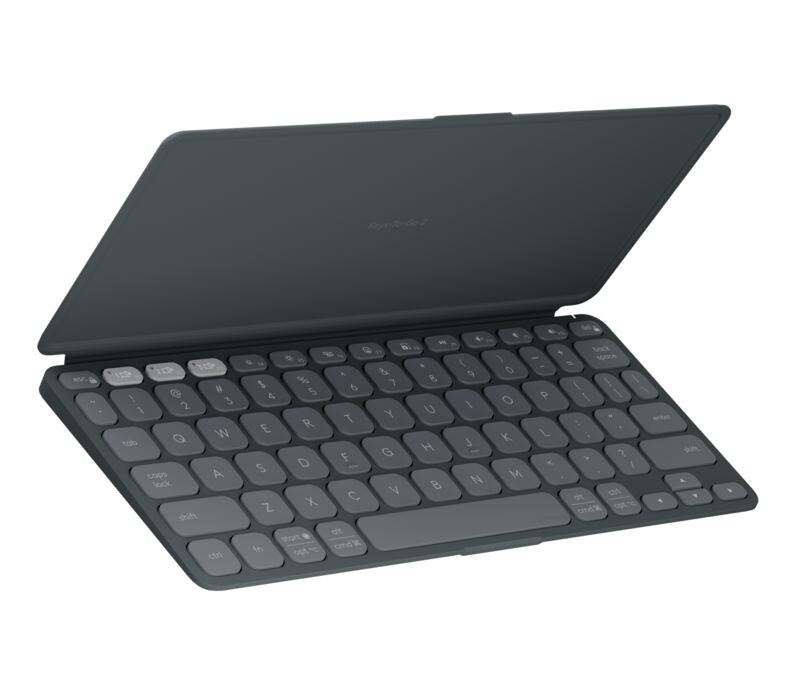
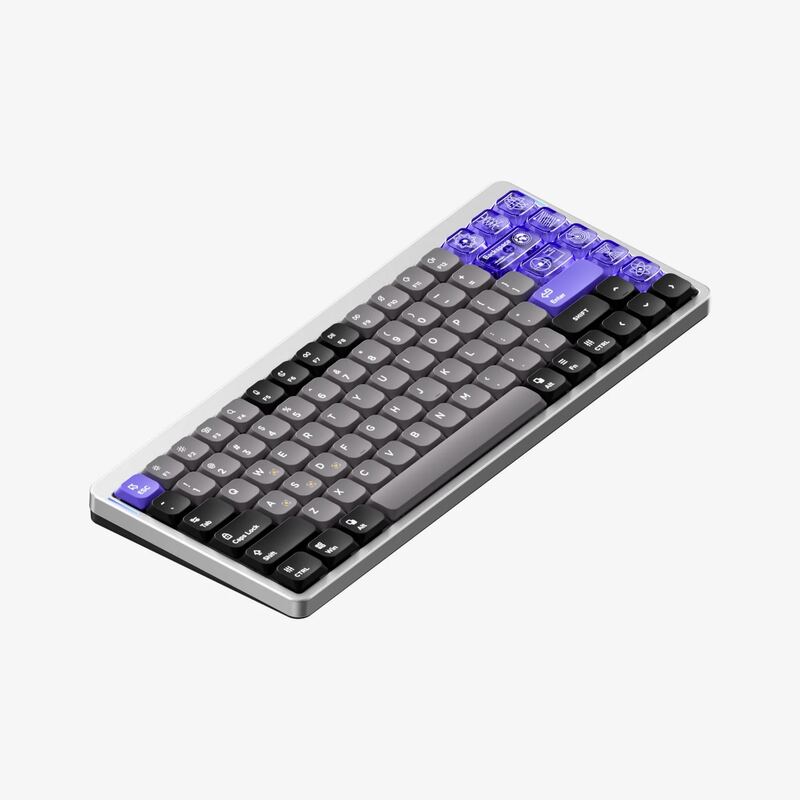
The Razer Pro Type Ultra includes a plush leatherette wrist rest that reviewers found highly comfortable, whereas the NuPhy Air75 V3 lacks any included wrist support. It offers adjustable incline angles of 6° and 9°, providing ergonomic flexibility not available on the fixed low typing angle of the Logitech Pebble Keys 2 K380s.
Rating sources
Counts as 3.89/5 in our score — this publisher's 138 scores on the site average 3.66, so its scores are adjusted up to compare fairly with other publishers.
Counts as 3.18/5 in our score — this publisher's 95 scores on the site average 3.98, so its scores are adjusted up to compare fairly with other publishers.
Counts as 4.66/5 in our score — this publisher's 181 scores on the site average 4.00, so its scores are adjusted up to compare fairly with other publishers.
Counts as 2.52/5 in our score — this publisher's 156 scores on the site average 4.15, so its scores are adjusted up to compare fairly with other publishers.
Our 3.6 score is the average of the 4 scored reviews above, each adjusted for how strictly its publisher scores; 4 more reviewed it without printing a score and are not in the average. More about methodology.