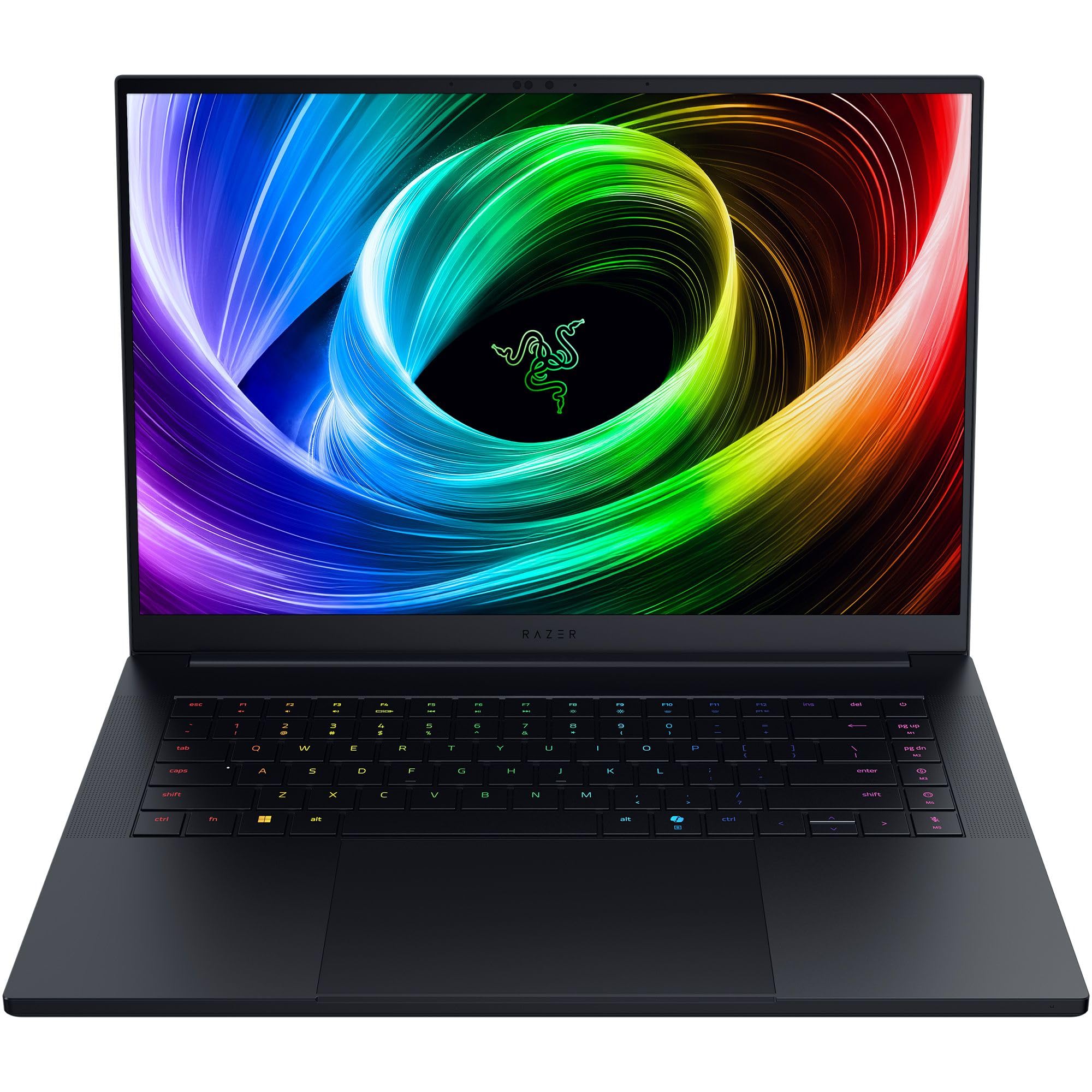
The Razer Blade 16 delivers top-tier gaming performance via the Nvidia GeForce RTX 5090 mobile GPU housed in an exceptionally thin, premium CNC-milled aluminum chassis. Ultrabookreview found that while the build quality is dense and stylish, the device suffers from noticeable flex in the keyboard deck and lid compared to past generations. The glossy OLED display offers stunning contrast and high brightness but lacks an anti-reflective coating, causing significant mirror-like reflections in bright environments. Additionally, a column of non-standard macro keys disrupts muscle memory and leads to frequent accidental presses during typing. This laptop fits users who prioritize portability and premium aesthetics over raw thermal efficiency or ergonomic comfort. Buyers seeking better value, superior battery life for all-day use, or a glare-free screen should look elsewhere.
Full review
Thermals and wattage limits on thin chassis
The Razer Blade 16 packs an Nvidia GeForce RTX 5090 into a chassis that measures just 14.9mm at its thinnest point, creating a thermodynamic environment where physics heavily constrain performance. Gamingtrend found the device to be shockingly light at only 4.6 lbs despite housing this mobile flagship GPU, but they also noted critical problems with sustained power delivery under heavy loads. The laptop is designed as a portable powerhouse rather than a desktop replacement, meaning its thermal envelope forces compromises that become obvious during extended gaming sessions.
hostbor tested the RTX 5090 configuration at both its standard 155-watt total graphics power and an unlocked 175-watt profile using Razer's Laptop Cooling Pad. They recorded a mere 4.7% performance deficit in 3DMark Time Spy when running at 155 watts compared to the thicker Asus ROG Strix Scar 18, but that gap widened significantly in actual gaming titles without the external cooler.
stuff.tv highlighted that switching from AMD silicon to Intel Panther Lake was specifically aimed at improving battery life rather than raw thermal headroom for gaming.
Glossy OLED reflections in bright environments
The 16-inch QHD+ OLED display delivers stunning contrast and a 240Hz refresh rate, but the complete absence of an anti-reflective coating severely degrades usability outside controlled lighting. YouTube reviewers emphasized that high brightness ratings mean very little when the screen acts as a literal mirror; looking at yourself in the glass happens constantly whether you are near a window or wearing a bright t-shirt indoors. This glossy finish is particularly disappointing given that matte OLED panels already exist on other devices, leaving this premium display vulnerable to ambient light washout.
stuff.tv reported that the 2026 model improved upon its predecessor by making the screen twice as bright for HDR content, with peak brightness reaching up to 1,100 nits in high dynamic range modes. While this helps combat reflections somewhat, it does not eliminate them. The Verge praised the panel's color accuracy and infinite contrast but noted that the glossy surface remains a persistent visual distraction that forces users to constantly reposition themselves or adjust room lighting to see what is actually on screen.
gamingtrend found the display to be gorgeous when viewed in optimal conditions, noting that toggling between 60Hz and 240Hz via function keys provides excellent versatility for battery conservation. However, they also pointed out that achieving the full refresh rate requires digging into Windows settings rather than offering a simple toggle. The combination of high brightness and zero anti-reflective treatment creates a screen that is technically superior on paper but practically frustrating in real-world environments with mixed lighting.
Macro keys disrupt standard typing muscle memory
Razer has added a column of five programmable macro keys to the far right side of the keyboard, a decision that fundamentally breaks traditional touch-typing layouts. hostbor admitted that their muscle memory fought these new keys immediately, resulting in frequent accidental presses where they hit the top macro key instead of the Enter key during normal typing workflows. It took approximately one day of continuous use before this awkward layout felt natural, highlighting a significant ergonomic regression for users accustomed to standard inverted-T arrow arrangements.
The Verge's Antonio G. Di Benedetto echoed these frustrations, noting that he frequently muted his microphone when intending to hit the right arrow key due to the misplaced macro column. This specific error demonstrates how the non-standard layout directly interferes with productivity and communication tasks, turning what should be a convenience feature into a persistent source of input errors. The keyboard itself features 1.5mm of travel which gamingtrend found satisfying, but the physical placement of these extra keys undermines that comfort.
stuff.tv observed that despite the ergonomic quirks, the overall typing experience remains excellent with clear pressure points and solid construction. They noted that Razer's experience as a peripheral manufacturer shines through in the tactile feedback, even if the macro key column forces users to relearn their home row positioning. The dual lighting system, which highlights secondary functions when holding Shift or Function keys, helps somewhat but cannot fully compensate for the fundamental layout change.
Software bugs and Synapse inconsistencies
Beyond hardware constraints, the Razer Blade 16 suffers from significant software instability that undermines its premium positioning. ultrabookreview's longer-term review after three months of daily use identified software inconsistencies and weird configurability options as major culprits for user dissatisfaction at this price point. They specifically called out the Synapse software as buggy, noting that power profiles often fail to behave predictably when switching between silent modes and high-performance gaming states.
The Verge reported encountering random bluescreens of death on their review unit shortly after receiving a replacement from Nvidia, which had provided the initial test devices. While they were in active troubleshooting talks with Razer regarding these crashes, the presence of such fundamental OS-level instability suggests that driver optimization for the thin-and-light chassis is still maturing. These software hiccups occur despite the hardware being technically capable of delivering top-tier performance when everything aligns correctly.
gamingtrend found that while they could rebind the Windows Copilot button—which replaces the useful Menu key—to serve as an HDR toggle, this workaround highlights a broader issue with default software configurations. The reviewer noted that digging into Windows settings was necessary to enable the full 240Hz refresh rate on the desktop, indicating that out-of-the-box experience requires significant manual tweaking rather than offering seamless functionality for average users.
Premium build quality versus fingerprint magnetism
The CNC-milled aluminum chassis feels exceptionally dense and premium, with reviewers consistently praising the lack of panel gaps or flex in the keyboard deck. stuff.tv compared the build quality favorably to Apple's MacBook Pro, noting that at 14.9mm thick and 2.14kg, it is actually thinner than the current 16-inch MacBook Pro while weighing an identical amount. The matte black finish with green-accented USB ports provides a professional aesthetic suitable for coffee shops or office environments without drawing excessive attention.
Despite the high-grade construction, every reviewer noted that the laptop acts as a fingerprint magnet. YouTube reviewers described how the device looks cool for exactly two minutes after cleaning before requiring constant wiping to maintain its pristine appearance. hostbor confirmed that while the fingerprint-resistant coating helps slightly, it still demands occasional wiping to keep the matte black finish looking clean, which detracts from the luxury experience expected at this price tier.
They identified noticeable flex in the keyboard deck and especially on the lid around the central Razer logo, attributing this to thinner metal pieces used to reduce overall weight. This structural compromise means users should probably carry the device in a protective sleeve when transporting it in a backpack, despite its impressive thin profile.
Port selection and connectivity options
Razer has managed to cram an extensive array of ports into the slim 14.9mm chassis without resorting to dongles or hubs. stuff.tv detailed a left-side configuration featuring three USB-A 3.2 Gen 2 ports, full-size HDMI 2.1, a 3.5mm audio jack, and a UHS-II SD card reader that proved highly useful for transferring files from digital cameras. The right side houses a Thunderbolt 5 port alongside another USB-C connection, while the left includes a Thunderbolt 4 port and the proprietary power connector.
The inclusion of Thunderbolt 5 on the right-side USB-C port makes this one of the few laptops in its form factor with future-proofed external connectivity. stuff.tv noted that Intel's Panther Lake chips only support up to Thunderbolt 4, meaning Razer implemented additional engineering magic to enable the newer standard. This allows users to connect high-bandwidth docking stations or external GPUs without sacrificing internal storage slots, as the device retains dual M.2 PCI 4.0 x4 slots for expansion.
gamingtrend appreciated the thoughtful placement of media controls and macro keys alongside the physical ports, though they noted that the proprietary power connector remains a bulky addition to any travel setup. The laptop ships with a 330W power adapter weighing 1.85kg on its own, which significantly increases total carry weight. While USB-C charging up to 100W is supported for emergencies, gaming performance demands plugging into the official adapter to feed the RTX 5090 sufficient juice.
Battery life improvements with Intel silicon
The transition from AMD Ryzen processors in the 2025 model to Intel Panther Lake chips in the 2026 revision was a strategic move specifically targeting battery longevity. stuff.tv reported that this change transformed the Blade 16 into a proper go-anywhere machine, finally matching its travel-friendly build with usable unplugged performance. For a device costing upwards of $5,000, reviewers expected it to function beyond just being tethered to a wall outlet during work sessions.
ultrabookreview's three-month review found that battery life remained only decent across all configurations, particularly when running productivity tasks or media playback at moderate brightness levels. The 90Wh capacity is substantial on paper, but the power draw of the high-refresh OLED panel and efficient Intel silicon creates a mixed reality where casual users get acceptable runtime while gamers must always remain plugged in. They noted that silent mode still produces audible fan noise at 42 dBA, further limiting truly quiet unplugged usage.
gamingtrend found that toggling the display between 60Hz and 240Hz provides a practical method for conserving power during non-gaming activities, though they admitted that achieving full desktop smoothness requires navigating complex Windows settings. The Verge's early impressions suggested that while battery life improved over previous generations, it still falls short of what competitors like the MacBook Pro offer, reinforcing the idea that this is primarily a high-performance gaming device rather than an all-day ultrabook.
Price premium and value proposition
The Razer Blade 16 commands an extremely steep price premium, with configurations starting around $4,399 and topping out near $5,000 depending on the selected RAM and storage options. gamingtrend described this as potentially the most expensive thing they had ever covered at their publication, noting that it represents more money than many consumers have in liquid assets. This pricing places it firmly in luxury territory where buyers are paying heavily for the Razer brand name and thin chassis engineering rather than raw performance-per-dollar metrics.
stuff.tv highlighted that the entire industry is currently under pressure from memory manufacturers and AI-driven demand, making the RAM upgrades prohibitively expensive. Upgrading to 64GB of soldered LPDDR5X-8000MHz RAM requires shelling out a significant amount of extra cash at checkout, with no option for post-purchase upgrades since the memory is not user-replaceable. This lack of flexibility forces buyers to make costly decisions upfront based on uncertain future needs.
hostbor questioned whether the $4,900 price tag justifies the performance gains over last year's RTX 4090 model, which launched at a slightly lower cost. They noted that while productivity tasks like video encoding in Premiere Pro showed a seven percent improvement thanks to additional NVENC encoders, rasterized gaming performance often lagged behind thicker competitors running older hardware. The Verge summarized the value proposition as a money-no-object purchase where buyers are paying for style and portability rather than computational efficiency.
Strengths
- +Features a premium CNC-milled aluminum chassis that is exceptionally thin (14.9mm) and lightweight for its class at approximately 2.1kg.
- +Equipped with a high-end OLED display offering QHD+ resolution, 240Hz refresh rate, and up to 1,100 nits peak brightness in HDR modes.
- +Includes an extensive port selection such as Thunderbolt 5, HDMI 2.1, USB-A ports, and a UHS-II SD card reader despite the slim profile.
- +Delivers top-tier gaming performance powered by the Nvidia GeForce RTX 5090 mobile GPU paired with high-speed Intel or AMD processors.
Watch-outs
- −The glossy OLED screen lacks anti-reflective coating, causing significant mirror-like reflections in bright environments.
- −Includes a column of non-standard macro keys that disrupts muscle memory and leads to accidental key presses.
How it compares
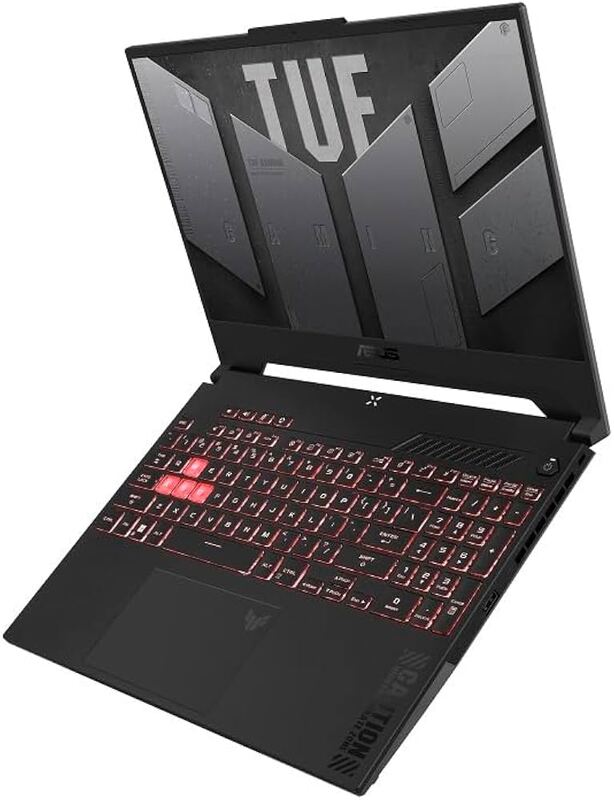
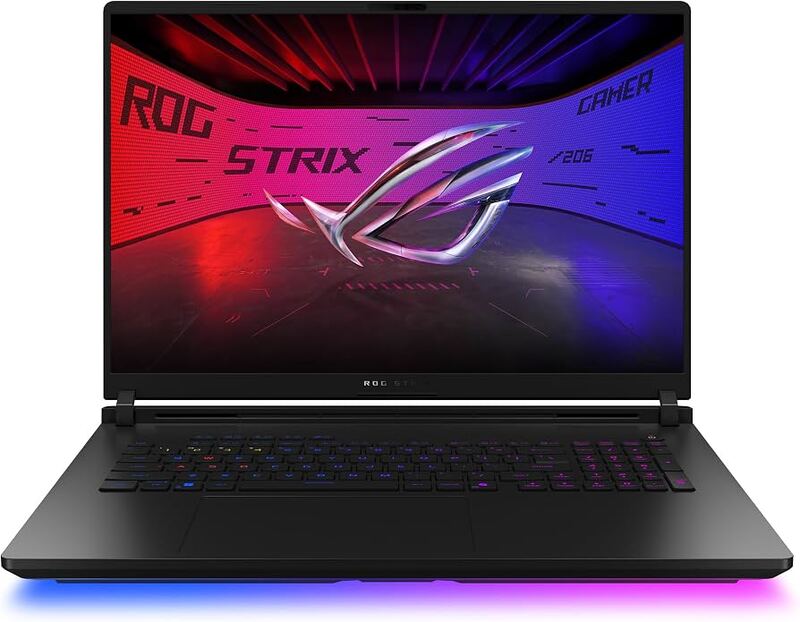
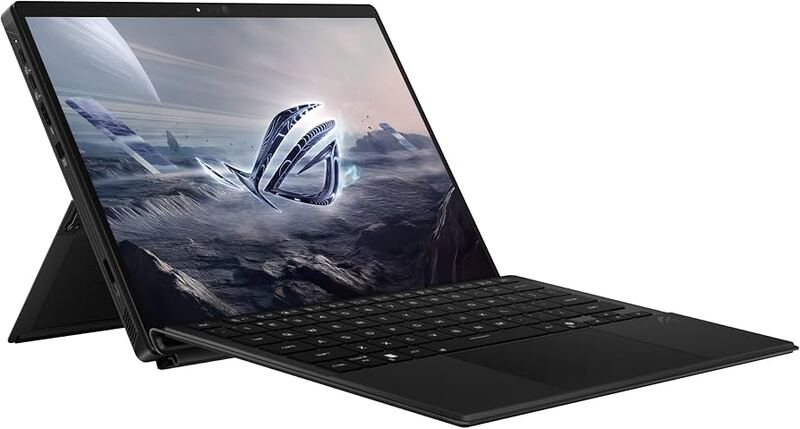
This laptop features an exceptionally thin CNC-milled aluminum chassis at 4.63 lb, offering better portability than the heavy Asus ROG Strix Scar 18 at 8.16 lb while delivering similar RTX 5090 performance. However, its glossy OLED screen lacks anti-reflective coating, causing more glare in bright environments compared to the matte IPS display on the Asus ROG Flow Z13.
Rating sources
Our 4.3 score is the average of the 3 scored reviews above; 7 more reviewed it without printing a score and are not in the average. More about methodology.