The Netgear CM2000 Nighthawk is a DOCSIS 3.1 cable modem supporting up to 2.5Gbps speeds, offering reliable performance for users with faster internet plans. Customer reviews are mixed, with some noting significant speed improvements over older models while others found it no better than the CM1200. The modem's setup is straightforward but ISP activation can be problematic. It's best suited for users with multi-gigabit internet plans rather than those on standard Gigabit connections. Reddit users and Crutchfield reviewers reported both positive and negative experiences, with the main complaint being the activation process with Comcast/Xfinity.
Full review
Hardware Specifications and Capabilities
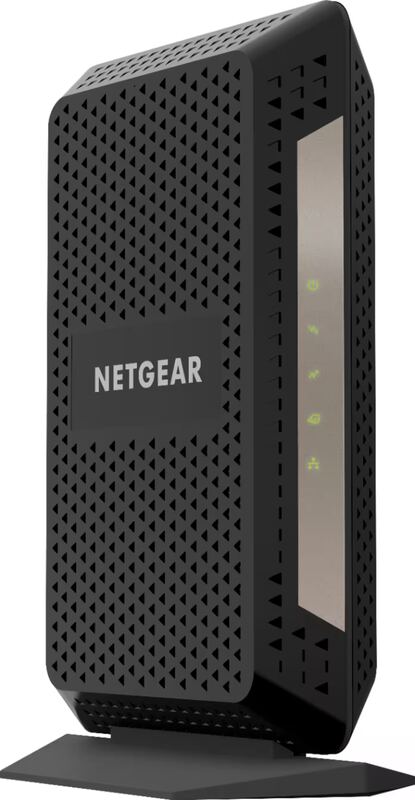
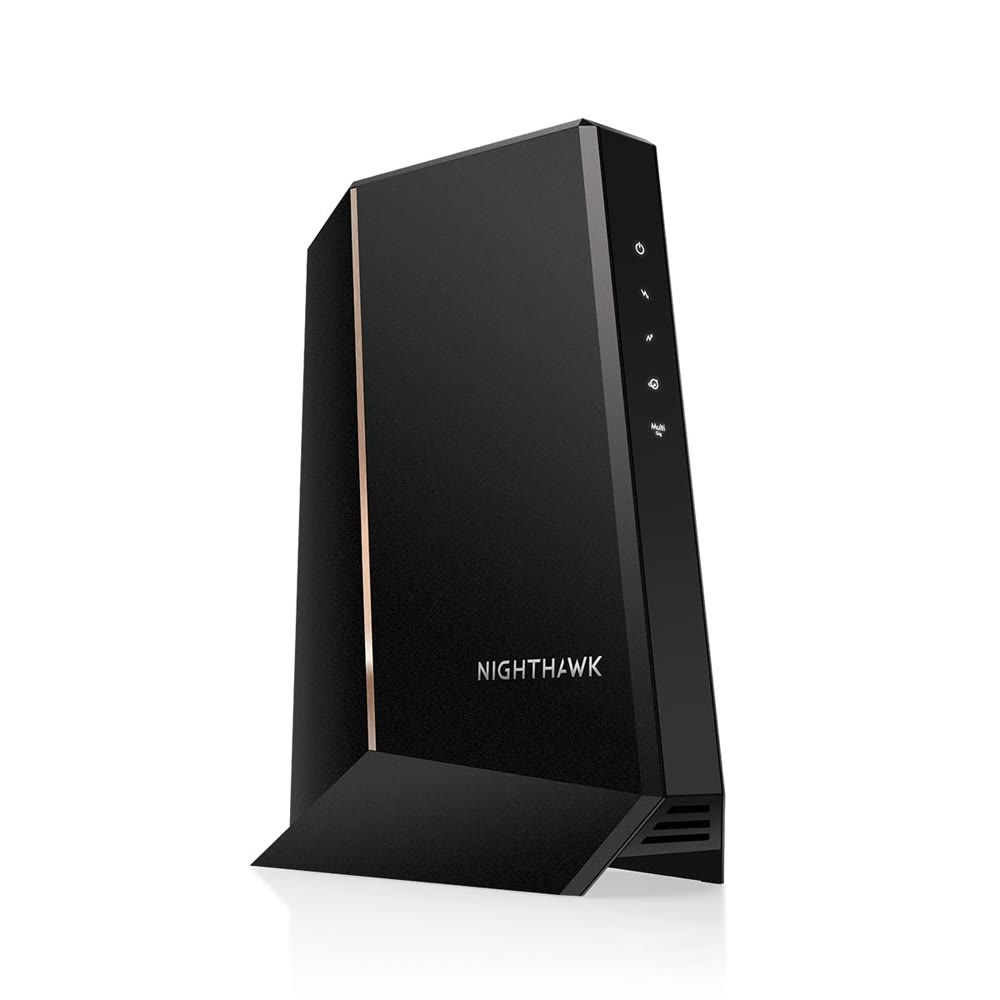
The Netgear CM2000 Nighthawk represents a significant upgrade in cable modem technology, featuring DOCSIS 3.1 support with a maximum downstream speed of 2.5Gbps. Dong Ngo from dongknows.com noted that while the modem can handle up to 2.5Gbps, users need a router with a Multi-Gig WAN port to fully utilize these speeds, along with an ISP plan that supports such bandwidth. The device comes with a single 2.5Gbps/1Gbps LAN port and a coaxial service port, measuring 6.8 x 3.7 x 8.2 inches and weighing 1.02 pounds. This compact design makes it suitable for most home environments, though the single port limitation means users must rely on their router for additional network connections.
TechRadar's review emphasized that the CM2000 is a DOCSIS 3.1 device capable of working as a DOCSIS 3.0 modem, providing flexibility for various ISP configurations. The modem's web interface, accessible at 192.168.100.1, offers status monitoring but doesn't require extensive configuration for basic setup. However, users like those in the Crutchfield customer reviews noted that activation with Xfinity required significant support interaction, with one reviewer spending over three hours dealing with Comcast's support system before successfully registering the device. The modem's default password is located on a label underneath the unit, which is standard for most Netgear products.
Real-World Performance and Speed Testing
Performance testing revealed mixed results across different user experiences. A Crutchfield customer in California reported that after upgrading from a DOCSIS 3.0 modem, they achieved a 250-300 Mbps increase in download speeds, indicating tangible improvements in network throughput. However, another Crutchfield reviewer from New Hampshire was disappointed, stating that despite the CM2000's advertised capabilities, they were pulling about the same or less speeds than their previous CM1200 modem. This reviewer noted that the modem's performance didn't justify its higher price point, especially when considering Xfinity's service quality in that region.
Reddit users in r/homelab reported varying degrees of success with the CM2000. One user mentioned achieving 2300-2450 Mbps download speeds with their router, while another noted that the modem was working well with mid-split speeds on Xfinity. However, several users encountered significant issues, including connection drops and speed degradation. A user in the Xfinity community forum reported experiencing speeds of only 700 Mbps instead of their expected 1.2 Gbps, with Xfinity support indicating firmware update problems. The user was unable to determine the correct firmware version, creating a frustrating support loop between Xfinity and Netgear.
Setup and Activation Process
The setup process for the Netgear CM2000 is generally straightforward, with most users reporting plug-and-play functionality. A Crutchfield customer in Austin, Texas noted that installation took only ten minutes, with their Xfinity service activating without requiring a technician visit. However, other users experienced significant delays during activation. One reviewer from California spent over three hours dealing with Xfinity support, with Level 1 support unable to activate the device and scheduling a tech visit, only to have Level 2 support activate it within five minutes. This discrepancy highlights potential inconsistencies in ISP support processes rather than issues with the modem itself.
Users consistently reported that the modem's web interface was functional for status monitoring, but activation required ISP coordination. The default IP address of 192.168.100.1 and the default password printed on the device's underside were standard features. However, some users encountered issues with firmware updates, particularly when Xfinity pushed updates that the modem couldn't accept. One user in the Xfinity community forum noted that Xfinity support couldn't provide the specific firmware version they were trying to update to, creating a frustrating troubleshooting cycle.
Reliability and Connection Stability
Reliability concerns emerged prominently in user reviews and community forums. Multiple users reported connection drops and intermittent connectivity issues. A user in the Netgear community forum described experiencing constant downstream connection drops, with the modem dropping to very low speeds and even losing connection for short periods. The user noted that factory resets temporarily fixed the issue but only for a short time, indicating a persistent hardware or firmware problem. Another user reported that their modem would stop working entirely after a year, with the device showing all lights but failing to provide network connectivity.
The issue of firmware compatibility became a recurring problem. Users reported that Xfinity's firmware updates often caused performance degradation or complete loss of functionality. One reviewer mentioned that after switching from a CM1200 to a CM2000, they experienced a significant drop in speeds from 800 Mbps to 550 Mbps, suggesting that the firmware update process was problematic. Additionally, users noted that the modem's downstream signal light would flash intermittently, causing connection issues during video calls and other bandwidth-intensive activities. The modem's event logs showed multiple instances of MDD message timeouts, sync timing failures, and dynamic range violations, indicating underlying stability issues.
User Satisfaction and Customer Support
Customer satisfaction with the Netgear CM2000 was mixed, with some users praising its performance while others expressed significant frustration. A Crutchfield customer in Willows, California described the modem as 'amazing' after upgrading from a DOCSIS 3.0 modem, noting a substantial speed increase. However, another user from Nashua, NH was disappointed, stating that the modem was 'not better than the CM1200' and didn't provide noticeable improvements. The pricing factor also became a point of contention, with one reviewer noting that despite the modem's capabilities, it was 'a little expensive but I guess you do get what you pay for.'
Support experiences varied widely. While some users reported successful activation and smooth operation, others encountered significant difficulties. A reviewer from Downers Grove, IL described spending over four hours on the phone with both Xfinity and Netgear customer service, ultimately returning the device after unsuccessful attempts to resolve firmware issues. The Crutchfield customer service response was positive, with the company offering to process returns and exchanges within 60 days. However, the overall experience highlighted potential gaps in support coordination between ISPs and modem manufacturers.
Where It Falls Short
The Netgear CM2000's primary shortcomings include inconsistent firmware support, reliability issues, and limited value proposition for users with slower internet plans. Users consistently reported that the modem's performance didn't justify its price tag, especially when compared to the CM600 or CM1200 models. The device's inability to maintain stable connections, particularly with Xfinity's firmware updates, created ongoing problems for many users. Several reviewers noted that the modem would work well initially but then experience connection drops, speed degradation, or complete failure after extended use.
Another significant drawback was the lack of clear communication from Netgear regarding firmware updates and compatibility. Users frequently encountered situations where Xfinity support couldn't provide specific firmware versions, and Netgear support was unable to resolve the issues. The modem's event logs showed multiple error messages indicating potential hardware or configuration problems, suggesting that the device wasn't fully optimized for all ISP environments. Additionally, the single LAN port limitation meant users needed additional networking equipment, which added to the overall cost and complexity of the setup.
Who It's Best For
The Netgear CM2000 is best suited for users who have a high-speed internet plan that can actually utilize its 2.5Gbps capabilities. Users with gigabit or faster internet connections who are willing to invest in additional networking equipment to fully leverage the modem's potential will find it a solid choice. However, those with slower internet plans or who are looking for a simple, plug-and-play solution without dealing with firmware issues should consider alternative options. The modem's performance is heavily dependent on ISP support and firmware compatibility, making it less ideal for users with problematic ISP relationships or those who prefer minimal technical interaction.
Consumers who are already invested in Netgear's ecosystem and have routers capable of handling Multi-Gig speeds will benefit most from this modem. The device's DOCSIS 3.1 capabilities make it future-proof for higher-speed internet plans, but users must weigh the potential reliability issues against the benefits. Those who frequently experience connection problems or require extensive technical support should look elsewhere, as the CM2000's firmware-related issues have been documented across multiple user forums and review platforms.
How It Compares to Alternatives
Compared to the CM600, the CM2000 offers superior speed capabilities but at a significantly higher price point. Dong Ngo from dongknows.com noted that for users with sub-Gigabit connections, the CM600 remains a better value, despite the CM2000's advanced features. The CM1200, another DOCSIS 3.1 modem, was criticized by some users for not providing noticeable improvements over older models, suggesting that the CM2000's performance gains may not justify its cost for all users.
In comparison to other manufacturers' offerings, the CM2000's performance is competitive but not without caveats. Users who experienced firmware issues with the CM2000 reported that the CM1100, a previous generation model, performed more reliably. The modem's reliability issues, particularly with Xfinity's firmware updates, make it less attractive compared to more stable alternatives. However, for users who can successfully navigate the setup and avoid firmware conflicts, the CM2000's speed capabilities and DOCSIS 3.1 support provide genuine advantages over older DOCSIS 3.0 devices.
Strengths
- +Supports DOCSIS 3.1 technology for up to 2.5Gbps broadband speeds
- +Easy setup process with standard web interface accessible at 192.168.100.1
- +Compact design with clear status lights for troubleshooting
Watch-outs
- −Does not provide noticeable speed improvements over older CM1200 model for some users
- −Requires ISP activation which can be problematic and time-consuming
How it compares
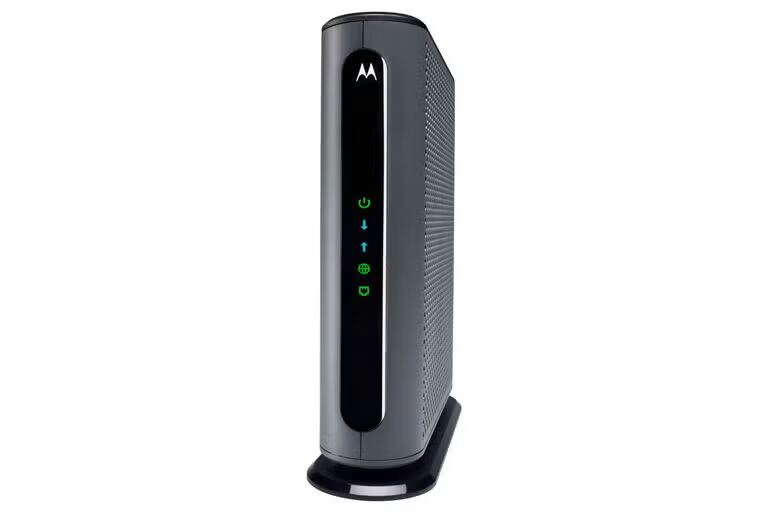
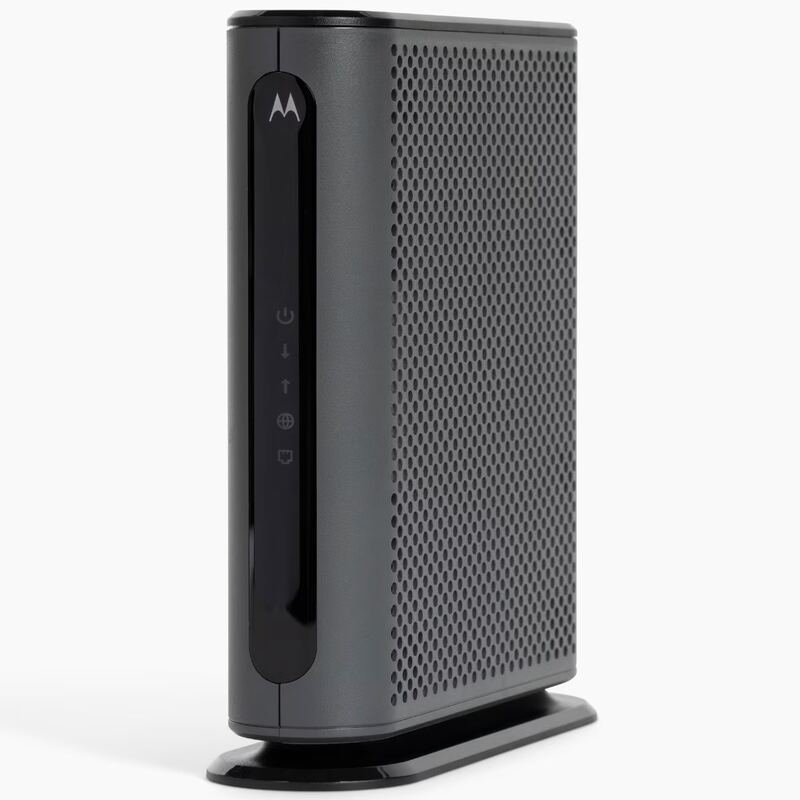
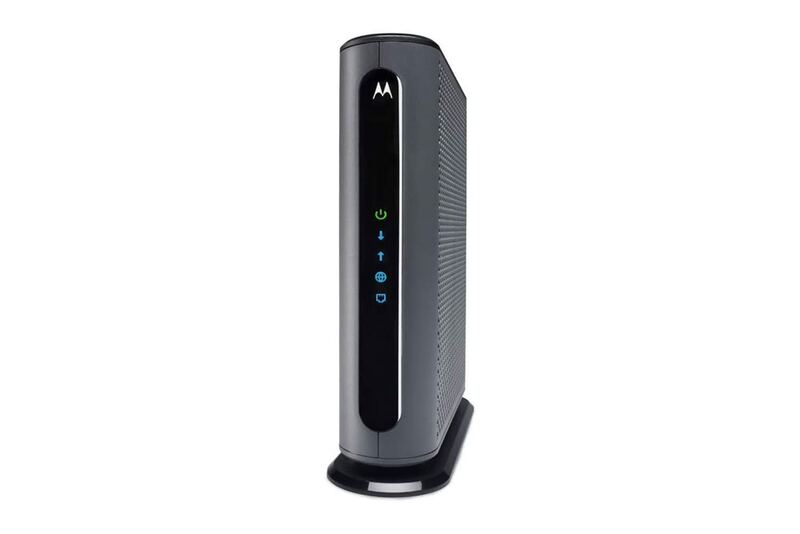
The Netgear CM2000V supports 2.5Gbps speeds, unlike the Arris SB8200 which is capped at 1Gbps, but it's less reliable than the Motorola MB8600 in terms of setup ease. Unlike the Motorola MB8611, it lacks 2.5Gbps Ethernet support, and unlike the Arris SBG8000, it doesn't include integrated Wi-Fi.
Who this is for
At a glance: multi-gigabit plan users needing reliable performance.
Why you’d buy the Netgear CM2000V
- Supports DOCSIS 3.1 technology for up to 2.5Gbps broadband speeds.
- Easy setup process with standard web interface accessible at 192.168.100.1.
- Compact design with clear status lights for troubleshooting.
Why you’d skip it
- Does not provide noticeable speed improvements over older CM1200 model for some users.
- Requires ISP activation which can be problematic and time-consuming.
Rating sources
“No, this latest NETGEAR cable modem is not bad — far from it, if not the opposite. But if you have a Gigabit Internet (or slower), you won't see any difference.”
“Speeds are good, I get 2300-2450 D/L and 235-250 U/L at the router, WiFi easily gets 230 U/L almost anywhere in the house - mid-stream is working well!”
“Meh, not better than the CM1200. Not great on Xfinity either. Despite advertised as such, It's supposed to be faster, but I was pulling about the same or less than the CM1200 modem in two days of testing this device out.”
“Typically the big wig support reps up there get things fixed and know way more than the lower level guys and clearly you know your network and your modem.”
Our 3.4 score is the average of these published ratings. Ratings marked * were derived from the reviewer’s written analysis or video transcript — the publisher didn’t print an explicit numeric score, so we inferred one from their own words. Click through to verify. More about methodology.