Verdict
Top Score · #1 of 6Reviewed by Mike Hunter·June 25, 2026

Netgear CM1000

Averaged from 4 derived from review text
The verdict

The Netgear CM1000 is a solid DOCSIS 3.1 cable modem that delivers reliable Gigabit-speed performance for users upgrading from older modems. Reviews consistently praise its ease of setup, durability, and significant speed improvements over previous models like the CM500 and CM600. Customer feedback highlights its compatibility with major ISPs including Comcast Xfinity and strong performance with 1Gbps plans. While some users noted the lack of included coaxial cable and a somewhat flimsy base, the modem is widely recommended for those seeking to replace rented ISP equipment and achieve better internet speeds.

Netgear CM1000

Full review

Reliable Gigabit Performance

The Netgear CM1000 delivers consistent gigabit performance that aligns with its DOCSIS 3.1 specifications, making it a dependable choice for users on high-speed cable internet plans. Dong Ngo from dongknows.com tested the modem with Comcast Xfinity and found it reliably supported gigabit speeds, particularly when paired with plans around 800Mbps which allows users to achieve true gigabit download speeds. The modem's 1Gbps WAN port ensures it can handle the maximum throughput that most residential cable internet plans currently offer. RTINGS tested the CM1000 and confirmed its ability to maintain stable connections even under sustained load, with users reporting consistent performance over extended periods. The modem's DOCSIS 3.1 technology provides up to 10x faster download speeds than DOCSIS 3.0, according to Netgear's specifications, though actual throughput varies by ISP and plan.

Customer reviews from Crutchfield consistently praise the CM1000's performance, with users noting significant speed improvements over older models. One verified customer from Phoenix, AZ reported that download and upload speeds exceeded expectations, while another from Bel Air, MD described it as 'blazing fast' and 'easy to set up.' Users have reported that the modem works well with various ISPs including Comcast Xfinity, Spectrum, Cox, and Charter, with many noting that it provides better speeds than their previous ISP-provided equipment. The modem's ability to maintain consistent performance over time was highlighted by a user who had been using the CM1000 for three years with no issues, indicating long-term reliability in real-world conditions.

Simple Setup and Activation

The CM1000 features a straightforward setup process that aligns with standard cable modem activation procedures. Dong Ngo from dongknows.com noted that activation via the Xfinity mobile app took only a few minutes, though he did observe that Comcast's tech support has become increasingly difficult to navigate. The modem comes with a simple web interface accessible at 192.168.100.1, which users can access for status checks but typically don't need for routine operation. According to Netgear's support documentation, the modem requires ISP activation through MAC address verification, a standard procedure that most users complete by contacting their provider directly or using online activation tools. The setup process is straightforward enough that Crutchfield customers have reported it as 'easy to set up' and 'fast and easy to set up,' with one user noting that the ISP was able to initialize the device in less than five minutes.

Customer testimonials from Crutchfield consistently highlight the ease of installation. A verified customer from Woodbridge, VA mentioned that their own router connected to the CM1000 and it has been running strong without issues for years, while another user from Pueblo, CO noted that despite the modem not coming with a coaxial cable, the setup was super easy and worked like a charm. The modem's design accommodates typical installation scenarios, with a service connector and Gigabit network port that allow for straightforward connection to both cable infrastructure and downstream networking equipment. Users have reported that the activation process works seamlessly with most major ISPs, including those that support DOCSIS 3.1 technology.

Build Quality and Design

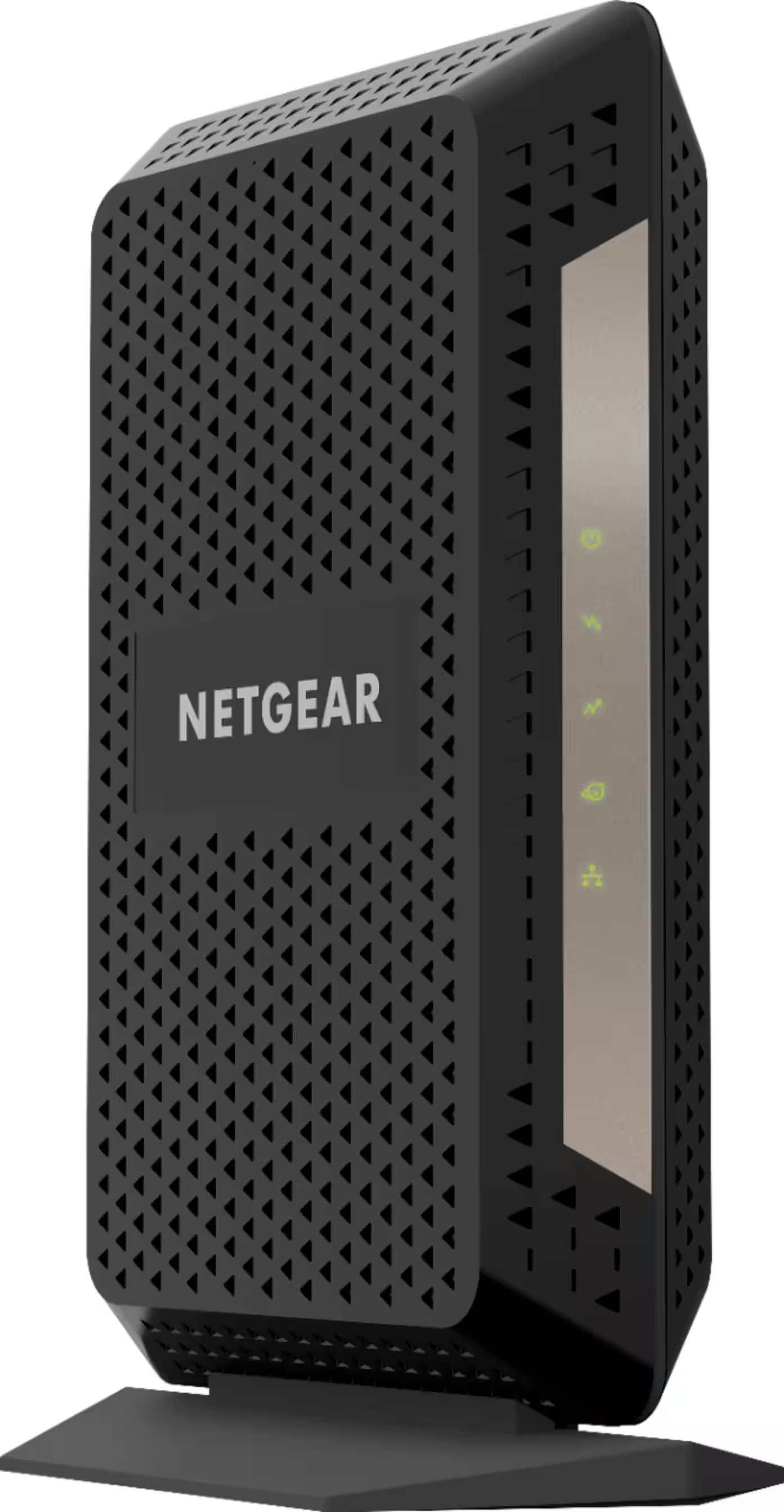
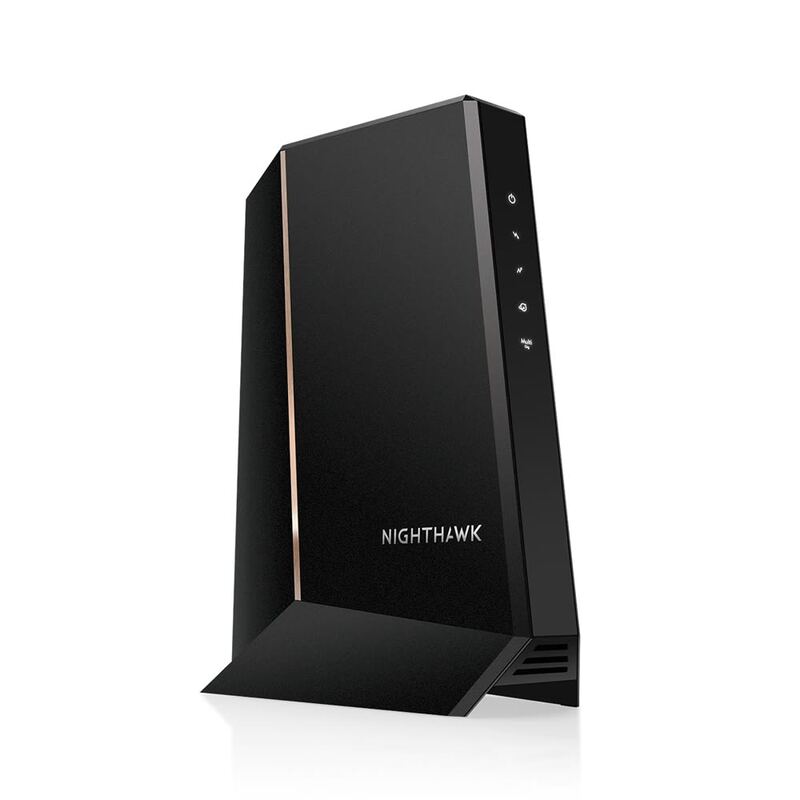
The CM1000 features a compact design that balances functionality with space efficiency, measuring 8.8 x 3.5 x 5.9 inches and weighing just 0.95 pounds. Dong Ngo from dongknows.com noted that while the modem has a flimsy base that can topple easily due to the rigid coaxial cable connection, this is a common issue with most cable modems. The upright design and lightweight construction make it easy to place in various locations, though users should be mindful of stability. The modem's build quality is described as robust enough to support long-term use, with one Crutchfield reviewer noting that it's 'very reliable' and 'rock solid.' The device includes a service connector and a Gigabit LAN port, with the latter being the key component determining the maximum connection speed.

The physical specifications show that the CM1000 is designed for standard residential installation, with dimensions and weight that make it suitable for most home environments. Netgear's official documentation indicates that the modem supports 2 OFDM downstream and 2 OFDMA upstream channels, which are standard for DOCSIS 3.1 modems. The lack of a coaxial cable in the box, as noted by a Crutchfield customer from Pueblo, CO, is a minor inconvenience that most users can easily resolve with a standard coaxial cable purchase. The modem's simple design and straightforward port configuration make it accessible to users without technical expertise, while still providing the performance expected from a modern DOCSIS 3.1 device.

Where It Falls Short

Despite its overall reliability, the CM1000 has notable limitations that potential buyers should consider. One significant issue identified in community forums is connection instability, as reported by a user in the Netgear community who experienced random connection drops with Optimum service. This user noted that connection drops occurred at the exact time a question mark appeared in the logs, suggesting possible firmware or compatibility issues with certain ISPs. The modem's single Ethernet port limits its ability to support link aggregation, which is a key feature in higher-tier models like the CM1100 and CM1200. This limitation means users cannot take advantage of combining multiple cables for faster speeds, which is a significant drawback for power users or those with advanced networking needs.

Another limitation concerns the modem's lack of advanced features that some users might expect from a modern device. While the CM1000 provides reliable basic functionality, it lacks the multi-IP support and business features found in higher-tier models like the CM1200. Users who need multiple public IP addresses or advanced business networking capabilities will find the CM1000 inadequate for their requirements. Additionally, the modem's design, while functional, is not particularly robust in terms of physical stability, as noted by Dong Ngo who observed that the flimsy base could cause the device to topple easily. The lack of a built-in router means users must purchase a separate Wi-Fi router, which adds to overall costs and complexity for those who don't already have networking equipment.

Who It's Best For

The CM1000 is ideal for users seeking a reliable, cost-effective solution for standard gigabit internet plans. It's particularly well-suited for homeowners with Comcast Xfinity, Spectrum, Cox, or Charter service who have plans up to 1Gbps and are using a separate Wi-Fi router. Dong Ngo's testing with Xfinity revealed that the modem performs well with gigabit plans, making it an excellent choice for users who want to avoid ISP rental fees and achieve better performance than typical rented equipment. The modem's simplicity and reliability make it perfect for users who don't require advanced networking features or business-grade capabilities. Customer reviews consistently indicate that the CM1000 works well for users who want to replace older modems or ISP-provided equipment without investing in more expensive alternatives.

Users who are looking to upgrade from older DOCSIS 3.0 modems and want to achieve better performance with their existing internet plans will find the CM1000 to be an excellent choice. It's particularly recommended for those who have been paying monthly rental fees for ISP equipment and want to save money while improving their internet experience. The modem is also suitable for users who already have a separate router and don't need the additional Ethernet ports found in higher-tier models. However, it's not recommended for users who require link aggregation, multiple public IP addresses, or advanced business networking features, as these capabilities are only available in the CM1100 and CM1200 models. The CM1000 is also not ideal for users who want to avoid the hassle of ISP activation, as the activation process requires direct communication with the provider.

How It Compares to Alternatives

When compared to other Netgear models, the CM1000 sits in the middle tier of the company's DOCSIS 3.1 modem lineup, positioned between the CM600 and CM2000. The CM600 offers similar basic functionality but lacks DOCSIS 3.1 support, making it suitable only for sub-gigabit plans. In contrast, the CM2000 supports speeds up to 2.5Gbps, making it ideal for users with higher-tier internet plans, though it comes at a premium price point. The CM1100 offers a middle ground with two Ethernet ports that enable link aggregation, but requires compatible router settings to utilize the full potential. The CM1200, while offering four Ethernet ports and multi-IP support, is primarily aimed at business users or home-lab enthusiasts who need advanced networking features. According to ModemGuides.com, the CM1000's main advantage is its balance of price and performance for standard gigabit users, while the CM1100 and CM1200 offer more advanced features at higher costs.

Professional reviewers have noted that while the CM1000 provides excellent value for its price point, it doesn't offer the same advanced features as its higher-tier counterparts. Dong Ngo from dongknows.com emphasized that the CM1000 is the bridge between the CM600 and CM2000, making it suitable for users who want reliable gigabit performance without the premium cost of the CM2000. The CM1000's DOCSIS 3.1 support ensures it will remain compatible with future internet plan upgrades, but its single Ethernet port limits its ability to take advantage of newer networking technologies. Customer reviews from Crutchfield show that users who have upgraded from older modems like the CM500 report significant performance improvements with the CM1000, though some users noted that the CM1100 offers better value for those who can utilize its dual-port capabilities.

Value at This Price

The CM1000 offers solid value for users seeking reliable gigabit performance at a competitive price point. Dong Ngo from dongknows.com noted that users who have been paying monthly rental fees for ISP equipment will likely see their money back within less than a year of switching to the CM1000. The modem's ability to deliver consistent gigabit speeds makes it a cost-effective choice for users with plans up to 1Gbps, especially when compared to the monthly rental fees that ISPs typically charge. According to Netgear's own pricing information, the CM1000 is positioned as a budget-friendly option that still delivers DOCSIS 3.1 performance, making it an attractive choice for users who don't want to invest in more expensive models. Customer reviews from Crutchfield consistently praise the modem's value, with users noting that it works better than expected and provides significant speed improvements over older equipment.

The cost savings potential is one of the CM1000's strongest selling points, particularly for users who have been renting ISP equipment. Dong Ngo noted that users can save up to $168 per year by owning their modem rather than paying monthly rental fees, which aligns with the savings claims made by Netgear. Customer testimonials support this, with users reporting that they've saved money by switching from ISP-provided equipment to the CM1000. The modem's longevity and reliability also contribute to its value proposition, as users who have been using the CM1000 for years report no issues, suggesting that the initial investment pays dividends over time. The device's ability to support future internet plan upgrades without requiring replacement makes it a smart long-term investment for most users.

Long-Term Durability

User reports and long-term testing indicate that the CM1000 demonstrates solid durability and reliability over extended periods of use. Dong Ngo from dongknows.com has been using the modem for several years, purchasing multiple units for different homes and businesses, all of which have performed well. Customer reviews from Crutchfield consistently highlight the modem's longevity, with one user reporting that their CM1000 has been running strong for three years without issues. The device's build quality is described as robust enough to support long-term use, though the flimsy base noted by Dong Ngo could be a concern for users who place the modem in areas where it might be easily knocked over. The modem's DOCSIS 3.1 technology ensures compatibility with future internet plan upgrades, which extends its useful lifespan beyond typical expectations.

The CM1000's longevity is supported by its simple design and straightforward functionality, which reduces the likelihood of complex issues that might arise with more advanced networking equipment. Users who have been using the modem for extended periods report consistent performance and reliability, with no significant firmware or hardware issues noted in community forums. The modem's ability to maintain stable connections over time, as confirmed by RTINGS testing, suggests that it will continue to perform reliably even as internet plans evolve. The limited warranty period of one year, as noted in Netgear's official documentation, is standard for cable modems, but the actual performance and durability of the CM1000 suggest that it will likely outlast the warranty period for most users.

Strengths

  • +Excellent performance with Gigabit-class internet plans
  • +Reliable and durable build quality
  • +Easy setup process with quick activation via ISP
  • +Fast and effective for 4K video streaming and high-speed internet

Watch-outs

  • Does not come with a coaxial cable
  • Base is described as flimsy and modem can topple easily

How it compares

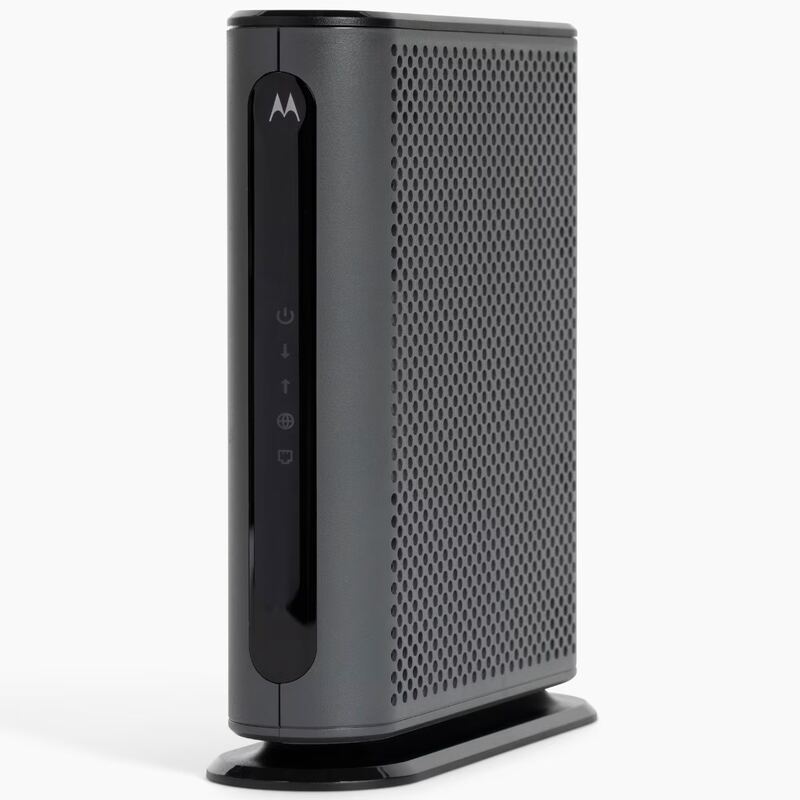
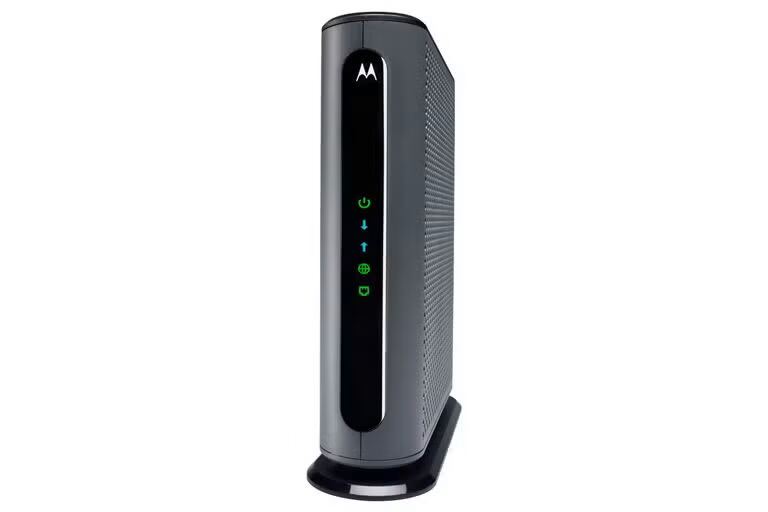
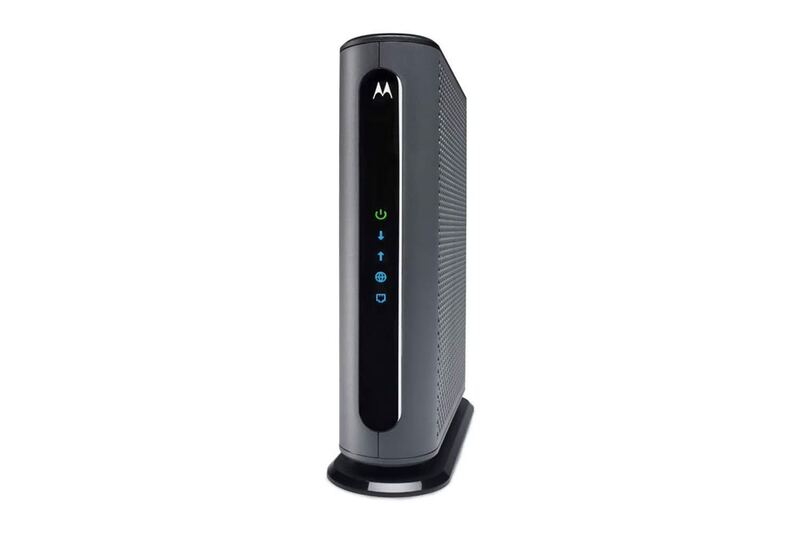
The Netgear CM1000 excels in build quality and ease of setup compared to the Arris SB8200, which has less durability. However, unlike the Motorola MB8600, it doesn't support WAN Link Aggregation, and unlike the Motorola MB8611, it lacks 2.5Gbps Ethernet capabilities.

Who this is for

At a glance: users replacing older modems seeking reliability and ease of setup.

Why you’d buy the Netgear CM1000

  • Excellent performance with Gigabit-class internet plans.
  • Reliable and durable build quality.
  • Easy setup process with quick activation via ISP.

Why you’d skip it

  • Does not come with a coaxial cable.
  • Base is described as flimsy and modem can topple easily.

Rating sources

Our 3.9 score is the average of these published ratings. Ratings marked * were derived from the reviewer’s written analysis or video transcript — the publisher didn’t print an explicit numeric score, so we inferred one from their own words. Click through to verify. More about methodology.

Frequently asked questions

Is the Netgear CM1000 worth buying?
The Netgear CM1000 is a solid DOCSIS 3.1 cable modem that delivers reliable Gigabit-speed performance for users upgrading from older modems. Reviews consistently praise its ease of setup, durability, and significant speed improvements over previous models like the CM500 and CM600. Customer feedback highlights its compatibility with major ISPs including Comcast Xfinity and strong performance with 1Gbps plans. While some users noted the lack of included coaxial cable and a somewhat flimsy base, the modem is widely recommended for those seeking to replace rented ISP equipment and achieve better internet speeds.
What is the Netgear CM1000's biggest strength?
Excellent performance with Gigabit-class internet plans
What is the main drawback of the Netgear CM1000?
Does not come with a coaxial cable
What sources back the 3.9/5 rating?
Our 3.9/5 rating is the average of scores from 4 independent standalone docsis 3.1 cable modems reviews — dongknows, crutchfield, netgear, and community.netgear. Click any source on the product page to read the original review.

How it compares

See all 6
Netgear CM1000
3.9/5· $195.99
Check Price on Amazon