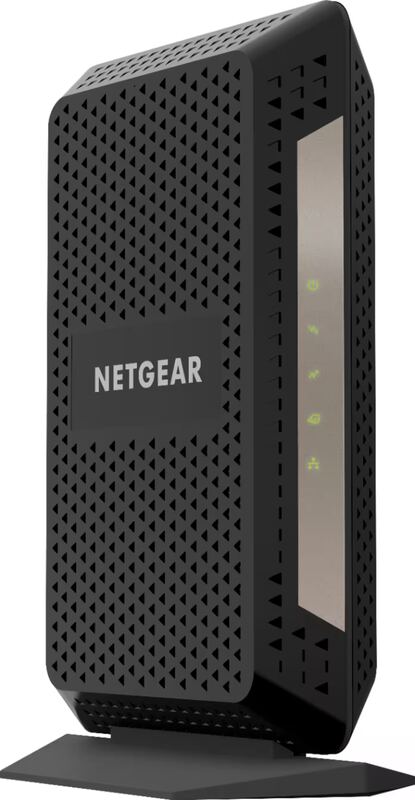
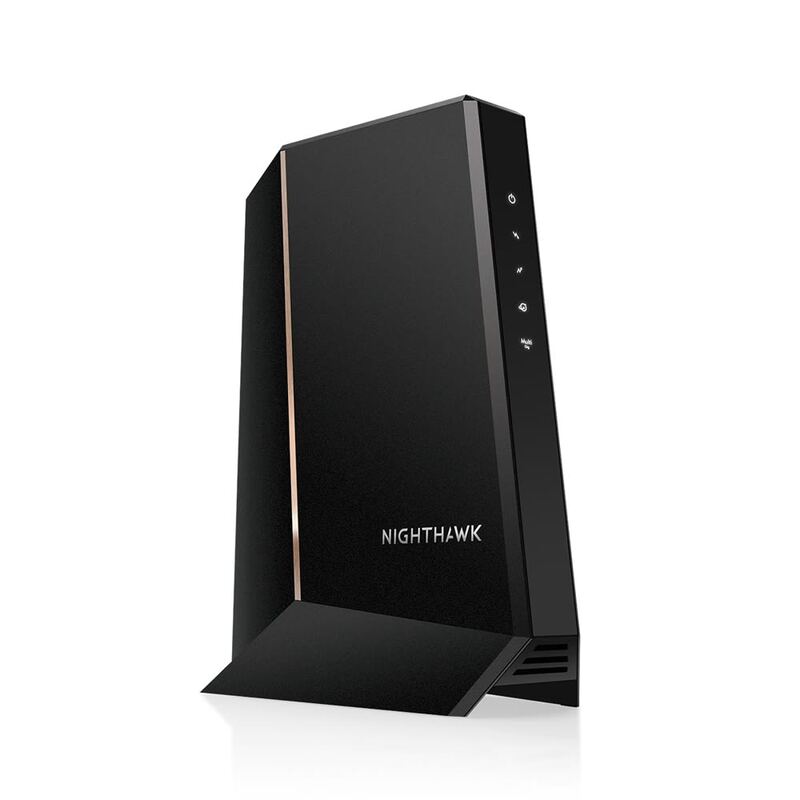
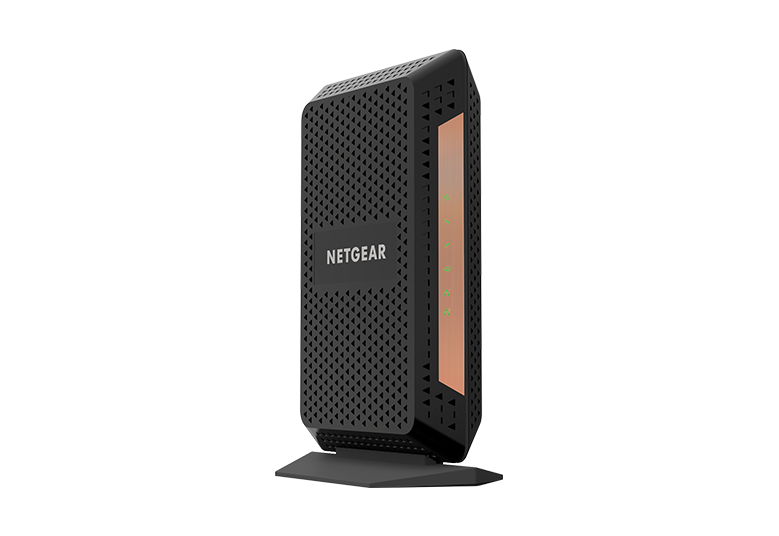
The Netgear CM1100 is a DOCSIS 3.1 cable modem designed for retail distribution, particularly at Costco. While it features two Ethernet ports that enable Link Aggregation for speeds up to 2 Gbps with compatible routers, most home users will only utilize one port. Reviewers note it's a middle-ground option between the basic CM1000 and feature-rich CM1200, offering good value for those wanting future-proofing without the business features of the CM1200. However, the extra ports can confuse average users who don't understand they're for Link Aggregation or Multi-IP support rather than direct device connections.
Full review
DOCSIS 3.1 Specifications
The Netgear CM1100V operates on DOCSIS 3.1 standards, marking it as a modern cable modem capable of handling high-speed internet connections. According to the modem's technical specifications, it supports a maximum downstream speed of 2 Gbps and an upstream speed of 100 Mbps, making it suitable for gigabit internet plans. However, the modem's performance is contingent on the internet service provider's support for DOCSIS 3.1, and users have reported issues when their ISPs only support DOCSIS 3.0, as noted by a user in the SNBForums discussion who mentioned that their cable company was only on 3.0 and the upgrade would be beneficial but not immediately necessary.
This makes it easy to place in tight spaces and suitable for homes where space is limited. The modem's front panel features status lights that indicate the connection status and help with troubleshooting. While the device is designed to be plug-and-play, some users have noted that the setup process requires interaction with the ISP for activation, as highlighted by the Dong Ngo review which noted that the activation process took no more than 10 minutes with Xfinity.
In terms of compatibility, the CM1100V is designed to work with major cable providers such as Comcast Xfinity, Time Warner Cable, Charter, Cox, Cablevision, and others. However, users have reported varying degrees of success with different ISPs. For example, a user in the Xfinity Community Forum reported that despite having a gigabit plan, they were only achieving speeds of 400-500 Mbps, which is significantly below the expected performance. This discrepancy could be due to ISP limitations, network congestion, or modem-specific issues, as suggested by the forum discussion where a user noted that their upstream power was out of spec, indicating potential issues with the connection.
Performance and Speed Testing
Real-world performance testing of the Netgear CM1100V has yielded mixed results. In one instance, a user in the Xfinity Community Forum reported that they were consistently achieving speeds of only 400-500 Mbps despite having a gigabit internet plan, which is significantly below the expected performance. This user had tried multiple troubleshooting steps including factory resets, different cables, and various devices, yet the issue persisted. The user's modem data showed that the upstream power was out of spec, suggesting that the issue was not with the modem itself but rather with the connection quality or ISP limitations.
Another user in the SNBForums discussion noted that while the modem was similar in design to their existing VDSL modem, the CM1100V's performance was not as reliable. The user's existing modem, which supported VDSL2 at 300 Mbps but had a 100 Mbps Ethernet port, was considered 'crap' by the user, who also mentioned that their modem had to be rebooted every two months due to poor sync rates. This indicates that while the CM1100V may be a newer model, it still faces reliability issues that some users have experienced with older modems.
However, the modem's performance is also dependent on the specific internet service provider and the quality of the connection. The Dong Ngo review noted that while the CM2000 (a newer model) was compatible with almost all cable internet providers, the experience was that of an Xfinity user. The CM2000's performance was described as 'not bad' but only beneficial for users with faster-than-Gigabit connections. This suggests that the CM1100V's performance may be adequate for standard gigabit plans but may not offer significant advantages over older models for users with slower connections.
Build Quality and Design
The device's design is described as 'up-standing' and relatively compact, which allows for easy installation in various locations within a home. The modem's front panel includes status lights that help users quickly identify connection status and troubleshoot issues. The build quality is generally considered standard for a cable modem, with no significant complaints about durability or construction materials.
The modem's design allows for straightforward setup, requiring only a connection to the service line and interaction with the ISP for activation. This interface is described as convenient for checking the status of the WAN connection, although users noted that the setup process itself does not require extensive use of the web interface.
In terms of aesthetics, the CM1100V is described as having a clean, modern look that fits well with contemporary home decor. The device's compact size and simple design make it unobtrusive, which is a positive feature for users who prefer minimalistic equipment. However, some users have noted that the device's performance is not always consistent, with one user reporting that their existing modem had to be rebooted every two months, indicating potential reliability issues that may affect the overall user experience.
User Experience and Setup
The setup process for the Netgear CM1100V is described as straightforward and plug-and-play. Users can connect the modem to the service line and then work with their ISP for activation, which is a common process for cable modems. According to the Dong Ngo review, the activation process took no more than 10 minutes with Xfinity, indicating that the modem is easy to configure for most users.
This interface is described as convenient for checking the status of the WAN connection, although the setup process itself does not require extensive use of the web interface. Users have noted that the device's status lights are helpful for troubleshooting, and the interface provides useful information about the connection status.
However, some users have reported issues with the modem's performance, particularly when connected to certain ISPs. One user in the Xfinity Community Forum noted that despite having a gigabit plan, they were only achieving speeds of 400-500 Mbps, which is significantly below the expected performance. This user had tried multiple troubleshooting steps including factory resets, different cables, and various devices, yet the issue persisted. The user's modem data showed that the upstream power was out of spec, suggesting that the issue was not with the modem itself but rather with the connection quality or ISP limitations.
Reliability and User Complaints
User complaints regarding the Netgear CM1100V's reliability have been noted across various forums and community discussions. One user in the SNBForums reported that their existing modem, which was similar in design to the CM1100V, had to be rebooted every two months due to poor sync rates, indicating potential reliability issues. This suggests that while the CM1100V may be a newer model, it still faces reliability challenges that some users have experienced with older modems.
Another user in the Xfinity Community Forum reported intermittent connectivity issues, with service dropping to as low as 1.4 Mbps and then recovering to 400 Mbps, with the pattern being persistent but random. The user noted that the ISP insisted the issue was with the modem and possibly the router, and that they had experienced these issues for over a year. This indicates that the modem's reliability may be affected by factors beyond its control, such as ISP infrastructure or network congestion.
Additionally, a user in the NETGEAR Community Forum reported that their ISP had blamed the CM1100 for connection issues, despite the modem being only three years old. This suggests that the modem's longevity and reliability may be questioned by some users, especially when compared to other models that are known to last longer. The user also noted that the modem was purchased in March 2022, and that the ISP had identified it as causing connection issues, which may indicate that the modem's performance deteriorated over time.
Value and Market Positioning
The Netgear CM1100V is positioned as a mid-tier DOCSIS 3.1 modem that offers features suitable for users with gigabit internet plans. However, its value proposition is somewhat complicated by the fact that it is often priced similarly to the CM1000, which lacks the extra Ethernet ports. According to ModemGuides.com, the CM1100 is described as an 'interesting middle-ground' that is physically smaller than the other two models and includes two Ethernet ports, but it requires specific router settings to use both ports effectively.
The device's value is further complicated by the fact that it is not a router itself, despite having multiple Ethernet ports. The ModemGuides.com article clarifies that these extra ports are for 'Link Aggregation' or for business lines with multiple IP addresses, and that for 99% of home users, a single cable from the modem to a separate Wi-Fi router is still necessary. This means that users who expect to use the extra ports for direct device connections may be disappointed.
In terms of pricing, the CM1100V is often compared to the CM1000, which is described as the 'old faithful' and the most affordable of the three models. The CM1000 is noted for its simplicity and reliability, making it a good choice for users with standard gigabit internet plans. The CM1100V, while offering more features, may not provide enough added value for users who do not require the extra Ethernet ports or the potential for Link Aggregation. The Dong Ngo review noted that for users with sub-Gigabit connections, the CM600 (a predecessor) is still a much better buy, suggesting that the CM1100V's price tag may not be justified for users with slower internet plans.
Who It's Best For
The Netgear CM1100V is best suited for users who have gigabit internet plans and require a modem that supports DOCSIS 3.1 standards.
The modem is also ideal for users who are looking for a reliable and straightforward cable modem that can be easily set up and configured. The plug-and-play setup process and the availability of a web interface for troubleshooting make it accessible to users with varying levels of technical expertise. However, users who are not planning to use the extra Ethernet ports or who do not have routers that support Link Aggregation may find the CM1100V to be overkill for their needs.
For users with slower internet plans, the CM1100V may not offer enough added value to justify its price. The Dong Ngo review noted that for users with sub-Gigabit connections, the CM600 (a predecessor) is still a much better buy, suggesting that the CM1100V's price tag may not be justified for users with slower internet plans. Additionally, users who experience frequent connectivity issues or have ISPs that do not support DOCSIS 3.1 may find that the CM1100V does not meet their needs, as indicated by the user in the Xfinity Community Forum who reported consistently low speeds despite having a gigabit plan.
Where It Falls Short
One of the primary shortcomings of the Netgear CM1100V is its reliability issues, as reported by multiple users in various forums. A user in the SNBForums noted that their existing modem had to be rebooted every two months due to poor sync rates, which suggests that the CM1100V may face similar reliability challenges. This is a significant concern for users who rely on consistent internet connectivity for work or entertainment.
Another major limitation is the device's performance when connected to ISPs that do not fully support DOCSIS 3.1. A user in the Xfinity Community Forum reported that despite having a gigabit plan, they were only achieving speeds of 400-500 Mbps, which is significantly below the expected performance. The user's modem data showed that the upstream power was out of spec, indicating that the issue was not with the modem itself but rather with the connection quality or ISP limitations. This suggests that the CM1100V's performance is heavily dependent on the ISP's infrastructure and support.
Additionally, the CM1100V's design, while compact and aesthetically pleasing, may not be ideal for users who require multiple direct device connections. The device's extra Ethernet ports are not intended for direct device connections but rather for Link Aggregation or business lines with multiple IP addresses. This means that users who expect to use the extra ports for connecting multiple devices directly may be disappointed, as the modem is not a router and requires a separate router for such functionality.
Strengths
- +Supports DOCSIS 3.1 standard for high-speed internet
- +Includes two Ethernet ports for Link Aggregation capability
- +Compact design suitable for retail distribution
- +Price point competitive with CM1000 model
- +Backward compatible with DOCSIS 3.0 networks
Watch-outs
- −Only one Ethernet port can be used for standard home setups
- −Requires specific router settings to utilize both Ethernet ports
- −Not a router itself, needs separate Wi-Fi router for home use
How it compares
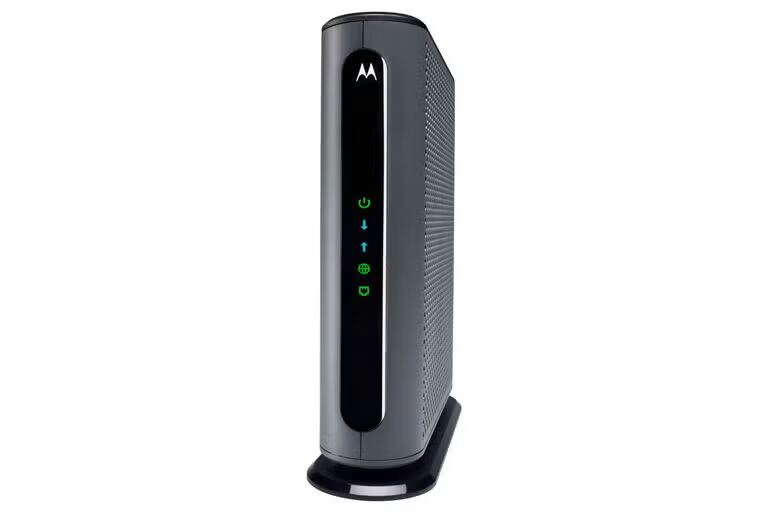
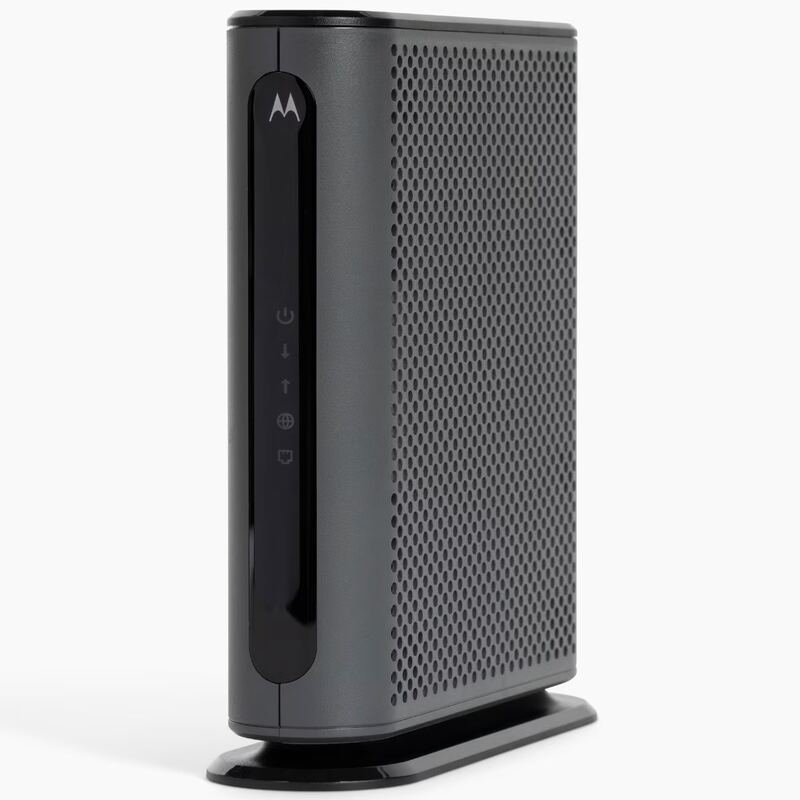
The Netgear CM1100V offers Link Aggregation capabilities, unlike the Arris SB8200 which is limited to 1Gbps, but it's less user-friendly than the Netgear CM1000. Unlike the Motorola MB8600, it doesn't support 6Gbps WAN speeds, and unlike the Motorola MB8611, it lacks 2.5Gbps Ethernet support.
Who this is for
At a glance: users wanting future-proofing without business features.
Why you’d buy the Netgear CM1100V
- Supports DOCSIS 3.1 standard for high-speed internet.
- Includes two Ethernet ports for Link Aggregation capability.
- Compact design suitable for retail distribution.
Why you’d skip it
- Only one Ethernet port can be used for standard home setups.
- Requires specific router settings to utilize both Ethernet ports.
- Not a router itself, needs separate Wi-Fi router for home use.
Rating sources
“I have had service since 3/31/2020 and never once have I received more than 400-500mbs a second, and I experience random internet dropouts.”
“I have internet via Comcast (500 MBPS) This loss of service occurs about 4-5 times a day.”
Our 2.6 score is the average of these published ratings. Ratings marked * were derived from the reviewer’s written analysis or video transcript — the publisher didn’t print an explicit numeric score, so we inferred one from their own words. Click through to verify. More about methodology.