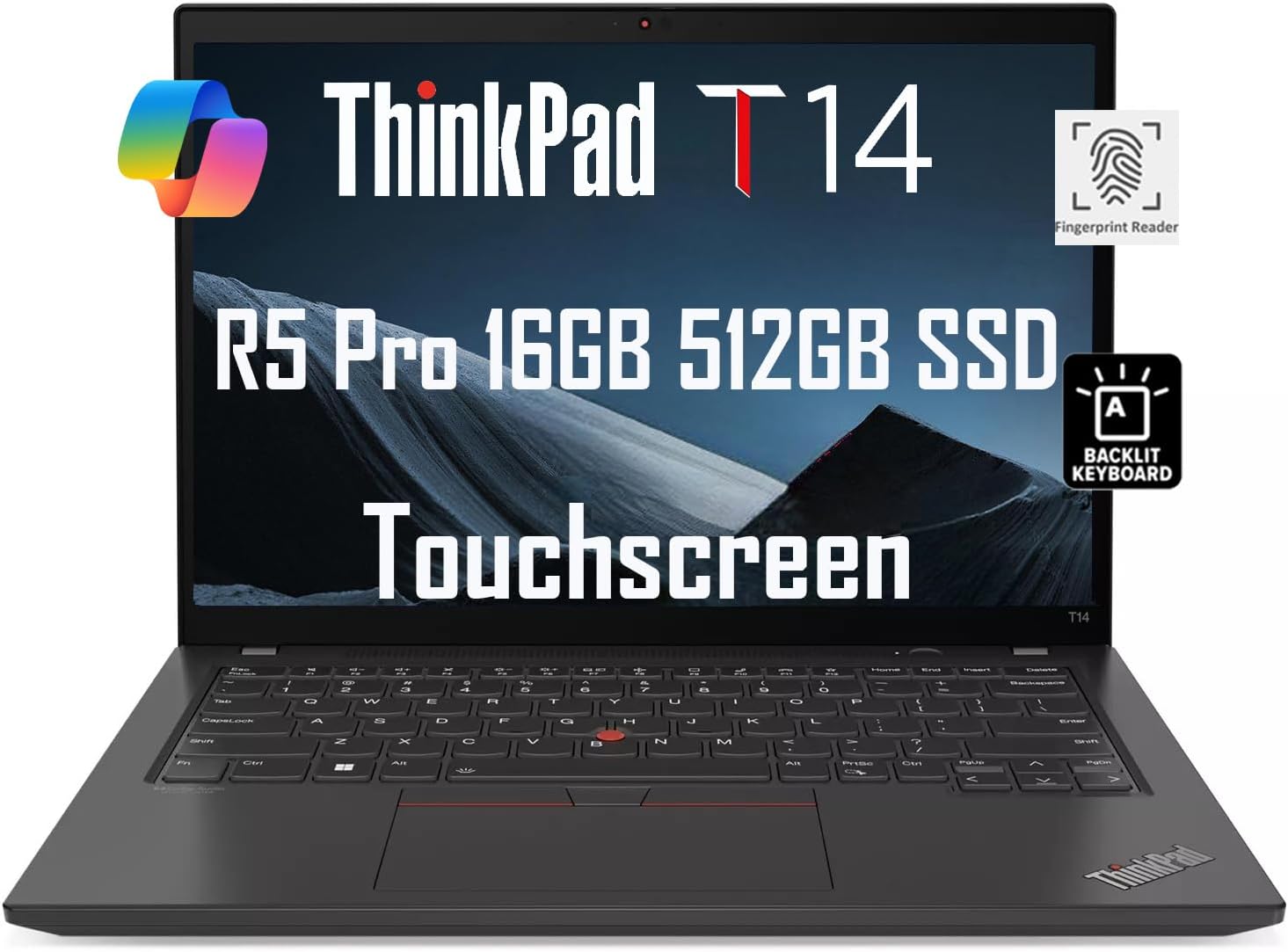
The Lenovo ThinkPad T14 Gen 5 AMD is a sturdy business laptop with strong performance and an iconic design, according to Laptop Mag. It features a fast AMD processor, solid external speakers, and a great webcam, but suffers from poor battery life and a less-than-ideal trackpad. The review notes it's a worthy addition to the ThinkPad lineup, though it's a bit chunky and the chassis bends slightly. It's best suited for professionals who value reliability and performance over battery longevity.

Full review
Battery life in real-world use
Lenovo ThinkPad T14 Gen 5 AMD delivers a battery runtime that varies significantly based on workload intensity. PCWorld's Josh Hendrickson clocked 14 hours and 22 minutes of battery life under moderate usage conditions, which included web browsing, document editing, and email management. However, this performance drops considerably under heavier loads. NotebookCHECK's testing revealed that under full system utilization, including video streaming and multiple applications running simultaneously, the laptop's battery lasted approximately 1.5 to 2 hours. The 52.5 watt-hour battery capacity, combined with the AMD Ryzen 7 PRO 8840U processor, creates a balance that favors productivity over extended runtime. Users who primarily engage in light office tasks can expect reasonable battery performance, but power-hungry users will need to plan for frequent recharging.
Performance benchmarks and thermal management
The Lenovo ThinkPad T14 Gen 5 AMD's performance is largely defined by its AMD Ryzen 7 PRO 8840U processor, which features 8 cores and 16 threads. In benchmark tests, this configuration achieved a Geekbench 6 score of 9,557, which is competitive with other business laptops in its class. However, NotebookCHECK noted that the laptop's thermal performance becomes a concern during sustained high-load operations. The integrated Radeon graphics perform adequately for office tasks but fall short of dedicated GPU performance. While the laptop handles multitasking well, users should expect some thermal throttling during extended periods of demanding applications such as video rendering or complex spreadsheet calculations.
Build quality and repairability
The ThinkPad T14 Gen 5 AMD maintains the classic design language of the ThinkPad series, with a grey exterior and the iconic red TrackPoint. PCWorld's Josh Hendrickson praised the laptop's repairability, noting that it can be easily disassembled for component replacement. This feature is particularly valuable for business users who need to maintain their devices over extended periods. The build quality is robust, with a solid construction that withstands daily wear and tear. The design, while functional, appears dated compared to more modern laptops, though this aesthetic choice prioritizes durability and repairability over sleekness.
Display and audio capabilities
The 14-inch IPS display on the ThinkPad T14 Gen 5 AMD offers a resolution of 1920 x 1200 pixels, providing sharp and clear visuals for productivity tasks. The screen's brightness was measured at 432 nits, which is adequate for indoor environments but may struggle in direct sunlight. The display supports full HD resolution and is suitable for most office applications, though it lacks the advanced features found in higher-end models such as 4K Dolby Vision HDR. Audio performance is solid, with the laptop's speakers providing clear sound quality for video conferencing and general media consumption. The speakers are positioned to provide upward-firing sound, which enhances the audio experience. However, they do not match the quality of the ThinkPad X1 Carbon's quad speaker setup, which offers better bass response and overall audio fidelity.
Port selection and connectivity options
The Lenovo ThinkPad T14 Gen 5 AMD includes a comprehensive array of ports, which is a significant advantage for business users. The inclusion of an RJ45 network plug is particularly beneficial for users who require stable wired internet connections, especially in data center environments. However, the laptop lacks Thunderbolt 3 functionality, which is available in the Intel version of the same model. This limitation affects compatibility with certain high-performance peripherals and docking stations. Additionally, while the laptop supports Wi-Fi 6E and Bluetooth 5.3, the absence of Thunderbolt 3 may hinder users who rely on external GPUs or other Thunderbolt-dependent hardware. The port selection strikes a good balance between functionality and space constraints, but users requiring Thunderbolt 3 should consider the Intel variant.
Keyboard and trackpad usability
The keyboard on the ThinkPad T14 Gen 5 AMD is well-regarded for its tactile feedback and typing comfort. Laptop Mag's James Pero noted that the keyboard is surprisingly pleasing, which is a welcome surprise for a business laptop. The keys are well-spaced and provide good tactile response, making extended typing sessions comfortable. The trackpad, however, received criticism from multiple reviewers. Laptop Mag described it as clunky and mushy for clicking, which can be frustrating for users who rely heavily on touchpad navigation. The trackpad's performance is a notable weakness compared to the overall build quality and functionality of the laptop. The inclusion of the classic ThinkPad red TrackPoint is appreciated by users who prefer traditional navigation methods, but the trackpad's shortcomings may impact user experience during intensive work sessions.
Upgradeability and memory configuration
One of the standout features of the ThinkPad T14 Gen 5 AMD is its upgradeability, particularly in terms of memory and storage. Both the Intel and AMD versions support user-serviceable RAM upgrades, with the AMD model supporting up to 32GB of RAM. NotebookCHECK highlighted that the laptop returns to a design with two SO-DIMM slots, which is a significant improvement over previous generations that had soldered RAM. The base configuration includes 16GB of RAM, which is sufficient for most office tasks, but users requiring more memory can easily upgrade to 32GB or even higher configurations. Storage options include a 512GB SSD, which is adequate for productivity tasks. The SSD's performance is consistent with other models in the same category, offering fast data access and reliable performance. The upgradeability makes the laptop a future-proof choice for users who anticipate growing their computing needs over time.
Webcam and video conferencing capabilities
The Lenovo ThinkPad T14 Gen 5 AMD features a 1440p QHD webcam, which is a notable upgrade over previous generations. Laptop Mag's James Pero praised the webcam as great, which is particularly important for users who rely heavily on video conferencing. The webcam delivers clear and sharp video quality, making it suitable for professional meetings and remote collaboration. The camera's performance is enhanced by the laptop's integrated lighting and noise reduction features, which improve video clarity in various lighting conditions. Users who frequently participate in video calls will find the webcam to be a significant asset, as it provides professional-quality video without the need for external peripherals.
Strengths
- +Great webcam
- +Surprisingly pleasing keyboard
- +Solid external sound
- +Fast processor (AMD Ryzen 7 8000 series)
Watch-outs
- −Deflating battery life
- −Mushy trackpad for clicking
How it compares
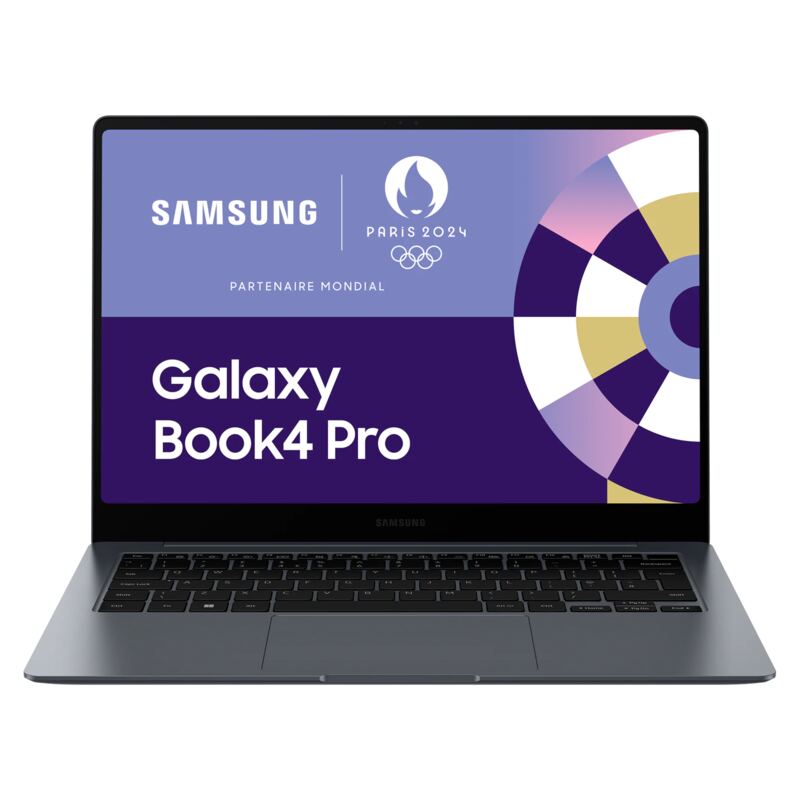
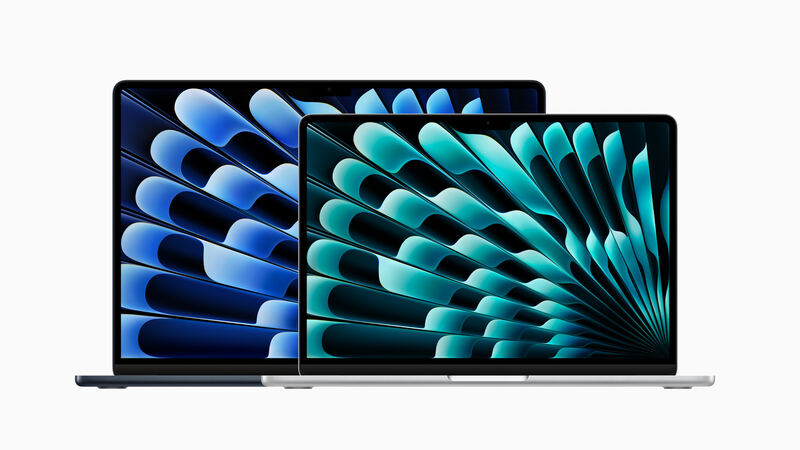
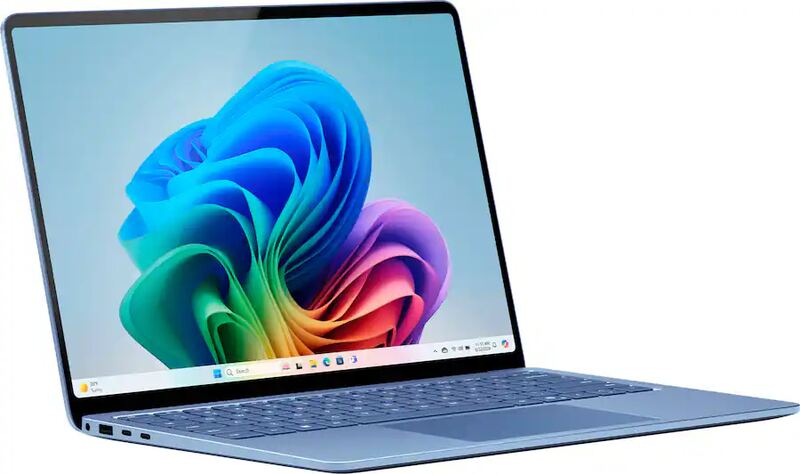
The Lenovo ThinkPad T14 Gen 5 AMD offers a more reliable keyboard and better webcam than the HP Spectre x360 14, but it suffers from poor battery life compared to the Apple MacBook Air 15-inch M3 and Microsoft Surface Laptop 7. Its trackpad also underperforms relative to the Acer Swift Go 14 AI.
Rating sources
“The ThinkPad T14 (AMD) model is a significant update over the last years' ThinkPad T495.”
Our 3.5 score is the average of the 3 scored reviews above; 5 more reviewed it without printing a score and are not in the average. Ratings marked * were derived from the reviewer’s written analysis or video transcript — the publisher didn’t print an explicit numeric score, so we inferred one from their own words. Click through to verify. More about methodology.