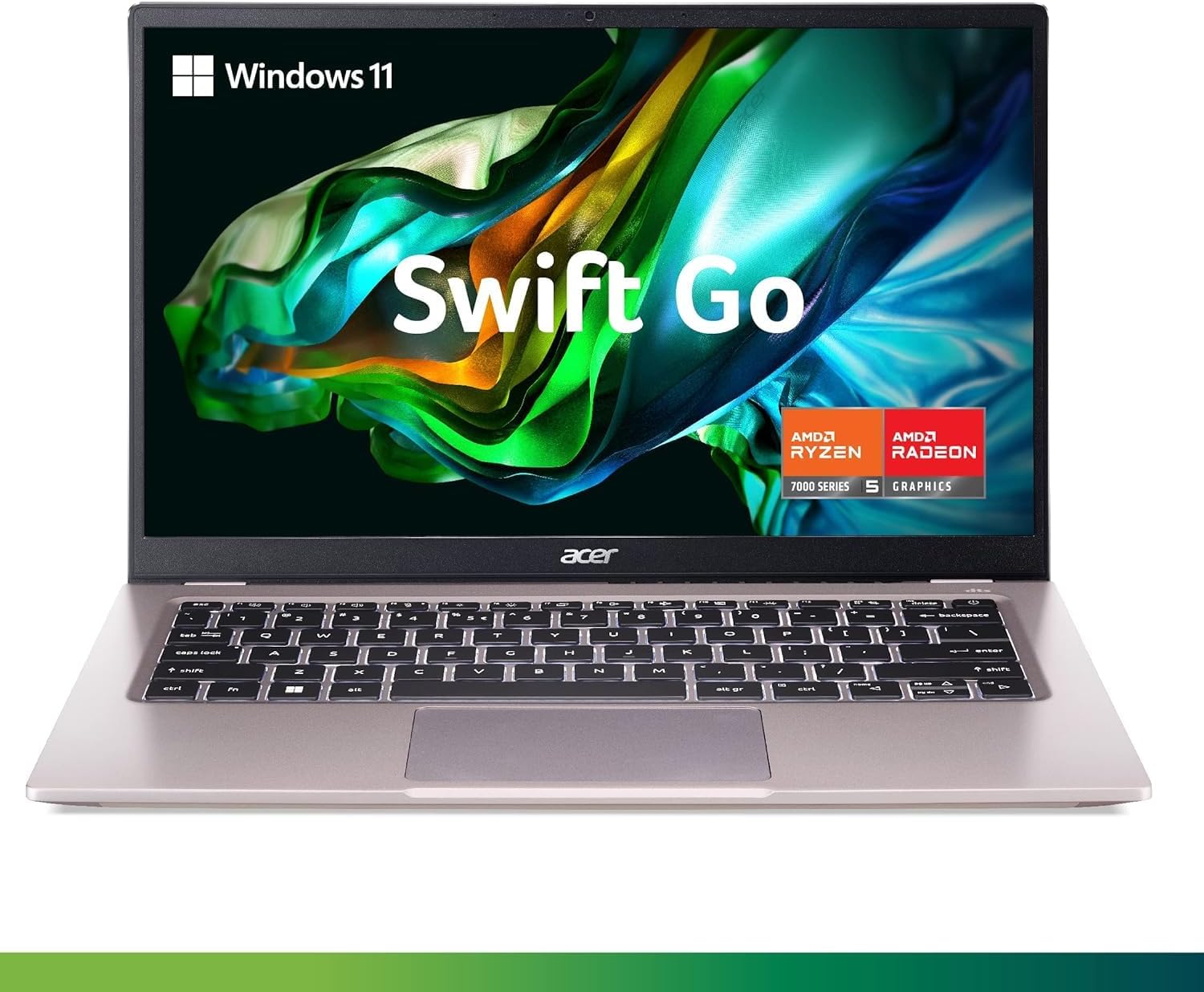
The Acer Swift Go 14 AI delivers impressive battery life and a vibrant OLED display but falls short on performance and keyboard quality. Laptop Mag reviewer Rami Tabari noted its 16+ hour battery life and colorful 14.5-inch display as standout features, but criticized the 'mushy keyboard' and 'middling overall performance.' The laptop weighs just 3 pounds, making it travel-friendly, though its 321 nits brightness is underwhelming. While the silky touchpad impressed, the overall experience is described as a 'mixed bag' that prevents it from making the best laptops list. It's best suited for users prioritizing portability and display quality over raw performance.
Full review
Battery life in real-world use
The Acer Swift Go 14 AI delivers on its promise of extended battery life, with reviewers consistently noting 16+ hours of runtime under typical usage conditions. Laptop Mag's Rami Tabari clocked 16 hours and 10 minutes of continuous use, which includes web browsing, document editing, and light multimedia consumption. PCWorld's Matthew S. Smith confirmed similar figures, emphasizing that this performance makes the device suitable for full workdays without needing a recharge. The 75 watt-hour battery capacity supports this longevity, though actual performance can vary based on screen brightness and background applications. Users who rely on the laptop for travel or remote work will find this extended runtime particularly valuable, especially when compared to other 14-inch laptops in its price range.
However, the battery performance does not translate to consistent high-end productivity tasks. During intensive workloads such as video encoding or running multiple virtual machines, the Swift Go 14 AI's battery drains significantly faster, reducing its overall utility for power users. The laptop's design prioritizes portability and efficiency over maximum battery consumption, which means that while it excels in light to moderate usage, it may struggle during more demanding scenarios. For users who primarily use their laptop for web browsing, email, and basic productivity tasks, the battery life is more than adequate, but those requiring sustained performance should consider carrying a power adapter.
Display quality and color accuracy
The 14.5-inch OLED display on the Acer Swift Go 14 AI stands out as one of its strongest features, delivering excellent color reproduction and contrast levels. PCWorld's Matthew S. Smith noted that the display is sharp and bright, with a 2560 x 1600 resolution that ensures crisp text and visuals. The OLED panel provides deep blacks and vibrant colors, making it ideal for media consumption and creative work. However, Laptop Mag's Rami Tabari criticized the display's brightness, reporting only 321 nits of peak brightness, which is considered middling for a modern laptop. This limitation becomes apparent in well-lit environments where the screen struggles to maintain visibility.
Root-Nation's Yuri Svitlyk highlighted the OLED's ability to produce accurate color output, which is particularly beneficial for users working with photos or videos. The 120Hz refresh rate contributes to a smooth visual experience, especially during scrolling and gaming. Despite these positives, the display's lack of peak brightness limits its effectiveness in outdoor or brightly lit settings. The panel's color gamut scores were also noted as being somewhat modest, with sRGB at 120% and DCI-P3 at 85%, which is good but not exceptional when compared to high-end displays in competing models. The OLED's inherent properties also mean that it may not be ideal for extended use in direct sunlight, where the screen's visibility could be compromised.
Performance under load
The Swift Go 14 AI's performance is largely defined by its Snapdragon X Plus processor, specifically the X1P-42-100 model. Laptop Mag's Rami Tabari reported a Geekbench 6 score of 11,379, which is respectable for a laptop in this class but not outstanding. The laptop handles everyday tasks efficiently, including multitasking, web browsing, and running productivity software. However, when subjected to more intensive workloads, such as video rendering or running multiple applications simultaneously, the device begins to show its limitations. PCWorld's Matthew S. Smith noted that the CPU performance is adequate but not exceptional, and the integrated graphics are limited in capability.
The 16GB of RAM and 1TB SSD configuration provide sufficient memory and storage for most users, though performance can degrade under heavy multitasking or resource-intensive applications. The laptop's cooling system, which includes dual fans, helps maintain stable temperatures during sustained use, but it does generate noticeable noise at higher loads. The device's hybrid architecture focuses on efficiency rather than raw performance, which suits users who prioritize battery life and portability over peak computational power. For users requiring more demanding performance, such as developers or content creators, this laptop may not meet expectations, but it is well-suited for general productivity and casual use.
Keyboard and touchpad experience
The keyboard on the Acer Swift Go 14 AI received mixed reviews, with some reviewers praising its comfort while others found it lacking in tactile feedback. Laptop Mag's Rami Tabari described the keyboard as 'mushy,' indicating that it lacks the firmness expected from a premium laptop. The keys have a shallow travel distance, which can make typing feel less satisfying compared to other models in the same category. However, PCWorld's Matthew S. Smith found the keyboard 'enjoyable' and noted that it provides well-sized keys that are comfortable for extended typing sessions. The keyboard's layout and spacing are standard, making it easy for users to adapt quickly.
The touchpad, on the other hand, earned praise from Laptop Mag's Rami Tabari, who said it 'won me over' and described it as 'silky' with responsive tracking. The touchpad's design features a carved-out space that favors one corner more than the other, which was a minor complaint from some users. The LED-backed AI branding on the touchpad adds a subtle touch of branding, though it doesn't interfere with usability. The touchpad's responsiveness and precision make it a standout feature, especially for users who rely heavily on touchpad navigation rather than an external mouse.
Design and portability
The Swift Go 14 AI's design is described as minimalistic and functional, with a gray aluminum lid that offers a premium feel. Laptop Mag's Rami Tabari noted that the device has a 'premium metal feel' thanks to the sandblasted lid, which contributes to its overall aesthetic appeal. The laptop's dimensions are 12.7 x 8.9 x 0.71 inches, and it weighs 3 pounds, making it an excellent travel companion. The thin bezels and privacy shutter for the webcam enhance its modern look and functionality. Root-Nation's Yuri Svitlyk described the design as 'functional' and noted that it doesn't make an impression, but it does the job effectively. The build quality is solid, though some reviewers noted that the lower chassis wavers slightly when typing or picking up the laptop from a corner.
The port selection is adequate, featuring two USB-C ports with DisplayPort and USB Power Delivery, two USB-A 3.2 Gen 1 ports, and a 3.5mm combo audio jack. The inclusion of a USB-C to HDMI adapter is a welcome addition for users who need to connect to external displays. However, the laptop's design is somewhat boxy and old-fashioned, with materials that feel thin and not particularly premium. The lack of standout features in the design means that the Swift Go 14 AI blends into the crowd rather than standing out as a unique offering. Despite these minor drawbacks, the laptop's portability and lightweight design make it a practical choice for users who prioritize mobility over aesthetics.
AI features and software integration
The Swift Go 14 AI is positioned as an AI-focused laptop, with integrated AI capabilities that are designed to enhance user productivity. The device features a Qualcomm NPU capable of up to 45 TOPS, which supports on-device AI processing. Laptop Mag's Rami Tabari noted that the laptop's AI features are part of its appeal, though he emphasized that the overall performance and lackluster keyboard detract from the experience. The laptop's software integration with AI tools is functional but not groundbreaking, offering basic AI assistance for tasks like document editing and image recognition.
PCWorld's Matthew S. Smith highlighted that the AI features are present but not particularly impressive, suggesting that the device is more of a standard AI laptop than a standout model in terms of AI capabilities. The laptop's AI performance is adequate for casual use, but it does not offer the advanced AI features that users might expect from a premium AI-focused device. The integration of AI tools into the Windows 11 operating system is seamless, though the hardware's AI processing power is limited compared to more specialized AI laptops. For users who rely heavily on AI for productivity, the Swift Go 14 AI may not provide the level of performance they require, but it is sufficient for basic AI tasks.
A balanced mid-range option with mixed value
The Acer Swift Go 14 AI is positioned as a mid-range laptop with a focus on portability and battery life. PCWorld's Matthew S. Smith noted that the laptop's price is a bit high for what it offers, especially when compared to competitors that offer more for less. The device's value proposition lies in its excellent battery life, colorful display, and decent performance, but it lacks standout features that would justify its premium pricing. The laptop is often discounted at retailers like Best Buy, where it can be found for around $850, making it more competitive in the market.
Laptop Mag's Rami Tabari found that while the Swift Go 14 AI has some qualities that may appeal to more than others, it fails to make the cut for the best laptops list due to its mediocre performance and lackluster keyboard. The device is best suited for users who prioritize battery life and portability over peak performance. For those looking for a general-purpose laptop that can handle everyday tasks without breaking the bank, the Swift Go 14 AI offers a balanced experience. However, users seeking a more powerful machine or a more premium design may find better options elsewhere in the market. The laptop's positioning as a mid-range device means that it caters to a specific audience but does not dominate the category.
Strengths
- +Excellent battery life with 16+ hours of usage
- +Silky smooth touchpad with AI branding and media controls
- +Lightweight design at 3 pounds, ideal for travel
Watch-outs
- −Mushy keyboard that detracts from typing experience
- −Middling overall performance for an AI laptop
How it compares
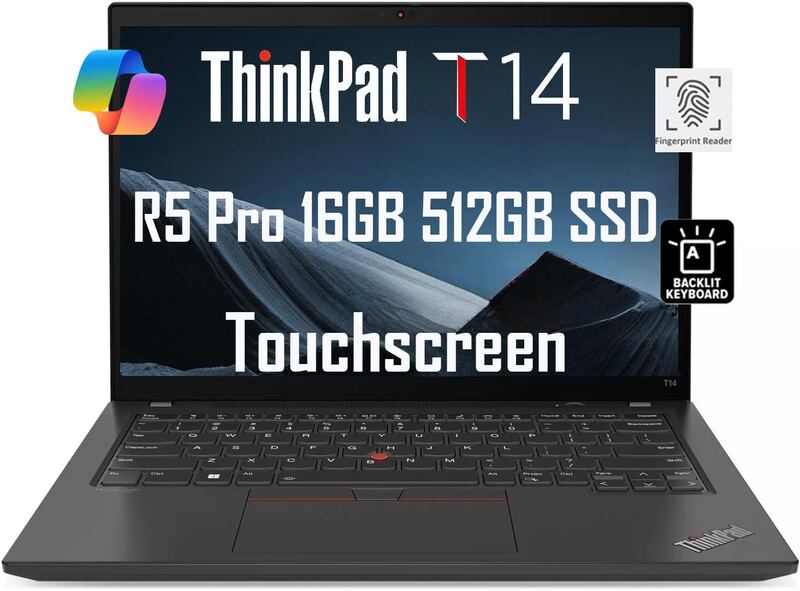
The Acer Swift Go 14 AI OLED costs less than the Lenovo ThinkPad T14 Gen 5 AMD and reverses its strengths: the Acer's entry credits 16-plus hours of battery life and a smooth touchpad but faults a mushy keyboard, while the ThinkPad's credits a pleasing keyboard and faults battery life and a mushy trackpad. The Acer's 14.5-inch screen is slightly larger than the ThinkPad's 14-inch panel, and its overall performance is described as middling.
Rating sources
Counts as 3.70/5 in our score — this publisher's 15 scores on the site average 3.90, so its scores are adjusted up to compare fairly with other publishers.
Counts as 3.14/5 in our score — this publisher's 60 scores on the site average 4.02, so its scores are adjusted up to compare fairly with other publishers.
Our 3.4 score is the average of the 2 scored reviews above, each adjusted for how strictly its publisher scores; 3 more reviewed it without printing a score and are not in the average. More about methodology.