The Cricut Joy is a compact, portable cutting machine designed for crafters with limited space. Reviewers praised its ease of use, smartphone operation, and Smart Materials feature that eliminates cutting mats for compatible materials. However, the limited 4.5-inch cutting width restricts larger projects. While the mobile app is functional, it's less intuitive than the laptop version. The device is ideal for hobbyists and small-scale creators but may not suit those needing large-format cutting capabilities. Users recommend it for its precision and versatility in handling various materials.
Full review
Compact size with portability
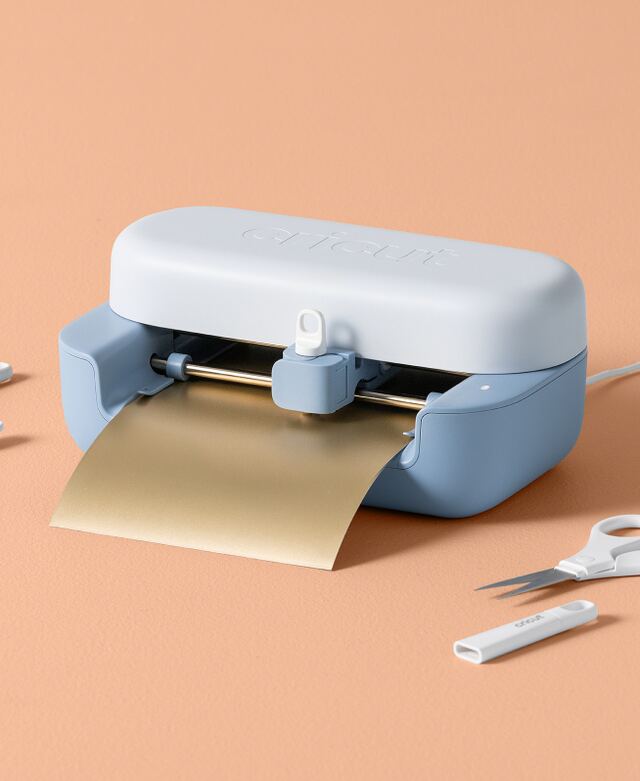
The Cricut Joy stands out for its remarkably compact design, making it highly portable and ideal for crafters who need flexibility in their workspace. Bruce Dennill from brucedennill.co.za noted that the machine is 'very compact' and 'highly portable,' allowing users to pack it up and move it between locations easily. This portability is a key advantage for those with limited space or those who enjoy crafting on the go. The machine's small footprint means it doesn't require a dramatic clearing of the dining table or dedicated craft room, which is particularly appealing to users with smaller living spaces. The lavender color option, as highlighted by Digital Reviews Network, adds a touch of aesthetic appeal, making it not just a functional tool but also a decorative element on a craft desk or countertop. The lightweight nature of the Joy allows for easy handling, which is especially beneficial for users who want to take their crafting to friends' houses or during weekend getaways.
Digital interface and app experience
The Cricut Joy operates entirely through digital interfaces, which is a significant departure from traditional die-cutting machines that rely on physical buttons and manual setup. According to Bruce Dennill, the mobile app is 'a little cumbersome' and 'the functionality is quite limited compared to what I eventually found on the laptop.' Dennill noted that changing things required 'back-tracking a lot' and finding functions on the small screen, which didn't adapt well. However, he found the laptop experience to be 'a lot clearer' and appreciated the precision cutting once he became more familiar with the system. The digital interface, while initially challenging, becomes more intuitive with use, and the automatic loading feature helps streamline the process. The machine connects instantly via Bluetooth to a laptop, which is a significant advantage over older models that required more complex setup procedures. This digital approach allows for a more integrated experience with Cricut Design Space, which provides access to a vast library of projects and resources, though a subscription is required for full access to premium content.
Smart Materials and mat-less cutting
One of the most innovative features of the Cricut Joy is its compatibility with Smart Materials, which enable mat-less cutting. The Smart Vinyl, as described by Weekend Craft, 'has a border that allows the Cricut Joy to grab onto the vinyl load into the machine,' and it can be used for projects up to 20 feet long. This capability is particularly useful for users who want to create large-scale projects without the hassle of switching out multiple mats. The Smart Vinyl comes in various types including Permanent, Removable, Writeable, Iron-on, and Hoarding, each designed for specific applications. According to Digital Reviews Network, the Smart Vinyl materials are 'better' than cheaper alternatives, particularly in terms of weeding, which is often a frustrating part of the crafting process. The Joy's ability to work with these materials is a major selling point, especially for those who want to avoid the expense and complexity of traditional cutting mats. However, the Smart Materials can be more expensive, and users who do high-volume projects may find the cost prohibitive. The machine's support for mat-less cutting is a significant advancement, but the Joy's cutting width is limited to 4.5 inches, which restricts the size of projects that can be created without a mat.
Cutting capabilities and limitations
Despite its compact size, the Cricut Joy delivers impressive cutting precision and speed, which is one of its strongest selling points. The machine is capable of cutting a wide range of materials, including cardstock, vinyl, and even some specialty papers, with clean lines and minimal tearing. The Joy's cutting width is limited to 4.5 inches, which is a significant constraint for users who need to create larger designs. This limitation means that the machine is best suited for small projects, labels, stickers, and personalized gifts rather than large-scale vinyl decals or furniture-sized projects. According to iMore, the Cricut Joy's maximum material width is 5.5 inches, which is still quite restrictive compared to larger models like the Cricut Maker, which can handle materials up to 12 inches wide. The Joy's cutting capabilities are further constrained by its inability to handle heavy materials such as leather or chipboard, which are within the capabilities of the Cricut Maker. Users who are experienced with larger Cricut machines often find the Joy's limitations to be a significant drawback, particularly when working on complex or large-scale projects that require more versatility.
Accessories and tool compatibility
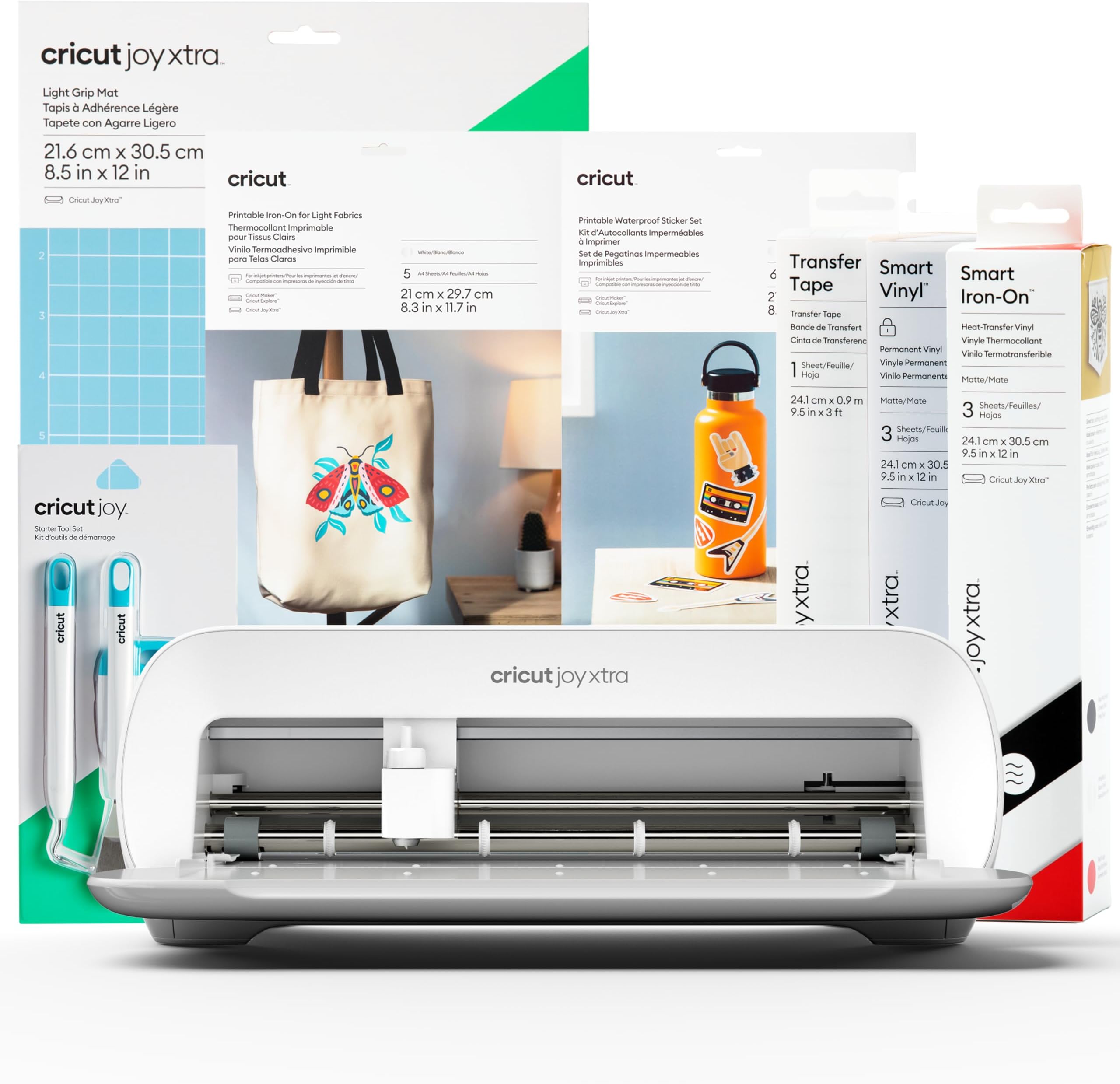
The Cricut Joy comes with a range of accessories that make it immediately functional for users who want to start crafting right away. The Lavender Bundle, as reviewed by Digital Reviews Network, includes everything needed to begin crafting immediately, including Smart Removable Vinyl, Smart Permanent Vinyl, Smart Writable Labels, Gold Foil for Smart Transfer, Transfer Tape, Cardstock Standard Grip Mat, Weeding tool, Smoothing tool, and a Black pen. These accessories are designed to work seamlessly with the Joy's digital interface and Smart Materials, providing a complete starting point for users. However, the Joy's tool compatibility is more limited compared to larger models, which offer a wider range of interchangeable tools. The machine's tool range is restricted to two tools, while the Cricut Maker supports over a dozen tools, allowing for more complex operations such as writing, scoring, debossing, and engraving. This limitation means that users who want to perform advanced crafting techniques will need to invest in additional tools or consider upgrading to a more versatile machine. The Joy's compatibility with newer Cricut materials is a significant advantage, but it also means that users who want to use older materials may face compatibility issues.
User experience and project outcomes
Users who have tested the Cricut Joy report a generally positive experience, particularly for small projects and beginners. According to Weekend Craft, the Joy is 'small but mighty' and 'perfect for small living, home organization and creating cards.' The machine's ability to create clean, precise cuts and its quiet operation make it ideal for users who want to craft without disruption. The Joy's automatic sensor loading feature is praised for making the process 'smooth instead of fiddly,' and the machine's connection to the laptop via Bluetooth is described as 'instant' and 'staying connected.' Users who have used the Joy for projects involving Smart Vinyl, writable labels, and foil transfers report that the results are 'professionally made' and 'sharp.' However, the machine's limitations become apparent when users attempt to create larger or more complex projects. The Joy's cutting width of 4.5 inches restricts the size of designs that can be created, and the lack of support for heavy materials limits its versatility. Despite these constraints, many users find the Joy to be a valuable addition to their crafting toolkit, particularly for quick, everyday projects and for those who want to dip their toes into the world of digital die-cutting.
Subscription and cost considerations
The Cricut Joy's full potential is unlocked through a subscription to Cricut Design Space, which offers access to a vast library of projects and resources. While the free version of the app allows users to upload and cut their own designs, a subscription is required for full access to premium content, including step-by-step instructions and a wide range of assets. The subscription model is necessary for accessing the full range of features, including the Print Then Cut function, which requires an ink-jet printer. Users who are primarily interested in basic cutting and labeling may find the subscription cost prohibitive, especially when compared to the initial purchase price of the machine. However, for users who want to take advantage of the machine's advanced features and access to a wide variety of projects, the subscription is a worthwhile investment. The cost of Smart Materials, which are more expensive than traditional crafting supplies, also adds to the overall expense of using the Joy, particularly for those who do frequent projects.
Strengths
- +Compact and portable design, easy to pack up and move between locations
- +Operates entirely via smartphone app or laptop, with no physical buttons required
- +Smart Materials feature eliminates need for cutting mats with compatible materials
- +Supports a wide range of materials including cardstock, vinyl, iron-ons, and transfers
- +Intuitive Cricut Design Space software provides extensive project resources and tutorials
Watch-outs
- −Mobile app interface is cumbersome and less functional than laptop version
How it compares
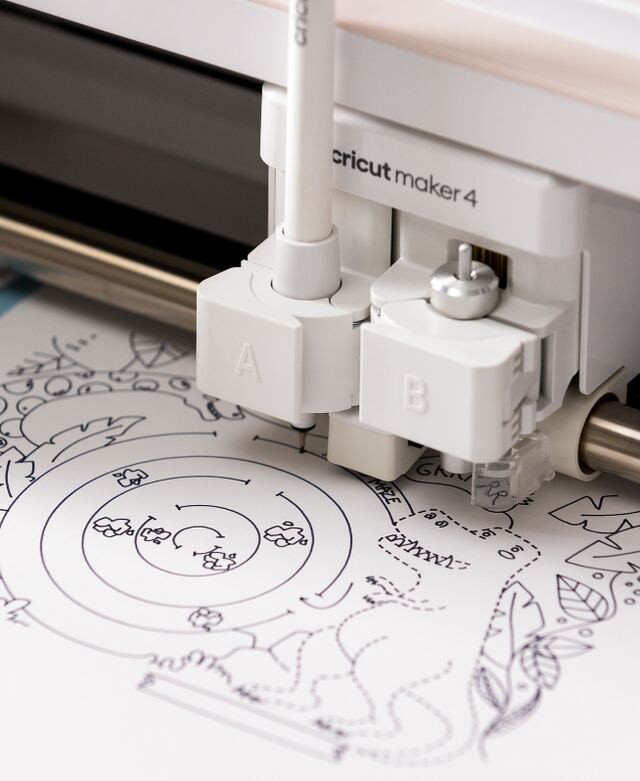
The Cricut Joy is more portable and smartphone-controlled than the Maker 4 and Maker 3, but it has a much smaller cutting area. Unlike the Explore 5, it lacks the dual-clamp system and doesn't support scoring or engraving, making it less versatile for complex projects.
Rating sources
Counts as 4.23/5 in our score — this publisher's 2 scores on the site average 4.40, so its scores are adjusted down to compare fairly with other publishers.
“The precision cutting is phenomenal – and amazing to watch as it does its job. For someone who is doing a small home industry – something like making cards – I would imagine this would be a game changer.”
Not in the average — we derived this score from the review's words, and a publisher printed a score for this product, so the printed number counts instead.
“this tiny lavender machine earned its spot on my desk.”
Not in the average — we derived this score from the review's words, and a publisher printed a score for this product, so the printed number counts instead.
Our 4.2 score is the average of 1 of the scored reviews above, each adjusted for how strictly its publisher scores; 4 more reviewed it without printing a score and are not in the average. 2 derived scores above are not in the average because a publisher printed a score for this product. Ratings marked * were derived from the reviewer’s written analysis or video transcript — the publisher didn’t print an explicit numeric score, so we inferred one from their own words. Click through to verify. More about methodology.