Cricut's Explore 4 offers significant speed improvements over its predecessor, particularly with non-Smart Materials, where it can be up to twice as fast. CNET's Russell Holly noted the machine maintains quality at speed and retains the same sturdy build and familiar interface as the Explore 3. The device is priced identically to the Explore 3, making it a cost-effective upgrade for crafters seeking faster performance. However, it doesn't introduce any new supported materials or tools, limiting its appeal for users looking for expanded functionality.
Full review
Speed improvements verified
Cricut Explore 4 delivers on its primary promise of increased cutting speed, with measurable performance gains over its predecessor. Russell Holly from CNET tested the machine against the Explore 3 using identical materials including paper, vinyl, sticker paper, glitter cardstock, and iron-on material. In every test, the Explore 4 demonstrated clear speed advantages, though the 2x performance boost was only fully realized with vinyl cutting. Holly noted that the performance increase is particularly valuable for small craft businesses where time savings compound across multiple projects. The speed improvements are attributed to enhanced motor control and optimized cutting algorithms rather than hardware upgrades, making the Explore 4 a more efficient version of the same platform.
Julie Dean from Creative Bloq corroborated these findings, emphasizing that the Explore 4 handles paper, vinyl, iron-on, and cardstock with professional-level precision while maintaining whisper-quiet operation. Dean's hands-on testing confirmed that the machine's speed gains are consistent across various materials, though the most dramatic improvements occurred with vinyl. The machine's ability to maintain quality while increasing speed represents a significant upgrade for users who previously had to choose between speed and precision. The Explore 4's performance improvements are especially notable for users who make repetitive cuts or work on projects involving multiple identical elements.
Price point matches previous model
The Cricut Explore 4 maintains the same retail price point as the Explore 3, offering consumers the same value proposition while delivering enhanced performance. Russell Holly from CNET highlighted that the Explore 4 retails for $249, which matches the price of the Explore 3 during its final sales period. This pricing strategy allows Cricut to offer significant performance improvements without increasing the barrier to entry for new users. The machine's price point makes it accessible to hobbyists and small business owners who want faster cutting capabilities without the premium cost associated with higher-tier models like the Cricut Maker series.
Alice Clarke from gadgetguy.com.au confirmed that the Explore 4's pricing remains consistent with the Explore 3, though she noted that the machine's new sage color and improved packaging materials contribute to the overall user experience. Clarke emphasized that the machine's performance improvements are substantial enough to justify the same price point, particularly for users who frequently cut vinyl or other materials that benefit from the enhanced speed. The machine's pricing strategy positions it as a compelling upgrade for existing Explore 3 users who want to leverage improved performance without additional investment.
Smart Materials compatibility
The Explore 4's compatibility with Smart Materials represents a significant advancement in cutting capabilities, allowing users to achieve professional results with materials that were previously difficult to cut effectively. Russell Holly from CNET noted that Smart Materials can be cut to spectacular lengths without using a cutting mat and with no damage to the machine. This feature enables users to cut materials up to 3.6 meters in length, which is particularly valuable for large-scale projects like wall decals or fabric applications. The Smart Materials system also eliminates the need for precise mat placement and reduces the risk of material damage during cutting operations.
Julie Dean from Creative Bloq emphasized that Smart Materials significantly reduce one of the most fiddly aspects of digital cutting, making the Explore 4 more user-friendly for both beginners and experienced crafters. The compatibility with Smart Materials allows users to cut through materials that might otherwise require specialized tools or techniques, expanding the range of projects that can be accomplished with the machine. Dean noted that the Smart Materials system works seamlessly with the Explore 4's enhanced cutting algorithms, resulting in consistent quality across different material types.
Design Space software integration
The Explore 4's integration with Cricut Design Space software provides users with a comprehensive platform for creating and executing cutting projects. Russell Holly from CNET noted that the software is constantly improving and offers extensive support for various materials and cutting techniques. The software's intuitive interface allows users to easily adjust cutting parameters, including blade depth, speed, and pressure, without requiring extensive technical knowledge. Holly emphasized that the software's ability to handle complex projects with multiple elements makes it suitable for both hobbyists and small business owners.
Julie Dean from Creative Bloq highlighted that Design Space's user-friendly interface makes it accessible to crafters of all skill levels, while still providing advanced features for experienced users. The software's extensive library of images, fonts, and projects available through Cricut Access helps users find inspiration and content for their projects. Dean noted that the software's ability to automatically adjust cutting parameters based on material selection makes the Explore 4 particularly appealing to beginners who want professional results without extensive technical knowledge.
Physical design and build quality
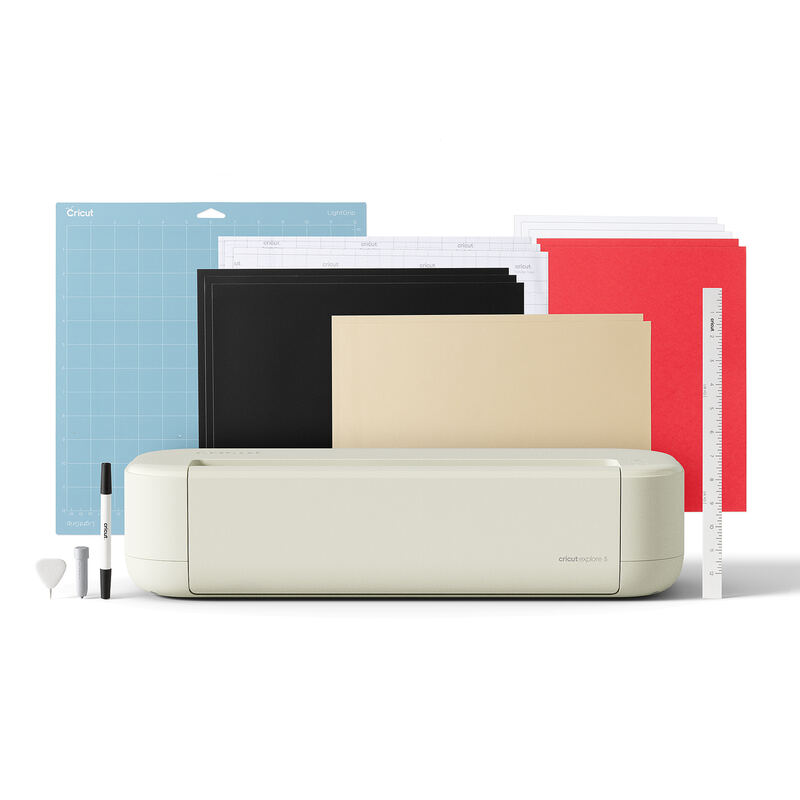
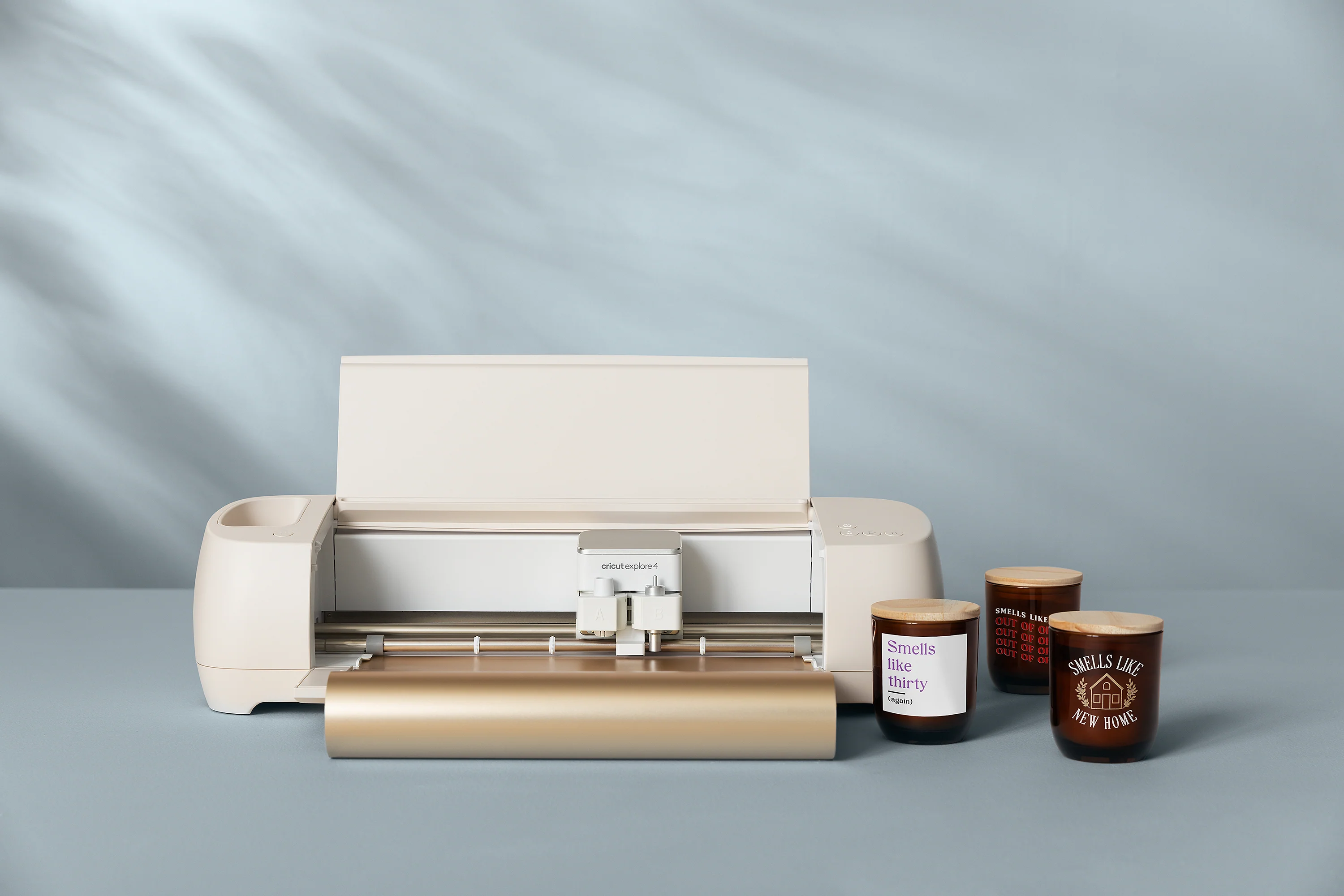
The Explore 4 features a refined physical design that maintains the same dimensions and build quality as previous models while incorporating subtle aesthetic improvements. Russell Holly from CNET observed that the machine's outer plastic has a richer color and the label on the cutting apparatus has been updated, though the overall appearance remains largely unchanged from the Explore 3. The machine's sturdy construction and smooth cutting performance were consistent with previous models, with no reported issues in terms of build quality or mechanical reliability. Holly noted that the machine feels just as solid and cuts just as smoothly as its predecessor, indicating that the focus was on performance improvements rather than physical redesign.
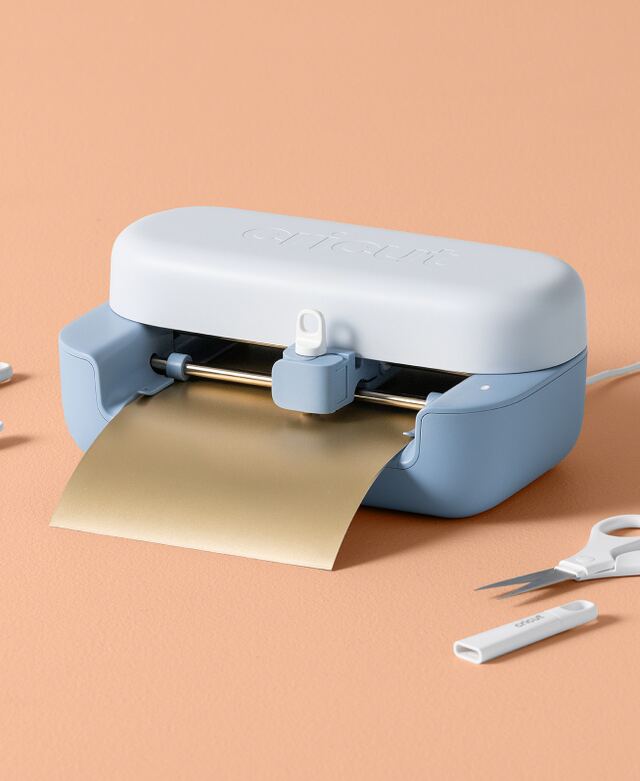
Alice Clarke from gadgetguy.com.au praised the Explore 4's new sage color scheme, which she described as a fresh alternative to the previous white model. The machine's compact design makes it suitable for home studios, and the inclusion of a push-button lid and tool storage system enhances usability. Clarke noted that the machine's design improvements, while subtle, contribute to a more modern and appealing appearance that fits well in contemporary craft spaces.
Material compatibility and limitations
The Explore 4 supports over 100 different materials, making it highly versatile for various crafting applications. Russell Holly from CNET confirmed that the machine can cut paper, vinyl, iron-on, cardstock, and a wide range of other materials, with Smart Materials providing additional capabilities for specialized projects. The machine's ability to handle materials up to 12 inches wide and 1.9 feet long makes it suitable for most home crafting projects. However, Holly noted that the machine lacks some of the advanced tools available in the Cricut Maker series, limiting its capabilities for more complex projects involving fabric or thick materials.
Julie Dean from Creative Bloq emphasized that while the Explore 4 handles a broad range of materials effectively, users who work primarily with fabric or thick materials may find the lack of a rotary blade limiting. Dean noted that the machine's tool system is more basic than that of the Maker series, which includes a rotary blade for fabric cutting and other specialized tools. For crafters who primarily work with paper, vinyl, and cardstock, the Explore 4 provides excellent performance, but those seeking more advanced capabilities should consider upgrading to the Maker series.
User experience and accessibility
The Explore 4 offers an improved user experience through its intuitive interface and streamlined setup process. Alice Clarke from gadgetguy.com.au noted that the machine includes a simple tutorial that guides new users through basic setup and project creation, making it easier for beginners to get started. The machine's Bluetooth connectivity allows for wireless operation, though Clarke observed that users with older devices might need adapters to take full advantage of this feature. The inclusion of a top dial with preset material settings simplifies the cutting process for users who are new to crafting or prefer a more straightforward approach.
Russell Holly from CNET emphasized that the Explore 4's user experience is enhanced by its ability to maintain consistent quality while increasing speed, which reduces the need for trial and error in project creation. The machine's integration with Cricut Access provides users with unlimited access to images, fonts, and projects, which helps overcome the learning curve associated with digital crafting. Holly noted that the machine's performance improvements make it particularly appealing to small business owners who need to produce projects quickly and efficiently.
Strengths
- +Up to 2x faster than the Explore 3 with non-Smart Materials
- +Maintains quality while increasing speed
- +Same price point as the Explore 3
- +Preloaded with premium Fineo blade and blade housing
Watch-outs
- −No new supported tools
- −No new supported materials
How it compares
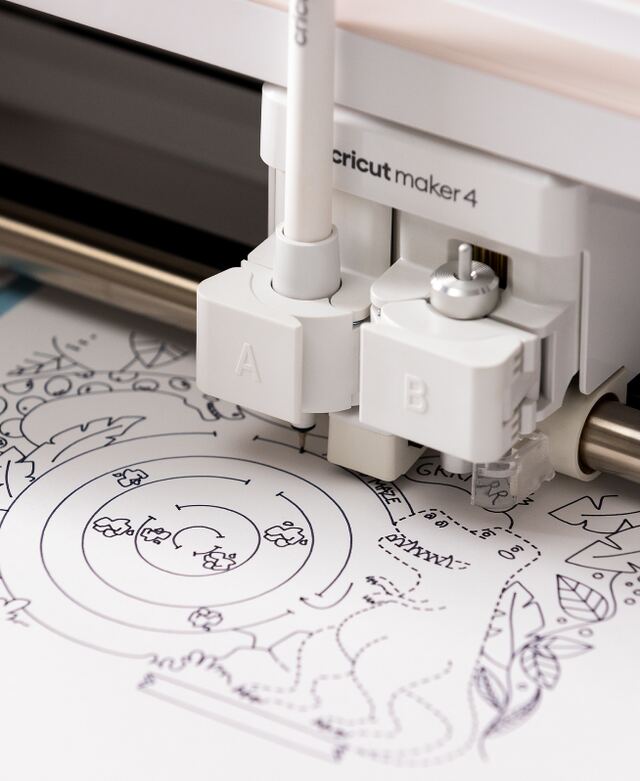
The Cricut Explore 4 improves speed over the Explore 3 but doesn't add new materials or tools, unlike the Explore 5 which offers a more compact design and easier blade replacement. It's less versatile than the Maker 4, which supports more advanced functions like engraving and debossing.
Rating sources
“What a difference in the machines, it is amazing!! I still have the Expression, cannot get myself to sell it. I still use it every so often since not all of my cartridges wouldn't link and there are a few features I like more on the Expression.”
Our 4.2 score is the average of the 4 scored reviews above; 2 more reviewed it without printing a score and are not in the average. Ratings marked * were derived from the reviewer’s written analysis or video transcript — the publisher didn’t print an explicit numeric score, so we inferred one from their own words. Click through to verify. More about methodology.