Verdict
Head-to-head · Best Monitor Light Bars

BenQ ScreenBar Halo 2 vs Colorpanda Monitor Light Bar

Which is the better buy? Side-by-side on rating, price, strengths, and watch-outs — with the published ratings we averaged to get there.

The short answer

BenQ ScreenBar Halo 2 comes out ahead by a clear margin (4.5 vs 4.0). The gap is mostly about users seeking wireless control with universal monitor compatibility — read the strengths below before deciding.

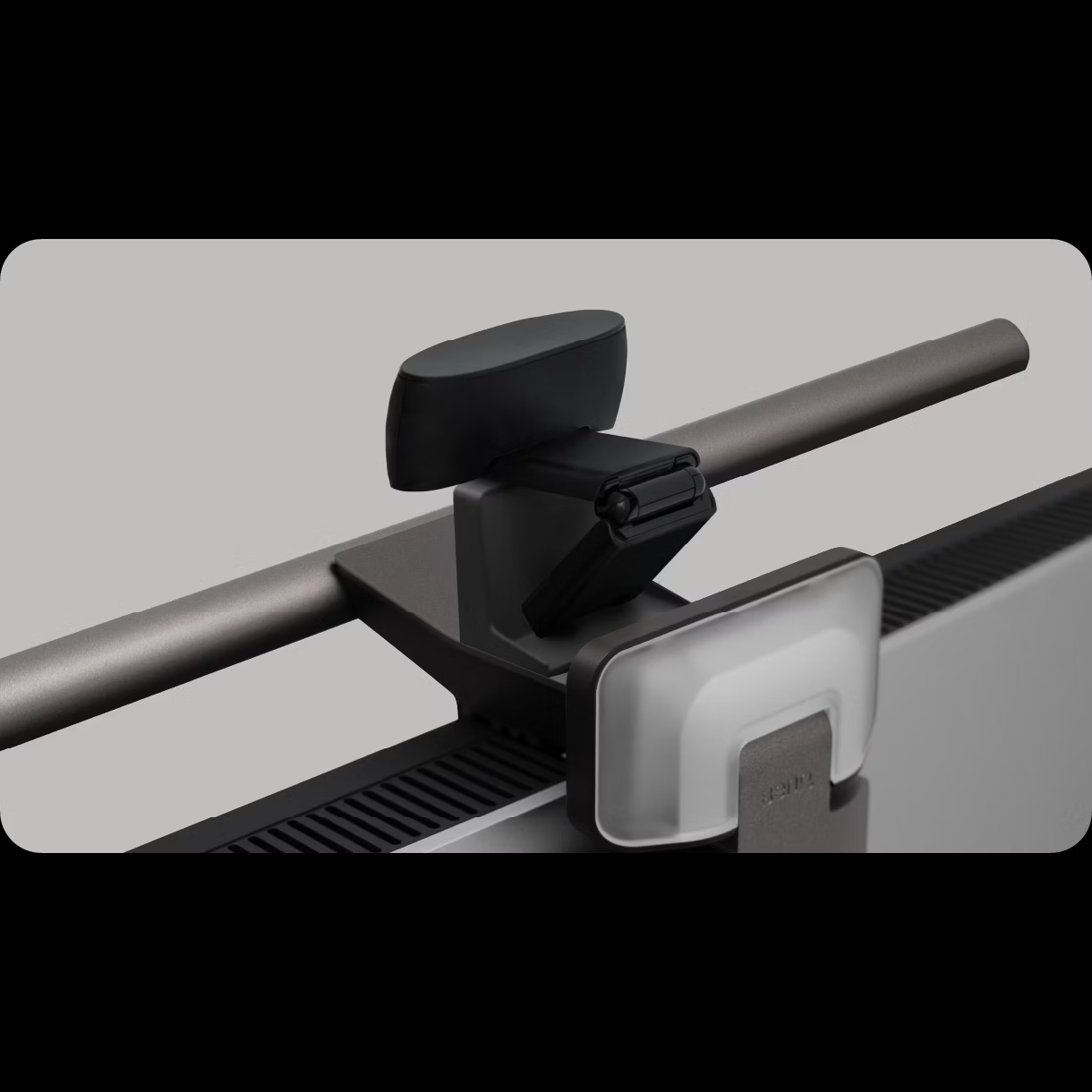
BenQ ScreenBar Halo 2
Higher ratedRanked #2 in Best Monitor Light Bars
BenQ ScreenBar Halo 2
$199as of Jul 9

Tom's Guide and YouTube reviewers praised the BenQ ScreenBar Halo 2 for its premium build quality and versatility across different monitor types, including curved and thick models. The wireless control puck is highlighted as a standout feature, offering convenient adjustment of lighting and color temperature with long battery life. However, reviewers noted the fixed 150 cm cable length and regional power plug limitations as drawbacks. This product is ideal for users seeking a high-end, adjustable monitor light bar but may not suit those needing extended cables or global compatibility.

Strengths
  • Works with virtually any monitor including curved and bulge-back models
  • Includes wireless control puck with USB-C charging that lasts up to three months on a single charge
  • Provides both front and back lighting with adjustable color temperature
Watch-outs
  • The wireless controller is slow to wake and prone to fingerprints
  • The wireless controller lacks a USB-C charging cable
Colorpanda Monitor Light Bar
Ranked #7 in Best Monitor Light Bars
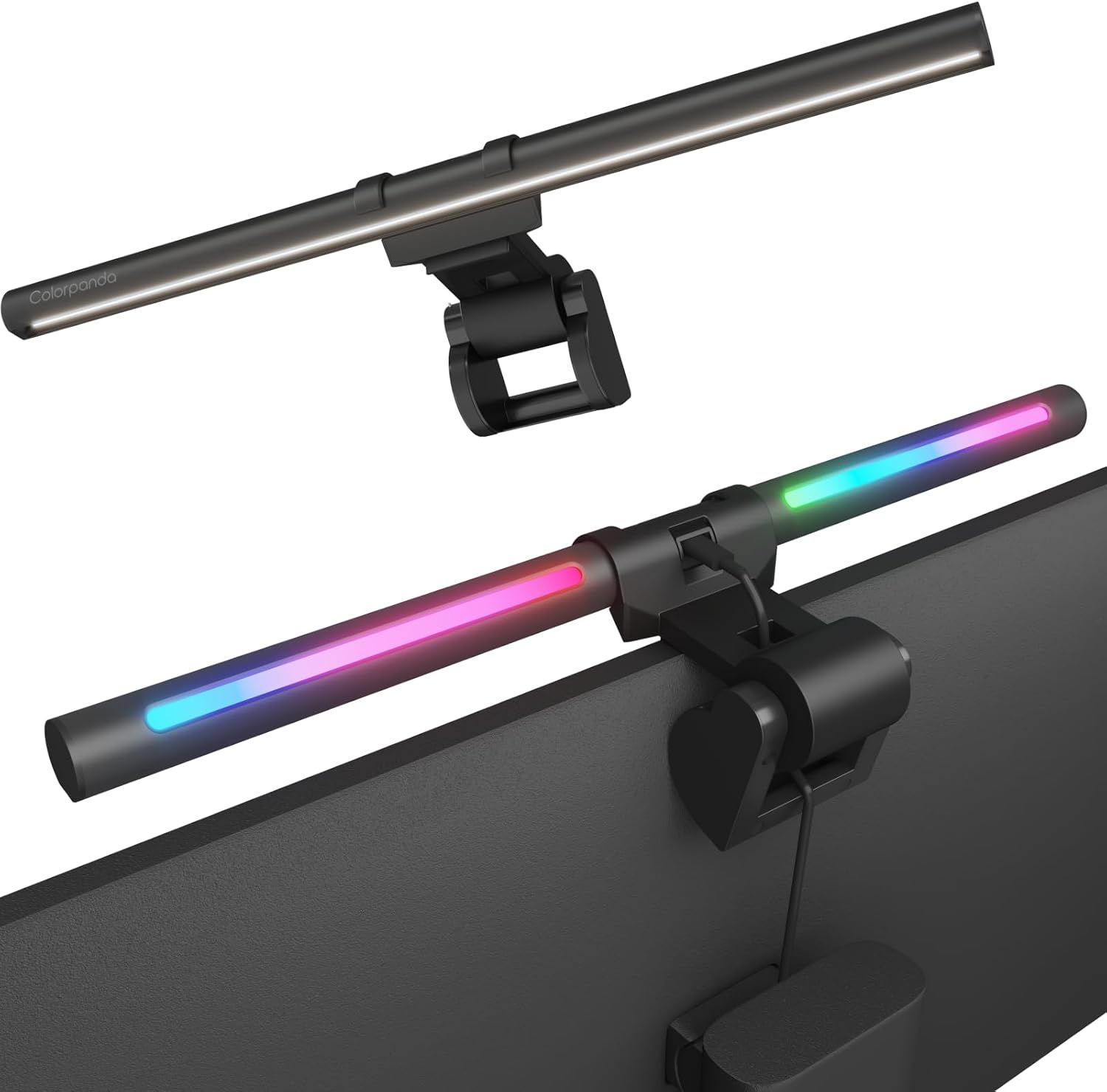
Colorpanda Monitor Light Bar
$32as of Jul 9

The Colorpanda Monitor Light Bar is a budget-friendly option that emphasizes ease of setup and smart home integration. YouTube reviewers noted its tool-free installation, memory function, and voice control compatibility with Alexa and Google Assistant. However, it lacks the advanced asymmetrical lighting performance found in premium models like the BenQ ScreenBar. Reviewers found it suitable for home office use but noted limitations in brightness and warmth adjustment options. It's best for users seeking basic functionality and smart home integration rather than professional-grade lighting control.

Strengths
  • No tools required for assembly and mounting
  • Includes memory function that remembers last warmth and brightness settings
  • Adjustable slightly to illuminate keyboard area
Watch-outs
  • Limited brightness and warmth adjustment options (only 3 levels each)
  • Requires constant plug-in; no battery option

How they stack up

BenQ ScreenBar Halo 2

The BenQ ScreenBar Halo 2 stands out with its wireless control puck, a feature not found in competitors like the Quntis or Baseus models. While the Razer Aether offers RGB lighting, it lacks the universal compatibility with curved monitors that the Halo 2 provides. However, its fixed 150 cm cable length and regional power plug limitations make it less flexible than the Quntis curved monitor light bar, which offers more adaptable mounting for various screen types.

Colorpanda Monitor Light Bar

The Colorpanda Monitor Light Bar offers a memory function and smart home integration that the Quntis and Xiaomi models lack, but it provides fewer adjustment options compared to the BenQ ScreenBar Pro. Its limited brightness and warmth levels make it less suitable for professional use than the BenQ or Quntis models, which offer stepless dimming and a wider color temperature range.

Specs side-by-side

SpecBenQ ScreenBar Halo 2Colorpanda Monitor Light Bar
BrightnessCenter illuminance 1000lux3 (high, medium, low)
Control MethodWireless puck with USB-C chargingTouch sensors
Monitor CompatibilityFlats, curved (up to 1,800 radius), bulge-back
Power SourceUSB-C, 5V/3A
Light LengthAt nearly 20 inches wide
Mountingweighted, adjustable connectorWeighted bracket with non-slip padding
Dimensions5.6"D x 19.7"W x 4.3"H
Color Temperature3 (warm, cool, natural)
MaterialAluminum
← See the full ranking of best monitor light bars