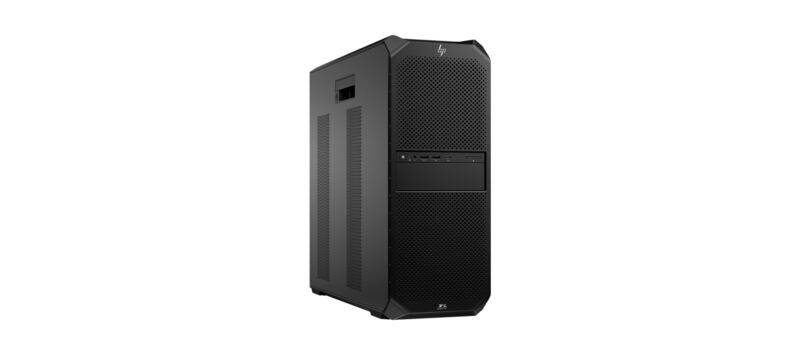
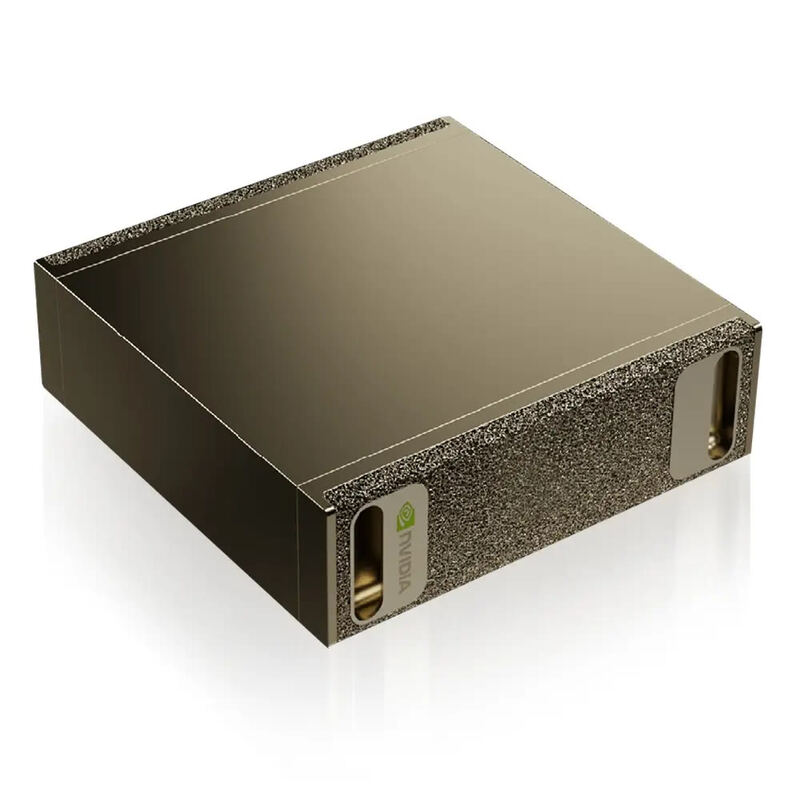
HP's flagship workstation, the Z8 Fury G5, is a formidable and highly scalable tower aimed at demanding professional media, VFX, and AI creators who need a four-GPU ceiling. Built around Intel's Xeon W9-3495X (56 cores), 128 GB DDR5 ECC, and up to four NVIDIA RTX A6000 cards, it is a credible local-LLM training and inference rig at the upper end. Configured prices vary enormously: a 1-GPU base build lands around $7,995, a 2-GPU build around $14,000, and a fully loaded 4x RTX A6000 configuration pushes well past $25,000. The price field below reflects a typical 1-GPU configured build, so readers planning multi-GPU AI work should expect to roughly triple that figure.
Full review
Design and Build
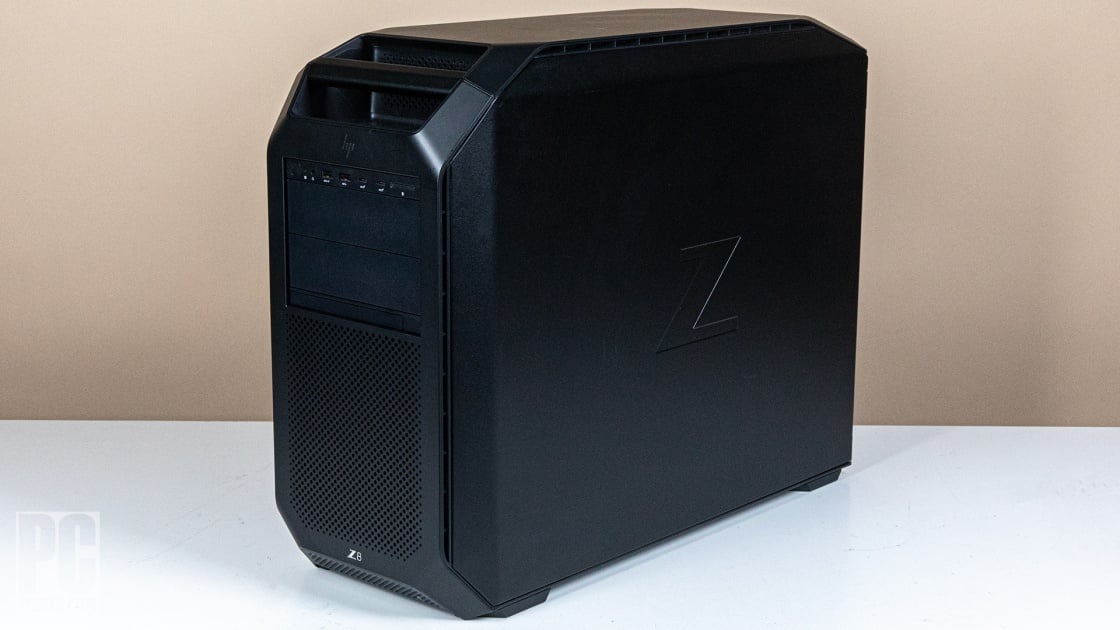
The HP Z8 Fury G5 is HP's largest workstation chassis — a full tower built around Intel's Sapphire Rapids-WS Xeon W9 platform with the explicit design goal of supporting four dual-height professional GPUs. The chassis includes a built-in carrying handle, toolless drive bays, and modular PCIe support trays. PCMag's review praised the “easily accessible and serviceable design,” and the layout makes adding or removing GPUs a five-minute job rather than a half-day teardown. Reviewers across PCMag UK and IT Creations consistently called out serviceability as a primary virtue: this is a machine designed to spend years in a corporate IT fleet, not a desk ornament.
Multi-GPU AI Performance
The Z8 Fury G5's value proposition for AI workloads is the four-GPU ceiling. With four NVIDIA RTX A6000 cards — each contributing 48 GB of GDDR6 ECC at 768 GB/s — the system pools 192 GB of VRAM with NVLink-paired bandwidth. That is enough VRAM to hold Llama-3-405B at low-bit quantization (Q3-Q4 territory) entirely in GPU memory, or to run a 70B Q4 model with substantial KV cache and a second concurrent model loaded. Single-GPU 70B Q4 inference lands in the 25–40 tokens/sec range; four-GPU tensor-parallel inference scales to roughly 40–60 tokens/sec depending on batch size and the specific inference engine (vLLM, TensorRT-LLM). The published professional reviews focus on traditional rendering and simulation rather than LLM-specific benchmarks, so these numbers are extrapolated from RTX A6000 norms rather than measured on the Z8 specifically; the multi-GPU scaling assumes well-tuned tensor parallelism.
Configuration and Pricing Reality
Pricing on the Z8 Fury G5 varies by an order of magnitude depending on configuration. HP's bare-CPU starter SKU lists in the high-$2K to low-$3K range without GPUs and minimal RAM, which is what some prior shopping comparisons quoted — but that configuration is essentially useless for AI work. A practical entry build with 1x RTX A6000, 128 GB DDR5 ECC, and 2 TB NVMe lands around $7,995, which is the figure shown in the price field above and reflected in the spec table. A 2x A6000 build is closer to $14,000. A fully loaded 4x A6000 build with 1 TB RAM and redundant PSU pushes well past $25,000. Buyers planning multi-GPU AI work should think of this as a $15K–$30K class machine; the $7,995 number represents a 1-GPU starting point, not a finished AI workstation.
Over $20,000 between 1-GPU and 4-GPU builds
The Z8 Fury G5's primary downsides are size, cost, and interior presentation. The full-tower chassis demands serious desk or floor space — buyers running it under a desk should measure first. Configuration cost scales steeply once GPUs are added, and the price gap between an entry 1-GPU build and a fully loaded 4-GPU build is more than $20,000. Some reviewers called the interior trim 'plain' compared to premium boutique workstations like the Mac Pro, though this matters less to operators than to buyers who plan to look at the open chassis frequently. For buyers who specifically need the 4-GPU ceiling, the Z8 Fury G5 has fewer compromises than its peers; for buyers whose AI workloads fit in 1–2 GPUs, the smaller HP Z6 G5 A delivers most of the same capability in a more desk-friendly package.
Strengths
- +Supports up to a four-GPU configuration for extreme parallel AI inference and tensor-parallel training
- +Features an easily accessible design with a built-in handle for serviceability
- +Offers a massive range of customization options for specific workloads
- +Includes an optional redundant power supply for critical uptime
Watch-outs
- −Scaling up configurations becomes prohibitively expensive — 4x A6000 builds push $25,000+
- −Enormous tower chassis requires significant floor or desk space
- −Interior uses plain black plastic rather than premium materials
How it compares
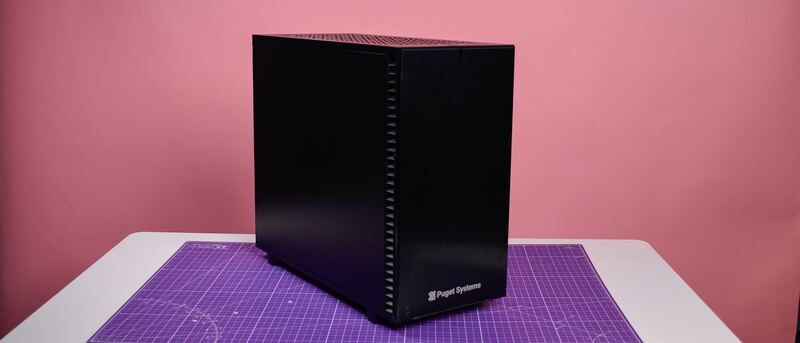
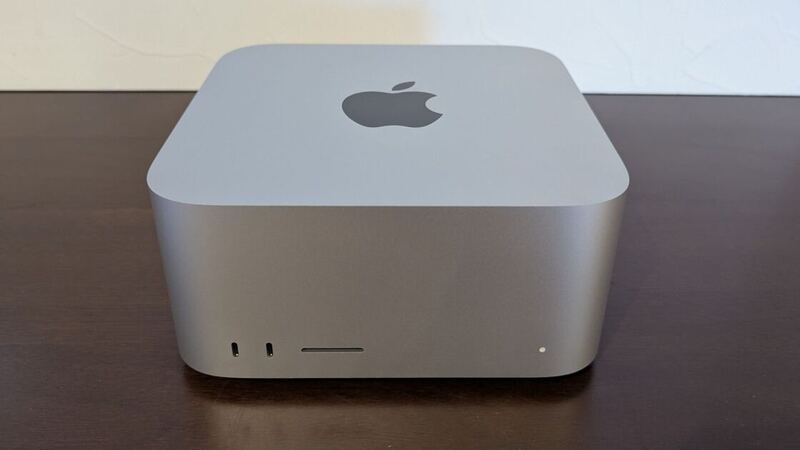
Similar to the Dell Precision 7960 Tower, the HP Z8 Fury G5 supports four-GPU configurations for extreme parallel processing, but it differentiates itself with a built-in handle and a design prioritizing easy serviceability. Versus its smaller sibling the HP Z6 G5 A, the Z8 Fury G5 is the right pick when you genuinely need 4 GPUs (versus 3) or the Xeon W9 platform's enterprise ECC and reliability features. Versus the Puget Genesis II, the Z8 Fury G5 brings HP's enterprise service network and parts availability, while Puget brings hand-tuned assembly and a more thoughtful configurator. Versus the Apple Mac Studio M3 Ultra, the Z8 Fury G5 is twice the size and triple the price for a 1-GPU build, but unlocks training-class workloads the Mac Studio cannot touch.
Rating sources
Our 4.4 score is the average of these published ratings. Ratings marked * were derived from the reviewer’s written analysis or video transcript — the publisher didn’t print an explicit numeric score, so we inferred one from their own words. Click through to verify. More about methodology.