The Apple Mac Studio with the M3 Ultra chip is the highest-memory-bandwidth single-machine pick in this guide. The base 96 GB / 64-GPU-core configuration starts at $3,999 and scales up to 512 GB unified memory — enough to hold a 405B-parameter Q4 model on a single desktop. Memory bandwidth of 819 GB/s is roughly three times that of a Mac mini M4 Pro and gives the Mac Studio the fastest single-user 70B Q4 inference of any machine in this guide that doesn't have a discrete pro GPU. Reviewers across PCMag, TechRadar, Tom's Guide, and Macworld praised its compactness, silent operation, and raw performance in creative workflows; the trade-off is the closed Apple ecosystem (MLX/Metal only, no CUDA) and zero hardware upgradability after purchase. For local-LLM developers who can live within the Mac toolchain and need a 256+ GB unified memory ceiling, this is the most cost-effective path under $10,000.
Full review
Design and Physical Build
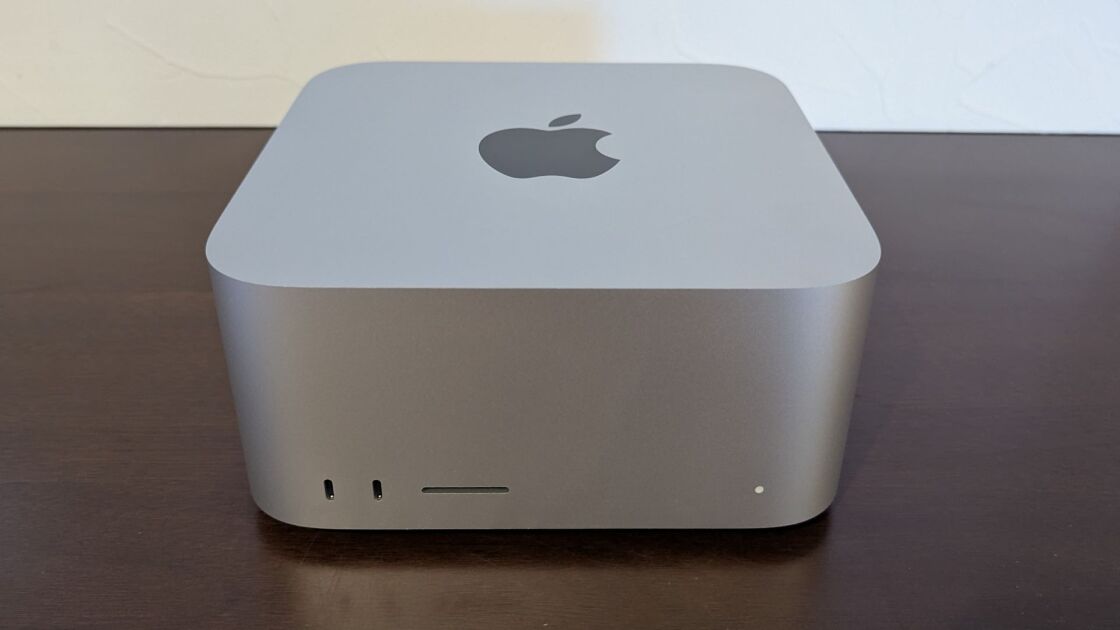
The 2025 Mac Studio retains the iconic, compact aluminum chassis that has defined the product line since its 2022 debut. TechRadar notes that the device measures just 3.7 by 7.7 by 7.7 inches, making it a surprisingly small footprint for a machine of this caliber. While the exterior dimensions remain unchanged from the previous generation, there are subtle internal changes that affect the physical weight. Ars Technica points out that the M3 Ultra configuration is approximately two pounds heavier than the M4 Max model, reaching a total weight of eight pounds. This added mass is attributed to a more robust heatsink utilizing copper rather than aluminum to manage the increased thermal output of the top-tier chip. The front of the unit features a UHS-II SD card slot, a feature Ars Technica highlights as a welcome inclusion that the redesigned Mac mini lacks, alongside two front-facing ports that support full 120Gbps Thunderbolt 5 speeds on the Ultra model.
Local LLM Performance
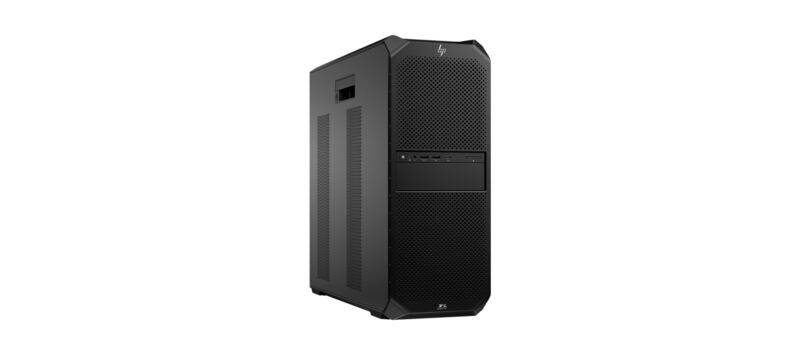
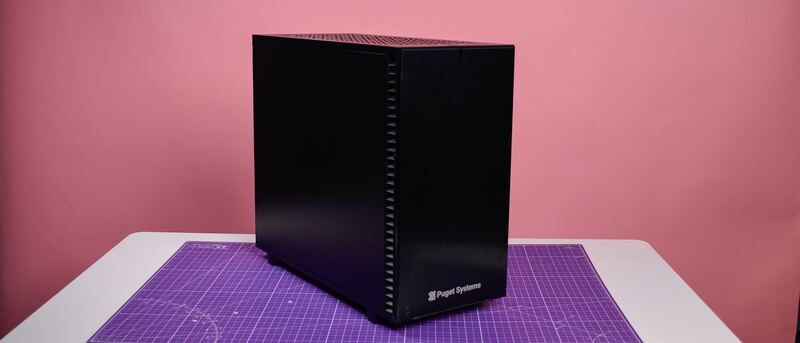
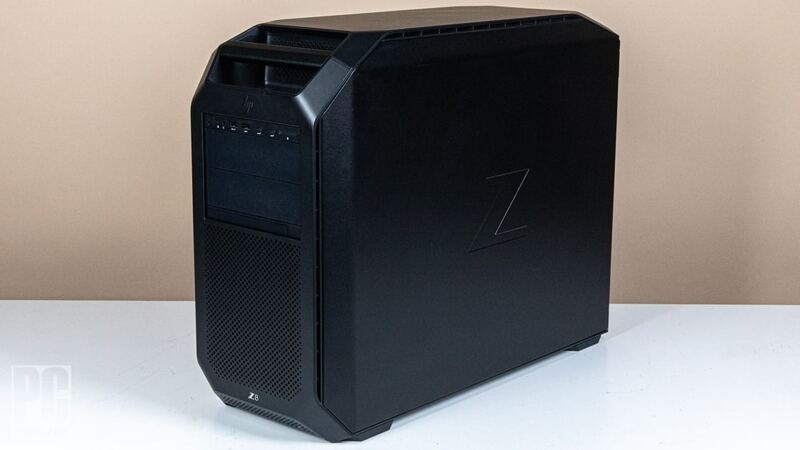
The Mac Studio M3 Ultra's headline AI feature is unified memory bandwidth: 819 GB/s, the highest of any machine in this guide and roughly triple the Mac mini M4 Pro's 273 GB/s. Bandwidth is the dominant bottleneck for single-user large-model inference, so the Mac Studio M3 Ultra delivers Llama-3-70B Q4 decode in the 12–18 tokens/sec range — faster than every other unified-memory machine in this guide except multi-GPU PC builds. The 96 GB base configuration holds 70B Q4 with comfortable headroom; the 256 GB and 512 GB configurations unlock 120B and 405B Q4 respectively. For developers using Apple's MLX framework or llama.cpp's Metal backend, the M3 Ultra is the most cost-effective path to those memory ceilings on a single machine. Note that PCIe-equipped competitors with 4x A6000 (HP Z8 Fury) or 4x RTX 4090 (Puget) deliver higher peak inference throughput via tensor parallelism, but cost two to three times more for that capability.
Chip Architecture Confusion
A significant point of contention among reviewers is the decision to pair the M4 Max with an M3 Ultra in this generation. Ars Technica describes this update as somewhat odd, noting that while the M3 Ultra offers a massive increase in core counts, it relies on the older M3 architecture for single-core performance. This creates a scenario where the M4 Max, despite having fewer cores, can outperform the M3 Ultra in tasks that rely heavily on single-threaded speed, such as certain gaming scenarios or specific applications. The review from Ars Technica explains that the M3 Ultra's GPU can outperform the M4 Max in high-resolution graphics benchmarks, but the older CPU architecture can bottleneck the GPU at lower resolutions like 1080p. Conversely, in multi-threaded workloads and GPU-bound tasks, the sheer number of cores in the M3 Ultra allows it to run circles around the M4 Max, justifying the upgrade for specific professional workflows despite the generational mismatch.
Real-World Performance
In practical testing, the Mac Studio M3 Ultra demonstrates exceptional capability for intensive creative and AI workloads. PetaPixel, which received a loaner unit with the top-tier configuration featuring a 32-core CPU and 80-core GPU, describes the machine as Apple's most powerful offering to date. The review highlights that the system handles complex rendering and video editing tasks with ease, leveraging the massive unified memory options available. XDA Developers emphasizes the power efficiency of the chip, noting that it handily outclasses flagship x86 competitors while consuming significantly less power. Creative Strategies adds that the M3 Ultra transforms AI development capabilities, offering unmatched GPU power and optimized integration with Apple's MLX framework. However, PC Mag and other sources suggest that for general users, the performance gains over the M4 Max may not be immediately apparent in everyday tasks, reserving the Ultra's true potential for heavy-duty professional applications.
Limitations and Trade-Offs
Despite its raw power, the Mac Studio M3 Ultra is not without significant drawbacks that potential buyers must consider. TechRadar and Ars Technica both emphasize the lack of upgradability, a common constraint with Apple Silicon Macs but one that is particularly painful given the high price point. Users cannot swap out the GPU or increase internal storage after purchase, meaning the configuration chosen at the time of buying must last for the entire lifespan of the machine. The price is another major barrier, with the 256 GB / 512 GB unified-memory configurations commanding a premium that places them at $5K–$10K— territory. Reddit discussions in r/MacStudio reveal that while some users found discounts at retailers like Costco, the base price remains steep. The macOS-only software stack is also a real constraint for AI engineers whose research code is written against CUDA — there is no path to run unmodified PyTorch+CUDA code on the Mac Studio, only ports to MLX or Metal-backed llama.cpp. Finally, the absence of Wi-Fi 7, which TechRadar lists as a con, may be a disappointment for early adopters looking for the absolute latest connectivity standards, even though Wi-Fi 6E is still highly capable.
Who Should Buy This Machine
The Mac Studio M3 Ultra is the right pick for buyers in two distinct camps. The first is creative professionals already inside the Apple ecosystem who need maximum CPU+GPU performance in a compact, silent chassis — video editing, color grading, audio production, 3D rendering. The second is local-LLM developers who can live within the Mac toolchain (MLX, Metal-backed llama.cpp, Ollama) and need either the highest single-machine memory bandwidth in this guide or the cheapest legal path to a 512 GB unified-memory ceiling for 405B-class models. For buyers whose research code is CUDA-native, or whose workloads can use four discrete GPUs in parallel for tensor-parallel training, the multi-GPU PC workstations elsewhere in this guide are a better fit. The Mac Studio M3 Ultra's specific advantage is single-machine memory bandwidth and ecosystem polish; if those don't matter to your workflow, neither will the Mac Studio.
Strengths
- +Up to 512 GB unified memory at 819 GB/s — the highest memory bandwidth in this entire guide
- +Compact and stylish desktop chassis (3.7 x 7.7 x 7.7 inches) with silent operation
- +Operates quietly even under heavy AI inference load
- +Best Llama-3-70B Q4 inference per dollar of any single-machine pick when the 256/512 GB unified-memory configs are factored in
Watch-outs
- −Internal components like GPU and storage are not upgradable
- −High price for the 256/512 GB unified-memory configs that unlock 405B-class models
- −Lacks Wi-Fi 7 support
- −macOS-only software stack — no CUDA, MLX or Metal-llama only
How it compares
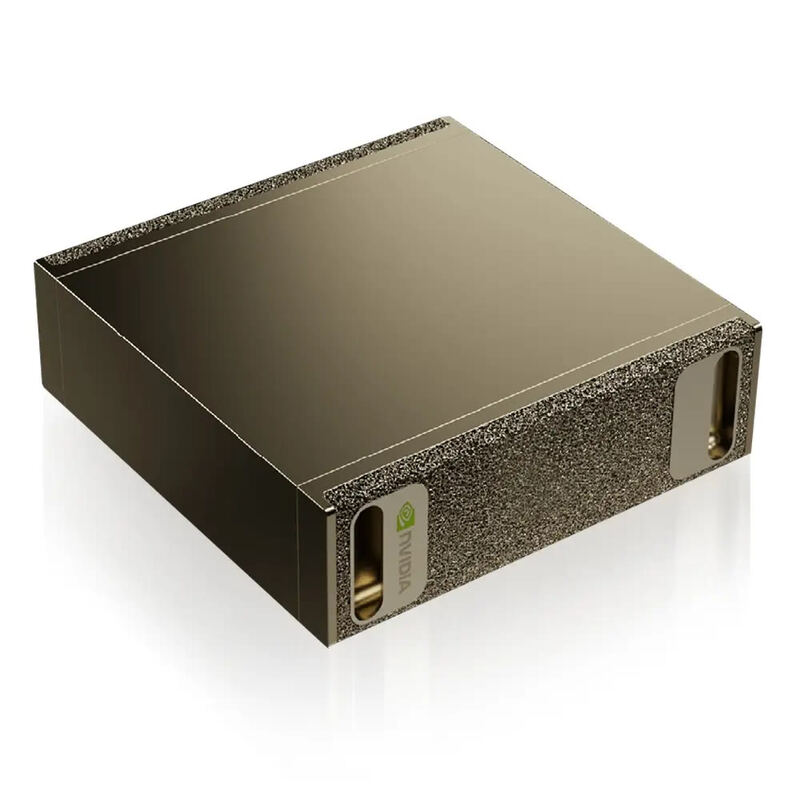
The Apple Mac Studio M3 Ultra is the best Mac-ecosystem AI workstation and competitive on raw local-LLM throughput per dollar. Versus the DGX Spark ($4,699 / 128 GB), the base Mac Studio M3 Ultra ($3,999 / 96 GB) loses on memory ceiling but wins on memory bandwidth (819 vs 273 GB/s) — meaning faster decode tok/s on dense models that fit. Step up to a 256 GB or 512 GB Mac Studio config and you exceed the Spark's memory ceiling at higher bandwidth, at the cost of premium Apple memory pricing. Versus the multi-GPU PC workstations (Puget, HP Z6/Z8), the Mac Studio cannot match peak training throughput but is silent, half the size, and roughly half the price of an equivalent dual-GPU PC build.
Who this is for
At a glance: Best for for mac — highest memory bandwidth in a desktop chassis.
Why you’d buy the Apple Mac Studio M3 Ultra
- Up to 512 GB unified memory at 819 GB/s — the highest memory bandwidth in this entire guide.
- Compact and stylish desktop chassis (3.7 x 7.7 x 7.7 inches) with silent operation.
- Operates quietly even under heavy AI inference load.
Why you’d skip it
- Internal components like GPU and storage are not upgradable.
- High price for the 256/512 GB unified-memory configs that unlock 405B-class models.
- Lacks Wi-Fi 7 support.
Rating sources
Our 4.3 score is the average of these published ratings. Ratings marked * were derived from the reviewer’s written analysis or video transcript — the publisher didn’t print an explicit numeric score, so we inferred one from their own words. Click through to verify. More about methodology.