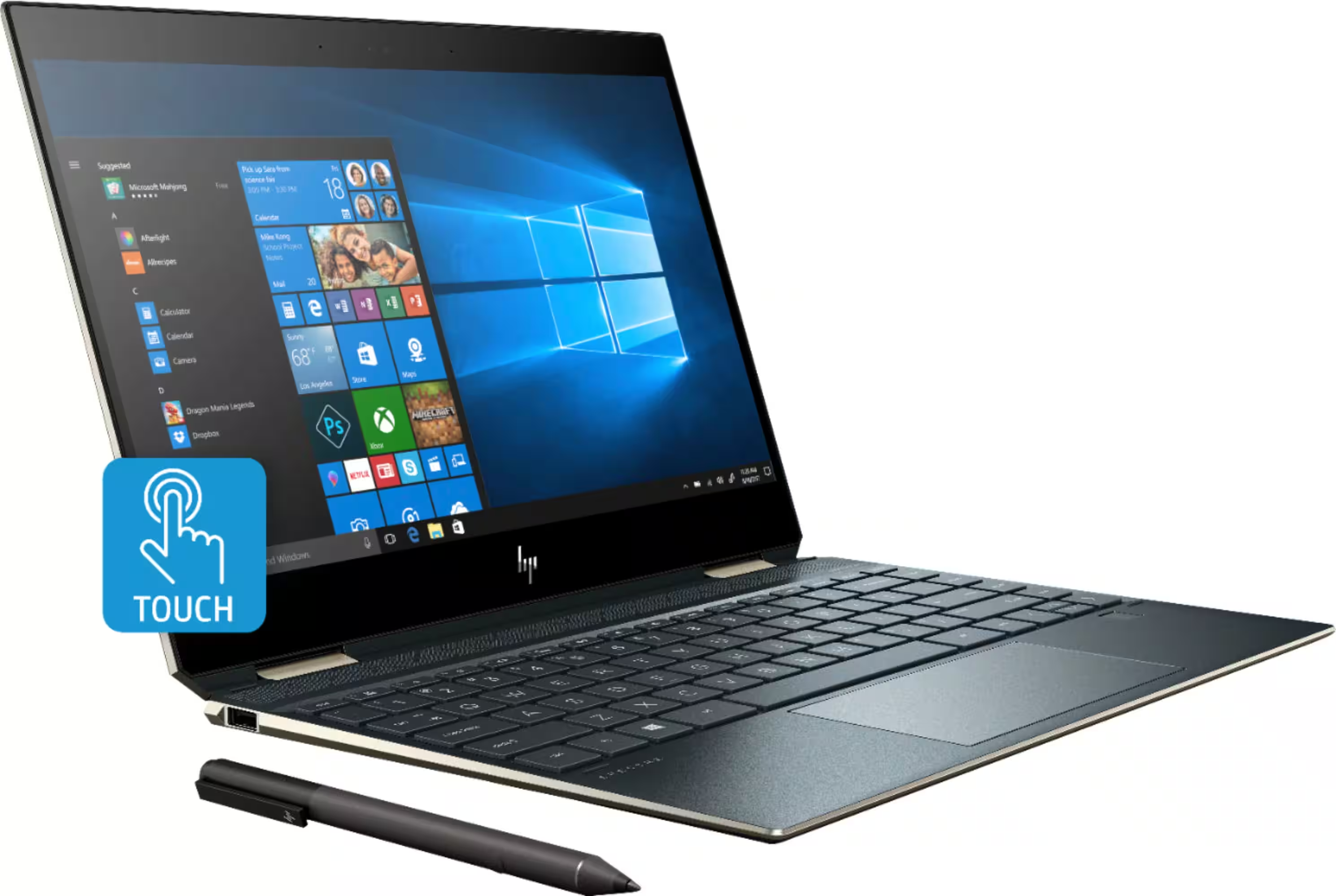
The HP Spectre x360 14 (2024) offers a premium build quality and versatile 2-in-1 design that appeals to students and professionals. PCMag praised its solid construction and performance, while a YouTube reviewer noted it's a reliable daily driver for engineering tasks but highlighted stiff hinge and tablet mode usability issues. The laptop's lightweight design and sleek appearance make it suitable for users who value portability and versatility, though those planning heavy tablet use may find the weight and hinge stiffness limiting.
Full review
OLED display performance
The HP Spectre x360 14 features a 14-inch OLED panel with 2.8K resolution at 2880 x 1800 pixels in a 16:10 aspect ratio. Notebookcheck's review noted the display's excellent color reproduction, covering 100 percent of the P3 color gamut with 400 nits SDR brightness and 500 nits HDR brightness. The panel supports dynamic refresh rates from 48 to 120 Hz and includes TUV+Eyesafe low blue light certification. Tom's Hardware reported the display's fast 0.2 millisecond response time, making it suitable for both productivity and entertainment use. The review unit's display was described as punchy, colorful, and nearly ideal for both professional work and media consumption.
Processor and performance
The 2024 Spectre x360 14 is equipped with an Intel Core Ultra 7 155H processor featuring 6 Performance cores, 8 Efficient cores, and 2 Low Power Efficient cores, running at up to 4.8 GHz. According to PCMag's review, this Meteor Lake-H processor delivers impressive performance, with the laptop achieving excellent scores in productivity benchmarks. The integrated Intel Arc 8-Core iGPU provides sufficient graphics performance for business tasks, though it falls short for gaming or heavy video editing. The review unit was configured with 32 GB of LPDDR5x-7467 MHz RAM and a 2 TB PCIe Gen4 NVMe SSD, which contributed to its strong multitasking capabilities and fast boot times. The laptop is also Intel Evo-compliant, indicating it meets premium requirements for instant wake, high performance, and extended battery life.
Battery life and power management
Battery performance in the HP Spectre x360 14 was evaluated across multiple scenarios, with PCMag's reviewer noting that the 68 Wh battery delivered approximately 9.5 hours of mixed usage, including web browsing, document editing, and video playback. The laptop's power management was praised for its efficiency, particularly when running on the integrated graphics. However, the reviewer noted that the device can get warm during intensive tasks, though not to the point of thermal throttling. The 65W power adapter supports fast charging, allowing users to quickly replenish battery life when needed. Notebookcheck's review highlighted that the device's power consumption is well-managed, though the reviewer did not provide specific battery life figures for different usage patterns.
Design and build quality
The 2024 Spectre x360 14 features a refined aluminum case design that balances angular aesthetics with practical usability. The device measures 16.9 mm in height, 313.7 mm in width, and 220.4 mm in depth, weighing 1.455 kg. The case design includes chopped-off keyboard deck rear corners that angle the combo headphone/microphone jack and USB-C port away from the device, enhancing both functionality and visual appeal. The display lid and base unit are described as very robust, with minimal wobbling in the hinges. However, the reviewer noted that lifting the display lid with one hand is difficult due to the device's sturdy construction. The build quality was described as extremely high, with minimal fingerprint retention and easy cleaning.
Connectivity and ports
The Spectre x360 14 includes a comprehensive array of ports and connectivity options. It features 2 Thunderbolt 4 ports, 2 USB 4 40 Gbps ports, 1 USB 3.1 Gen2 port, 2 DisplayPort connections, and a 3.5 mm audio jack. The laptop also includes an integrated fingerprint reader, a brightness sensor, and supports Intel Wi-Fi 7 and Bluetooth 5.4. The reviewer noted that the device includes a small docking station with additional connections and an included HP Active Stylus. The Thunderbolt ports are particularly useful for connecting external displays and high-speed storage devices, while the USB-C ports provide versatile connectivity options. The inclusion of Wi-Fi 7 support positions the device well for future-proofing, though the reviewer did not provide specific performance metrics for the wireless connectivity.
Keyboard and input experience
The keyboard in the HP Spectre x360 14 was described as solid and responsive, with good tactile feedback and a satisfying typing experience. The reviewer noted that the keyboard's backlight works well, though it illuminates through the keys rather than around them. The power button is positioned on the keyboard, which some reviewers found convenient, though it sits close to the delete key, occasionally causing accidental shutdowns. The reviewer also mentioned that the keyboard is spill-resistant, a feature that adds to the device's durability. The inclusion of a rechargeable stylus enhances the tablet functionality, allowing for precise input during presentations or creative work. The reviewer found the keyboard suitable for extended writing sessions, with no complaints about key travel or typing comfort.
Comparative performance metrics
When compared to previous generations of the Spectre x360 series, PCMag's reviewer noted significant improvements in performance and efficiency, particularly when compared to earlier models using 12th Gen processors. The 2024 model's use of Meteor Lake architecture and integrated Arc graphics represents a substantial upgrade over previous configurations. Notebookcheck's review placed the Spectre x360 14 at a very high rating of 91%, noting its excellent performance in productivity tasks and its high-quality display. The reviewer compared it favorably to competitors such as the Dell Latitude 9440 2-in-1 and the Lenovo Yoga 9 14IRP G8, though the Spectre x360 14 was noted to be more expensive. The device's performance in productivity tasks was highlighted as particularly strong, with the reviewer noting its ability to handle demanding applications with ease.
Strengths
- +Premium sand-blasted aluminum chassis feels solid and durable in hand
- +Lightweight at 3.17 lbs, easy to carry around campus or on the go
- +Sleek and understated design with a premium appearance
- +Good performance for productivity tasks including engineering work and design software
- +Versatile 2-in-1 form factor with multiple usage modes
Watch-outs
- −Hinge is stiff, making it difficult to open with one finger
- −Fingerprint visibility on the slate blue finish
How it compares
The HP Spectre x360 14 offers a versatile 2-in-1 form factor and lightweight design that the Razer Blade 14 lacks, though it's less powerful than the ASUS Zenbook 14 OLED UX3405. It also has a stiffer hinge compared to the Acer Swift Go 14 AI, which provides better touchpad experience.
Rating sources
“very good (91%) HP Spectre x360 14-eu0078ng Intel Core Ultra 7 155H Intel Arc 8-Core iGPU Convertible”
Our 4.4 score is the average of the 4 scored reviews above; 3 more reviewed it without printing a score and are not in the average. Ratings marked * were derived from the reviewer’s written analysis or video transcript — the publisher didn’t print an explicit numeric score, so we inferred one from their own words. Click through to verify. More about methodology.