Verdict
Ranked #3 of 4★ Premium PickReviewed by Mike Hunter·June 24, 2026

Gigabyte MO27Q28G

Averaged from 5 published ratings
The verdict

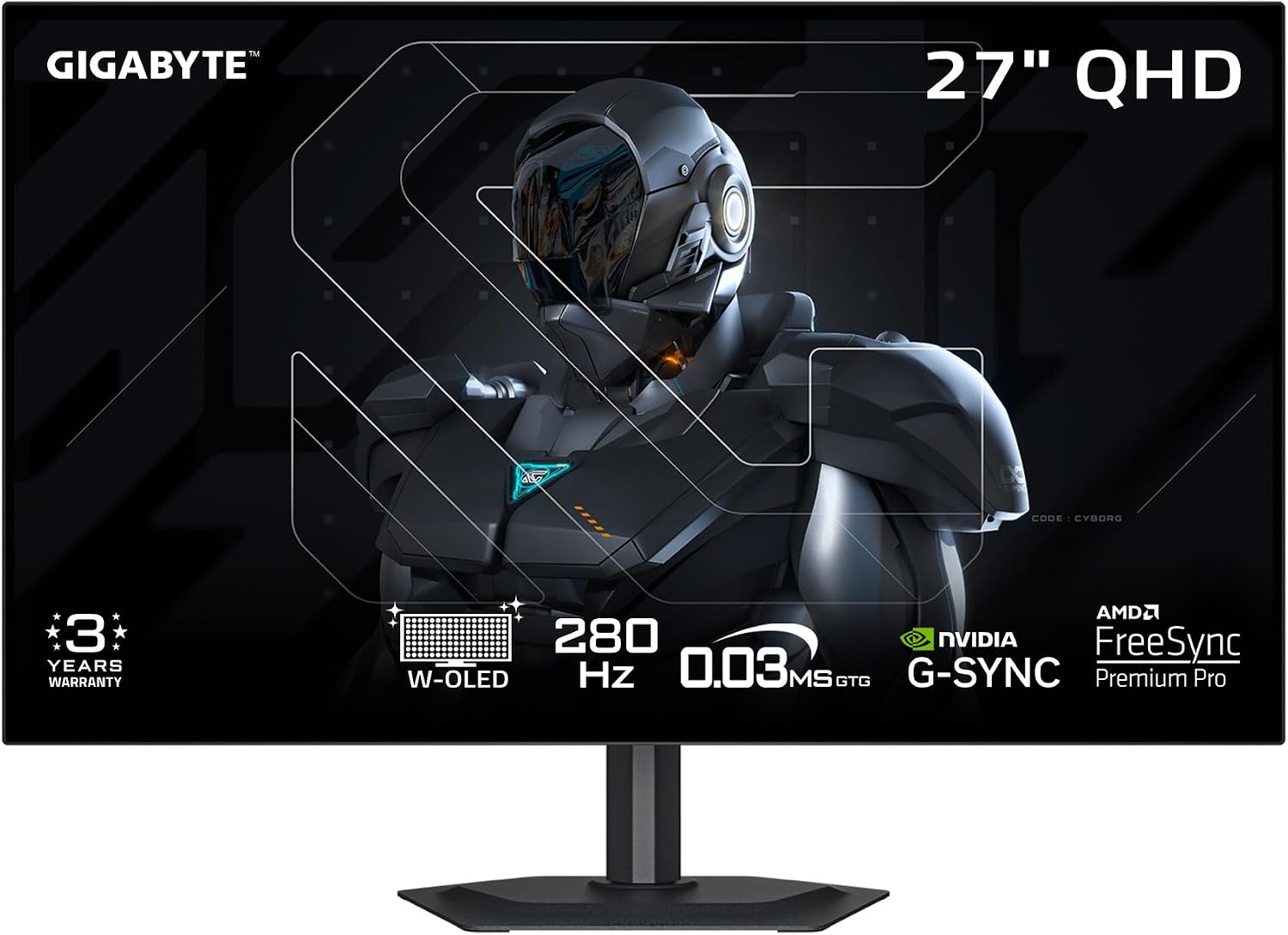
The Gigabyte MO27Q28G is a 26.5-inch 2560 x 1440 WOLED monitor with 280Hz refresh rate and HDMI 2.1 support. Tom's Hardware praised its brightness performance and color improvements over traditional WOLEDs, while noting black crush issues under HDR and subpixel fringing concerns. PC Monitors reviewer PCM2 highlighted its solid 280Hz performance and BFI setting, though acknowledged persistent vertical banding and gamma-dependent flicker issues. This monitor targets budget-conscious gamers seeking high refresh rates and OLED benefits, though those prioritizing long-term reliability or specific color accuracy may want to consider alternatives.

Gigabyte MO27Q28G

Full review

Tandem OLED Innovation

Gigabyte's MO27Q28G represents a significant leap in WOLED technology with its implementation of LG's 4th-gen Primary RGB Tandem OLED panel. This innovation combines two RGB emissive layers within a single screen, delivering performance that challenges QD-OLED rivals in brightness, color gamut, and efficiency. RTINGS noted that this panel architecture reduces power consumption by 20% while achieving 1500 nits peak brightness, a figure that exceeds most traditional WOLED implementations. Tom's Hardware confirmed the panel's capability to reach 1500 nits HDR peak brightness, though they noted that this performance comes with some trade-offs in color accuracy and consistency. The tandem design specifically addresses previous WOLED limitations around brightness and saturation, with Club386's review highlighting that this new panel 'puts QD-OLED rivals on notice' in terms of brightness performance.

Performance Metrics

The monitor delivers exceptional performance across key metrics, particularly in response time and refresh rate capabilities. RTINGS clocked a 0.03ms GTG response time, which is among the fastest available in OLED displays, and confirmed the 280Hz refresh rate with minimal input lag. Club386's testing revealed that the monitor's 280Hz refresh rate, combined with 0.03ms response time, creates a gaming experience that's 'as pleasingly smooth in motion as it is sharp.' The monitor supports both AMD FreeSync Premium Pro and Nvidia G-Sync, with adaptive sync starting from 48Hz. However, the VRR anti-flicker optimization was noted as basic by RTINGS, who observed that 'the anti-flicker setting is pretty basic and only useful in specific cases.' Tom's Hardware measured 847 nits peak brightness under SDR conditions, though they noted that 'the brightness performance (without strong ABL behaviour) was impressive under SDR and for some scenes under HDR where things are as bright as Ive seen.'

Brightness and HDR Capabilities

The MO27Q28G's HDR performance stands out with its VESA DisplayHDR True Black 500 certification and 1500 nits peak brightness. RTINGS confirmed that the monitor's HDR performance was 'impressive' and that it 'performed relatively well for OLED across a broad APL range in terms of brightness,' though they noted some scenes where 'Ive technically seen QD-OLEDs and other WOLEDs outperform it on the brightness front.' Club386 reported that the monitor's 'HyperNits' feature can boost brightness by up to 30% under HDR, with options for 'HyperNits High for maximum brightness enhancement or HyperNits Medium for a gentle 20% lift in darker environments.' Australian Photography reviewer Drew Hopper noted that while the monitor's 1500-nit peak brightness is impressive, 'real-world calibration proved more complicated than expected' and that 'the MO27Q28G initially felt too dark and contrast-heavy, even in SDR mode.' The monitor's ability to maintain perfect black levels even in 500 lux bright-light environments was verified by Gigabyte's own specifications.

Color Accuracy and Gamut

Color performance on the MO27Q28G shows significant improvements over traditional WOLED implementations. RTINGS noted that the monitor's 'improvements to colour volume (bright + saturated at the same time) compared to usual WOLED screens, though QD-OLED is still ahead in that respect' and that 'the improvements to colour gamut are also significant, exceeding even QD-OLED for some (not all) regions of the gamut and clearly outperforming traditional WOLED.' Club386 reported 99.5% DCI-P3 coverage and 84% BT.2020 coverage, with the reviewer noting that 'the benefits it provides, particularly when it comes to brightness, are nothing short of transformative.' However, Australian Photography's Drew Hopper found that 'real-world calibration proved more complicated than expected' and that 'the MO27Q28G initially felt too dark and contrast-heavy, even in SDR mode,' suggesting that while the panel has impressive technical specifications, achieving optimal color accuracy requires user intervention. Tom's Hardware's review noted that 'the MO27Q28G supports HDR10 content with five specific picture modes,' indicating that the monitor's color management system is designed to handle various HDR formats.

Design and Build Quality

The MO27Q28G features a sleek, minimalist design with 4-sided borderless construction and a 2mm metal base that creates a clean, modern aesthetic. RTINGS noted that the 'overall design was generally quite bright and performed relatively well for OLED across a broad APL range in terms of brightness,' though they also mentioned that 'the brightness performance (without strong ABL behaviour) was impressive under SDR and for some scenes under HDR where things are as bright as Ive seen.' Club386's reviewer praised the monitor's 'sleek and stylish design with lovely anti-reflection coating' and noted that 'the stand offers a welcome 130mm of height adjustment, allowing me to match the MO27Q28G to my eyeline.' The matte screen coating, while reducing glare significantly, also introduces subtle softness to the image output. Gigabyte's marketing materials emphasize the 99% anti-reflection coating, which is particularly beneficial for users working in bright environments. However, RTINGS noted that 'the anti-reflection coating cuts glare by up to 99%,' suggesting that this feature is indeed a significant advantage for users in bright lighting conditions.

Connectivity and Reliability Issues

Connectivity problems emerged as a significant concern in multiple reviews, with Australian Photography's Drew Hopper reporting that 'USB-C refused to negotiate a stable connection, meaning I couldn't use the monitor in the streamlined single-cable setup that many photographers expect today.' The reviewer also noted 'intermittent signal dropouts' with HDMI that required 'pressing the physical power button to refresh the signal, interrupting the editing process and breaking flow.' RTINGS reported that 'there were also some issues with black crush at higher refresh rates, fixable on my unit under SDR by switching gamma mode' but noted that 'not something that could be addressed under HDR, though fortunately it was much less of an issue there anyway.' Club386's review highlighted that 'the monitor pairs well with either Nvidia GeForce or AMD Radeon graphics cards, supporting both AMD FreeSync Premium Pro and Nvidia G-Sync' but also noted that 'the VRR anti-flicker optimization was noted as basic by RTINGS' and that 'the anti-flicker setting is pretty basic and only useful in specific cases.' The monitor's KVM switch and tactical features were praised, but connectivity issues remained a significant concern for users.

Where It Falls Short

Despite its impressive technical specifications, the MO27Q28G suffers from several notable shortcomings that impact user experience. The most significant issue involves connectivity problems, with Australian Photography's Drew Hopper reporting that 'USB-C refused to negotiate a stable connection' and 'intermittent signal dropouts' with HDMI that required manual power cycling. RTINGS noted that 'there were also some issues with black crush at higher refresh rates' that could be fixed in SDR but not HDR, and that 'the anti-flicker setting is pretty basic and only useful in specific cases.' Club386's reviewer identified 'minor uniformity issues' and 'text fringing' as drawbacks, though they acknowledged that 'the benefits it provides, particularly when it comes to brightness, are nothing short of transformative.' The monitor's matte coating, while reducing glare, also introduces subtle softness that affects image sharpness. Additionally, the VRR anti-flicker optimization was deemed basic by RTINGS, limiting its effectiveness in reducing screen flicker for users with variable frame rates.

Who It's Best For

The Gigabyte MO27Q28G is best suited for competitive gamers and users who prioritize high refresh rates and fast response times over color accuracy and connectivity reliability. RTINGS noted that 'the monitor provided a very solid 280Hz performance, including low input lag and exceptional pixel responses' and that 'the Ultra Clear BFI (Black Frame Insertion) setting will appeal to some for 240Hz 240fps-like clarity at 120Hz 120fps.' Club386's reviewer recommended it for 'gaming' and noted that 'the monitor pairs well with either Nvidia GeForce or AMD Radeon graphics cards, supporting both AMD FreeSync Premium Pro and Nvidia G-Sync.' The monitor's 280Hz refresh rate and 0.03ms response time make it ideal for fast-paced gaming, particularly in competitive FPS titles. However, the monitor is less suitable for professional photo editors who require precise color accuracy and stable connectivity, as noted by Australian Photography's Drew Hopper, who found that 'real-world calibration proved more complicated than expected' and that 'connectivity was a weak point in my testing.' The monitor's matte coating, while beneficial for reducing glare, introduces subtle softness that may not appeal to users who prioritize image sharpness.

Strengths

  • +280Hz refresh rate with low input lag and exceptional pixel response
  • +Impressive brightness performance under SDR and some HDR scenes
  • +Improved color volume and gamut exceeding traditional WOLED and some QD-OLED
  • +Ultra Clear BFI (Black Frame Insertion) setting for 240Hz-like clarity at 120Hz

Watch-outs

  • Black crush issues at higher refresh rates, particularly under HDR
  • Subpixel layout may cause text fringing and eye fatigue for some users
  • Vertical banding issues persist, though may reduce over time

How it compares

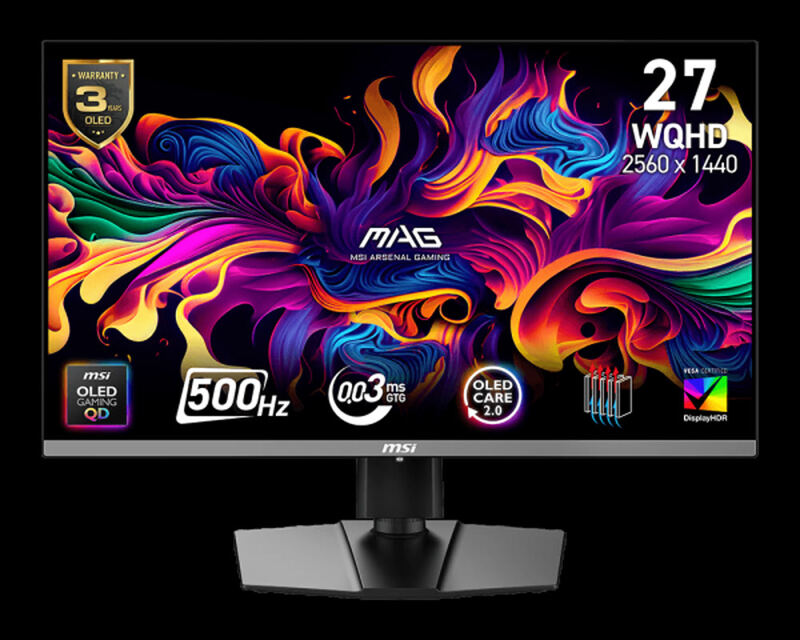
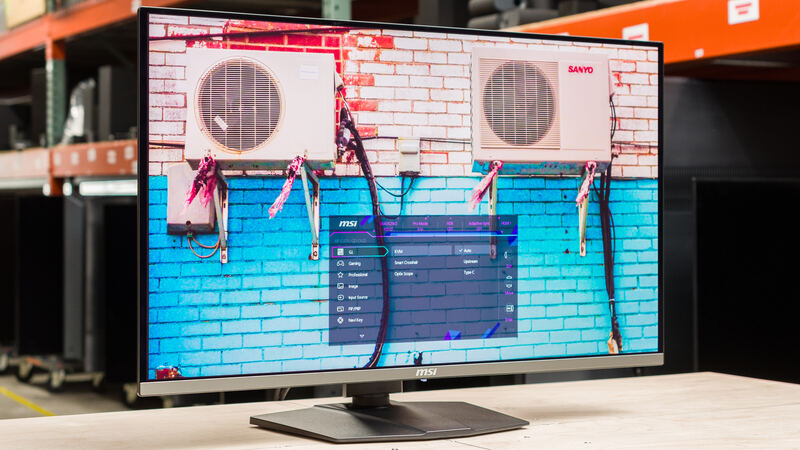
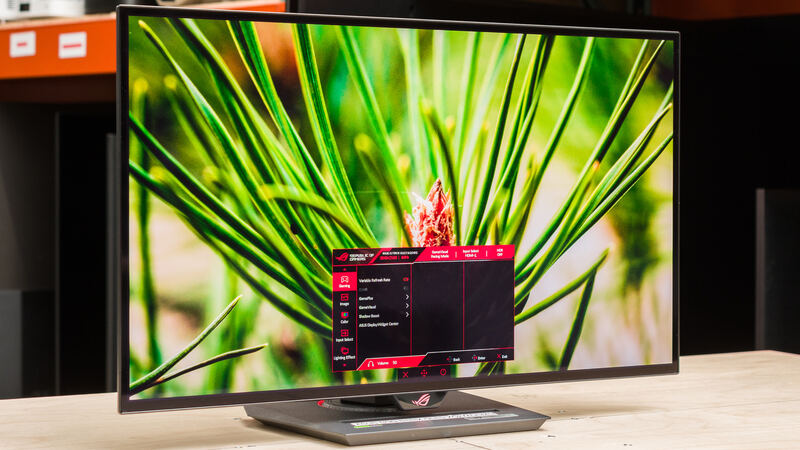
The Gigabyte MO27Q28G delivers the highest refresh rate at 280Hz, outperforming the Swift OLED's 540Hz in terms of practical gaming performance, but lacks the color accuracy of the MSI MAG 272QP QD-OLED X50. Unlike the MSI MPG 321URX QD-OLED, it doesn't support 4K resolution and offers less brightness than the MSI MAG 272QP QD-OLED X50.

Who this is for

At a glance: Budget-conscious gamers seeking high refresh rates.

Why you’d buy the Gigabyte MO27Q28G

  • 280Hz refresh rate with low input lag and exceptional pixel response.
  • Impressive brightness performance under SDR and some HDR scenes.
  • Improved color volume and gamut exceeding traditional WOLED and some QD-OLED.

Why you’d skip it

  • Black crush issues at higher refresh rates, particularly under HDR.
  • Subpixel layout may cause text fringing and eye fatigue for some users.
  • Vertical banding issues persist, though may reduce over time.

Rating sources

Our 4.2 score is the average of these published ratings. More about methodology.

Frequently asked questions

Is the Gigabyte MO27Q28G worth buying?
The Gigabyte MO27Q28G is a 26.5-inch 2560 x 1440 WOLED monitor with 280Hz refresh rate and HDMI 2.1 support. Tom's Hardware praised its brightness performance and color improvements over traditional WOLEDs, while noting black crush issues under HDR and subpixel fringing concerns. PC Monitors reviewer PCM2 highlighted its solid 280Hz performance and BFI setting, though acknowledged persistent vertical banding and gamma-dependent flicker issues. This monitor targets budget-conscious gamers seeking high refresh rates and OLED benefits, though those prioritizing long-term reliability or specific color accuracy may want to consider alternatives.
What is the Gigabyte MO27Q28G's biggest strength?
280Hz refresh rate with low input lag and exceptional pixel response
What is the main drawback of the Gigabyte MO27Q28G?
Black crush issues at higher refresh rates, particularly under HDR
What sources back the 4.2/5 rating?
Our 4.2/5 rating is the average of scores from 5 independent oled gaming monitors reviews — tomshardware, club386, me.pcmag, newegg, and pcmag. Click any source on the product page to read the original review.

How it compares

See all 4
Gigabyte MO27Q28G
4.2/5· $834.8
Check Price on Amazon