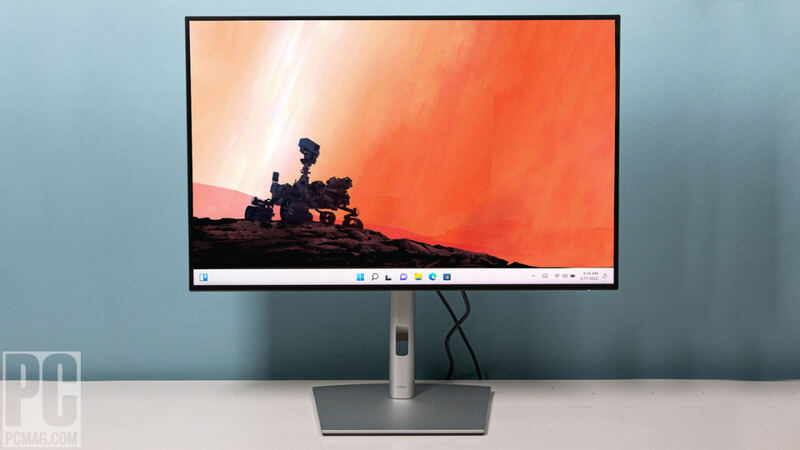
Verdict
Head-to-head · Best 4K Monitors

Dell U2723QE vs Dell UltraSharp U3225QE

Which is the better buy? Side-by-side on rating, price, strengths, and watch-outs — with the published ratings we averaged to get there.

The short answer

Dell U2723QE comes out ahead by a clear margin (4.5 vs 4.0). The gap is mostly about Professionals needing extensive USB connectivity and a versatile hub — read the strengths below before deciding.

Dell U2723QE
Higher ratedRanked #2 in Best 4K Monitors
Dell U2723QE
$391as of May 8

The Dell U2723QE is a versatile 4K USB-C hub monitor offering excellent image quality, extensive connectivity, and great ergonomics, making it suitable for professional and home office use. While it provides a comprehensive workspace solution, users should be aware of the compromise between resolution and data speed over USB-C and the short included cable.

Strengths
  • Built-in connectivity hub with a generous number of USB ports
  • Wide range of color setting options including sRGB, Rec. 709, DCI-P3, and HDR
  • High image quality with Low Blue Light setting and anti-glare finish for comfortable long viewing sessions
Watch-outs
  • Users must choose between High Resolution or High Data Speed when connecting via USB-C
  • The included USB-C cable is too short for convenient laptop connectivity or can interfere with viewing space when using a riser
  • A faint shadow was observed along the top and bottom edges of the display panel in testing
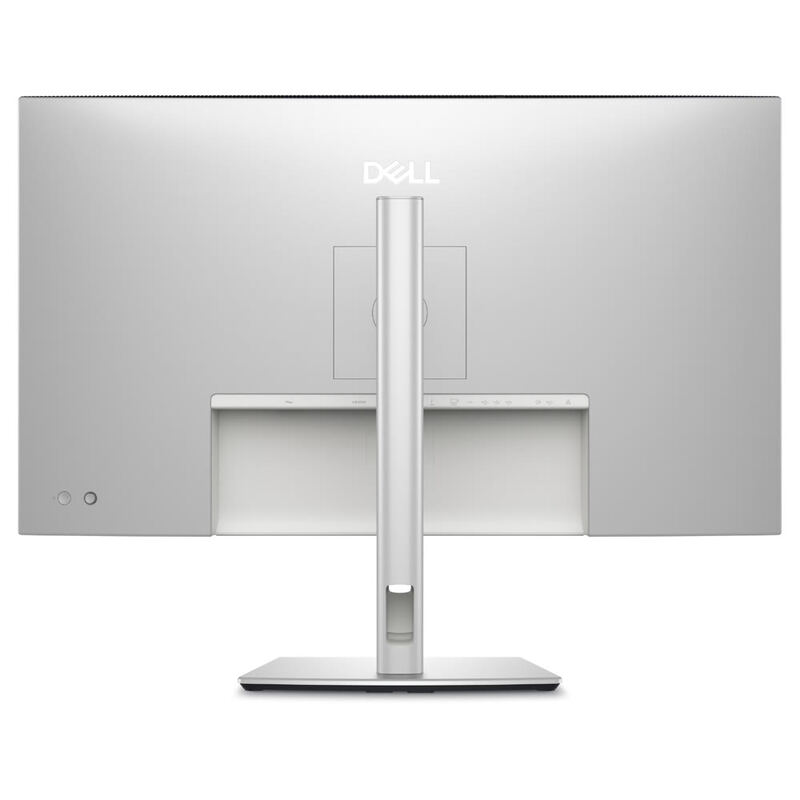
Dell UltraSharp U3225QE
Ranked #3 in Best 4K Monitors
Dell UltraSharp U3225QE
$950as of Apr 25

The Dell UltraSharp U3225QE is a 32-inch 4K productivity monitor built around Dell's second-generation IPS Black panel, offering a 3,000:1 contrast ratio, 134% DCI-P3 coverage, and a Thunderbolt 4 hub with 140W power delivery. PCWorld calls it a new high bar for office monitors and TechRadar gives 4.5/5 stars, while LaptopMag praises the color but flags 339-nit brightness and panel wobble. Best for desk warriors who want the U2723QE's hub layout in a larger 32-inch IPS Black canvas.

Strengths
  • IPS Black panel hits a measured 3,000:1 contrast ratio — best in class for office IPS
  • Thunderbolt 4 hub with 140W PD, RJ45 Ethernet, and full USB-A/C complement
  • 134% DCI-P3 coverage with strong factory calibration for color-critical work
Watch-outs
  • Peak brightness of ~340 nits is underwhelming for a flagship at this price
  • Panel exhibits noticeable wobble on minor desk movement (per LaptopMag)
  • No built-in speakers — surprising omission at the $950+ MSRP

How they stack up

Dell U2723QE

The Dell U2723QE stands out with its extensive built-in connectivity hub, offering more USB ports than the LG UltraFine 32UN880-B or BenQ PD3220U, though it requires a compromise between resolution and data speed over USB-C. While its image quality is excellent, similar to the LG and BenQ, it lacks the Thunderbolt 3 connectivity of the BenQ and the 5K resolution of the Samsung ViewFinity S9.

Dell UltraSharp U3225QE

The Dell U3225QE is the natural step-up from the 27-inch Dell U2723QE in this category — same IPS Black DNA and KVM-style hub, but a larger 32-inch panel rivaling the BenQ PD3220U's footprint. Versus the BenQ it offers higher 140W PD (vs. BenQ's 85W) and RJ45 networking, though the BenQ retains its built-in KVM hardware switch. Versus the Apple Studio Display and Samsung ViewFinity S9, the Dell trades 5K pixel density for a much larger workspace and significantly better port flexibility.

Specs side-by-side

SpecDell U2723QEDell UltraSharp U3225QE
Panel Type27" IPS Black31.5-inch IPS Black
Resolution3840x21603840 x 2160 (4K UHD, ~140 PPI)
Refresh Rate60Hz60 Hz (120 Hz at lower depth)
HDR SupportVESA DisplayHDR 400HDR400
Color Gamut98% DCI-P3100% sRGB, 99% DCI-P3, 134% DCI-P3 measured
ConnectivityUSB-C 90W, HDMI 2.0, DP 1.41x Thunderbolt 4 (140W PD), 2x HDMI 2.1, 1x DP 1.4, 1x RJ45, USB-C/A hub
Brightness400 nits450 nits peak HDR (~340 nits sustained)
← See the full ranking of best 4k monitors